

YouTube automation tools reduce the repetitive work behind channel growth, including keyword research, scripting, video creation, metadata optimization, publishing, analytics reporting, and competitor tracking.
But no single platform handles every stage equally well. The most effective setup usually combines an SEO and research tool such as VidIQ or TubeBuddy, a video creation or editing tool such as InVideo AI, OpusClip, or Descript, and a workflow or intelligence layer such as AllyHub.
This guide compares 10 YouTube automation tools that can help marketers and e-commerce teams publish more consistently while spending less time on manual execution.
Key Takeaways
- Top pick: VidIQ — all-in-one SEO, competitor tracking, and AI content suggestions.
- AI video creation: InVideo AI — generate videos from text prompts quickly.
- Workflow automation: Zapier — connect YouTube to your marketing stack effortlessly.
- Scheduling: Buffer — easy, reliable video scheduling with multi-platform support.
- Compounding automation: AllyHub — builds reusable automation assets that get faster and cheaper over time.
- Choosing tools: Focus on workflow coverage, ease of use, scalable pricing, and long-term efficiency.
- Bottom line: Combine tools for full workflow: SEO/analytics (VidIQ/TubeBuddy) + content creation (InVideo/OpusClip) + scheduling (Buffer/Hootsuite) + automation/intelligence (AllyHub/Zapier).
Why YouTube Automation Matters for Marketers
YouTube is the second-largest search engine in the world. For marketers, that means it's not just a content channel — it's a discovery engine, a lead generation tool, and a brand authority platform all in one.
But the volume demands are brutal. Channels that grow consistently publish 2–4 videos per week, optimize every title and thumbnail, respond to comments, track competitor performance, and repurpose content across platforms. Doing all of that manually is unsustainable for any team managing more than one channel.
The automation on YouTube is utilizing automated tools to solve this — handling the repeatable, rules-based parts of the workflow — keyword research, scheduling, analytics reporting, video generation, and cross-platform distribution — so your team can focus on strategy and creative direction.
💡 Pro tip: YouTube automation doesn't mean removing humans from the process. The best-performing automated channels still have a human in the loop for quality control and audience engagement. Automation handles the volume; humans handle the judgment.
How We Selected These Tools
We evaluated over 20 YouTube automation tools based on the following criteria:
- Task coverage: Does the tool automate a meaningful stage of the YouTube workflow (creation, SEO, scheduling, analytics, or cross-platform distribution)?
- Marketer fit: Is it built for marketing teams and e-commerce brands, not just solo creators?
- Reliability: Does it work consistently at scale, or does it break on edge cases?
- Pricing transparency: Are the costs predictable and scalable as your channel grows?
- Improvement over time: Does the tool get smarter or more efficient the more you use it?
Only tools that meaningfully reduce manual work for a marketing team made this list.
10 Best Tools for YouTube Automation: Quick Comparison Table
Tool | Best For | Pricing | Key Automation Feature | Rating |
VidIQ | SEO + competitor intelligence | Free; paid from $19/mo | AI keyword research & title suggestions |
Best YouTube Automation Tools for SEO and Keyword Research
1. VidIQ — Best All-in-One YouTube SEO and Automation Tool
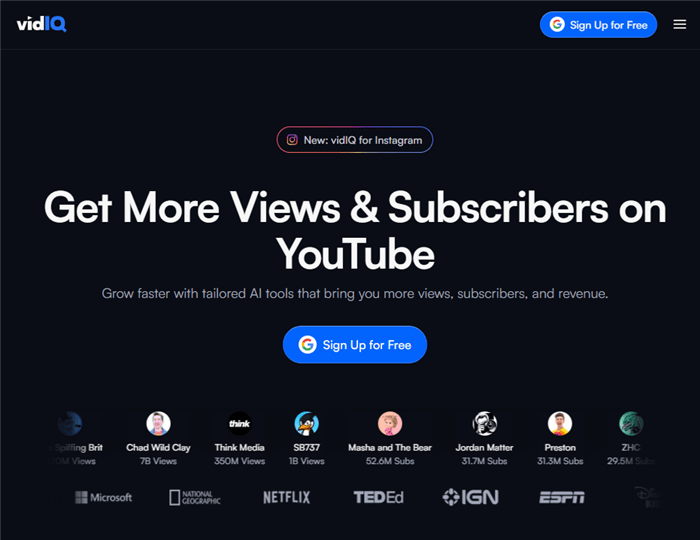
VidIQ is the closest thing to a YouTube co-pilot for marketers. It integrates directly into YouTube Studio and overlays real-time SEO data, competitor insights, and AI-powered recommendations on top of your existing workflow — no separate dashboard required.
For marketers, the standout automation features are its AI title and description generator, keyword research engine, and daily video idea feed that surfaces trending topics in your niche before they peak. The competitor tracking module lets you automatically monitor any channel's upload frequency, top-performing videos, and keyword strategy.
Key features:
- AI-powered keyword research with search volume and competition scores
- Automated competitor channel tracking and performance alerts
- Daily AI-generated video ideas based on your channel's niche
- Bulk SEO optimization for existing video libraries
- Thumbnail performance scoring
Pricing: Free plan available; Boost from $19/month, Max from $49/month
Best for: Marketers who want to automate the research and optimization layer of their YouTube workflow without leaving YouTube Studio.
Limitations: The free plan is heavily restricted. AI features require a paid tier. Not a video creation or scheduling tool — you'll need to pair it with other tools in your stack.
2. TubeBuddy — Best for Channel Optimization and Bulk Processing
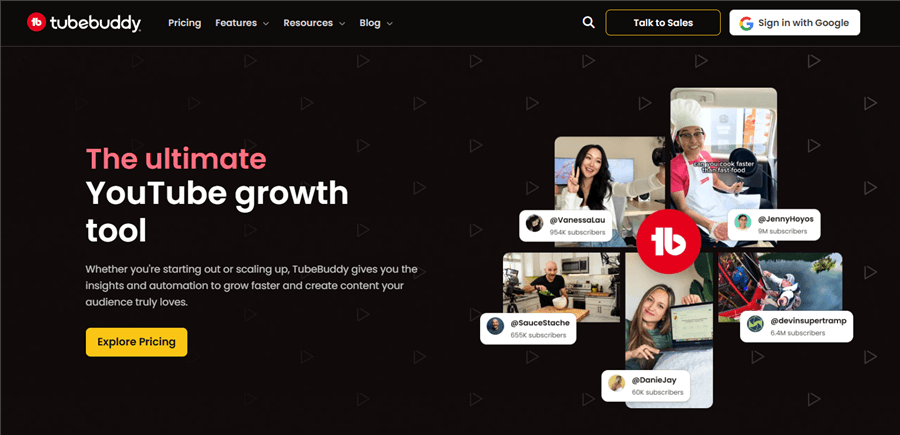
TubeBuddy is a browser extension that embeds directly into YouTube and automates the tedious, repetitive tasks that eat up channel managers' time: bulk updating video descriptions, adding end screens, running A/B tests on thumbnails, and optimizing tags across your entire library.
Where TubeBuddy stands out for marketing teams is its Bulk Processing suite — you can update SEO metadata across hundreds of videos simultaneously, which is invaluable when you're rebranding, updating affiliate links, or rolling out a new keyword strategy.
Key features:
- Bulk video description, tag, and card updates across entire libraries
- A/B testing for thumbnails and titles with statistical significance tracking
- Automated best-time-to-publish recommendations
- SEO Studio with keyword explorer and tag suggestions
- Competitor scorecard and channel audit tools
Pricing: Talk to sales.
Best for: Marketing teams managing large video libraries who need to automate bulk SEO updates and run systematic thumbnail tests.
Limitations: The interface can feel cluttered. A/B testing is only available on higher-tier plans. Less powerful than VidIQ for keyword discovery and competitor intelligence.
AI Video Creation Tools for YouTube Automation at Scale
3. InVideo AI — Best for AI-Powered Video Creation at Scale
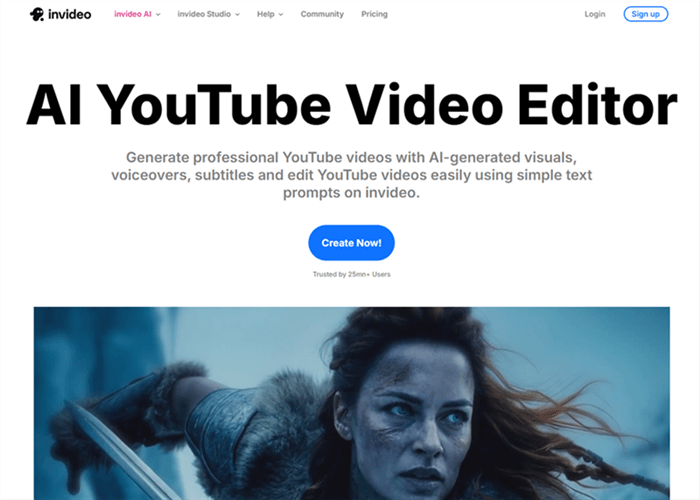
InVideo AI is the go-to tool for marketers who need to produce high volumes of YouTube content without a full video production team. You give it a text prompt — a topic, a script, or even a blog post URL — and it generates a complete video with AI voiceover, stock footage, subtitles, and music.
For e-commerce marketers and faceless channel operators, InVideo AI dramatically compresses the production timeline. What used to take a video editor a full day can be turned around in under an hour.
Key features:
- Text-to-video generation from prompts, scripts, or URLs
- AI voiceover with multiple voice styles and languages
- Automated scene selection from a library of 16M+ stock assets
- Auto-generated subtitles and captions
- One-click video resizing for YouTube Shorts, Reels, and TikTok
Pricing: Free plan (with watermark); Starter from $20/month.
Best for: E-commerce marketers and digital agencies producing high-volume YouTube content — product explainers, listicle videos, educational content — without a dedicated video team.
Limitations: AI-generated videos can feel generic without human editing and customization. Not suitable for interview-style or on-camera content. Output quality varies by niche and prompt specificity.
⚠️ Warning: Fully automated AI videos without human review tend to underperform on YouTube's algorithm. Use InVideo AI to handle production, but always review and refine before publishing.
4. OpusClip — Best for Repurposing Long-Form Content into YouTube Shorts
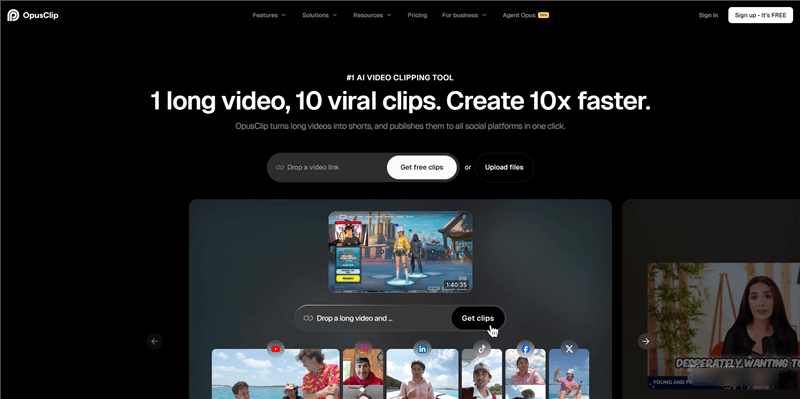
OpusClip solves one of the most time-consuming tasks in a marketer's YouTube workflow: turning long-form videos into short-form clips for YouTube Shorts, Instagram Reels, and TikTok. It uses AI to identify the most engaging moments in a video, extract them, add auto-captions, and reframe the footage for vertical format — automatically.
For marketers running webinars, podcast recordings, or long-form brand content, OpusClip turns a single piece of content into a week's worth of short-form posts.
Key features:
- AI-powered clip extraction from long-form videos (identifies hooks and high-engagement moments)
- Automatic caption generation with speaker detection
- Auto-reframing for 9:16 vertical format
- Virality score for each generated clip
- Batch processing for multiple videos
Pricing: Free plan (40 minutes/month); Starter from $15/month, Pro from $29/month
Best for: Content marketers and social media managers who want to maximize the reach of existing long-form YouTube content by automatically repurposing it into Shorts.
Limitations: Clip quality depends heavily on the source video's structure. Works best with talking-head or interview content; less effective with heavily edited or B-roll-heavy videos.
YouTube Scheduling and Publishing Automation Tools
5. Buffer — Best for YouTube Scheduling and Publishing Automation
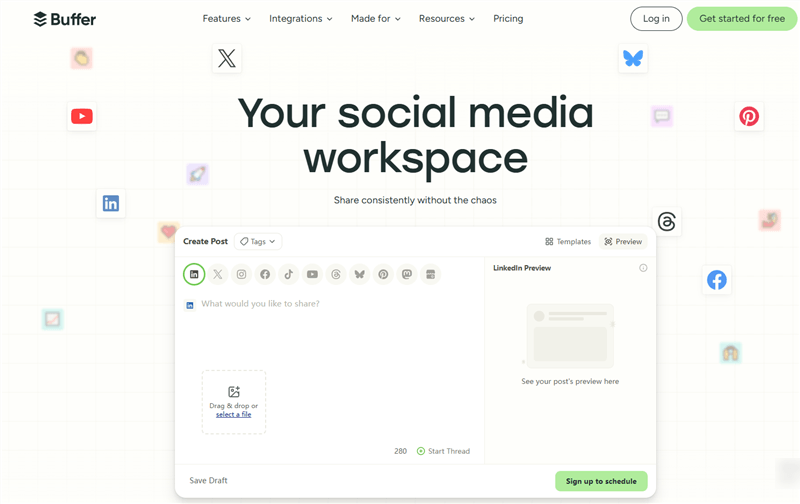
Buffer is the cleanest, most reliable scheduling tool for YouTube marketers who want to plan their content calendar, schedule uploads, and track basic performance — all from one place. It supports YouTube natively alongside Instagram, TikTok, LinkedIn, and other platforms, making it the right choice for teams managing multi-platform distribution.
The automation value is straightforward: set your publishing schedule once, queue your videos, and Buffer handles the rest — including first-comment automation and cross-platform posting.
Key features:
- YouTube video scheduling with custom publish times
- Multi-platform content calendar (YouTube + Instagram + TikTok + LinkedIn)
- First comment automation for SEO and engagement
- Basic analytics: views, watch time, subscriber growth
- Team collaboration with approval workflows
Pricing: Free plan (3 channels, 10 posts each); Essentials from $6/month per channel, Team from $12/month per channel
Best for: Small to mid-size marketing teams that need a simple, reliable way to schedule YouTube uploads and manage multi-platform distribution without enterprise complexity.
Limitations: Analytics are basic compared to native YouTube Studio. No AI content generation or SEO features. Not ideal for teams that need deep performance reporting.
6. Hootsuite — Best for Enterprise YouTube Automation and Team Workflows
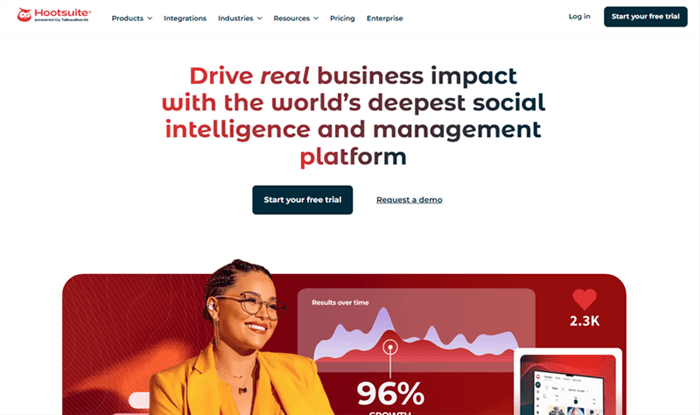
Hootsuite is the enterprise-grade option for marketing teams that need centralized control over YouTube alongside a full social media stack. Beyond scheduling, it offers team-level workflow automation: content approval chains, role-based permissions, automated reporting, and social listening — all in one platform.
For larger marketing teams or agencies managing multiple brand channels, Hootsuite's automation goes beyond publishing. Its Streams feature monitors YouTube comments, mentions, and competitor activity in real time, and its Bulk Composer lets you schedule hundreds of posts at once.
Key features:
- Bulk scheduling for YouTube and 35+ social platforms
- Automated social listening and brand mention alerts
- Team workflow automation with approval chains and role permissions
- Automated performance reports delivered on a schedule
- Integration with Canva, Adobe, and major CMS platforms
Pricing: Professional from $99/month, Team from $249/month, Enterprise (custom pricing)
Best for: Marketing agencies and enterprise teams managing multiple YouTube channels who need centralized workflow automation, team collaboration, and automated reporting.
Limitations: Expensive for small teams. The interface has a steep learning curve. YouTube-specific features are less deep than dedicated tools like VidIQ or TubeBuddy.
Workflow Automation and Integration Tools for YouTube Growth
7. AllyHub — Best for Compounding YouTube Research and Automation
Most tools in this list focus on one stage of the YouTube workflow. AllyHub is different: it acts as a browser-native AI autopilot for recurring research, data collection, and analysis tasks.
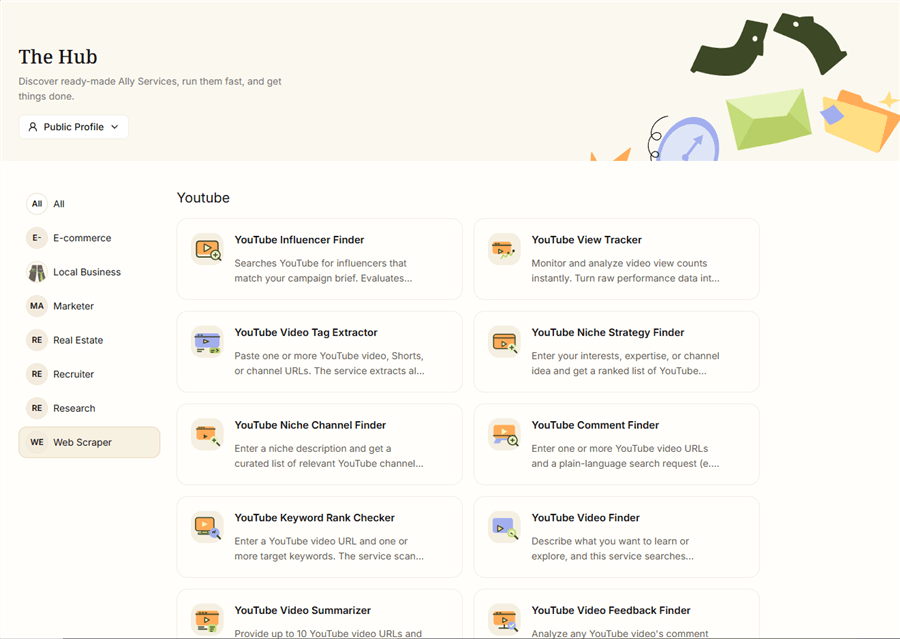
Marketing teams can use AllyHub to easily automate YouTube research — collect public video and channel data, extract comments and transcripts, monitor competitors, research keywords, and turn the findings into structured reports. Instead of manually opening videos, copying information into spreadsheets, and repeating the same analysis every week, teams can describe the outcome they need and let AllyHub execute the browser-based workflow.
As it builds up Skills, Web Notes, and service knowledge, it can reuse what it has learned rather than starting from scratch each time. This makes repeated tasks — such as reviewing competitor uploads or analyzing audience comments — more efficient over time.
Key features:
- Web scraping and data extraction from YouTube (comments, subtitles, channel data, video metadata)
- Browser automation for repetitive YouTube research tasks
- Reusable Skills and Recipes that compound across tasks — cost decreases over time
- AI-powered deep research: synthesize competitor content, surface trends, generate reports
- No-code workflow automation with persistent memory across sessions
Pricing: Free plan available. Paid plans range from $19.99/month to $199.99/month, depending on usage and features.
Best for: Digital marketers and e-commerce teams who run recurring YouTube research, competitor analysis, and data extraction tasks — and want an AI that gets faster and more efficient with every run, not one that starts from scratch each time.
Limitations: AllyHub is not a video creation or scheduling tool — it's an automation and intelligence layer. For video production and publishing, you'll still need tools like InVideo AI and Buffer. Best value emerges over multiple runs as Skills and Recipes accumulate.
8. Zapier — Best for Custom YouTube Workflow Automation
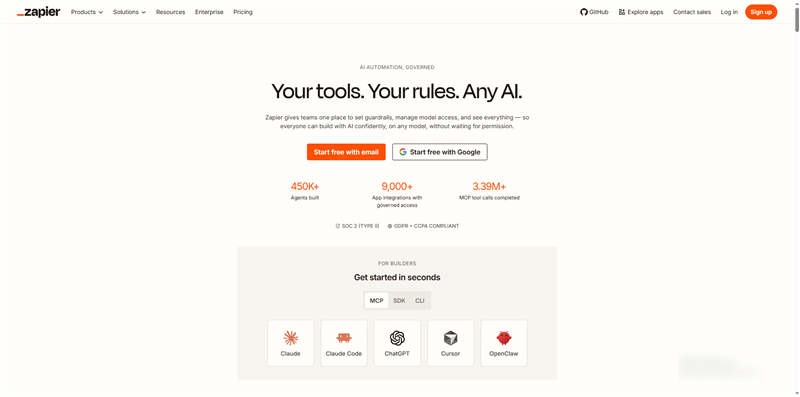
Zapier is the connective tissue of any serious YouTube automation stack. It doesn't create or optimize content — it automates the workflows around your content: notifying your Slack channel when a new video goes live, adding new subscribers to your CRM, cross-posting to Twitter when you publish, or logging video performance data to a Google Sheet automatically.
With 7,000+ app integrations and a no-code interface, Zapier lets marketers build custom automation workflows that connect YouTube to every other tool in their stack.
Key features:
- 7,000+ app integrations including YouTube, Slack, HubSpot, Mailchimp, Google Sheets
- Trigger-based automation (e.g., "when video is published → post to Twitter + notify team")
- Multi-step Zaps for complex, conditional workflows
- Scheduled Zaps for recurring data pulls and reports
- No-code interface with pre-built YouTube automation templates
Pricing: Free plan (100 tasks/month); Professional from $19.99/month, Team from $69/month
Best for: Marketers who want to automate the distribution, notification, and data-logging workflows around their YouTube content — connecting YouTube to their CRM, email platform, analytics tools, and team communication apps.
Limitations: Not a YouTube-native tool — it doesn't understand video content or SEO. Complex multi-step Zaps can be difficult to debug. Task limits on lower-tier plans can be restrictive for high-volume channels.
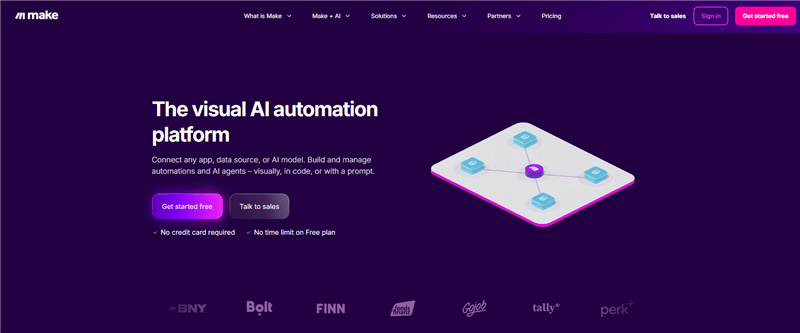
9. Make (formerly Integromat) — Best for Advanced Multi-Step YouTube Workflows
Make is the more powerful, more flexible alternative to Zapier for marketers who need complex, conditional automation workflows. Its visual workflow builder lets you map out multi-step processes with branching logic, data transformation, and error handling — things that Zapier's linear Zap structure can't easily accommodate.
For YouTube automation, Make excels at building pipelines that pull data from YouTube Analytics, process it, and push it to reporting dashboards, CRMs, or content planning tools — automatically, on a schedule.
Key features:
- Visual drag-and-drop workflow builder with branching logic
- YouTube API integration for data pulls, uploads, and analytics
- Data transformation and filtering within workflows
- Scheduled scenarios for recurring automation
- 1,500+ app integrations
Pricing: Free plan (1,000 operations/month); Core from $16/month, Pro from $28/month, Teams from $51/month
Best for: Marketers and marketing ops teams who need advanced, conditional YouTube automation workflows that go beyond what Zapier's linear structure can handle.
Limitations: Steeper learning curve than Zapier. Requires more technical comfort to build complex scenarios. Debugging can be time-consuming.
AI Video Editing Tools to Speed Up YouTube Content Production
10. Descript — Best for Automated Video Editing via Transcript
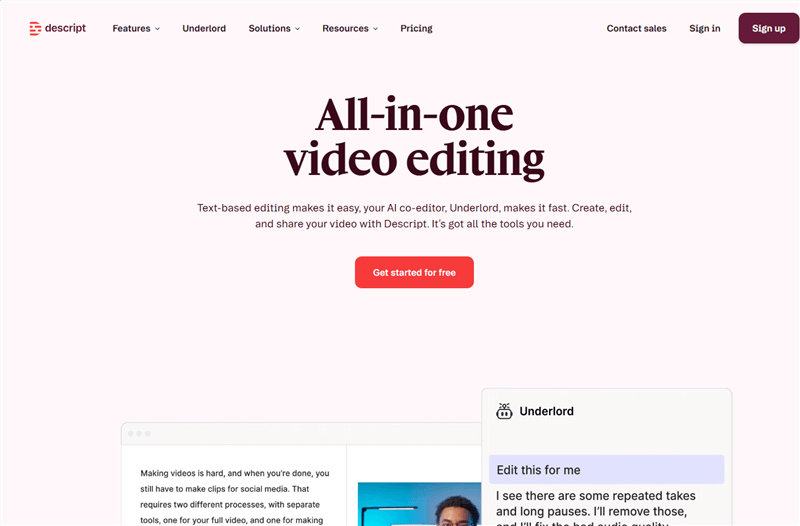
Descript flips the video editing model on its head: instead of editing a timeline, you edit a text transcript. Delete a sentence from the transcript, and the corresponding video footage disappears. It's one of the most powerful automation tools for marketers who produce talking-head content, interviews, or podcast-style videos.
The Overdub feature lets you correct audio mistakes by typing — Descript generates a voice clone that matches the speaker's voice. The Remove Filler Words feature automatically strips "um," "uh," and "like" from the entire video in one click.
Key features:
- Text-based video editing (edit video by editing the transcript)
- Automatic filler word removal ("um," "uh," "like," "you know")
- AI voice cloning (Overdub) for audio corrections
- Automatic transcription with speaker detection
- Screen recording and podcast editing built in
Pricing: Free plan (1 hour transcription/month); Hobbyist from $24/month, Business from $65/month
Best for: Marketers producing interview-style, educational, or talking-head YouTube content who want to dramatically speed up the editing process without a professional video editor.
Limitations: Not suitable for heavily edited, B-roll-heavy, or cinematic content. Voice cloning requires a voice training session. Export quality on the free plan is limited.
Step-by-Step YouTube Automation Workflow (2026)
Step 1: Idea (SEO Research)
Use AllyHub to generate keyword-backed video ideas, analyze competitors, and build a reusable research database. You can also supplement with VidIQ or TubeBuddy for additional keyword insights.
Step 2: Script (Content Planning)
Turn selected topics into structured, ready-to-use scripts with AllyHub’s AI workflows, combining research insights, competitor analysis, and proven content formats.
Step 3: Voice (Narration)
Generate AI voiceovers or record narration depending on your channel style.
Step 4: Video (Production)
Use InVideo AI to create full videos or OpusClip to repurpose long-form content into Shorts.
Step 5: Publish (Scheduling & Distribution)
Use Buffer or Hootsuite to schedule uploads and manage multi-platform posting.
Step 6: Optimize (Automation & Scaling)
Use Zapier or Make to connect workflows, and AllyHub for recurring research and competitor insights.
FAQ: Best Tools for YouTube Automation
What are the best tools for YouTube automation?
The best tools in 2026 include VidIQ for SEO and keyword research, InVideo AI for video creation, OpusClip for repurposing content, Buffer for scheduling, Zapier for workflow automation, and AllyHub for research and data automation. The right setup depends on which part of your workflow needs the most support.
Is YouTube automation profitable?
Yes. Automated YouTube channels can generate anywhere from a few hundred to tens of thousands of dollars per month, especially in high-CPM niches. However, profitability depends on combining automation for scale with human oversight to maintain content quality and avoid low-retention videos.
How do you automate YouTube content creation?
Keep it simple: tools like AllyHub can handle most of the workflow—from ideas to scripts and optimization. Then you just need a video tool and a scheduler to complete the setup.
Which AI tool is best for YouTube automation?
There is no single best tool for everything. InVideo AI is strongest for video generation, VidIQ is best for SEO and content ideas, and AllyHub is ideal for ongoing research and automation that improves over time. Most creators use a combination of tools rather than relying on one platform.
Can YouTube automation get your channel banned?
No, as long as you are automating legitimate workflow tasks like editing, scheduling, SEO, and analytics. YouTube only penalizes artificial manipulation such as fake views, bots, or engagement inflation. Proper automation tools are safe when used for production efficiency, not metric manipulation.
What is the best free YouTube automation tool?
VidIQ and TubeBuddy offer strong free plans for SEO and analytics, while Buffer provides basic scheduling capabilities. For beginners, VidIQ’s free plan is often the most valuable starting point due to its keyword and idea generation features.
How long does it take to see results from YouTube automation?
Most channels begin to see meaningful traction within 3 to 6 months. Consistent publishing is the key factor, and channels that upload 2–4 optimized videos per week tend to grow faster and more steadily over time.
Can AllyHub help with YouTube competitor research?
Yes. AllyHub can extract competitor video subtitles, analyze comments, collect channel data, and generate structured insights reports. Because it builds reusable automation workflows, each repeated research task becomes faster and more efficient over time.




