

Is your video showing up when people search your target keyword? Did a competitor just push you off the first page? YouTube's analytics won't tell you. A rank tracker will.
A rank tracking tool shows where your videos appear for target keywords, how rankings change over time, and when competitors start outranking you.
I've gone through the tools creators and marketers actually use for this and put together this guide so you can find the right fit without wasting time on the wrong one.
What is a YouTube Rank Tracker?
A YouTube rank tracker helps you see how your videos perform in YouTube search, not just how many views they get.
When you target a keyword, your video may appear near the top of the results, sit several pages down, or get pushed lower by a competitor. A rank tracker checks those positions for you and shows how they change over time.
This is useful because YouTube rankings are not fixed. A video can move up after you improve the title or description, lose visibility when competitors publish stronger content, or start ranking for keywords you did not originally target.
With the right YouTube rank tracker, you can:
- Check where your videos rank for important keywords
- See whether SEO updates are improving your rankings
- Spot keywords where your videos are close to moving higher
- Monitor competitor videos that are gaining search visibility
- Decide which videos are worth updating next
Quick Comparison Table
Tool | Best For | Pricing | YouTube-Native |
TubeBuddy | All-in-one YouTube SEO | Free + paid plans | ✅ |
vidIQ |
What Does a YouTube Rank Tracker Monitor
Before picking a tool, it's worth knowing what actually matters:
- Keyword position tracking: Does it show your video's exact ranking position for target keywords, with historical data?
- Competitor monitoring: Can you track how competitor videos rank for the same keywords?
- Keyword discovery: Does it surface keywords your videos already rank for that you might not know about?
- Update frequency: Daily updates matter more than weekly if you're actively optimizing
8 Best YouTube Rank Trackers
AllyHub — Best for Custom Tracking & Data Extraction
AllyHub takes a different approach from every other tool on this list. It is an AI agent that can automate your workflows, like scrape Instagram data, extract LinkedIn jobs, find YouTube videos by topic, and more.
Rather than a fixed dashboard with preset metrics, AllyHub lets you describe exactly what YouTube data you want to track — keyword rankings, competitor video performance, channel growth metrics — and extracts it on demand. You can pull ranking data from any YouTube search result, monitor competitor videos, and export everything to CSV or JSON for your own analysis.
For teams running regular competitive monitoring, AllyHub's efficiency compounds over time.
Best for: Marketers and researchers who need flexible, custom YouTube data extraction beyond what fixed-dashboard tools provide
What I like: The ability to define exactly what data you want tracked — not limited to whatever metrics the tool decided to surface
Pros:
- Plain-language task input — describe what you want to track, no setup required
- Extracts ranking data, competitor video metrics, and channel performance
- Compounding efficiency: gets faster and more reliable with every run
- Exports to CSV or JSON for custom analysis
- Not limited to preset metrics — fully flexible
Cons:
- Requires comfort with AI-directed workflows rather than traditional dashboards
- Newer platform compared to established YouTube SEO tools
- Better suited for data extraction and custom analysis than real-time alerts
💡 Pro tip: Use AllyHub's Skills system to save your YouTube rank tracking workflow as a reusable template. Define the keywords and metrics you want to monitor once, then re-run it on any schedule — no reconfiguration needed.
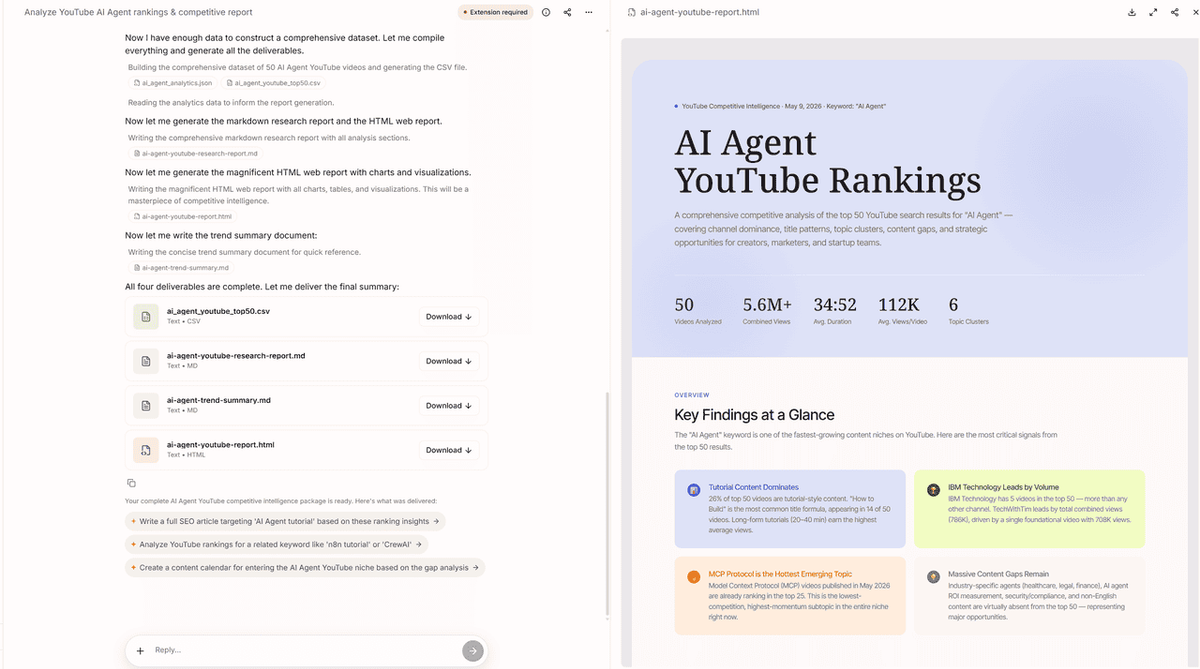
Here’s an example of AllyHub tracking the top-ranking YouTube videos for the keyword “AI Agent” and share to public.
TubeBuddy — Best All-in-One YouTube SEO Tool
TubeBuddy is a YouTube-certified browser extension and web dashboard that's been the go-to YouTube SEO tool for creators for years. Its Rank & Tag Tracker lets you monitor your video rankings for specific keywords on both YouTube and Google search — and it shows you which tags and keywords your videos are already ranking for, which is often more useful than you'd expect.
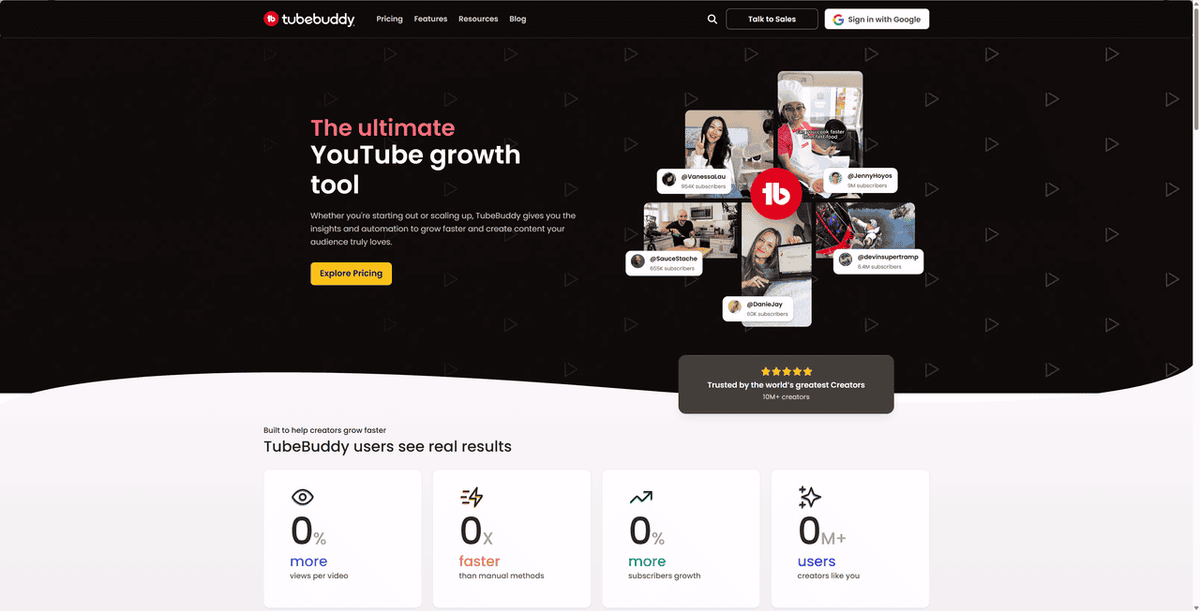
What I like most about TubeBuddy is how it integrates directly into the YouTube interface. You don't need to switch between tabs or dashboards — the SEO data appears right where you're already working.
Best for: Creators who want YouTube SEO tools built directly into their YouTube workflow
What I like: The in-context tag and keyword ranking data that appears directly on YouTube videos — you can see how any video ranks without leaving the page
Pros:
- Seamlessly integrated into the YouTube interface
- Rank & Tag Tracker shows keyword positions on both YouTube and Google
- Bulk editing tools save significant time on large channels
- A/B thumbnail testing on higher-tier plans
- YouTube-certified with a long track record
Cons:
- Interface can feel cluttered with too many features visible at once
- Competitor analysis is less detailed than vidIQ
- Most powerful rank tracking features require paid plans
- Free plan is quite limited for serious tracking
Pricing: Free plan available; paid plans start at affordable monthly rates with discounts for smaller channels
vidIQ — Best for Competitor Analysis & Growth
vidIQ is the most comprehensive YouTube growth suite on this list. Where TubeBuddy focuses on optimization tools, vidIQ leans heavily into data — competitor analysis, trend detection, and AI-powered content recommendations. Its real-time scorecard shows keyword rankings directly on any YouTube video, and its trend alerts notify you when a keyword starts gaining momentum.
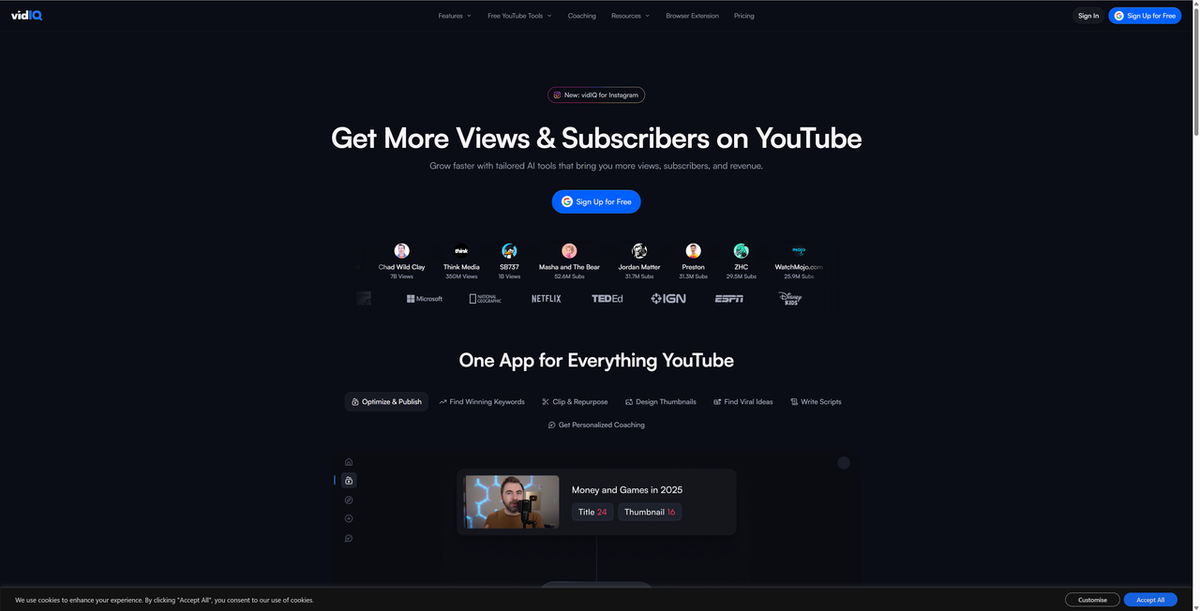
If you want to understand not just how your own videos rank, but why certain videos in your niche are outperforming others, vidIQ gives you that visibility.
Best for: Creators and marketers who want deep competitor intelligence alongside rank tracking
What I like: The views-per-hour metric and competitor channel performance graphs — they give you a real-time pulse on what's gaining traction in your niche before it peaks
Pros:
- Real-time keyword scorecard appears directly on YouTube videos
- Strong competitor analysis: top-performing videos, views per hour, channel graphs
- Trend alerts for keywords gaining momentum
- AI-powered Daily Ideas and AI Coach features
- Deep keyword research with search volume and competition data
Cons:
- The volume of data can overwhelm beginners
- Free plan limits daily keyword searches significantly
- Advanced features require higher-tier plans
- Primarily YouTube-focused — not useful if you need cross-platform SEO
Pricing: Free plan available; paid plans scale from entry-level to professional tiers
Morningfame — Best for Beginners & Small Channels
Morningfame takes a different approach from most YouTube tools: instead of overwhelming you with data, it simplifies everything into clear, actionable recommendations. Its rank tracking includes channel-specific keyword scoring — it calculates the probability of your video ranking for a keyword based on your channel's actual metrics, not just generic competition scores.
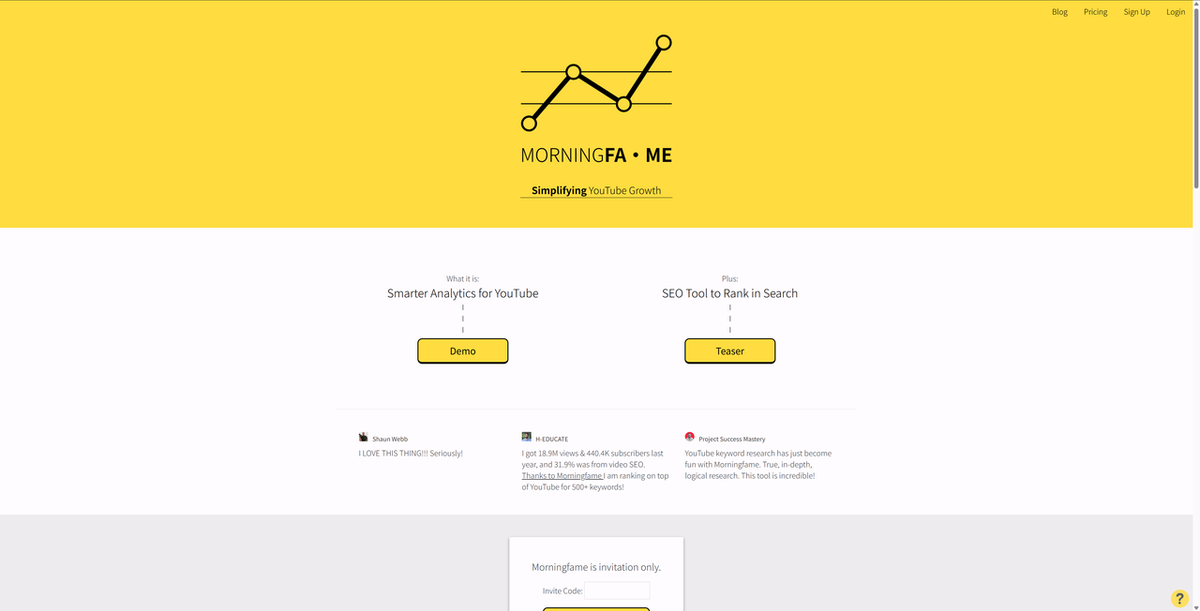
For newer creators who find TubeBuddy or vidIQ overwhelming, Morningfame is the most approachable entry point.
Best for: New creators and small channels who want clear, personalized guidance without data overload
What I like: The channel-specific keyword scoring — it tells you whether a keyword is actually realistic for your channel size, not just whether it's competitive in general
Pros:
- Beginner-friendly interface that simplifies complex analytics
- Personalized keyword scoring based on your channel's actual metrics
- Actionable recommendations rather than raw data dumps
- Affordable entry price
- First month often free with an invitation
Cons:
- Requires an invitation to join (not open signup)
- Basic plan restricts keyword research access to limited hours every few days
- Lacks advanced features like A/B thumbnail testing or bulk editing
- Less powerful for established channels with complex tracking needs
Pricing: Affordable monthly plans; Basic plan has time-restricted keyword research access
OutlierKit — Best for Pre-Creation Content Strategy
OutlierKit takes a fundamentally different angle from the other tools on this list. Rather than tracking how your existing videos rank, it focuses on helping you identify what to create before you film anything. Its "outlier detection" system finds videos that dramatically outperform expectations for their channel size — surfacing content opportunities that are proven to work before you invest time in production.
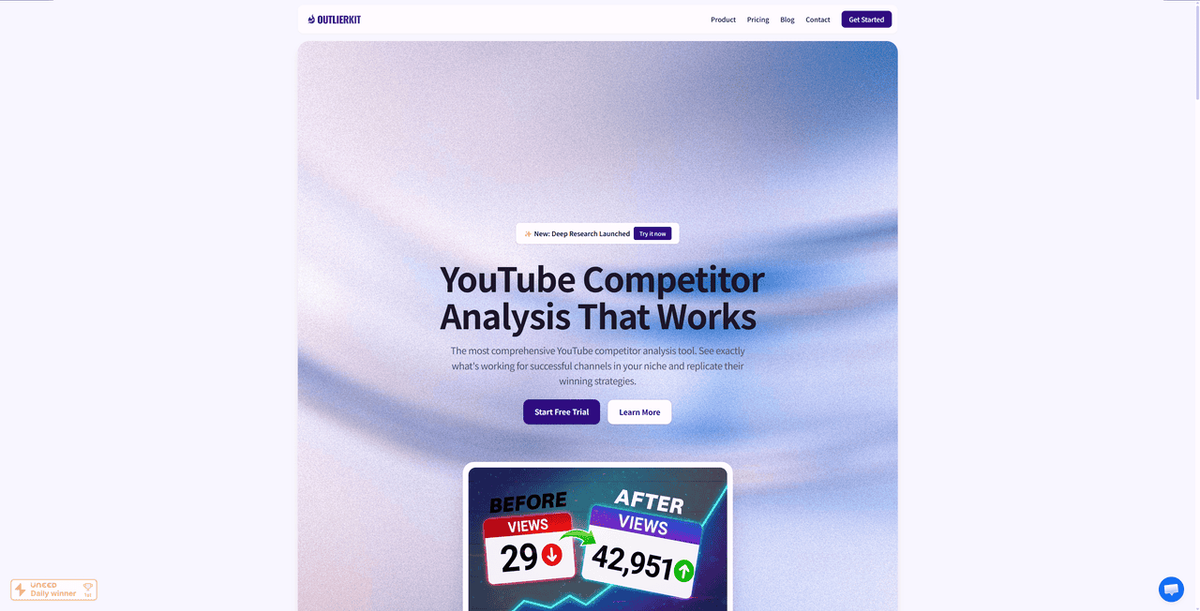
For creators who want to make smarter content decisions upstream, OutlierKit is the most strategic tool available.
Best for: Creators who want to validate content ideas and find low-competition keywords before filming
What I like: The outlier detection model — it identifies videos that punched above their weight, which is a much more useful signal than raw view counts
Pros:
- Unique outlier detection identifies high-potential content opportunities
- Advanced keyword finder targets low-competition, high-RPM keywords
- Niche exploration and trend analysis built in
- AI chat for content suggestions and script analysis
- Hook optimization tools
Cons:
- More expensive than TubeBuddy or Morningfame
- Credit-based system for deep research can add up quickly
- Less focused on tracking existing video rankings
- Better suited for content strategy than ongoing rank monitoring
Pricing: Paid plans; annual billing offers significant savings
TubeRanker — Best Dedicated YouTube Rank Tracker
TubeRanker is built specifically for one job: tracking where your YouTube videos rank for target keywords. Unlike the broader tools on this list, it doesn't try to be an all-in-one suite — it focuses on giving you accurate, reliable ranking data for the keywords that matter to your channel.
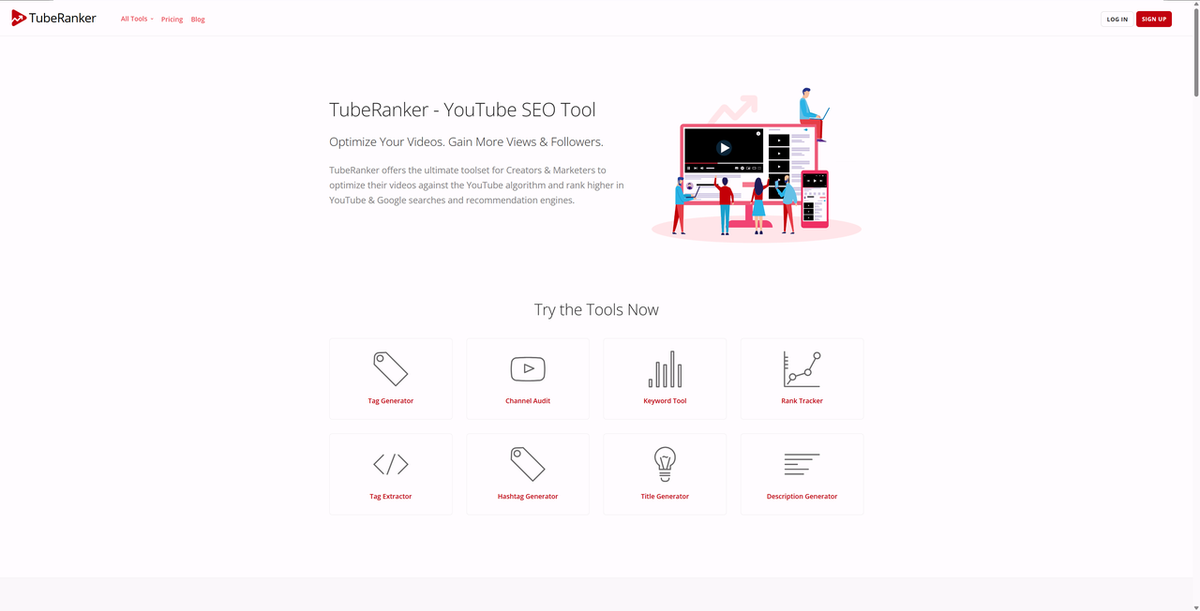
For creators and marketers who already have keyword research tools and just need clean rank tracking data, TubeRanker is the most focused option.
Best for: Creators and marketers who want dedicated YouTube rank tracking without the overhead of a full SEO suite
What I like: The focused approach — it does rank tracking well without burying the data under layers of other features
Pros:
- Purpose-built for YouTube rank tracking
- Clean, focused interface without feature bloat
- Tracks keyword positions over time with historical data
- Useful for monitoring ranking changes after optimization
Cons:
- Less feature-rich than TubeBuddy or vidIQ for overall YouTube SEO
- Smaller user base and community compared to established tools
- Limited keyword research capabilities beyond tracking
Pricing: Paid plans available
Semrush — Best for Agencies & Multi-Channel SEO
Semrush is the most powerful general SEO platform on this list, and its YouTube Rank Tracker add-on extends that power to video keyword tracking. If you're already using Semrush for website SEO and want to add YouTube tracking to the same workflow, the add-on makes sense. For YouTube-only users, the cost is harder to justify.
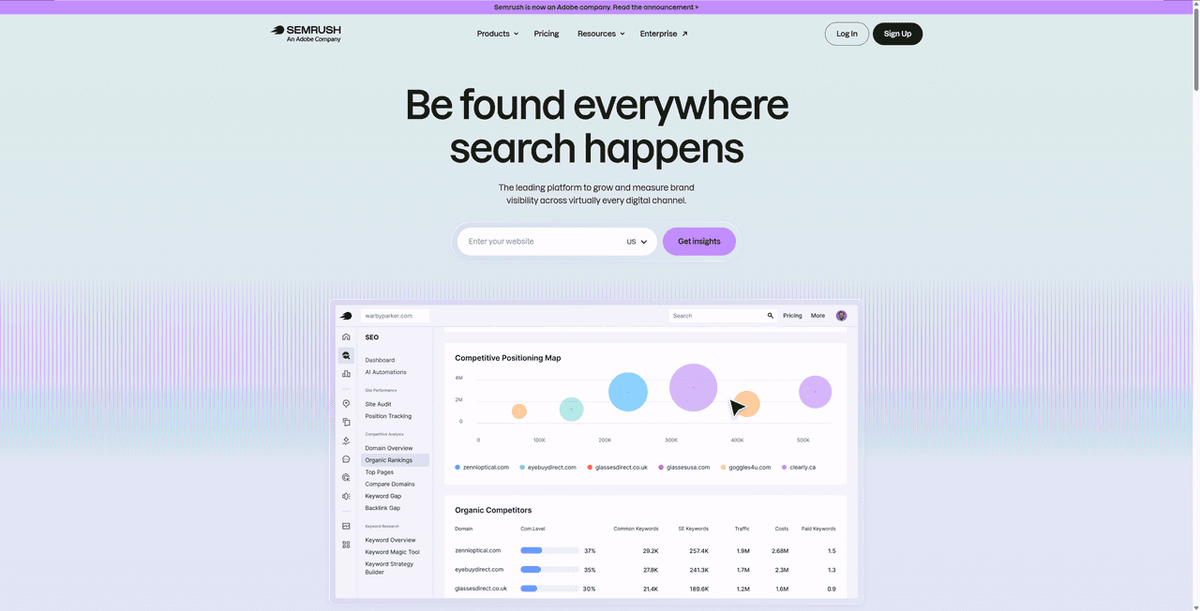
The YouTube Rank Tracker add-on tracks up to a significant number of keywords with daily updates, and integrates with Semrush's broader competitor intelligence and reporting tools.
Best for: Agencies and marketers who need YouTube rank tracking as part of a broader SEO workflow that already includes Semrush
What I like: The integration with Semrush's competitor intelligence — you can track YouTube rankings alongside website rankings and content performance in one platform
Pros:
- Comprehensive all-in-one digital marketing platform
- Daily rank tracking updates with detailed keyword distribution data
- Strong competitor insights across both web and YouTube
- Excellent reporting tools for client-facing work
- Trusted data source with a long track record
Cons:
- YouTube rank tracking is an add-on — requires an existing Semrush subscription
- Expensive for users who only need YouTube tracking
- Steep learning curve for new users
- Lower-tier plans have significant limits on projects and keywords
Pricing: Paid plans; YouTube Rank Tracker is a separate add-on with additional cost
Ahrefs — Best for Keyword Research Depth
Ahrefs is the gold standard for SEO keyword research, and its YouTube Keyword Tool (part of Keywords Explorer) brings that same data depth to YouTube. It processes clickstream data to provide actual YouTube search volumes — not estimates — and surfaces keyword difficulty scores and related keyword suggestions that help you find realistic ranking opportunities.
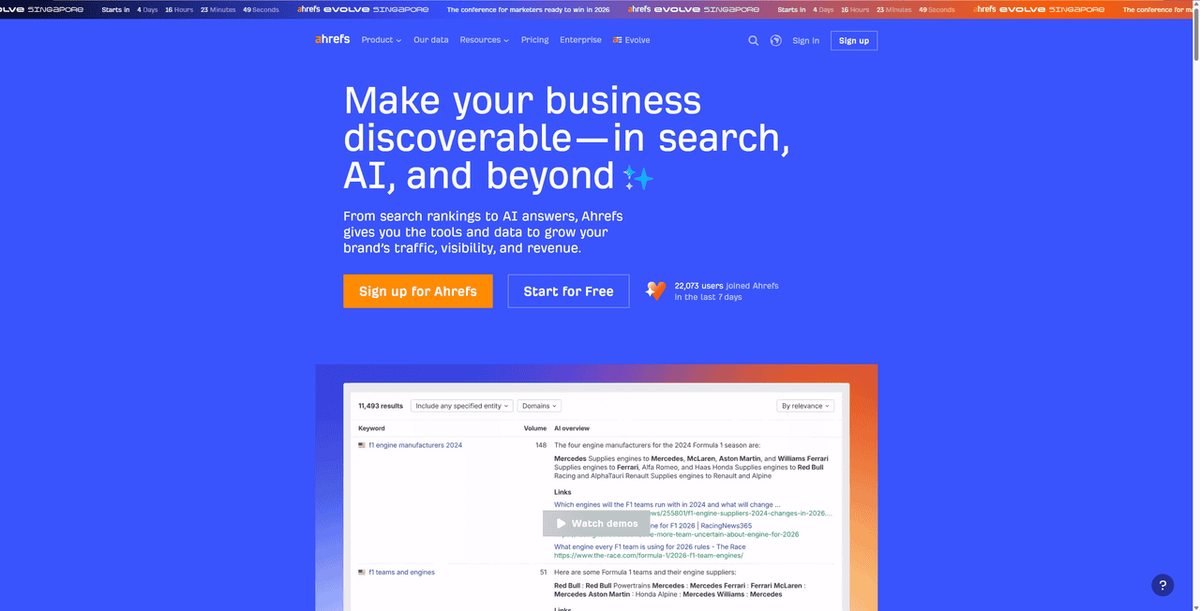
It's worth noting that Ahrefs' YouTube-specific features have had some availability issues, so verify current functionality before committing.
Best for: SEO professionals who want Ahrefs-quality keyword data applied to YouTube content strategy
What I like: The clickstream-based search volume data — it's more accurate than most tools' YouTube volume estimates, which are often wildly off
Pros:
- Reputable, trusted data from a leading SEO authority
- Clickstream-based YouTube search volume data
- Excellent for international keyword research
- Strong keyword difficulty scoring and related keyword suggestions
- Integrates with broader Ahrefs SEO workflow
Cons:
- Expensive — hard to justify for YouTube-only use
- YouTube-specific features have had availability issues
- Not as deep as TubeBuddy or vidIQ for YouTube-native tracking
- No free trial for full features
Pricing: Paid plans; significant investment for YouTube-only users
How to choose the right YouTube rank tracker
The right tool depends on what stage you're at and what you're actually trying to accomplish.
If you're a creator just getting started with YouTube SEO: TubeBuddy or Morningfame. TubeBuddy integrates directly into YouTube and gives you immediate feedback as you optimize. Morningfame is better if you want simpler, more guided recommendations without data overload.
If you're serious about competitor analysis: vidIQ. Its competitor intelligence features — views per hour, channel performance graphs, trend alerts — give you a level of visibility into your niche that other tools don't match.
If you want to make smarter content decisions before filming: OutlierKit. Its outlier detection model helps you identify proven content opportunities before you invest production time.
If you're an agency or already using Semrush: Add the YouTube Rank Tracker to your existing Semrush workflow. The integration with your broader SEO reporting makes it worth the add-on cost.
If you need keyword research depth: Ahrefs, if you're already in the Ahrefs ecosystem and want to extend that data quality to YouTube.
If you need custom tracking or want to extract YouTube ranking data for your own analysis: AllyHub. It's the most flexible option for teams that need data beyond what fixed dashboards provide, and it gets more efficient the more you use it.
FAQ:
What is the best free YouTube rank tracker?
TubeBuddy and vidIQ both offer free plans with basic rank tracking. TubeBuddy's free plan shows limited keyword data directly in the YouTube interface. vidIQ's free plan includes a real-time scorecard on videos but limits daily keyword searches. For most creators starting out, either free plan is enough to get a feel for how rank tracking works.
How do I track my YouTube video rankings for specific keywords?
Most tools on this list let you add target keywords to a tracking list and then monitor your video's position for those keywords over time. With TubeBuddy or vidIQ, you can also see ranking data directly on YouTube videos as you browse. With AllyHub, you can describe the keywords and videos you want to monitor and get structured data exported on demand.
How often do YouTube rankings update?
YouTube rankings can change daily or even more frequently, especially for trending topics. Most rank tracking tools update their data daily. If you're actively optimizing a video, daily tracking helps you see whether your changes are having an effect.
Can I track competitor YouTube videos with these tools?
Yes — vidIQ, TubeBuddy, OutlierKit, and AllyHub all support competitor video monitoring. vidIQ is particularly strong here, showing views per hour and channel performance graphs for any channel you want to analyze.
Do I need a YouTube rank tracker if I'm just starting out?
Not immediately. In the early stages, focus on creating good content and understanding your audience. Once you're publishing consistently and want to grow through search, a rank tracker helps you understand which keywords are driving traffic and where to focus your optimization efforts. TubeBuddy or Morningfame are good starting points for newer channels.
What's the difference between a YouTube rank tracker and a YouTube keyword research tool?
A keyword research tool helps you find keywords to target before you create content — showing search volume, competition, and related terms. A rank tracker monitors how your videos perform for those keywords after you publish.
Most tools on this list do both, but the emphasis varies: OutlierKit leans toward pre-creation research, while TubeRanker focuses on post-publication tracking.
Final Thoughts
Most creators don't need anything complicated rank tracking tool. If you're publishing consistently and want to understand what's working in search, TubeBuddy or vidIQ will cover you. They're YouTube-native, easy to start with, and the free plans are enough to get going.
If you're managing multiple channels or need data beyond what a fixed dashboard provides, that's where something like AllyHub fits in — flexible extraction, no preset limits, and it gets faster the more you use it.
Start small. Track a handful of keywords you care about. Let the data tell you something you didn't already know.




