

You need YouTube comments — not to read them, but to analyze them at scale. Whether you're finding an influencer, studying competitors, or running sentiment analysis, manually copying comments isn’t a workflow — it’s a bottleneck.
The problem? YouTube doesn’t let you export comments. And most tools either break, miss replies, or cap your data.
This guide cuts through the noise and ranks the best YouTube comment downloaders in 2026 — based on what actually matters: reliability, data completeness, and whether they can handle real research (not just 100 comments). Whether you need a quick free tool or a scalable solution, you’ll find the right fit here.
Key Takeaways
- Top pick overall: AllyHub is the best YouTube comment downloader for marketers who need bulk extraction, AI-powered channel analysis, and a tool that gets faster with every use.
- Best free browser extension: YT Comments Downloader (Chrome Extension) is the fastest no-setup option for pulling comments from a single video.
- Best for sentiment analysis: SocialDataExtract includes built-in AI sentiment scoring — no external tool required.
- Best for developers: Apify YouTube Comment Scraper handles large-scale, customizable extractions with API access.
- What to look for: The most important factors when choosing a YouTube comment downloader are export format (CSV/Excel/JSON), comment volume limits, reliability against YouTube updates, and whether replies are included.
- Bottom line: For one-off pulls, a free extension works fine. For ongoing competitive research, influencer vetting, or audience analysis at scale, invest in a tool built for volume.
How We Selected These Tools
We evaluated over a dozen YouTube comment extraction tools based on the following criteria:
- Export reliability: Does it consistently pull all comments, including replies and paginated threads?
- Export formats: Does it output CSV, Excel, or JSON — formats marketers can actually use?
- Volume capacity: Can it handle 1,000+ comments without hitting walls or requiring workarounds?
- Ease of use: Can a non-technical marketer run it without writing code?
- Maintenance: Is the tool actively updated to keep pace with YouTube's anti-scraping changes?
- Marketer-specific value: Does it include features relevant to competitive research, influencer analysis, or audience insights?
Only tools that passed on at least four of these six criteria made this list.
Quick Comparison Table: 8 Best YouTube Comment Downloaders
Tool | Best For | Pricing | Export Formats | Replies Included | Volume |
AllyHub | Bulk extraction + AI analysis | Free trial / Paid |
8 Best YouTube Comment Downloaders
AllyHub — Best for YouTube Comment Downloading at Scale
AllyHub is an AI agent platform with a dedicated Web Scraping module that handles YouTube comment extraction end-to-end — no code, no browser extensions, no manual setup. You give it a YouTube URL, define what you want (top-level comments, replies, timestamps, like counts, author names), and it exports a clean, structured file ready for analysis.
What sets AllyHub apart from every other tool on this list is that it compounds with every use. The first time you run a YouTube comment extraction, AllyHub explores the page structure and builds a reusable Recipe. The second time you run the same type of task — whether it's a different video or a different channel — it skips the exploration entirely and goes straight to execution. Faster output, lower cost, zero re-learning.
For marketers running recurring research (weekly competitor monitoring, ongoing influencer vetting, monthly sentiment tracking), this compounding efficiency is a genuine operational advantage.
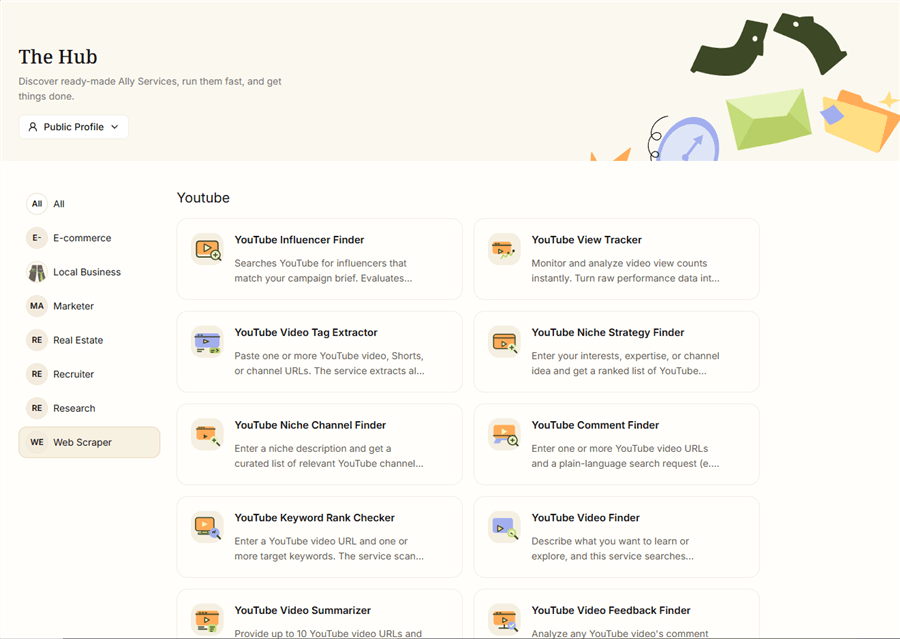
Key features:
- Full-coverage comment extraction: top-level comments, replies, timestamps, like counts, author info
- Auto-pagination and infinite scroll handling — captures all comments, not just the first page
- Export to CSV, Excel, or JSON — ready for immediate analysis or AI processing
- Reusable Recipes: once AllyHub learns a YouTube page structure, it reuses that knowledge on every future run
- Chain comment extraction into larger workflows — e.g., extract → analyze sentiment → generate report, all in one pipeline
- No code required; operates like a human browsing the page
Pricing: Free plan available; paid plans scale with usage. Per-task cost decreases over time as Recipes and Skills accumulate.
Best for: Marketers running ongoing YouTube research — influencer vetting at scale, competitor comment analysis, audience insight mining across multiple videos or channels.
Limitations: Requires a short setup on first use. Not the fastest option for a single one-off video pull if you just need 50 comments right now.
💡 Pro tip: Use AllyHub to extract comments from 5–10 competitor videos in one session, then feed the combined export into an AI tool for cross-video sentiment analysis. AllyHub's compounding Recipes mean the second batch runs significantly faster than the first.
SocialDataExtract — Best for Built-In Sentiment Analysis
SocialDataExtract is a web-based YouTube comment extractor that stands out for including native AI sentiment scoring alongside the raw comment data. Instead of exporting comments and then running them through a separate sentiment tool, you get positive/neutral/negative classifications baked into the export.
For marketers doing brand perception analysis or campaign feedback reviews, this saves a meaningful step in the workflow.
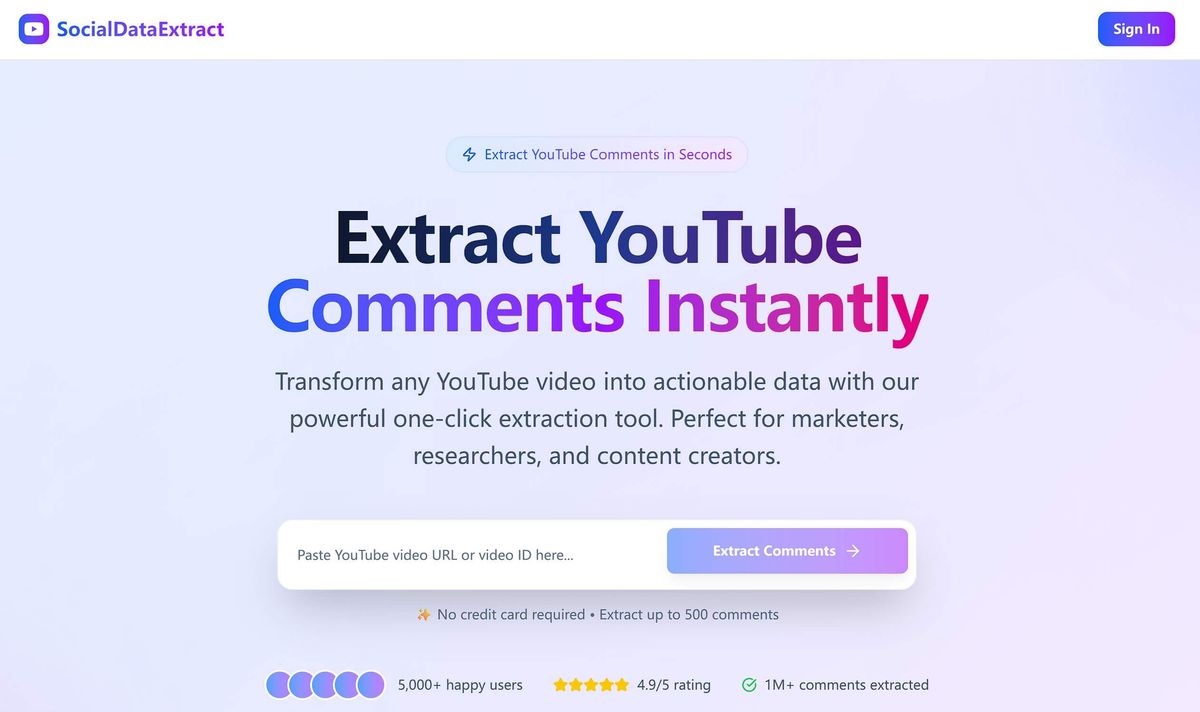
Key features:
- Built-in AI sentiment analysis (positive/neutral/negative per comment)
- Exports to CSV and JSON
- Includes replies, like counts, and author information
- Fast extraction speed — no installation required
- Clean, non-technical interface
Pricing: Free tier available with volume limits; paid plans for higher extraction volumes.
Best for: Marketers who need sentiment-tagged comment data without setting up a separate NLP pipeline.
Limitations: Free tier has comment volume caps. Sentiment analysis is automated and may misclassify nuanced or sarcastic comments. Less flexible than developer-oriented tools for custom data structures.
Export Comments — Best for Clean Excel and CSV Exports
Export Comments is one of the most straightforward YouTube comment exporter extension alternatives — it's a web app (no extension needed) that takes a YouTube URL and outputs a clean, well-structured Excel or CSV file. It's been around long enough to have a reliable track record, and the export quality is consistently clean.
Marketers who need to hand off comment data to a client, drop it into a reporting template, or import it into a CRM will appreciate how little cleanup the output requires.
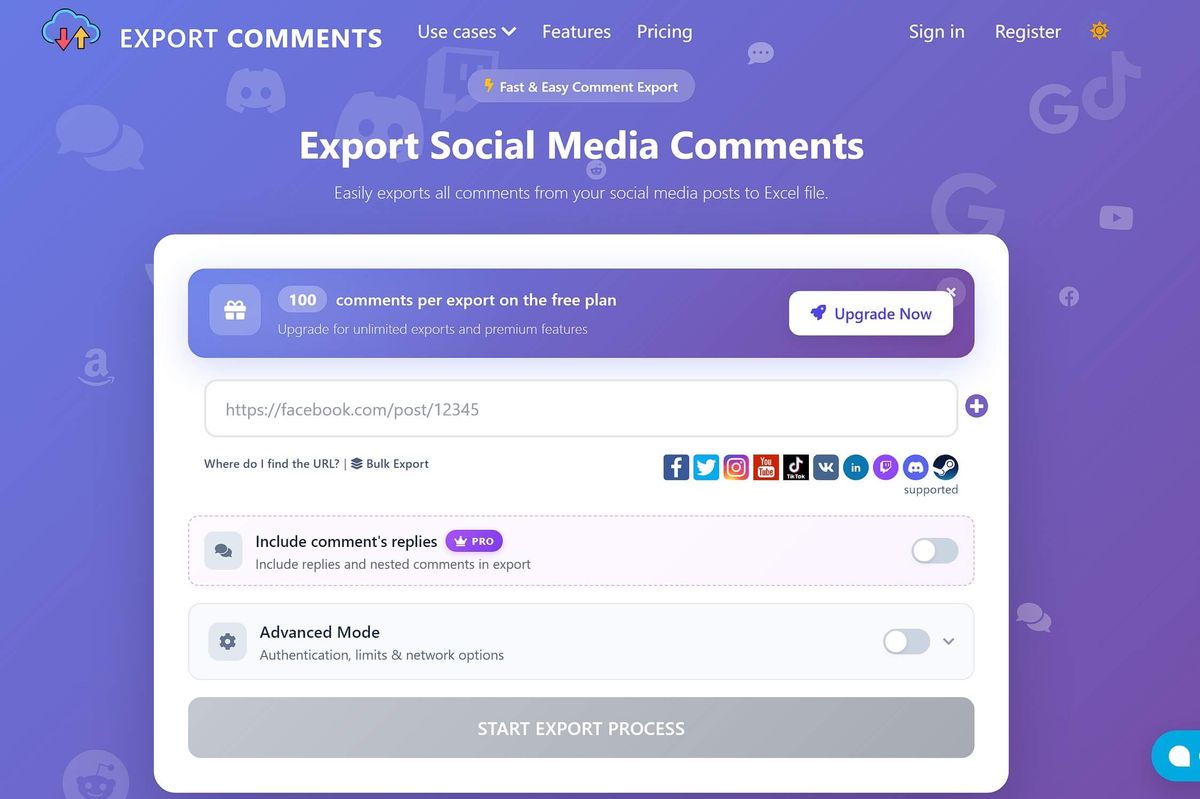
Key features:
- Export to CSV, Excel (.xlsx), or JSON
- Includes comment text, author name, like count, timestamp, and reply threads
- Supports YouTube Shorts
- No account required for basic use
- Clean column structure — minimal post-export formatting needed
Pricing: Free plan (limited to ~100 comments per export); paid plans unlock higher volumes and batch processing.
Best for: Marketers who need a clean, client-ready Excel export from a single video without any technical setup.
Limitations: Free tier comment cap is low for research-grade work. No built-in analysis features — it's purely an export tool. Batch processing (multiple URLs at once) requires a paid plan.
Apify YouTube Comment Scraper — Best for Developers and High-Volume Extraction
Apify is a developer-oriented web scraping platform with a dedicated YouTube Comment Scraper actor. It's the most technically capable option on this list — highly customizable, API-accessible, and built to handle extractions at a scale that would break most other tools.
For marketing teams with a developer on staff, or agencies running large-scale YouTube research projects, Apify offers a level of control and volume capacity that no browser extension or web app can match.
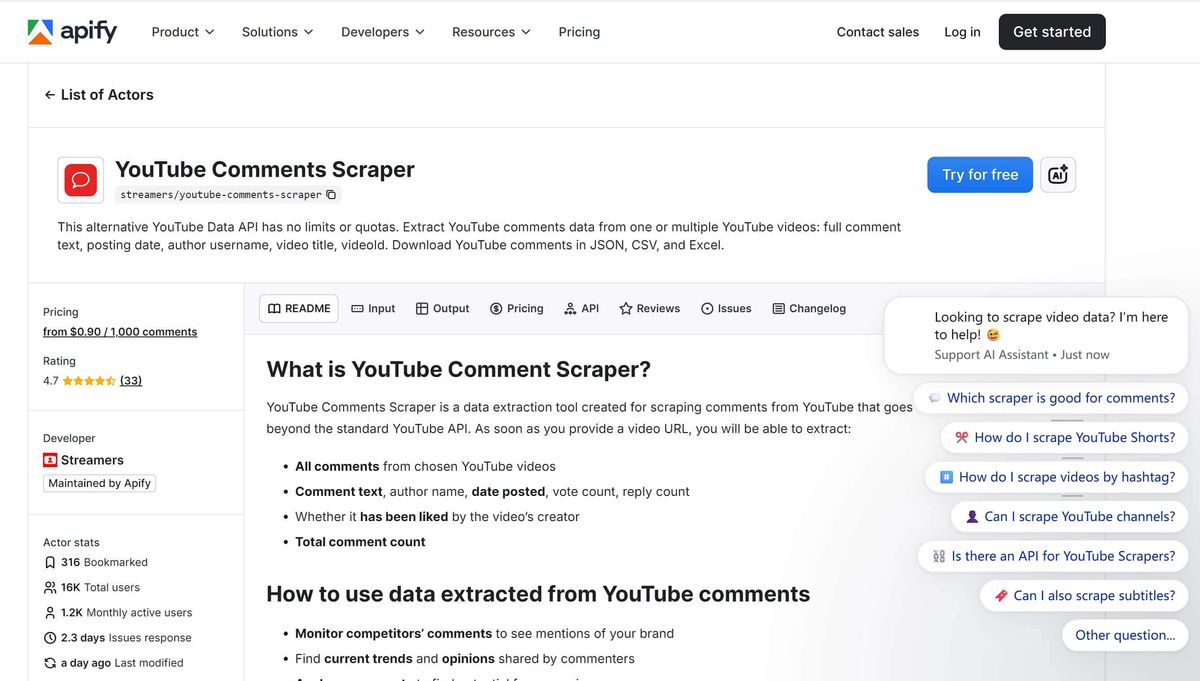
Key features:
- Extracts comments, replies, like counts, author info, and timestamps
- Fully customizable via API — filter by date, sort order, comment count
- Exports to JSON and CSV; integrates with Google Sheets, Zapier, and other platforms
- Handles very large comment volumes (tens of thousands per run)
- Actively maintained and updated against YouTube changes
Pricing: Free; starts from $29/ month.
Best for: Developers, data analysts, or marketing teams running large-scale YouTube comment research with custom data requirements.
Limitations: Requires technical setup — not suitable for non-technical marketers without developer support. The interface is less intuitive than consumer-facing tools. Cost can add up for very high-volume projects.
⚠️ Warning: Apify's pricing is usage-based. For large extractions (100,000+ comments), costs can escalate quickly. Estimate your volume before running.
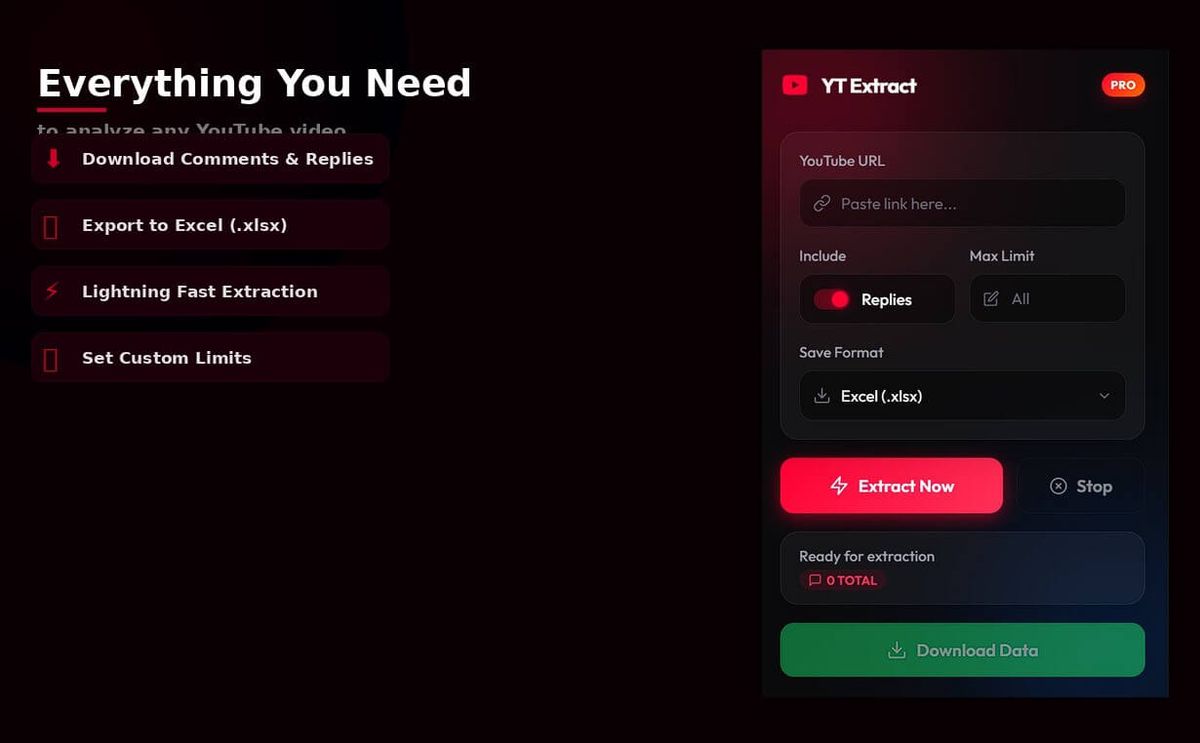
YT Comments Downloader — Best Free YouTube Comment Exporter Extension
The YT Comments Downloader Chrome Extension is the fastest zero-friction option for pulling comments from a single video. Install it from the Chrome Web Store, navigate to any YouTube video, click the extension icon, and download a CSV. That's the entire workflow.
For marketers who occasionally need to grab comments from one video — a client's latest upload, a competitor's product announcement, a trending video in your niche — this extension gets the job done without any account creation or payment.
Key features:
- One-click comment extraction directly from the YouTube page
- CSV export with comment text, author, and timestamp
- No account or API key required
- Works on standard YouTube videos and most Shorts
Pricing: Free.
Best for: Marketers who need a quick, occasional comment pull from a single video with zero setup time.
Limitations: Does not reliably capture all paginated or hidden comments on large videos. Reply threads are not always included. No sentiment analysis or enrichment features. May break temporarily when YouTube updates its front-end. Not suitable for bulk or multi-video extraction.
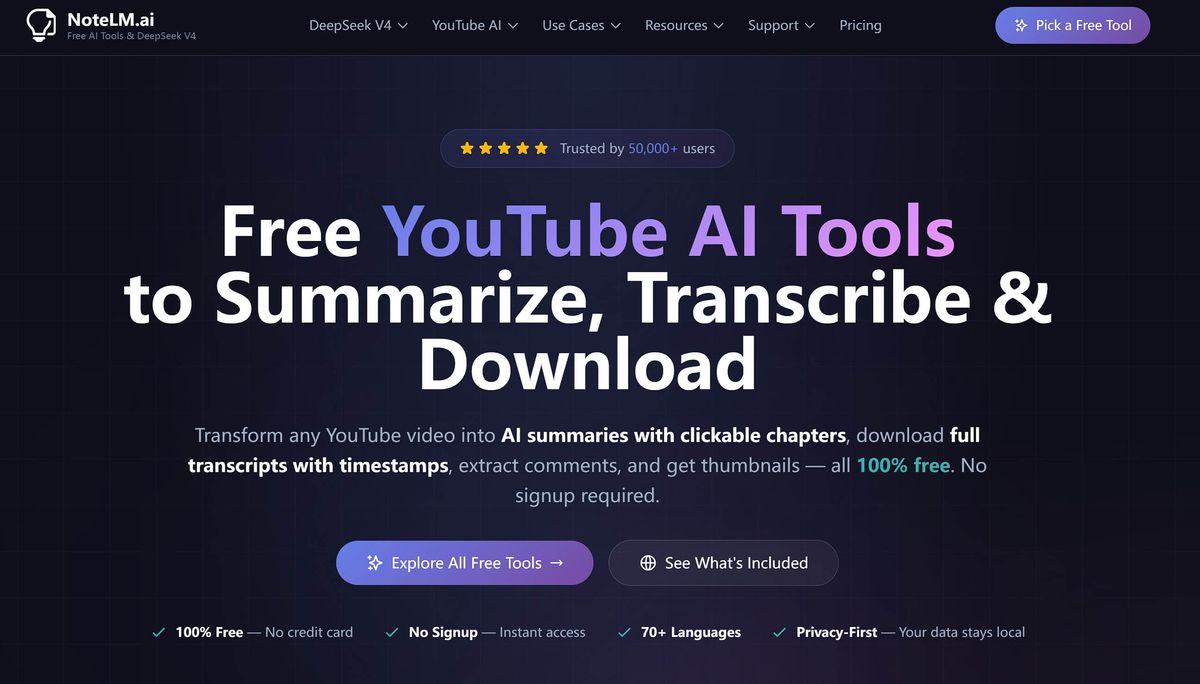
NoteLM Comment Extractor — Best Free Option for Full Comment Threads
NoteLM offers a free YouTube comment extractor that pulls full comment threads — including replies — and exports them in JSON format. It's one of the few genuinely free tools that doesn't cap you at 100 comments, making it a solid option for marketers who need complete data without a paid plan.
Key features:
- Free unlimited comment extraction (no hard cap on most videos)
- Includes replies, like counts, and author information in the export
- JSON export format
- No installation required — web-based
- Comparison table on-site helps users evaluate alternatives
Pricing: Free.
Best for: Marketers who need complete comment thread data (including replies) for free, and are comfortable working with JSON output.
Limitations: JSON-only export requires conversion to CSV/Excel for most marketing workflows. Interface is more basic than paid alternatives. No built-in analysis features.
💡 Pro tip: Export from NoteLM in JSON, then paste the data into ChatGPT or Claude with a prompt like "Summarize the top 10 recurring themes in these YouTube comments." You get free extraction + free AI analysis in under 10 minutes.
Databar.ai — Best for Enriched Comment Data with Business Context
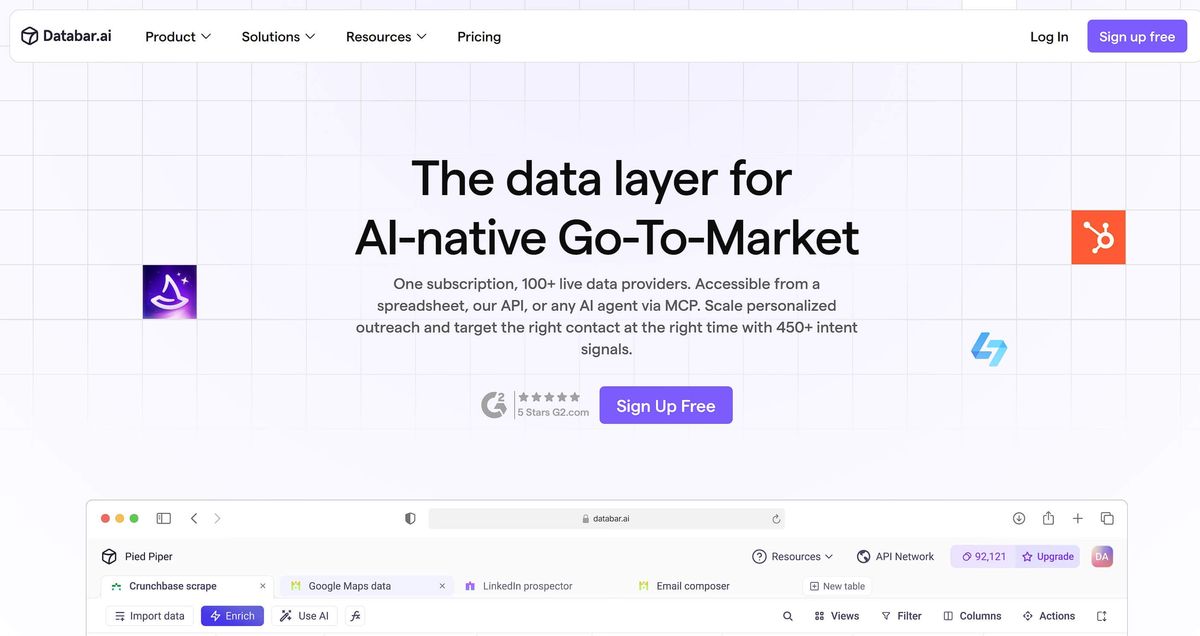
Databar.ai goes beyond raw comment extraction by enriching YouTube data with additional business context. For marketers doing competitive intelligence or influencer research, this means you're not just getting comment text — you're getting structured data that's already been processed for downstream use.
Key features:
- YouTube comment extraction with data enrichment
- Integrates with other data sources for cross-platform analysis
- Export to CSV and Excel
- Suitable for competitive intelligence and market research workflows
- No-code interface with template-based setup
Pricing: Build $99/month, Scale $495/month, Enterprise custom.
Best for: Marketers who want comment data enriched with additional context for competitive intelligence or multi-source research projects.
Limitations: More complex setup than simple extraction tools. Enrichment features may be overkill for straightforward comment export needs. The free tier is limited.
yt-dlp (Command Line) — Best Free Option for Technical Marketers
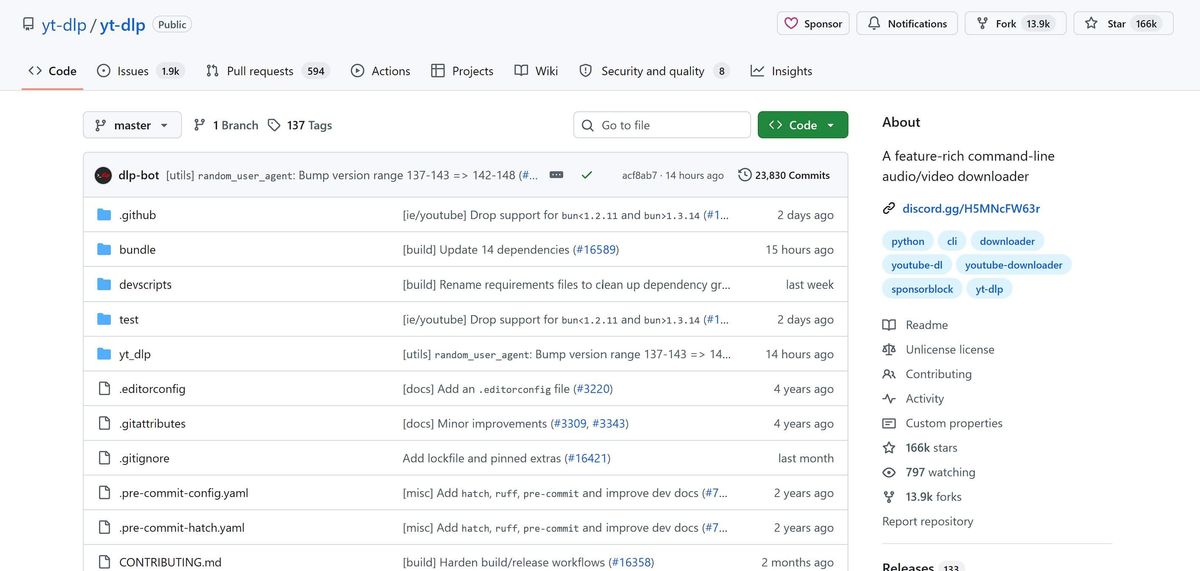
yt-dlp is an open-source command-line tool that can extract YouTube comments alongside video metadata. It's the most powerful free option available — no volume limits, no rate caps, no subscription — but it requires comfort with the command line.
For marketing analysts or growth hackers who are comfortable running terminal commands, yt-dlp offers unmatched flexibility and zero ongoing cost.
Key features:
- Completely free and open source
- Extracts comments in JSON format alongside full video metadata
- No volume limits — handles any size video
- Actively maintained by a large open-source community
- Highly customizable via flags and options
Pricing: Free (open source).
Best for: Technical marketers, data analysts, or growth hackers who are comfortable with command-line tools and need a free, unlimited extraction solution.
Limitations: Requires command-line setup — not suitable for non-technical users. Output is JSON only; converting to CSV requires additional scripting (e.g., using jq or Python). No GUI, no built-in analysis. Occasional breakage when YouTube updates its API.
⚠️ Warning: yt-dlp outputs comments in a nested JSON structure that requires post-processing before it's usable in Excel or Google Sheets. Budget time for data transformation if you go this route.
How to Choose the Right YouTube Comment Downloader for Your Needs
Not every tool fits every use case. Here's a decision framework for marketers:
- Quick one-off (<500 comments): Use YT Comments Downloader (Chrome) or ExportComments (free)
- Need built-in sentiment analysis: Use SocialDataExtract
- Free + full threads (including replies): Use NoteLM
- Ongoing / multi-video research: Use AllyHub
- High volume + API / custom setup: Use Apify
- Technical + free unlimited: Use yt-dlp
Key questions to ask before choosing:
- How many comments do I need? (Under 500 = free tools work; over 5,000 = need a scalable solution)
- Do I need replies included? (Not all tools capture full threads)
- What format do I need the output in? (CSV/Excel for most marketing workflows; JSON for developers)
- Is this a one-time task or recurring research? (Recurring = invest in a tool that compounds)
- Do I need analysis built in, or will I process the data separately?
FAQ: Best YouTube Comment Downloader
Why do marketers download YouTube comments?
Because comments are raw, unfiltered user feedback at scale. Marketers use them to vet influencers, analyze competitors, find content ideas, run sentiment analysis, and understand audience language. The problem is volume — one video can have thousands of comments, and manual copying isn’t practical.
What is the best free YouTube comment downloader?
For a completely free option with no clear cap, NoteLM Comment Extractor is the strongest choice (includes replies). For quick one-off pulls, the YT Comments Downloader Chrome Extension is the fastest. If you're technical, yt-dlp offers unlimited extraction.
Is there a YouTube comment exporter extension for Chrome?
Yes. The YT Comments Downloader Chrome extension is the most common option. It lets you export comments as CSV directly from a video page. For more complete data (like replies or large volumes), web tools like ExportComments or AllyHub are more reliable.
Can I download YouTube comments without coding?
Yes. Tools like AllyHub, SocialDataExtract, ExportComment, and NoteLM are all no-code. Just paste a video URL and export — no scripts or setup required.
How many YouTube comments can I download for free?
It depends on the tool. Some (like NoteLM or yt-dlp) have no clear limits, while others cap free exports (~100–500 comments). For large datasets, you’ll likely need a paid or scalable solution.
Do YouTube comment downloaders capture replies?
Not always. Tools like AllyHub, Apify, NoteLM, and SocialDataExtract reliably include replies. Many free extensions miss them or only capture top-level comments.
Will these tools break when YouTube updates its platform?
Yes — and this is a common issue. YouTube changes frequently, which can break scrapers. Tools like Apify, yt-dlp, and AllyHub tend to recover faster. Browser extensions are the most fragile.
Can I analyze YouTube comments, not just download them?
Yes. Some tools (like AllyHub or SocialDataExtract) include built-in analysis or can be combined with AI tools to extract sentiment, themes, and insights from comment data.




