

YouTube is one of the most valuable sources for competitor research, content inspiration, and creative analysis. But actually downloading videos is still frustrating — many tools no longer work, web downloaders feel unreliable, and most options come with limits or quality restrictions.
For marketing teams, this isn’t a minor inconvenience — it directly affects how quickly you can analyze competitors, repurpose content, and act on trends.
This guide covers the 6 best tested methods and tools for downloading YouTube videos in 2026, evaluated specifically for marketing use cases: competitor research, content repurposing, influencer vetting, and ad creative analysis.
Key Takeaways
- Top pick overall: 4K Video Downloader Plus is the best YouTube video downloader for most marketers — it handles playlists, channels, and subtitles with a clean interface.
- Best free option: yt-dlp is completely free and handles batch downloads at scale — ideal for technical marketers who need maximum control.
- Best for Mac users: Downie is the most reliable macOS-native option, with browser extension integration and 4K support.
- Best web-based (no install): SnapDownloader offers a clean trial experience with scheduling and trimming built in.
- What to look for: The most important factors when choosing a YouTube video downloader are batch/playlist support, video quality options, and whether it handles subtitles (critical for transcript-based research).
- Bottom line: For most marketing teams, 4K Video Downloader Plus hits the right balance of power and ease — but if you're downloading at scale, yt-dlp is unbeatable.
Why Downloading YouTube Videos Matters for Marketers
According to Think with Google and industry research, up to 87% of viewers say they’ve purchased after seeing a brand on YouTube, highlighting its role as a powerful discovery and decision-making channel.
For marketers, the ability to download YouTube videos unlocks four high-value workflows:
- Competitor ad analysis — Download and archive competitor video ads before they're pulled. Study hooks, scripts, offers, and visual styles offline.
- Content repurposing — Convert your own long-form YouTube content into Shorts, Reels, TikToks, podcast audio, or blog post transcripts.
- Influencer vetting — Download and review creator content in detail before committing to a partnership deal.
- Market research — Archive top-performing videos in your niche to analyze what's resonating with your target audience.
⚠️ Important: Downloading YouTube videos may violate YouTube's Terms of Service unless you have explicit permission from the content owner or are using YouTube Premium's offline feature. Always ensure you have the right to download and use any content. The tools below are intended for legitimate use cases such as downloading your own content, content you have permission to use, or content under Creative Commons licenses.
How We Selected These Tools
We evaluated over 15 YouTube video downloader tools based on the following criteria:
- Reliability: Does it consistently work without errors or broken downloads?
- Video quality: Does it support HD, 1080p, and 4K downloads?
- Batch & playlist support: Can it download entire playlists or channels — critical for bulk competitor research?
- Subtitle/transcript support: Can it download captions for transcript-based content analysis?
- Safety: Is it free from malware, aggressive ads, or deceptive redirects?
- Marketer fit: Does it support the workflows marketers actually run — not just casual one-off downloads?
Only tools that passed the reliability and safety bar made this list.
Quick Comparison: 6 Best YouTube Video Downloaders
Tool | Best For | Pricing | Batch Download | Quality | Platform |
Most marketers |
6 Best Methods to Download a Video from YouTube
4K Video Downloader Plus — Best Overall for Marketers
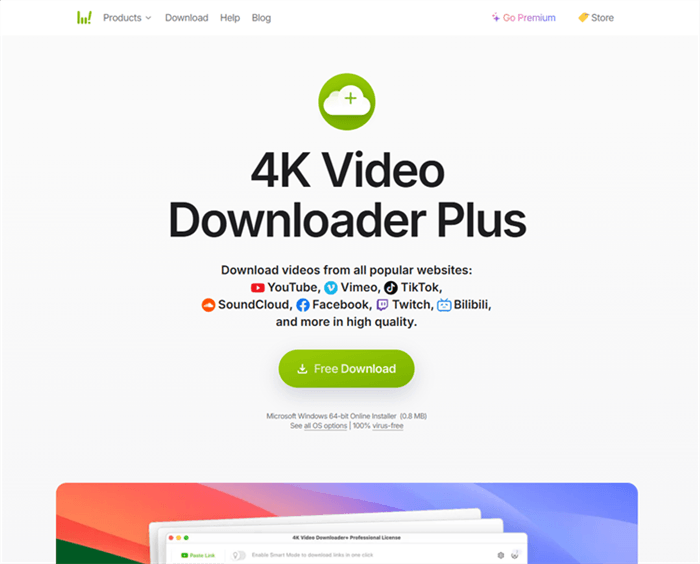
4K Video Downloader Plus is the most consistently recommended YouTube downloader across tech publications — and for good reason. It handles the full range of marketer use cases: single videos, full playlists, entire channels, subtitles, and even 360-degree videos.
For marketing teams, the killer feature is Smart Mode — set your preferred quality and format once, and every subsequent download applies those settings automatically. No clicking through options every time.
Key features:
- Download entire YouTube playlists and channels in one click
- Supports up to 8K resolution (where available from source)
- Subtitle and closed caption download (critical for transcript research)
- In-app browser for accessing private or age-restricted content
- Supports 40+ platforms beyond YouTube (Vimeo, Instagram, TikTok, etc.)
Pricing:
- Free version (10 downloads/day, 10 videos/playlist limit)
- Personal lifetime license: $25
- Pro lifetime: $65
Best for: Marketing teams who need reliable playlist and channel downloads for competitor research and content archiving.
Limitations: The free version's 10-download-per-day cap is frustrating for bulk research. 4K/8K availability can be inconsistent due to YouTube API changes. Requires desktop installation — no web version.
💡 Pro tip: Use the "Subscribe to Channel" feature to automatically download new videos from a competitor's channel as they publish — a passive competitive intelligence feed.
yt-dlp — Best Free Option for Technical Marketers
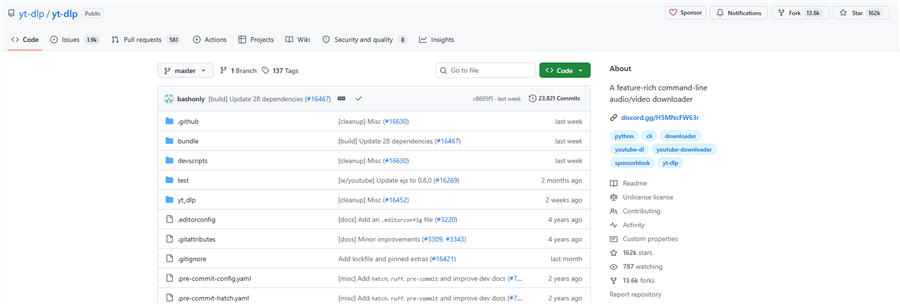
yt-dlp is the open-source command-line tool that powers many of the GUI apps on this list under the hood. It's completely free, supports over 1,000 websites, and gives you granular control over every aspect of your download — format, quality, codec, metadata, subtitles, and more.
For marketers comfortable with a terminal, yt-dlp is unbeatable. You can script batch downloads, automate recurring pulls, and integrate them into larger data pipelines.
Key features:
- Completely free and open-source — no limits, no ads
- Batch download entire playlists, channels, or custom URL lists
- Download subtitles/captions in multiple languages and formats (SRT, VTT)
- Embed metadata, thumbnails, and chapter markers
- Proxy and VPN support for geo-restricted content
- Scriptable — integrate into Python workflows or shell scripts
Pricing: Free (open-source)
Best for: Technical marketers, growth hackers, and data-driven teams who need to download at scale and integrate YouTube data into research pipelines.
Limitations:
- Command-line only — no GUI by default.
- Requires FFmpeg installation for merging video/audio streams.
- Steep learning curve for non-technical users.
- No customer support.
SnapDownloader — Best All-in-One Workflow Tool
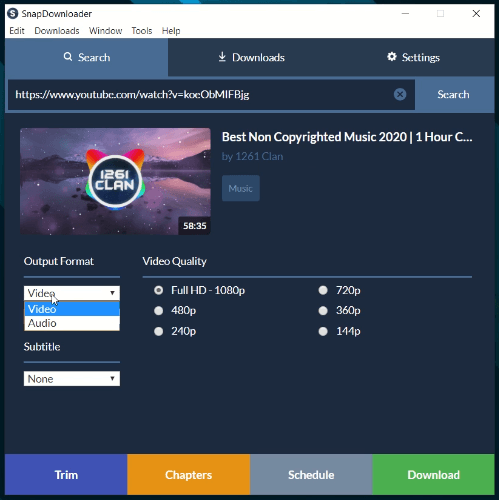
SnapDownloader is a polished desktop application that hits the sweet spot between power and usability. It supports over 900 websites, offers built-in video trimming, scheduled downloads, and a clean interface that non-technical team members can actually use.
For marketing teams where multiple people need to download content — not just the technical lead — SnapDownloader's intuitive UI makes it the most team-friendly option on this list.
Key features:
- Batch download playlists and entire channels
- Built-in video trimmer — clip specific segments before saving
- Scheduled downloads — set it and forget it for recurring research
- Subtitle download support
- Proxy setup for geo-restricted content
- Ad-free experience in paid versions
Pricing:
- Free trial
- $7.99/month
- $29.99/year
- $39.99 lifetime (1 PC)
- $69.99 lifetime (3 PCs)
Best for: Marketing teams who need a reliable, user-friendly YouTube video downloader that non-technical members can operate independently.
Limitations:
- No iOS/mobile integration.
- Some advanced features require higher-tier licenses.
- Requires desktop installation.
VideoProc Converter AI — Best for Marketers Who Also Edit
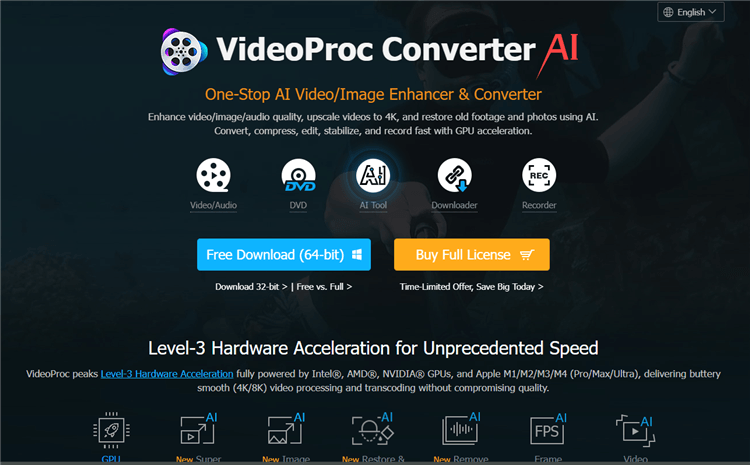
VideoProc Converter AI goes beyond downloading — it's a full multimedia processing suite with AI-powered video enhancement built in. If your workflow involves downloading competitor videos and then processing them (upscaling, stabilizing, converting formats), VideoProc handles the entire pipeline in one app.
The AI Super Resolution feature can upscale downloaded videos to 4K or 8K — useful when you're archiving older competitor content that was originally uploaded in lower resolution.
Key features:
- Download from YouTube and 1,000+ sites
- AI Super Resolution — upscale videos to 4K/8K
- AI Frame Interpolation — smooth out video to higher frame rates
- AI Stabilization — removes camera shake from downloaded footage
- Batch processing with GPU acceleration
- Convert between 370+ input and 420+ output formats
Pricing:
- Free trial (limited)
- Premium 365: $25.95/year (3 devices)
- Lifetime: $45.95 (1 device)
- Family: $57.95 (3–5 devices)
Best for: Content marketers and video teams who download YouTube content and need to process, convert, or enhance it as part of their production workflow.
Limitations:
- Heavier software footprint than pure downloaders.
- AI upscaling quality varies on heavily compressed source videos.
- No cloud or browser-based processing — desktop only.
Downie — Best YouTube Video Downloader for Mac Users
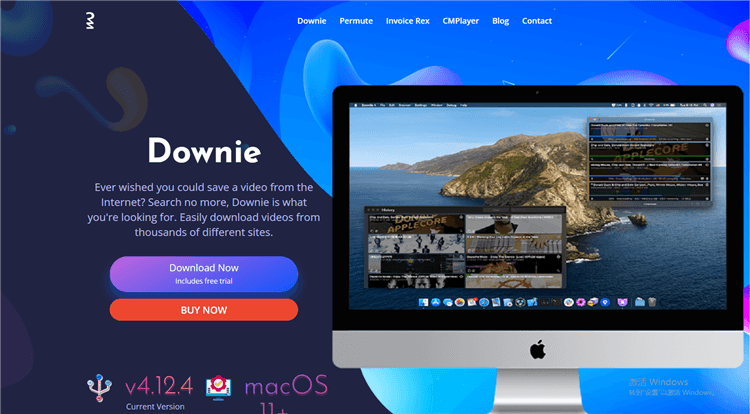
Downie is the gold standard for macOS users. It's notarized by Apple (no security warnings), integrates directly with Safari, Chrome, Firefox, and Opera via browser extensions, and supports over 1,000 websites with consistent reliability.
The browser extension workflow is particularly smooth for marketers: browse YouTube, click the Downie extension button, and the video downloads in the background. No copy-pasting URLs.
Key features:
- Browser extension for Chrome, Firefox, Safari, and Opera
- Supports 1,000+ websites, including YouTube, Instagram, Vimeo, Reddit
- Downloads up to 4K resolution
- On-the-fly conversion to MP4 or audio extraction to MP3/M4A
- Subtitle download in multiple languages
- iCloud sync for download history across Macs
- Proxy support for geo-restricted content
Pricing:
- ~$20 one-time purchase
- Also available via Setapp subscription ($10/month for 200+ Mac apps)
Best for: Mac-based marketers who want a reliable, browser-integrated downloader with minimal friction.
Limitations:
- macOS only — Windows users need a different tool. Major version upgrades (e.g., Downie 4 → 5) may require a new purchase.
- Batch downloading requires the separate "Downie Batch" companion app at extra cost.
- No built-in video editing features.
💡 Pro tip: If you're already a Setapp subscriber, Downie is included at no extra cost — making it effectively free for Mac users on that plan.
YouTube Premium — The Only Fully Legal Offline Option
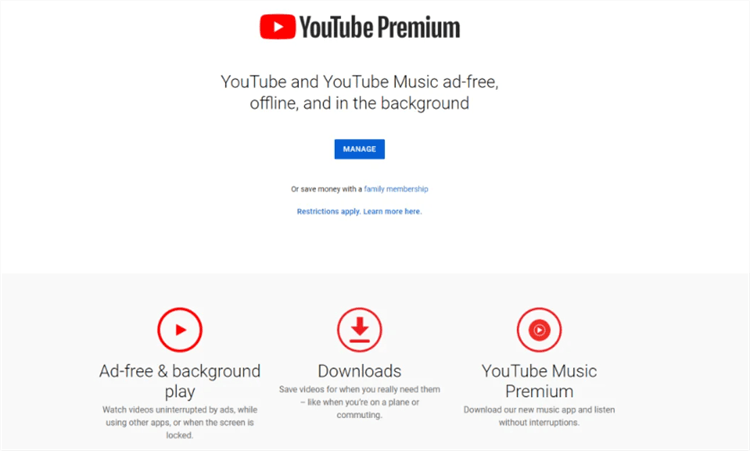
YouTube Premium is YouTube's official subscription service, and it's the only method on this list that is fully compliant with YouTube's Terms of Service. For $13.99/month, you get ad-free viewing, background play, and the ability to download videos for offline viewing within the YouTube app.
The critical caveat for marketers: YouTube Premium downloads are locked inside the YouTube app. You cannot export the video file to your computer, edit it, or use it in other workflows. It's offline viewing, not file access.
Key features:
- Fully legal and ToS-compliant
- Download videos for offline viewing on mobile and TV
- Ad-free viewing across all YouTube content
- Background play (audio continues when the screen is off)
- YouTube Music included
Pricing:
- $13.99/month (individual)
- $22.99/month (family, up to 6 members)
- $7.99/month (student)
Best for: Marketers who need to watch YouTube content offline (on flights, in areas with poor connectivity) and don't need to export or edit the files.
Limitations:
- Downloads are locked inside the YouTube app — no file export, no editing, no repurposing.
- Not useful for competitor research workflows that require file access.
- Requires an active subscription; downloads expire if you cancel.
How to Choose the Right YouTube Video Downloader for Your Needs
The right tool depends on your specific marketing workflow:
If you're doing competitor research at scale → Use yt-dlp (free, scriptable, no limits) or 4K Video Downloader Plus (GUI-friendly, playlist support).
If you're repurposing your own content → Use SnapDownloader (built-in trimmer, scheduler) or VideoProc Converter AI (download + process in one app).
If you're on a Mac → Use Downie (browser extension integration, Apple-notarized, reliable).
If legal compliance is your top priority, → Use YouTube Premium (the only ToS-compliant option, but no file export).
If your team is non-technical, → Use SnapDownloader or 4K Video Downloader Plus — both have clean UIs that don't require technical knowledge.
📌 Note: For e-commerce marketers specifically, the ability to download competitor product videos and analyze their scripts, hooks, and CTAs is a high-ROI research activity. Backlinko's research on YouTube SEO shows that video engagement signals heavily influence both YouTube and Google rankings — understanding what's working in your category is a competitive advantage.
Bonus: AllyHub — For Marketers Who Need to Automate YouTube Research at Scale
If your goal is more than downloading a single video and instead involves running systematic YouTube research workflows, AllyHub is an AI agent platform designed for scalable research automation.
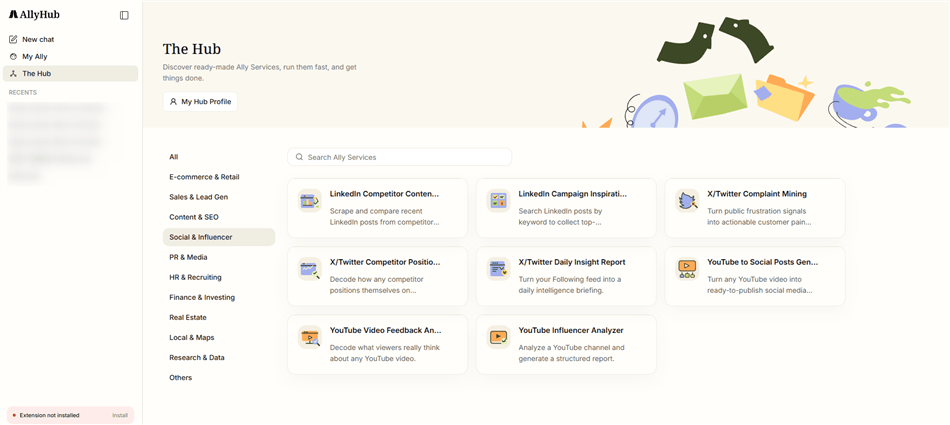
Users can instruct AllyHub to navigate YouTube, identify relevant content based on criteria, and extract transcripts, comments, and metadata, which are then transformed into structured datasets for downstream analysis.
Unlike one-time tools, AllyHub builds reusable Skills and Recipes from each workflow. As a result, recurring YouTube research tasks become progressively faster and more efficient, as the system reuses prior execution knowledge and reduces redundant exploration.
Best for: Digital marketing and e-commerce teams running recurring YouTube competitive intelligence workflows who want to automate the full research pipeline, not just video downloading.
💡 Example workflow: Brief AllyHub to monitor a competitor's YouTube channel weekly, download new video transcripts, extract key talking points and product claims, and deliver a structured brief to your content team — all on autopilot.
FAQ: How to Download a Video from YouTube
Is it legal to download YouTube videos?
Downloading YouTube videos without permission generally violates YouTube's Terms of Service. The only fully compliant method is YouTube Premium's in-app offline download feature. That said, downloading your own content, content under Creative Commons licenses, or content you have explicit permission to use is generally acceptable. Always verify the license and intended use before downloading.
Can I download YouTube videos without YouTube Premium?
Yes — all the third-party tools on this list (4K Video Downloader Plus, yt-dlp, SnapDownloader, etc.) allow you to download YouTube videos without a Premium subscription. However, these methods may violate YouTube's ToS depending on how you use the downloaded content.
What's the best quality I can download from YouTube?
Most tools support up to 1080p reliably. 4K and 8K downloads are technically possible with tools like 4K Video Downloader Plus and yt-dlp, but availability depends on whether the original video was uploaded in those resolutions and whether YouTube's API allows it at the time of download.
Can I download entire YouTube playlists or channels?
Yes — 4K Video Downloader Plus, yt-dlp, SnapDownloader, and VideoProc Converter AI all support full playlist and channel downloads. This is one of the most valuable features for marketers doing bulk competitor research.
How do I download YouTube video subtitles or transcripts?
4K Video Downloader Plus, yt-dlp, SnapDownloader, and Downie all support subtitle download. With yt-dlp, you can download only the subtitle file (without the video) using the --skip-download --write-auto-sub flags — ideal for transcript-based content analysis.
Can I download YouTube videos on my phone?
YouTube Premium allows offline downloads within the mobile app. For file-based downloads on Android, apps like Seal (open-source, yt-dlp-based) work well. iOS options are more limited due to App Store restrictions.




