

You built your first AI workflow in Dify — and it works. But along the way, you may have run into questions: how to manage LLM costs, how to connect it to your existing tools, or whether it's the right long-term fit for a marketing team.
You're not alone. Dify is a powerful platform for building AI applications, but it's not designed for every use case — especially for teams that prioritize speed, simplicity, and plug-and-play integrations.
This guide explores when Dify makes sense — and when an alternative might be a better fit.
Key Takeaways
- Dify is a powerful platform for building AI applications, especially for developers and technical teams
- It supports RAG pipelines, multi-model workflows, and flexible deployment options
- Dify Cloud includes monthly message credits for supported models, but usage-heavy workflows may still require careful monitoring or your own API keys once credits are exhausted.
- Non-technical teams may face a learning curve depending on their use case
- Alternatives like Zapier, Make, or Gumloop are better suited for plug-and-play marketing automation
Why Marketers Look for Dify Alternatives
Dify is a powerful open-source platform for building AI applications. It supports RAG pipelines, visual workflows, multi-model orchestration, and AI agent development — making it especially valuable for developers and technical teams.
However, for marketing teams, the fit depends heavily on the use case and technical resources. Some common considerations include:
- Setup approach: Dify offers both self-hosted and cloud options. While the cloud version simplifies onboarding, self-hosting requires familiarity with tools like Docker and basic infrastructure management — which may not align with every marketing team's workflow.
- LLM usage costs: Dify plans include a baseline of message credits but ultimately transition to a Bring Your Own Key (BYOK) model. Because you connect directly to providers like OpenAI or Anthropic for heavy usage, it is important to monitor external API costs as you scale.
- Learning curve: As a full-featured AI application platform, Dify introduces concepts like workflows, RAG pipelines, and model configuration. These capabilities offer flexibility, but may require time for non-technical users to fully adopt.
- Integrations: Dify provides flexible integration through APIs, webhooks, and custom tools. However, it does not offer the same plug-and-play ecosystem of pre-built app integrations as tools like Zapier or Make.
If your goal is to build custom AI applications with full control over models, data, and workflows, Dify remains a strong choice.
If your priority is quickly automating marketing tasks and connecting existing tools with minimal setup, you may find that alternative platforms better match your needs.
Quick Comparison: Dify Alternatives at a Glance
Not every Dify alternative solves the same problem. Some tools replace Dify’s AI app-building layer, while others solve the marketer’s real pain point: connecting tools, running AI workflows, or executing browser-based tasks without engineering support.
Alternative | Best For | Starting Price | Free Plan? | Technical Skill Required |
Zapier AI | Connecting AI to 9,000+ apps | ~$20/month | ✅ Yes |
8 Best Dify Alternatives in 2026
Zapier AI — Best for Connecting AI to Your Existing Marketing Stack
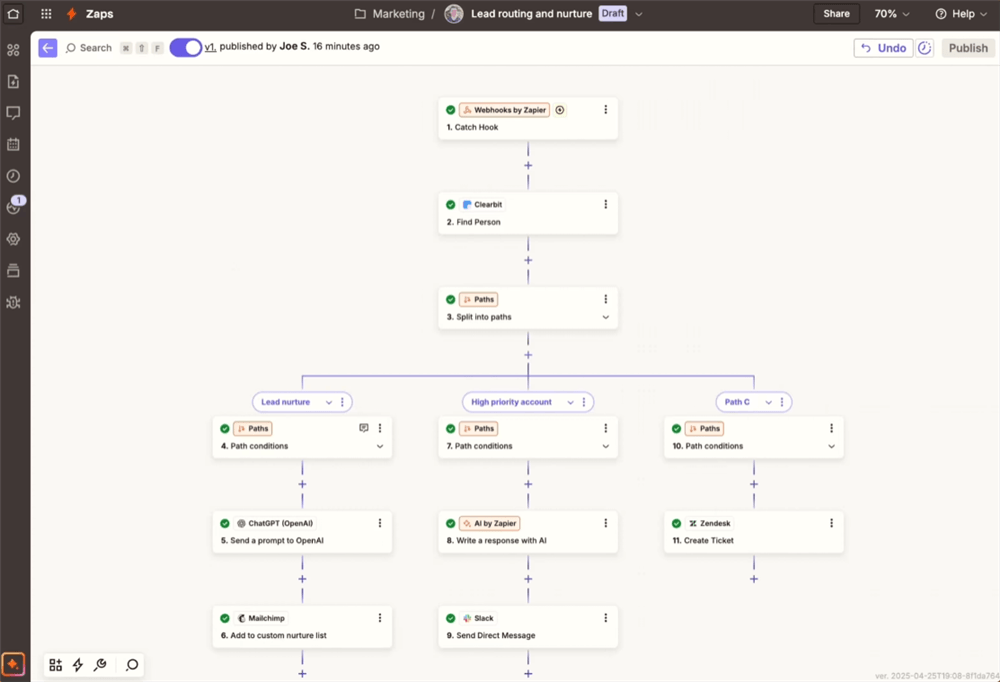
If your frustration with Dify is that it doesn't talk to your marketing tools without custom API work, Zapier is the most direct fix. With over 9,000 app integrations — including HubSpot, Mailchimp, Shopify, Google Ads, Slack, and virtually every SaaS tool in a marketer's stack — Zapier has expanded aggressively into AI with dedicated AI Agents, AI Chatbots, and a visual Canvas builder.
Why it beats Dify for marketing integrations: Zapier's integration library is unmatched. Where Dify requires custom connectors to reach most marketing platforms, Zapier connects natively. You can build an AI workflow that pulls leads from a form, enriches them with AI, and pushes them to your CRM — in under an hour, no code required.
Key features:
- 9,000+ native app integrations
- AI Agents for multi-step task automation
- AI Chatbot builder with no-code setup
- Visual Canvas for workflow design
- AI actions: summarization, classification, content generation
Pricing vs. Dify: Paid plans start at $20/month. LLM costs are bundled into task-based pricing. Compared to Dify: More predictable pricing, but can get expensive at scale.
Best for: Marketers who need AI to work inside their existing tool stack without any technical setup.
Limitations vs. Dify: Zapier lacks Dify's depth in RAG pipeline customization and multi-model switching. For complex LLM orchestration or custom AI application development, Dify has more horsepower. Zapier's AI features are also newer and less mature than its core automation engine.
Make — Best for Complex Multi-Path Marketing Workflows
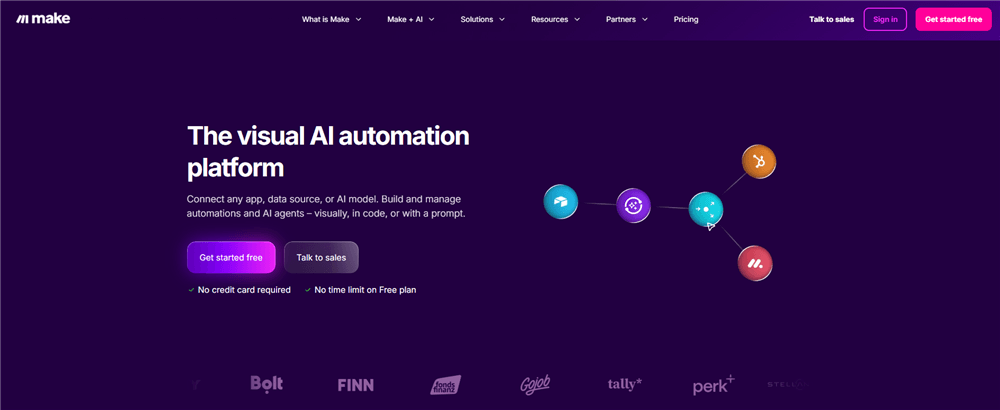
Make (formerly Integromat) sits between Zapier's simplicity and Dify's complexity — and for many marketing teams, that's exactly the right spot. Its visual canvas supports branching logic, loops, error handling, and multi-path workflows that Zapier can't match, while remaining accessible to non-developers.
Why it beats Dify for marketing workflow complexity: Make's visual builder handles the kind of conditional logic that marketing workflows actually need — "if this lead came from channel A, do X; if from channel B, do Y" — without requiring code. Dify can do this too, but Make does it with a fraction of the setup time.
Key features:
- Visual canvas with branching, loops, and advanced logic
- 3,000+ app integrations
- Native AI modules (OpenAI, Anthropic) for classification, summarization, content generation
- Scenario scheduling and real-time triggers
- Detailed execution logs for debugging
Pricing vs. Dify: Free plan with 1,000 credits/month. Paid plans start at $10.59/month — the most affordable entry point on this list, and far cheaper than Dify's cloud plans.
Best for: Marketing operations teams that need sophisticated workflow logic without a developer on staff.
Limitations vs. Dify: Make doesn't offer Dify's depth in RAG pipelines or AI agent orchestration. It's a workflow automation tool with AI capabilities bolted on — not an AI-native platform. For building custom AI applications or chatbots, Dify is more purpose-built.
Gumloop — Best for AI-First Marketing Automations
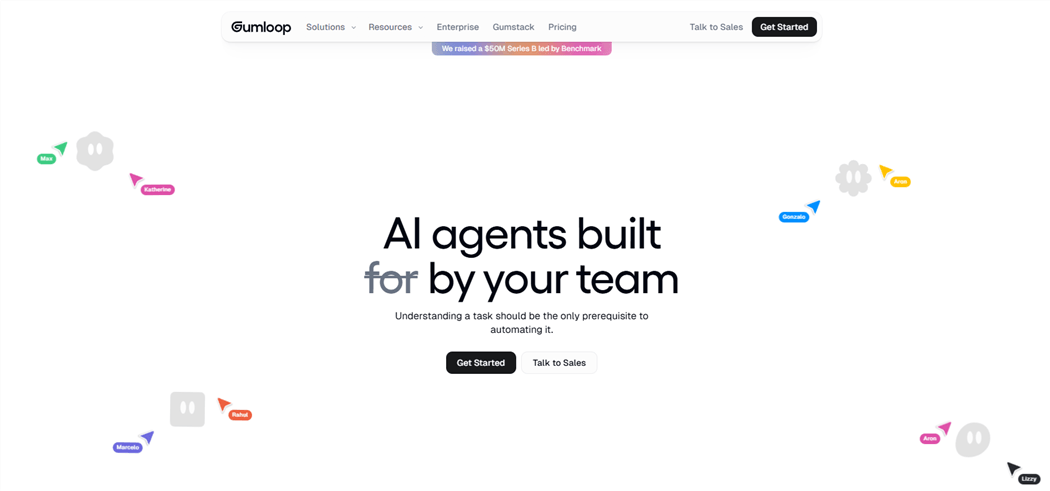
Gumloop is what happens when you build a workflow tool for the AI era from scratch. Often described as "Zapier and ChatGPT had a baby," it's designed specifically for AI-powered automations — SEO workflows, ad copy generation, web scraping, content pipelines — with a visual interface that non-technical marketers can actually use.
Why it beats Dify for marketing-specific AI tasks: Gumloop ships with pre-built workflow templates for common marketing use cases — SEO audits, content generation, competitor research — that Dify doesn't offer. Where Dify requires you to architect your own pipeline, Gumloop gives you a starting point.
Key features:
- AI-first visual workflow builder
- Pre-built templates for SEO, ads, and content workflows
- Web scraping and data extraction nodes
- Integration with popular marketing and business apps
- Multi-agent workflow support
Pricing vs. Dify: Free plan available. Paid plans start at $37/month — less than Dify's Professional tier, with LLM costs included in many workflows.
Best for: Digital marketers who want AI-powered content and research workflows without building from scratch.
Limitations vs. Dify: Gumloop is newer and has a smaller integration ecosystem than Zapier or Make. For enterprise-scale deployments or highly customized AI applications, Dify's maturity and open-source flexibility give it an edge.
Lindy — Best for No-Code AI Agents That Handle Daily Marketing Tasks
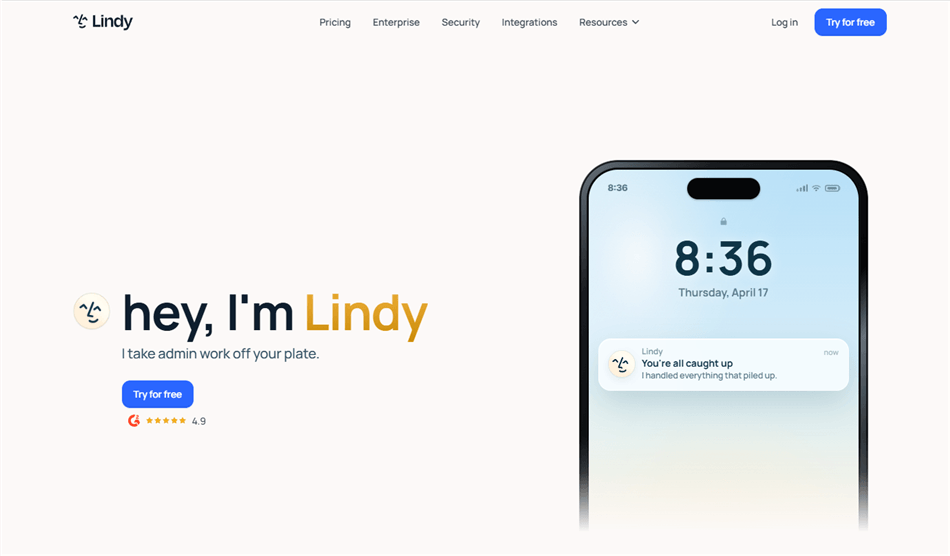
Lindy takes a different approach: instead of building workflows visually, you describe what you want in plain language and Lindy creates an AI agent that handles it. For marketers who want AI to manage repetitive daily tasks — inbox triage, lead follow-up, meeting scheduling, content drafts — without any workflow design, Lindy is remarkably frictionless.
Why it beats Dify for non-technical marketers: Dify requires you to understand LLM orchestration concepts to build effective agents. Lindy requires you to describe your job. That's a meaningful difference for a marketing manager who doesn't want to become an AI engineer.
Key features:
- Natural language agent creation — describe the task, get an agent
- 4,000+ business tool integrations
- Drag-and-drop visual workflow builder (for those who want it)
- Pre-built agent templates for sales, marketing, and support
- Real-time triggers and scheduled automations
Pricing vs. Dify: Free tier for experimentation. Paid plans start at $49.99/month — slightly less than Dify's Professional plan, with no separate LLM API costs to manage.
Best for: Marketing managers and e-commerce teams who want AI agents handling daily operational tasks without any technical setup.
Limitations vs. Dify: Lindy's natural language approach trades depth for accessibility. For complex RAG pipelines, custom model configurations, or developer-grade AI application building, Dify offers significantly more control.
Relevance AI — Best for Building an AI Agent Workforce
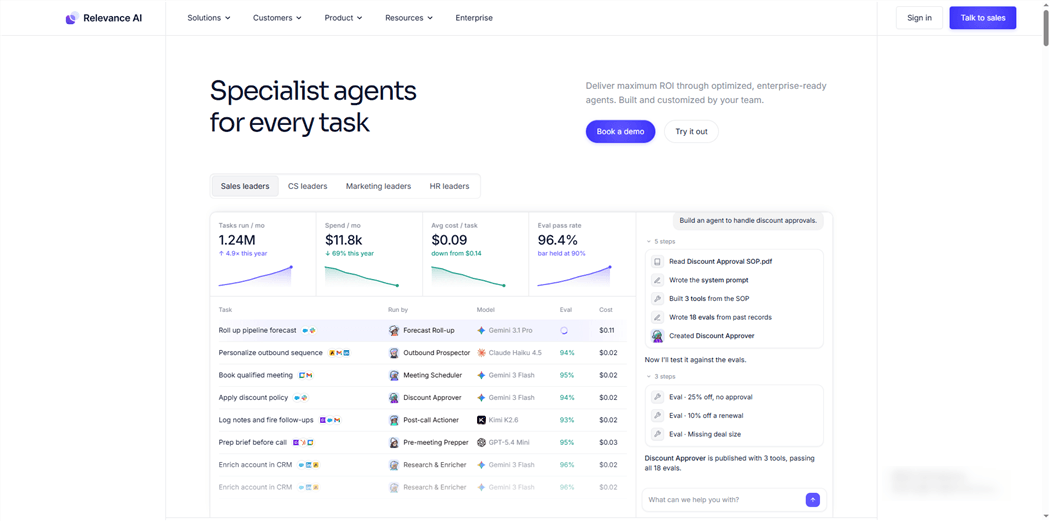
Relevance AI is built for teams that want to deploy multiple AI agents working together — a research agent, a content agent, a data agent — coordinated as a team. For marketing operations teams managing complex, multi-step campaigns, this multi-agent architecture is genuinely powerful.
Why it beats Dify for multi-agent marketing workflows: Dify supports AI agents, but Relevance AI is purpose-built for multi-agent orchestration. You can create specialized agents for different marketing functions and have them collaborate — something that requires significant custom development in Dify.
Key features:
- No-code multi-agent workflow builder
- Pre-built templates for marketing, sales, and support use cases
- CRM and support tool integrations
- Knowledge base connectors for RAG-style retrieval
- Agent monitoring and performance tracking
Pricing vs. Dify: Free tier available. Paid plans scale based on agent runs and features — contact for Team/Enterprise pricing.
Best for: Marketing teams that want to deploy a coordinated AI workforce across research, content, and campaign management. If you're evaluating tools specifically for the research side, see our guide to the best AI research tools for marketers.
Limitations vs. Dify: Relevance AI is a SaaS-only platform — no self-hosting option for teams with strict data sovereignty requirements. Dify's open-source, self-hosted model gives it a clear advantage for regulated industries or privacy-sensitive use cases.
n8n — Best Open-Source Alternative for Technical Marketing Teams
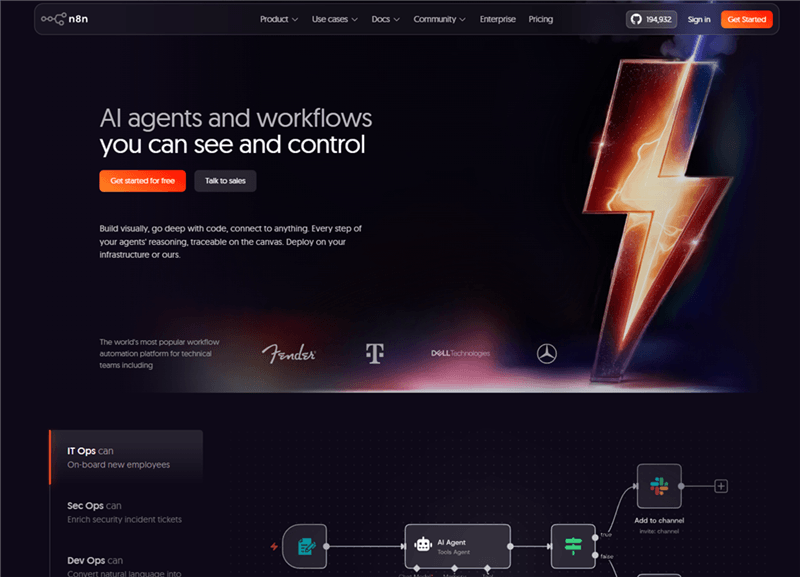
n8n is the closest thing to a direct Dify alternative for teams that want open-source, self-hosted control but need broader automation capabilities. It's a node-based workflow automation platform with 400+ integrations, support for custom JavaScript and Python, and a growing set of AI nodes for LLM-powered workflows.
Why it beats Dify for general automation breadth: Dify is purpose-built for LLM application development. n8n is a general-purpose automation platform that also does AI — which means it connects to far more tools and handles a wider range of marketing workflows out of the box.
Key features:
- 400+ native integrations
- AI nodes for LLM workflows (OpenAI, Anthropic, Hugging Face)
- Custom JavaScript and Python nodes for advanced logic
- Self-hosted (free) and cloud-hosted options
- Visual node-based editor with branching and error handling
Pricing vs. Dify: Free self-hosted version. Cloud plans start at $24/month — less than Dify's cloud pricing, but AI nodes may still require separate model provider credentials or usage costs depending on the workflow.
Best for: Technical marketing teams or marketing engineers who want self-hosted control and broad automation capabilities alongside AI workflows. If data extraction is a core use case, our guide on how to scrape data from a website covers the methods that pair well with n8n.
Limitations vs. Dify: n8n requires more technical comfort than Dify's visual builder for complex AI configurations. Its RAG pipeline support is less mature than Dify's built-in RAG engine. If your primary need is LLM application development rather than general automation, Dify is more purpose-built.
Flowise — Best for Teams Already in the LangChain Ecosystem
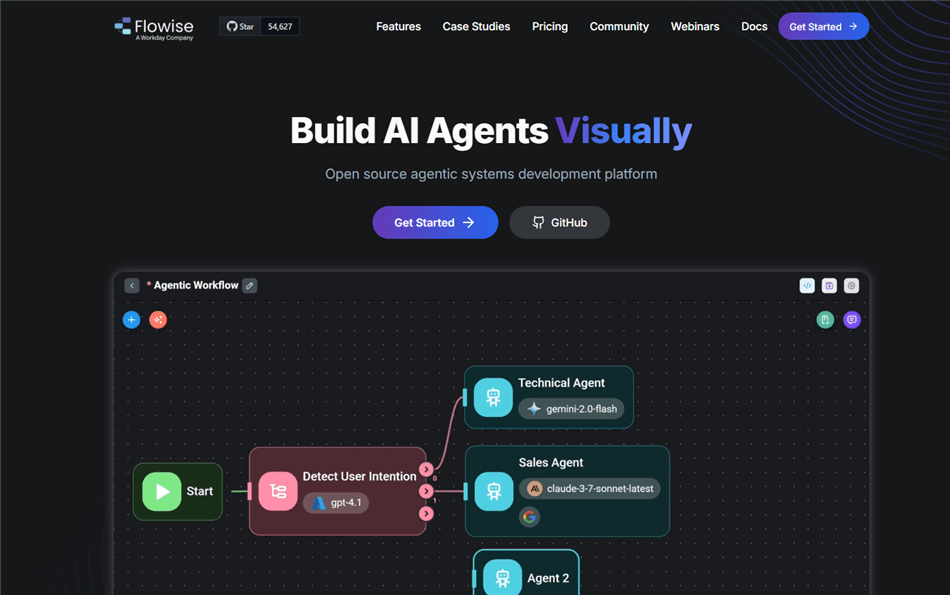
Flowise is an open-source, self-hostable drag-and-drop LLM workflow builder built directly on LangChain. If your team is already using LangChain and wants a visual interface for building RAG pipelines and chatbots — without writing all the code — Flowise is the most natural transition.
Why it beats Dify for LangChain-native teams: Flowise exposes LangChain's full capabilities through a visual canvas, which means you get the same depth as Dify's RAG engine but with direct access to LangChain's ecosystem of tools, loaders, and chains.
Key features:
- Visual drag-and-drop LLM workflow builder on LangChain
- RAG pipeline builder with document loaders and vector stores
- Chatbot and AI agent deployment
- API endpoint generation for embedding into other apps
- Self-hosted (free) and cloud-hosted options
Pricing vs. Dify: Free open-source version. Starter cloud plan at $35/month — comparable to Dify's pricing but with LangChain's full ecosystem underneath.
Best for: Marketing technology teams or developers who want Dify-style visual LLM building with LangChain's depth and flexibility.
Limitations vs. Dify: Flowise has a smaller community and fewer pre-built integrations than Dify. Its UI is less polished, and the platform is less actively maintained at the enterprise level. For teams without LangChain familiarity, Dify's onboarding is smoother.
AllyHub — Best for Marketers Who Want AI That Compounds Over Time
Most AI workflow platforms—Dify included—suffer from a "cold start" problem. You build a workflow, execute it, grab the output, and the system resets. The next time a similar project comes up, you are back to square one.
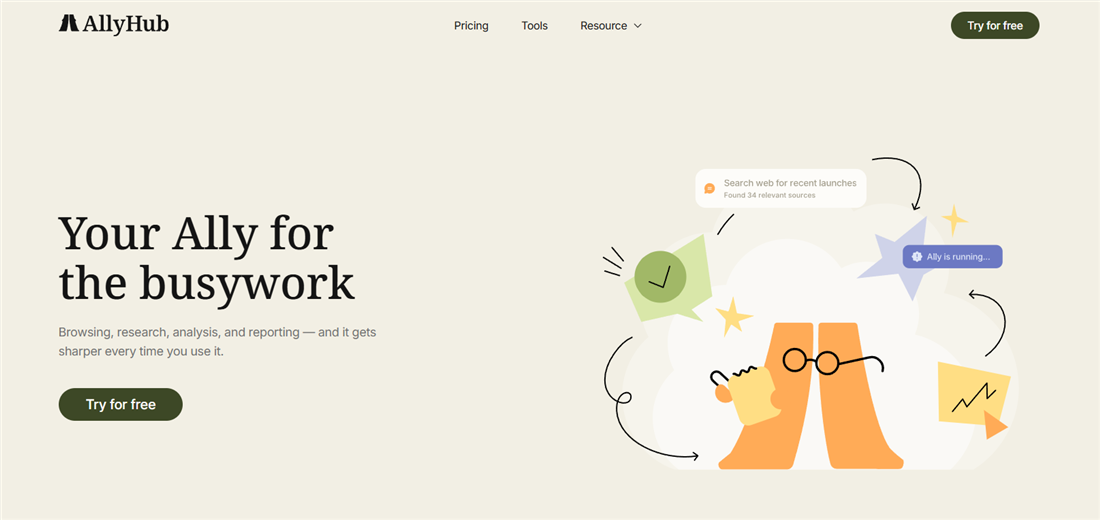
AllyHub challenges this status quo. Designed as a browser-native AI copilot for knowledge workers and marketing teams, its core differentiator is institutional memory. Instead of treating tasks as isolated events, AllyHub translates your daily execution into reusable Skills, Web Notes, and Service assets. The more your team interacts with it, the sharper and faster it becomes at handling your specific operational quirks.
Dify shines when you want to architect backend AI applications. AllyHub, however, is built to execute front-end marketing work—like deep-dive research, multi-source content creation, web data extraction, and competitor tracking—while automatically packaging that execution into permanent assets. Where Dify requires you to engineer a pipeline before you even start, AllyHub handles the heavy lifting upfront and figures out how to optimize it for the next run.
Key Features
- Autonomous Browser Automation: Operates directly within your active tab to handle clicks, scrolls, form entries, screenshots, and structured data extraction just like a human operator.
- Self-Evolving Skills System: Automatically distills completed workflows into permanent operational assets, turning yesterday's manual effort into tomorrow's automated template.
- Modular Service Cards: Converts intricate, multi-step marketing routines into single-click tactical cards for instant deployment across your team.
- Domain-Specific Web Notes: Acts as a contextual memory layer for specific websites, ensuring the AI retains past operational knowledge and guidelines every time you revisit a page.
- Zero-Config Extension Format: Deploys instantly via a lightweight browser extension—bypassing the usual software installation or API configuration bottlenecks.
- ROTI (Return on Time Invested) Framework: Built entirely around compounding value, ensuring that every minute spent guiding the AI reduces the friction of future tasks.
Key features:
- Real browser execution — clicks, scrolls, form fills, screenshots, data extraction
- Skills system — every completed task builds reusable knowledge assets
- One-click Service cards — package any workflow for instant reuse
- Web Notes — operational memory for specific websites and workflows
- Browser extension format — install and start immediately, zero configuration
- ROTI framework — every AI interaction is designed to produce compounding value
Pricing vs. Dify: Free to start. No separate LLM API costs to manage — AllyHub handles the infrastructure. No Docker, no server setup, no DevOps required.
Best for: Digital marketers, e-commerce marketers, and content teams who run the same types of research, content, and data tasks repeatedly — and want an AI that gets better at those tasks over time.
Limitations vs. Dify: AllyHub is not a platform for building and deploying custom AI applications or chatbots for end users. If you need to build a customer-facing AI product, Dify's application development capabilities are more appropriate. AllyHub is built for the marketer doing the work, not for shipping AI products to others.
💡 Pro tip: AllyHub's compounding model is most valuable for marketers with recurring workflows — weekly competitor research, monthly content audits, ongoing lead enrichment. The first run builds the asset; every subsequent run is faster.
How to Choose the Right Dify Alternative
The right choice depends on what specifically frustrated you about Dify:
If the problem was setup complexity and DevOps overhead → Start with Zapier AI or Lindy. Both are zero-configuration, browser-based, and designed for non-technical users.
If the problem was unpredictable external LLM costs → Look at Gumloop or AllyHub, where AI capabilities are bundled into the platform pricing rather than billed separately through API providers.
If the problem was poor marketing tool integrations → Zapier (9,000+ integrations) or Make (3,000+ integrations) will solve this immediately.
If the problem was that you need multi-agent coordination → Relevance AI is purpose-built for this use case.
If you want open-source control but broader automation → n8n gives you self-hosted flexibility with a much wider integration ecosystem than Dify.
If you want AI that gets smarter the more you use it → AllyHub's compounding Skills system is the only platform on this list designed around that principle.
⚠️ Warning: Don't switch platforms just because Dify felt complex at first. If your team has the technical capacity and you need deep RAG customization or custom AI application development, Dify's open-source model and LLM flexibility are genuinely hard to match. The alternatives above are better fits for marketers who need execution, not engineering.
Conclusion
Dify excels as an AI application platform — not as a plug-and-play marketing automation tool.
Choosing the right tool depends less on features, and more on your team's technical comfort and the type of workflows you need to build.
FAQ: Dify Alternatives
What is Dify used for?
Dify is an open-source LLMOps platform for building AI applications — chatbots, RAG pipelines, AI agents, and multi-step LLM workflows. It's popular with developers and technical teams who want to prototype and deploy AI applications with visual tooling and multi-model support.
Is Dify free?
Dify has a free Sandbox tier on its cloud version with limited message credits. The self-hosted Community Edition is free to license, but you pay for your own server infrastructure and LLM API costs separately. Paid cloud plans start at $59/month (Professional) and $159/month (Team).
What are the main alternatives to Dify for non-technical users?
The best alternatives to Dify for non-technical marketers are Zapier AI (best for integrations), Lindy (best for natural language agent creation), Gumloop (best for AI-first marketing workflows), and AllyHub (best for compounding AI that builds on your work over time).
Is Dify still worth it in 2026?
Yes — for the right user. If you're a developer or technical team that needs deep RAG pipeline control, multi-model switching, and full self-hosted data sovereignty, Dify remains one of the best open-source options available. For marketers who need AI execution without technical overhead, the alternatives above are better fits.
What is the best free Dify alternative?
n8n (self-hosted) and Flowise (open-source) are both free to self-host. For cloud-based free tiers, Zapier, Make, Gumloop, Lindy, and AllyHub all offer free plans with meaningful capabilities.
How does AllyHub differ from Dify?
Dify is a platform for building AI applications — you architect pipelines and deploy them. AllyHub is a browser-native AI copilot for executing marketing tasks directly — research, content creation, data extraction, browser automation — and it builds reusable Skills and Service assets from every task you complete. Dify is for building AI products; AllyHub is for doing marketing work with AI.
Can I use multiple Dify alternatives together?
Yes. Many marketers use a combination — for example, Make for workflow automation, AllyHub for research and content tasks, and Relevance AI for multi-agent coordination. These tools are complementary rather than mutually exclusive.


