

You've been there: you need data on a competitor's YouTube channel — upload frequency, video performance, comment sentiment — and the official API just hit its daily quota. Or you're building an influencer shortlist and manually copying subscriber counts into a spreadsheet. Or you're a researcher trying to track how a topic evolves across dozens of channels over time, and there's simply no scalable way to do it by hand.
YouTube holds an enormous amount of publicly accessible data. The gap between "I need this data" and "I have this data in a clean spreadsheet" is exactly what YouTube channel scrapers are built to close.
This guide walks through the best YouTube channel scrapers — covering no-code tools, developer-focused APIs, and AI-native options — so you can find the one that actually fits how you work.
Key Takeaways
- Top pick for non-coders: Browse AI extracts channel profiles, subscriber counts, and video lists without any API key or code
- Best for developers: Apify's YouTube Scraper offers the most flexible data coverage with cloud execution and scheduling
- Best for scale: Bright Data handles enterprise-volume extraction with built-in proxy rotation and anti-bot bypass
- Best AI-native option: AllyHub lets you describe what you want in plain language and delivers structured YouTube data with zero setup — and gets faster every time you use it
- Free option: YouTube Data Tools uses the official API — limited quota, but completely free and legally compliant
When choosing a YouTube channel scraper, prioritize tools that handle JavaScript rendering, support bulk channel input, and export to CSV or JSON without extra steps. For most marketers and researchers, Browse AI or AllyHub will cover the vast majority of use cases without writing a single line of code.
Why YouTube Channel Data Matters
YouTube is the world's second-largest search engine and the primary distribution channel for video content across virtually every industry. But the platform's native analytics are locked behind creator accounts — you can only see your own data.
For everyone else — marketers benchmarking competitors, researchers tracking content trends, agencies building influencer lists — the only way to get channel-level data at scale is through scraping.
The data you can extract from YouTube channels includes:
- Channel-level: Subscriber count, total views, video count, channel description, join date, country
- Video-level: Title, description, view count, like count, comment count, publish date, duration, tags
- Comment-level: Comment text, author, timestamp, like count, reply threads
- Search-level: Ranking position, video thumbnails, channel associations for any keyword
This data powers competitive intelligence, influencer discovery, content gap analysis, trend detection, and audience sentiment research.
How We Selected These Tools
We evaluated a wide range of YouTube channel scrapers based on the following criteria:
- Data coverage: Does it extract channel profiles, video metadata, and comments — or just one?
- No-code accessibility: Can a non-developer use it without writing Python or setting up proxies?
- Anti-bot reliability: Does it consistently bypass YouTube's JavaScript rendering and bot detection?
- Bulk input support: Can you scrape many channels in a single run?
- Export formats: Does it output clean CSV, JSON, or direct spreadsheet integration?
- Pricing transparency: Are costs predictable, or do they spike with volume?
Only tools that reliably extract structured data from YouTube channels without requiring users to manage proxies manually made this list.
Quick Comparison Table of YouTube Channel Scrapers
Tool | Best For | No-Code | Bulk Channels | Export | Starting Price |
AllyHub | AI-native, flexible extraction | ✅ | ✅ | CSV, JSON | Free tier available |
Browse AI | Beginners, channel profiles | ✅ | ✅ | CSV, Google Sheets | Free (limited credits) + paid plans from $48/month |
Apify | Developers, full data coverage | ⚠️ Low-code | ✅ | JSON, CSV, Excel | Free tier + paid plans from $29/month |
Bright Data | Enterprise scale | ❌ | ✅ | JSON, CSV | Custom pricing |
Phantombuster | Marketers, automation flows | ✅ | ✅ | CSV, JSON | Paid plans from $69/month |
Octoparse | Visual workflow builders | ✅ | ✅ | CSV, Excel, API | Paid plans from $15/month |
Lobstr.io | Affordable no-code | ✅ | ✅ | CSV, Google Sheets | Free + paid plans from $20/month |
YouTube Data Tools | Free, API-based | ✅ | ❌ | CSV, JSON | Free |
8 Best YouTube Channel Scrapers
1. AllyHub
AllyHub is an AI agent platform that lets you extract YouTube channel data by describing what you want in plain English — no selectors, no proxy configuration, no code. You tell it which channels to scrape and what data you need; it handles the rest and delivers a structured CSV or JSON file.
What sets AllyHub apart from traditional scrapers is its compounding intelligence model. The first time you run a YouTube scraping task, AllyHub explores the page structure and builds a reusable recipe. Every subsequent run on the same site skips the exploration phase entirely — executing faster, consuming fewer resources, and producing more consistent output. Over time, your AllyHub gets better at YouTube extraction specifically because it remembers what worked.
Key features:
- Natural language task input — describes the data you want, no selector configuration required
- Automatic Recipe creation: reuses learned page structures across future runs
- Extracts channel profiles, video metadata, comment threads, and search results
- Exports to CSV, JSON, or structured files ready for analysis
- Handles JavaScript-rendered pages and dynamic content natively
- Supports bulk channel input and multi-page crawling
Best for: Marketers and researchers who want to run YouTube channel scraping tasks without any technical setup, and who run recurring scraping workflows where compounding efficiency matters
Limitations: Newer platform compared to established scraping APIs; best suited for users comfortable with AI-directed workflows rather than traditional point-and-click scraper interfaces
💡 Pro tip: AllyHub's Skills system lets you save your YouTube scraping workflow as a reusable template. Once you've defined the extraction logic once, you can re-run it on any channel list with a single command — no reconfiguration needed.
Case Study: Deep Channel Analysis with AllyHub
Challenge: A marketing team needed to analyze top tech YouTubers to understand content strategies and audience engagement patterns.
Solution: Using AllyHub, they scraped Marques Brownlee's channel and automatically generated a comprehensive research report.
Result: AllyHub extracted channel statistics, video performance data, and audience insights — then compiled everything into a shareable web report that could be published and distributed to stakeholders.
2. Browse AI — Best for Beginners and Channel Profiles
Browse AI is a no-code web scraping platform with a dedicated YouTube channel scraper that extracts profile data — channel name, ID, subscriber count, total views, video count, and description — without requiring a YouTube API key or any technical knowledge.
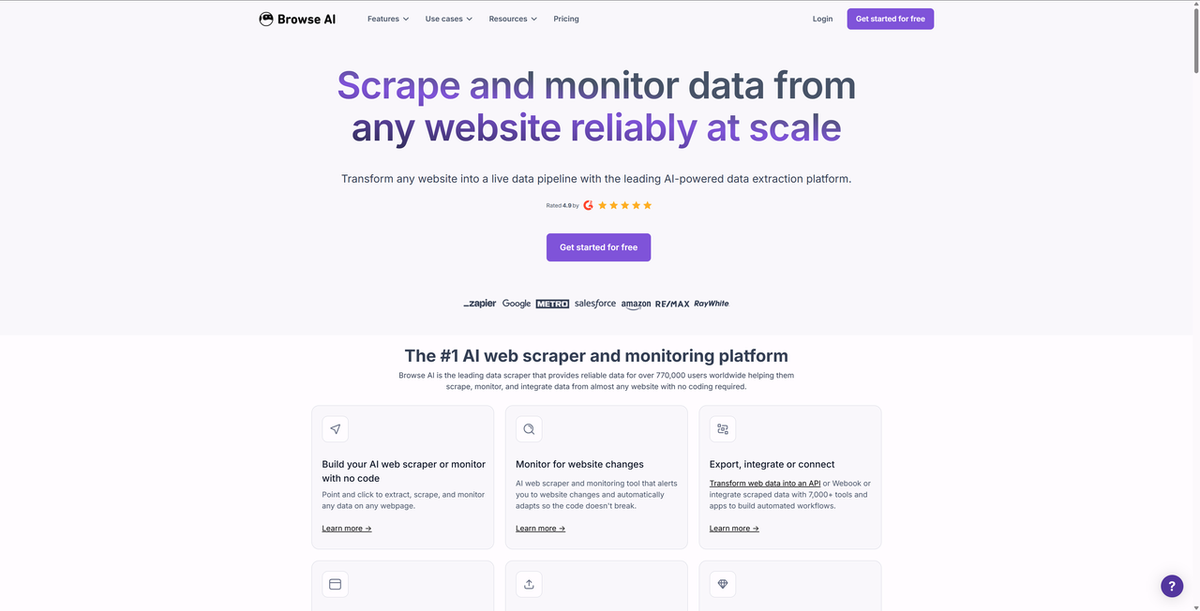
The setup is genuinely beginner-friendly: you point Browse AI at a YouTube channel URL, select the data fields you want, and it handles the rest. Extracted data syncs directly to Google Sheets or exports as CSV.
Key features:
- Pre-built YouTube channel scraper template (no setup required)
- Extracts channel name, ID, subscriber count, total views, video count, description
- Direct Google Sheets integration
- Scheduled monitoring — track channel growth over time automatically
- Bulk URL input for scraping multiple channels in one run
Pricing: Free plan with limited monthly credits; paid plans available
Best for: Content researchers and marketers who need clean channel-level data without any technical configuration
Limitations: Video-level and comment-level extraction requires additional setup; free tier credits deplete quickly on bulk runs
3. Apify — Best for Developers and Full Data Coverage
Apify is a cloud-based web scraping and automation platform with a dedicated YouTube Scraper Actor that covers the widest data range of any tool on this list. It extracts channels, playlists, search results, video metadata, and comments — all configurable through a JSON input schema or a simple web UI.
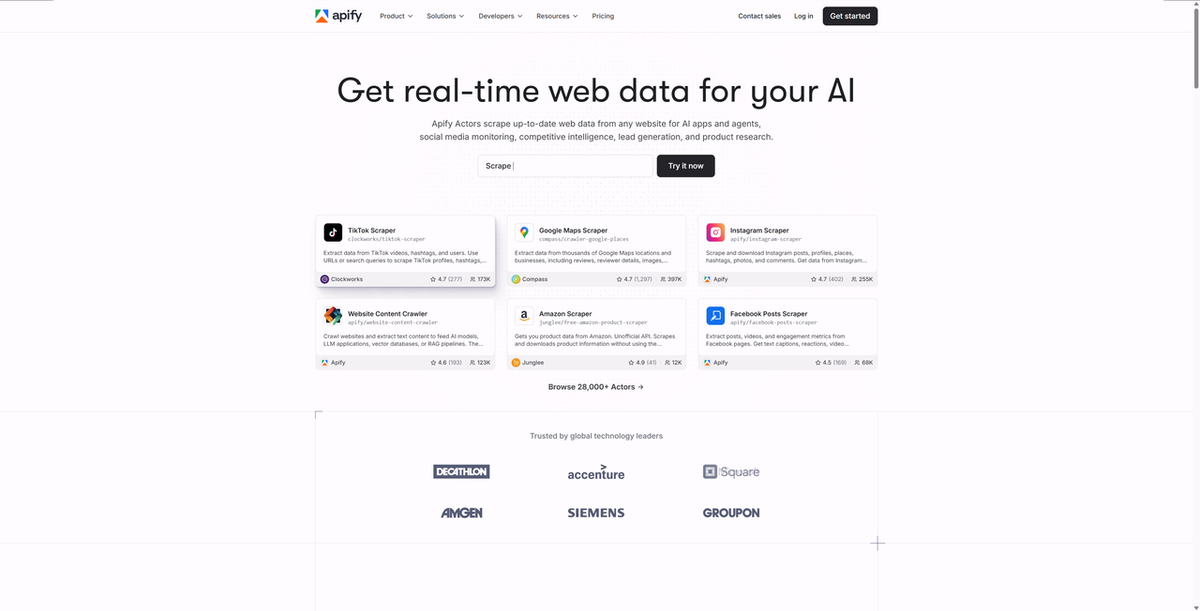
Apify runs in the cloud, so there's no local infrastructure to manage. You can schedule runs, set up webhooks, and integrate outputs directly into data pipelines via API.
Key features:
- Extracts channels, videos, playlists, search results, and comments in one Actor
- Configurable via web UI or JSON — accessible to both developers and non-developers
- Cloud execution with scheduling and webhook support
- Outputs to JSON, CSV, Excel, XML, or direct API integration
- Additional specialized Actors: YouTube Shorts Scraper, YouTube Comment Scraper, YouTube Transcript Scraper
Pricing: Free tier with monthly usage credits; paid plans for higher volume
Best for: Developers and data teams who need comprehensive YouTube data coverage with programmatic control and pipeline integration
Limitations: Full flexibility requires familiarity with Apify's Actor configuration; costs scale with data volume and run frequency
4. Bright Data — Best for Enterprise-Scale Extraction
Bright Data is the industry's largest proxy and data extraction infrastructure provider. Its YouTube Scraper API handles enterprise-volume extraction with built-in proxy rotation, anti-bot bypass, and JavaScript rendering — the kind of infrastructure that would take a developer team months to build independently.
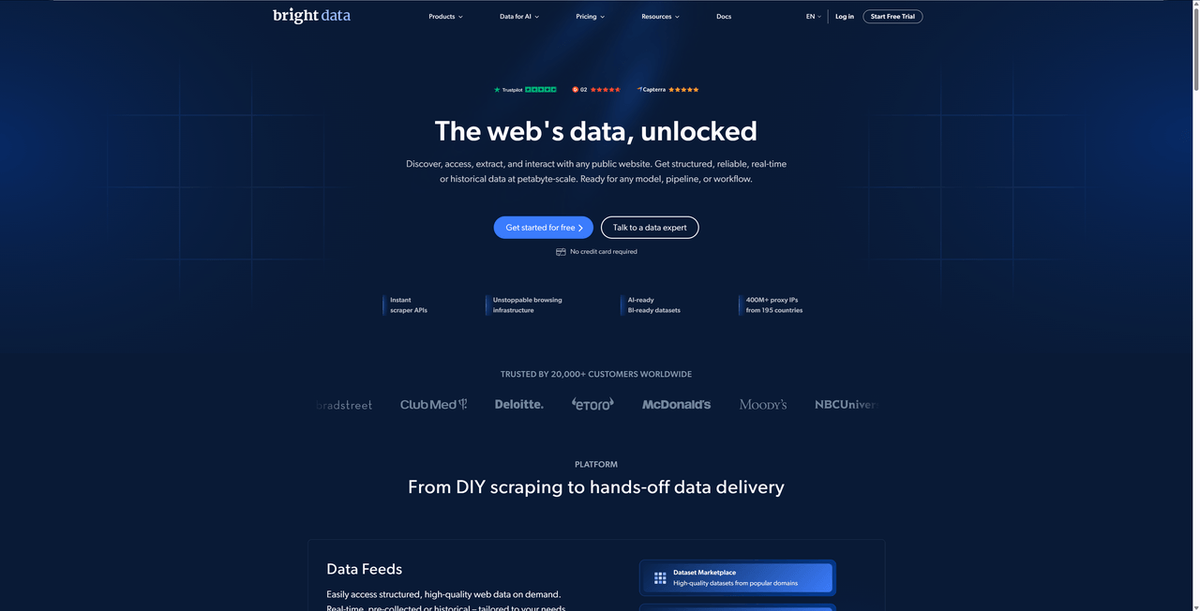
For organizations that need to scrape large numbers of YouTube channels reliably, Bright Data removes the infrastructure problem entirely.
Key features:
- Dedicated YouTube channel, video, and comment scraping endpoints
- Built-in residential proxy rotation — no separate proxy management needed
- Handles YouTube's anti-bot systems and JavaScript rendering automatically
- Managed scraping service available (Bright Data builds and maintains the scraper for you)
- AI-friendly structured data output
Pricing: Custom pricing based on volume; not cost-effective for small-scale use
Best for: Enterprise marketing teams, research organizations, and agencies running high-volume YouTube data collection at scale
Limitations: Pricing is opaque and expensive for small teams; overkill for researchers scraping a modest number of channels
5. Phantombuster — Best for Marketers Running Automation Flows
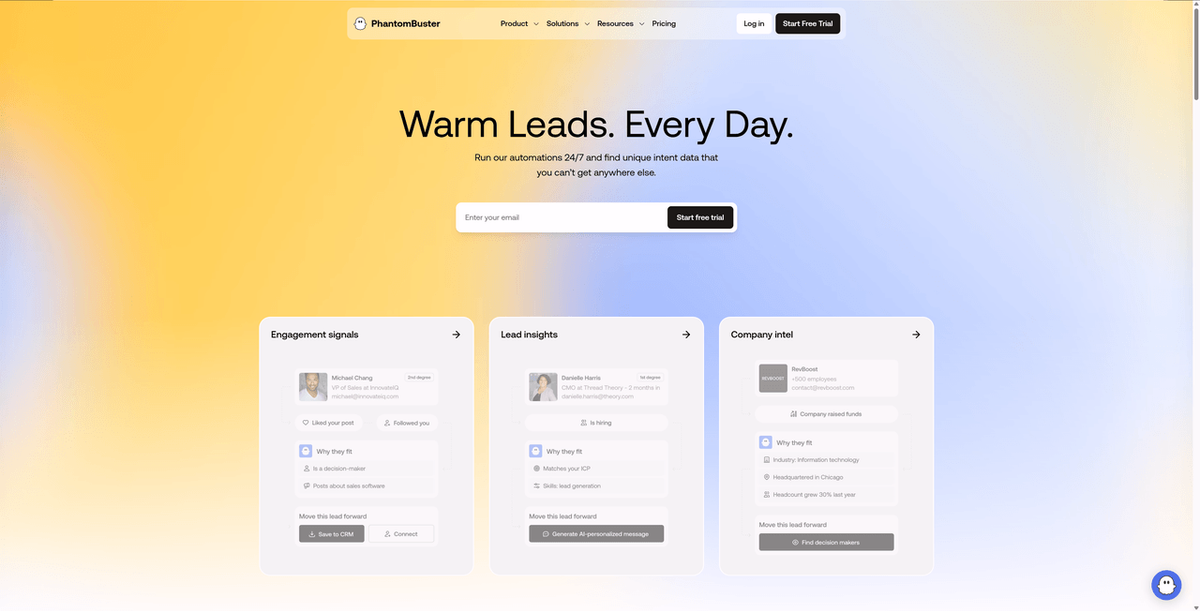
Phantombuster is a no-code automation platform built specifically for marketers. Its YouTube Channel Scraper extracts channel data and integrates natively with its broader automation ecosystem — so you can chain YouTube scraping with LinkedIn enrichment, email outreach, or CRM updates in a single workflow.
Key features:
- No-code YouTube Channel Scraper with simple URL input
- Native integration with Phantombuster's automation flow builder
- Extracts channel name, subscriber count, video count, description, and contact info where available
- Scheduled runs with automatic CSV export
- Pre-built automation templates for marketing workflows
Pricing: Paid plans; pricing is per automation slot
Best for: Marketing teams who need YouTube channel data as part of a larger outreach or research automation workflow
Limitations: YouTube scraping is one feature among many — not as deep as dedicated YouTube scrapers; per-slot pricing can get expensive for large channel lists
6. Octoparse — Best Visual Workflow Builder
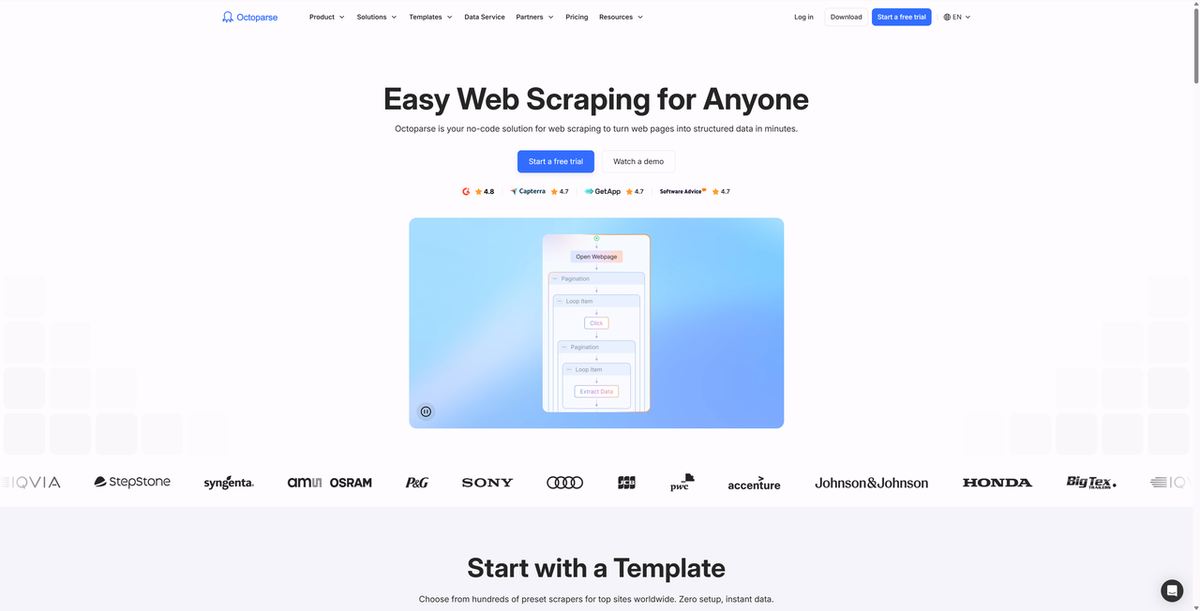
Octoparse is a desktop-based web scraper with a visual point-and-click interface that makes it accessible to non-developers while still offering the flexibility that power users need. It includes pre-built YouTube scraping templates that work out of the box.
Key features:
- Visual workflow builder — no code required
- Pre-built YouTube channel and video scraping templates
- Cloud extraction with scheduling
- Handles JavaScript rendering and infinite scroll
- Exports to CSV, Excel, databases, or API
Pricing: Free plan (limited); paid plans for full features
Best for: Researchers and analysts who prefer a visual interface and need flexibility to customize extraction beyond pre-built templates
Limitations: Desktop app adds friction compared to cloud-native tools; free plan is significantly limited; steeper learning curve than Browse AI for beginners
7. Lobstr.io — Best Affordable No-Code Option
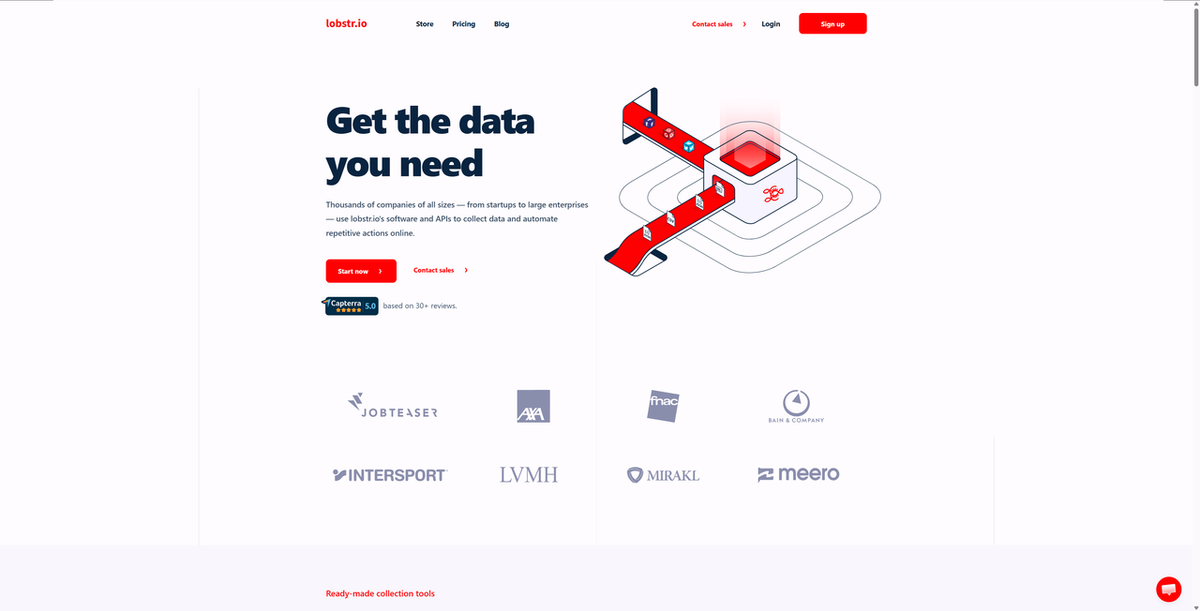
Lobstr.io is a cloud-based no-code scraping platform that punches above its price point. Its YouTube Channel Email Scraper is particularly useful for influencer outreach — it extracts channel contact information alongside standard profile data.
Key features:
- No-code YouTube channel scraper with simple setup
- Extracts channel name, subscriber count, email (where publicly listed), description
- Cloud-based — no installation required
- Direct Google Sheets integration
- Affordable pricing compared to enterprise alternatives
Pricing: Affordable paid plans
Best for: Small teams and solo researchers who need reliable YouTube channel data at a budget-friendly price point
Limitations: Less data coverage depth than Apify or Bright Data; comment-level extraction is not a core feature
8. YouTube Data Tools — Best Free Option
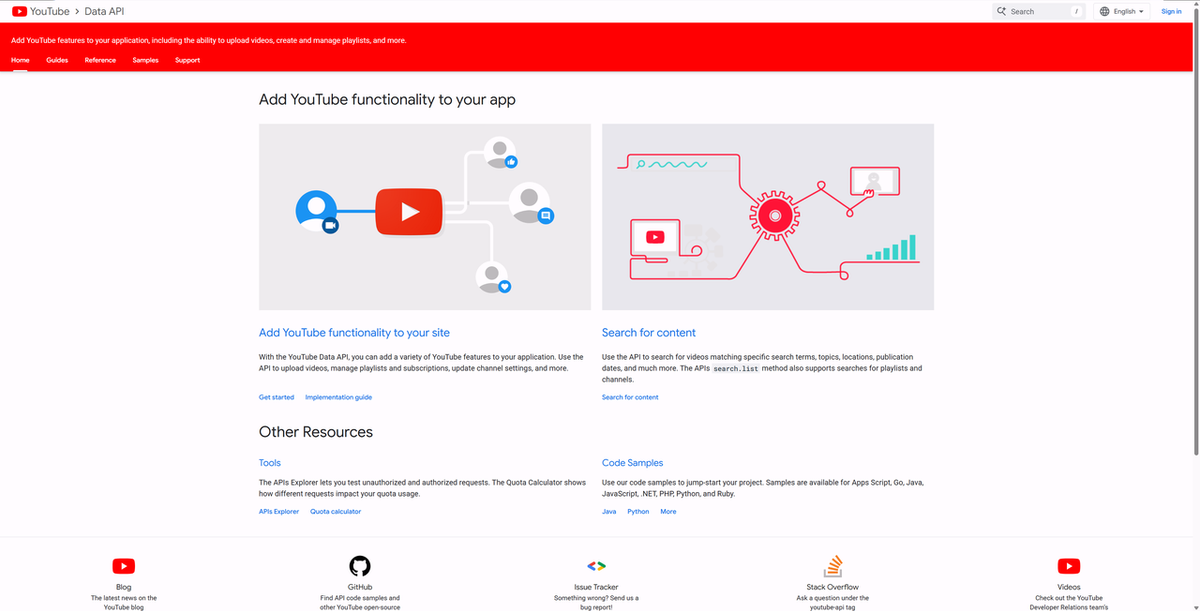
YouTube Data Tools is a collection of free, open-source tools built on the official YouTube Data API v3. It's maintained by the Digital Methods Initiative and is widely used in academic research.
Key features:
- Completely free — no subscription required
- Uses the official YouTube API (legally compliant)
- Modules for channel info, video lists, video comments, and channel networks
- Outputs structured CSV and JSON files
- No installation is required — run in the browser
Pricing: Free
Best for: Academic researchers, students, and anyone who needs basic YouTube channel data without a budget — and who can work within the API's daily quota limits
Limitations: Strict daily quota limits on the free tier; does not expose all public data; no bulk channel input; quota resets daily but can block large research projects
⚠️ Warning: The YouTube Data API quota resets every 24 hours at midnight Pacific Time. If you're running a large research project, plan your extraction schedule accordingly or apply for a quota increase through Google Cloud Console.
How to Choose the Right YouTube Channel Scraper
The right tool depends on your technical skill level, your data volume, and whether you need one-time extraction or recurring monitoring.
If you're non-technical and need channel profiles quickly: Start with Browse AI or AllyHub. Both require zero code and deliver clean structured data within minutes of setup.
If you're a developer building a data pipeline: Apify gives you the most flexibility — configurable inputs, multiple output formats, scheduling, and webhook support. It's the closest thing to a production-grade YouTube scraping infrastructure without building your own.
If you need enterprise volume: Bright Data is the only tool on this list built for large-scale extraction with guaranteed reliability. The cost reflects that.
If you're running recurring marketing workflows: Phantombuster's automation flow integration makes it the natural choice if YouTube scraping is one step in a larger outreach or research process.
If you have no budget: YouTube Data Tools is free and legally compliant. Accept the quota limits and plan accordingly.
If you want your scraper to get smarter over time: AllyHub's compounding model means the more you use it, the faster and more efficient your YouTube extraction becomes — without any additional configuration on your part.
FAQ: YouTube Channel Scrapers
What data can I actually extract from a YouTube channel?
Publicly available data includes channel name, subscriber count, total view count, video count, channel description, join date, country, and individual video metadata (title, description, view count, like count, comment count, publish date, duration, tags). Comment text and author information are also extractable. Private data — watch history, revenue, analytics — is not accessible through scraping.
Do I need a YouTube API key to scrape YouTube channels?
Not necessarily. Tools like Browse AI, AllyHub, Octoparse, and Phantombuster scrape YouTube directly without requiring an API key. The official YouTube Data API v3 (used by YouTube Data Tools) does require a Google Cloud API key, but it's free to obtain.
Is scraping YouTube channels legal?
This is a nuanced area. YouTube's Terms of Service prohibit unauthorized automated access. However, U.S. courts have generally ruled that scraping publicly accessible data does not violate the Computer Fraud and Abuse Act. The safest approach: use the official YouTube Data API when possible, avoid scraping personally identifiable information, and consult legal counsel for commercial-scale operations.
Can I scrape multiple YouTube channels at once?
Yes — most tools on this list support bulk channel input. Browse AI, Apify, Bright Data, Phantombuster, and AllyHub all accept lists of channel URLs and process them in a single run. YouTube Data Tools does not support bulk input natively.
How to scrape YouTube video data from a specific channel?
Most tools on this list support video-level extraction. With AllyHub or Apify, you can point the scraper at a channel's uploads page and extract all video metadata — titles, view counts, publish dates, descriptions, and more — in a single run. For channels with large back-catalogs, tools that support pagination and infinite scroll handling (like Apify and AllyHub) are the most reliable.
Which YouTube scraper is best for influencer research?
For influencer discovery and outreach, Lobstr.io (which extracts contact emails where publicly listed) and Phantombuster (which integrates with outreach workflows) are the strongest options. AllyHub works well if you need to combine YouTube channel data with other research tasks in a single workflow.
How often should I re-scrape YouTube channel data?
For competitive monitoring, weekly scraping of key metrics (subscriber count, video count, recent video performance) is typically sufficient. For trend detection and comment sentiment analysis, more frequent runs may be warranted depending on the channel's upload frequency.
Final Thoughts
The best YouTube channel scraper isn't the one with the most features — it's the one you'll actually use consistently.
If you're just getting started, pick something with a low barrier to entry. Browse AI's pre-built templates and AllyHub's plain-language interface both get you from zero to structured data without a learning curve. If you outgrow them, you'll know exactly what you need next.
If you're already running recurring research or competitive monitoring workflows, the compounding tools matter more. Every time you re-run a scraping task, you're either starting from scratch or building on what you already know. AllyHub is the only tool on this list designed around that second model — where each run makes the next one faster and more reliable.




