

You found a YouTube playlist that's exactly what you needed — a competitor's full content series, a curated topic collection, a channel's entire upload history, but don't know how to extract it.
Maybe you want every video title and URL in a spreadsheet so you can map out content gaps. Maybe you want view counts and publish dates to understand how a competitor's strategy has evolved. Maybe you just need to download the whole thing for offline access before it disappears.
The problem is that YouTube doesn't make any of this easy. The data is right there on the page — but getting it out in a usable format means either hours of manual work or finding the right tool for the job.
This guide covers the best YouTube playlist extractors available right now, so you can stop copying and start analyzing.
Key Takeaways
- Best for metadata extraction: AllyHub and Apify pull structured playlist data — titles, URLs, view counts, publish dates — into clean exports without any API key
- Best for downloading videos: 4K Video Downloader Plus handles entire playlists in high quality with minimal setup
- Best free option: yt-dlp is the most powerful free tool available, but requires command-line comfort
- Best no-code online tool: YoutubePlaylist.cc extracts all video links from a playlist instantly, no account needed
- Best for recurring workflows: AllyHub builds on what it learns — run the same extraction on any playlist and it gets faster every time
YouTube Playlist Extractor vs. Downloader: Know What You Actually Need
Before picking a tool, it helps to be clear about what you're trying to do — because "YouTube playlist extractor" means different things to different people.
If you need data — video titles, URLs, view counts, publish dates, video descriptions, channel info — you need a metadata extractor. These tools pull structured information from a playlist and export it to CSV, JSON, or a spreadsheet. They're built for researchers, marketers, and analysts who want to work with YouTube data, not just consume it.
If you need the actual video or audio files — MP4, MP3, offline playback — you need a downloader. These tools save media files to your device. They're built for personal archiving, offline viewing, or content repurposing.
Some tools do both. Most do one well and the other poorly. This guide covers both categories clearly so you can pick the right one.
⚠️ Legal note: Downloading copyrighted YouTube content without permission violates YouTube's Terms of Service and may infringe copyright law. YouTube Premium offers a legal path for offline viewing. For public domain or Creative Commons content, downloading is generally permissible. Always verify the license before downloading.
How We Selected These Tools
We evaluated tools across both categories based on:
- Data coverage: For extractors — does it pull titles, URLs, view counts, publish dates, and channel info? For downloaders — does it support full playlist batch downloads in multiple formats?
- No-code accessibility: Can a non-developer use it without writing code or managing API keys?
- Reliability: Does it handle large playlists, pagination, and YouTube's dynamic page structure consistently?
- Export quality: Does it output clean, structured data ready for analysis?
- Pricing transparency: Are costs predictable?
Quick Comparison Table of Top YouTube Playlist Extractors
Tool | Type | No-Code | Bulk Playlist | Export | Price |
AllyHub | Metadata extractor | ✅ |
8 Best YouTube Playlist Extractors
AllyHub — Best AI-Native for Playlist Extraction
AllyHub helps you pull structured data from YouTube playlists without writing scripts or setting up scraping tools. You only need to describe what you want, such as video titles, URLs, view counts, publish dates, descriptions, and channel names. AllyHub will open the playlist, collect the information, and export it as a CSV or JSON file.
The useful part is that repeated tasks do not need to start from scratch. After you run a playlist extraction once, AllyHub can save the workflow as a reusable Recipe. The next time you work with a similar playlist, you can run the same process again with much less setup.
This works well for competitor research, content audits, playlist tracking, and building video databases for later analysis.
Key features:
- Works with simple task descriptions
- Extracts video titles, URLs, views, publish dates, descriptions, and channel details
- Saves repeat workflows as reusable Recipes
- Handles long playlists and pagination
- Exports results to CSV, JSON, or spreadsheet-ready files
- Can run the same workflow across multiple playlists
Pricing: Free tier available; paid plans depend on usage.
Best for: Marketers, researchers, and content teams that regularly organize or analyze YouTube playlist data.
Limitations: AllyHub focuses on playlist metadata and workflow automation. It does not download video files, and because it is newer than some scraping API providers, it may still need more real-world use cases over time.
Pro tip: Save your playlist extraction setup as a Recipe, then reuse it whenever you need to process another playlist.
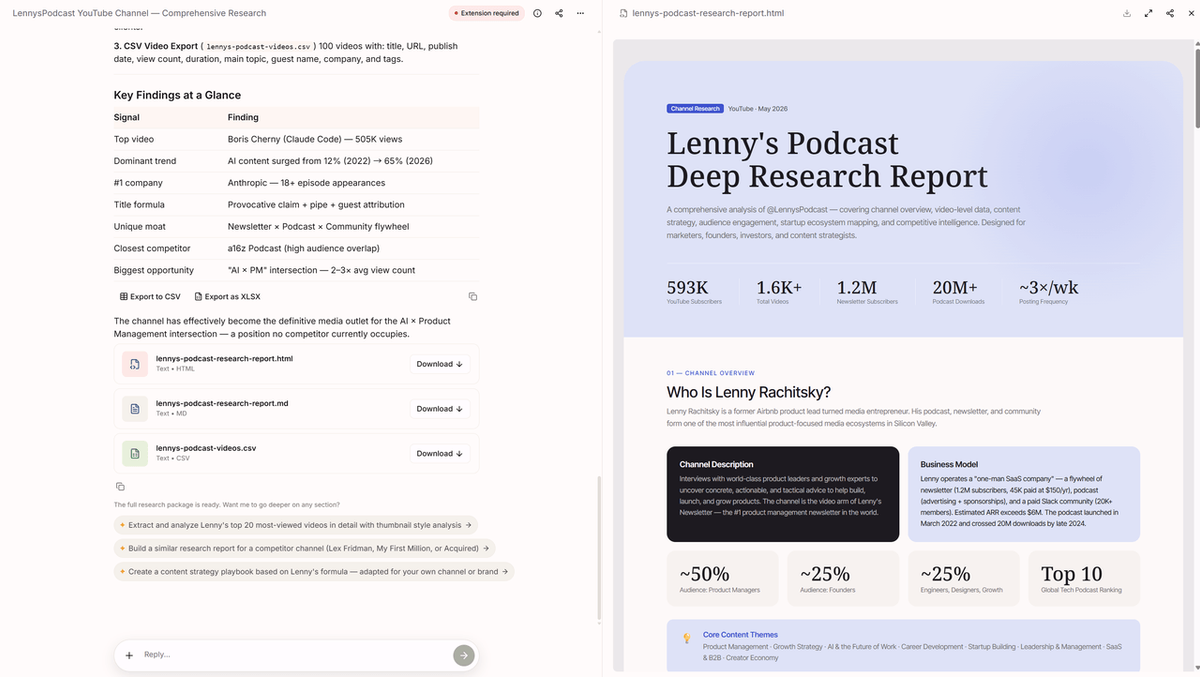
To see how this works in practice, here's an example extraction report for the YouTube channel Lenny’s Podcast.
Apify YouTube Playlist Extractor — Best for Developers
Apify is a good choice if you need more control over YouTube playlist data extraction. Its YouTube scraping Actors can collect playlist-level data such as video titles, URLs, descriptions, view counts, publish dates, and channel information, then export the results in formats like JSON, CSV, or Excel.
Compared with simpler tools, Apify is more suitable for technical teams. You can configure runs through the web interface or JSON input, schedule recurring tasks, connect outputs to APIs, and use webhooks to fit the extraction process into an existing data workflow.
For teams that need automated playlist monitoring, custom fields, or integration with internal dashboards and databases, Apify offers more flexibility than most no-code playlist extractors.
Key features:
- Extracts playlist video metadata, including titles, URLs, descriptions, views, publish dates, and channel details
- Supports configuration through web UI or JSON input
- Runs in the cloud, with scheduling and webhook support
- Exports data to JSON, CSV, Excel, or API-connected workflows
- Offers related Actors for comments, transcripts, search results, and other YouTube data
Pricing: Free tier available; paid usage depends on run time, data volume, and platform credits.
Best for: Developers, data teams, and companies that want to automate YouTube playlist monitoring or connect playlist data to larger workflows.
Limitations: Apify gives you a lot of flexibility, but it also requires more setup. Non-technical users may need time to understand Actor settings, input configuration, and cost control.
Browse AI — Best No-Code Extractor for Beginners
Browse AI is a no-code web scraping tool that works well for users who want a simpler way to collect YouTube playlist data. Instead of writing scripts, you can start from a template, enter a playlist URL, choose the data fields you need, and let the tool collect the results.
It is especially useful when you want playlist data to flow directly into Google Sheets or a CSV file. For basic playlist research, such as collecting video titles, URLs, publish dates, view counts, and channel details, Browse AI keeps the process relatively straightforward.
Key features:
- Offers ready-made scraping templates for YouTube and other websites
- Extracts video titles, URLs, publish dates, view counts, and channel information
- Sends results directly to Google Sheets
- Supports scheduled monitoring for tracking playlist updates over time
- Allows bulk URL input for processing multiple playlists
Pricing: Free plan available with limited monthly credits; paid plans are available for heavier use.
Best for: Marketers, content researchers, and beginners who want playlist data without dealing with technical setup.
Limitations: Browse AI is easy to start with, but it is less flexible than developer-focused tools like Apify. Large playlists or frequent monitoring can also use up free-plan credits quickly.
YoutubePlaylist.cc — Best Free Online Link Extractor
YoutubePlaylist.cc is a simple, free online tool that does one thing well: paste a playlist URL, get every video link out. No account, no installation, no API key. It extracts video titles and URLs from any public YouTube playlist and lets you export them as a text file or CSV.
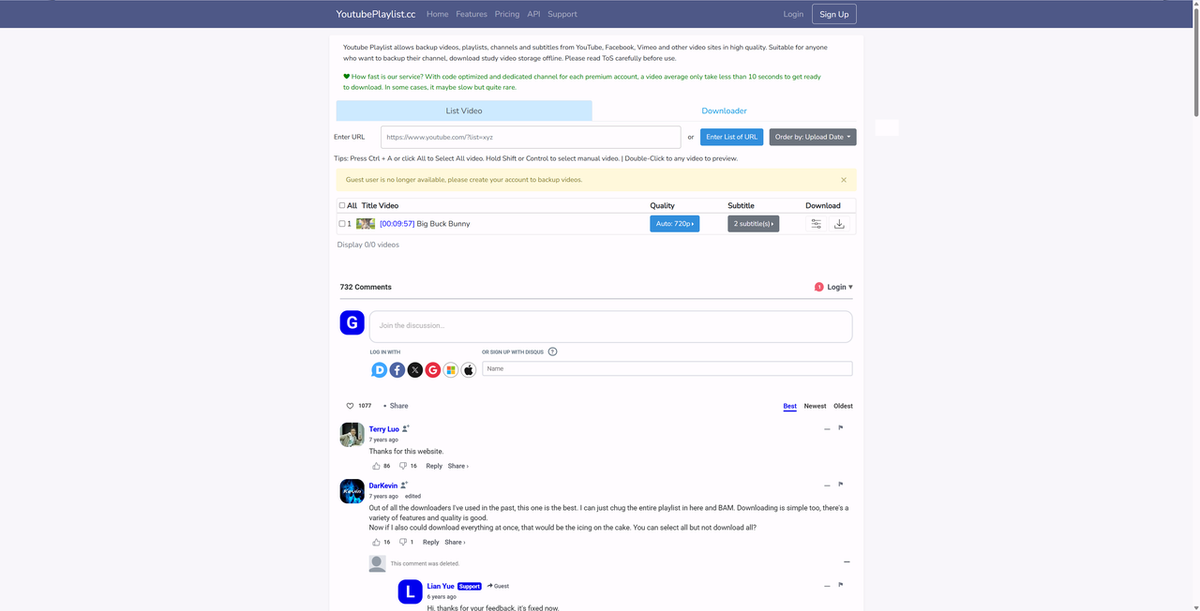
It's not a full metadata extractor — you won't get view counts or publish dates — but for quickly pulling a list of video links from a playlist, it's the fastest option available.
Key features:
- Paste URL, get links — no account or installation required
- Extracts video titles and URLs from any public playlist
- Export as TXT or CSV
- Handles large playlists with many videos
- Completely free
Pricing: Free
Best for: Anyone who needs a quick list of video links from a playlist and doesn't need additional metadata
Limitations: No view counts, publish dates, or channel-level data; no scheduling or monitoring; online-only with no API access
4K Video Downloader Plus — Best for Downloading Entire Playlists
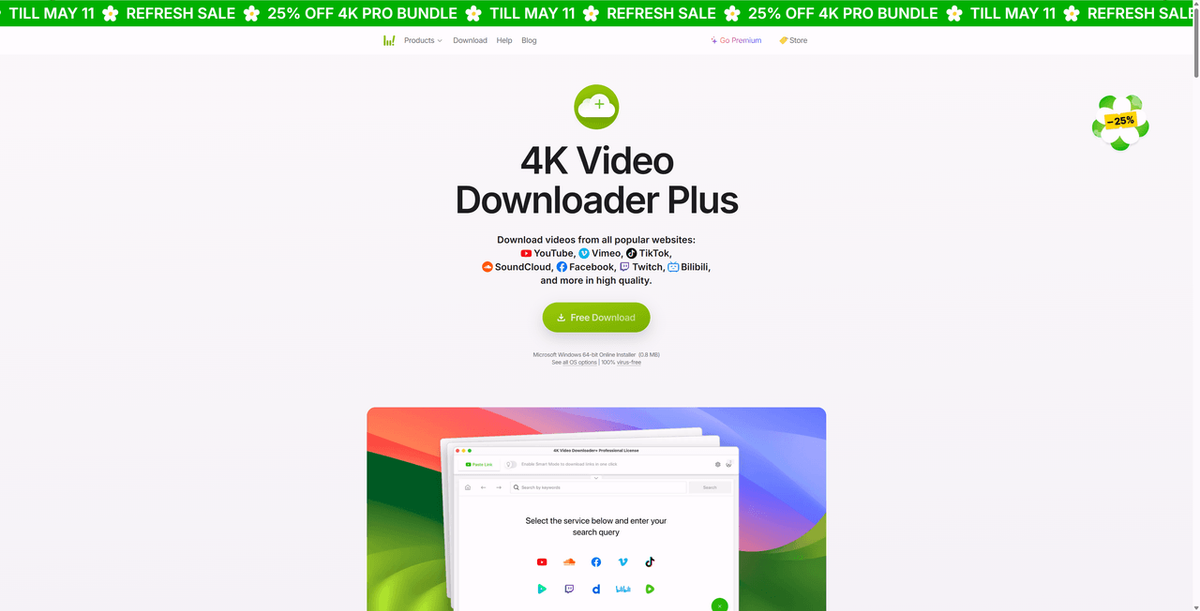
4K Video Downloader Plus is the most reliable desktop application for downloading entire YouTube playlists as video or audio files. Paste a playlist URL, select your format and quality, and it downloads every video in the playlist — including subtitles if needed. It supports MP4, MKV, and MP3, and can automatically detect and download new videos added to a playlist.
Key features:
- Downloads entire playlists in one click — MP4, MKV, MP3
- Supports up to 4K and 8K video quality
- Automatic playlist sync — detects and downloads newly added videos
- Downloads subtitles and closed captions
- Supports private playlists if you're logged in
- Available for Windows, Mac, and Linux
Pricing: Paid software with a free trial (limited downloads on free version)
Best for: Users who need offline access to YouTube playlists for personal archiving, travel, or content repurposing with proper permissions
Limitations: Paid software; downloading copyrighted content without permission violates YouTube's Terms of Service — use only for content you have rights to download
yt-dlp — Best Free Downloader for Power Users
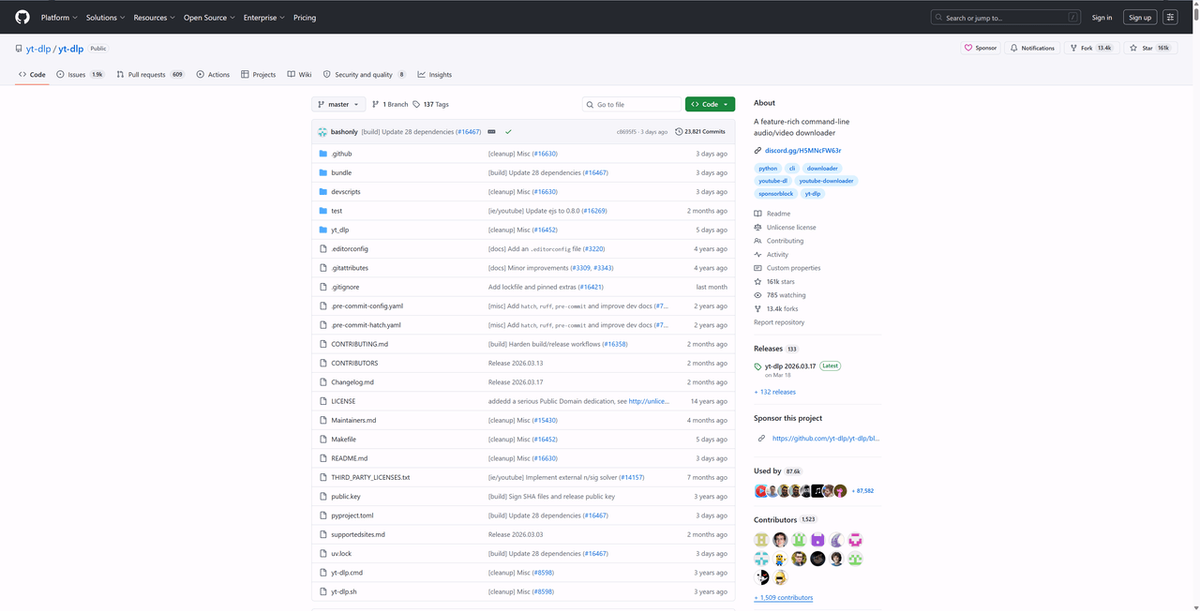
yt-dlp is an open-source command-line tool and the most powerful free YouTube downloader available. It's a fork of the well-known youtube-dl project, actively maintained and significantly faster. With a single command, you can download an entire playlist in any format, quality, or resolution — including audio-only extraction, subtitle downloads, and metadata embedding.
Key features:
- Downloads entire playlists in any format and quality
- Supports MP4, MP3, MKV, WebM, and dozens of other formats
- Batch processing — download multiple playlists from a text file
- Embeds metadata, thumbnails, and subtitles into downloaded files
- Actively maintained with frequent updates
- Completely free and open source
Pricing: Free
Best for: Developers, researchers, and power users comfortable with the command line who need maximum flexibility and format control
Limitations: Requires command-line knowledge — not suitable for non-technical users; no graphical interface; same legal considerations apply as with any downloader
VideoProc Converter AI — Best Desktop Downloader with Editing Features
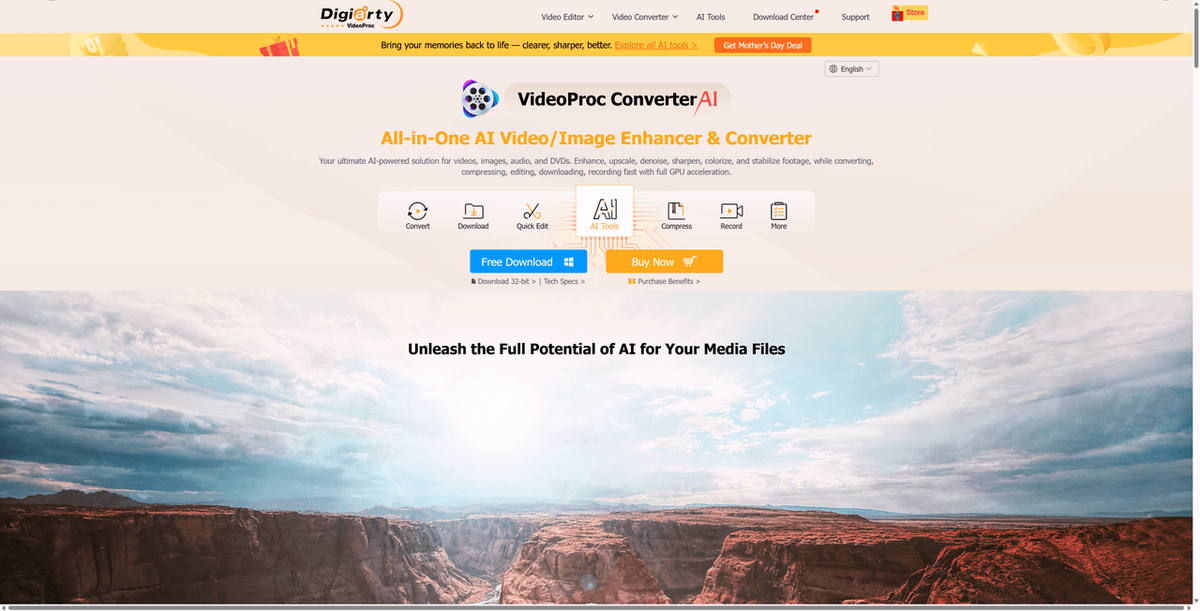
VideoProc Converter AI is a desktop application that combines playlist downloading with video editing and conversion tools. It downloads YouTube playlists in high quality and lets you trim, convert, or compress the downloaded files without switching to another application.
Key features:
- Downloads full YouTube playlists in MP4, MP3, MKV, and other formats
- Supports HD and 4K quality
- Built-in video editor and format converter
- Fast download speeds with hardware acceleration
- Available for Windows and Mac
Pricing: Paid software with a free trial
Best for: Content creators and educators who need to download playlists and then edit or convert the files for their own projects
Limitations: Paid software; same legal considerations apply; editing features add complexity for users who only need downloading
YouTube Data Tools — Best Free Metadata Extractor
YouTube Data Tools is a free set of tools built around the official YouTube Data API. It is often used by researchers who need a more transparent way to collect YouTube metadata, including playlist and video information.
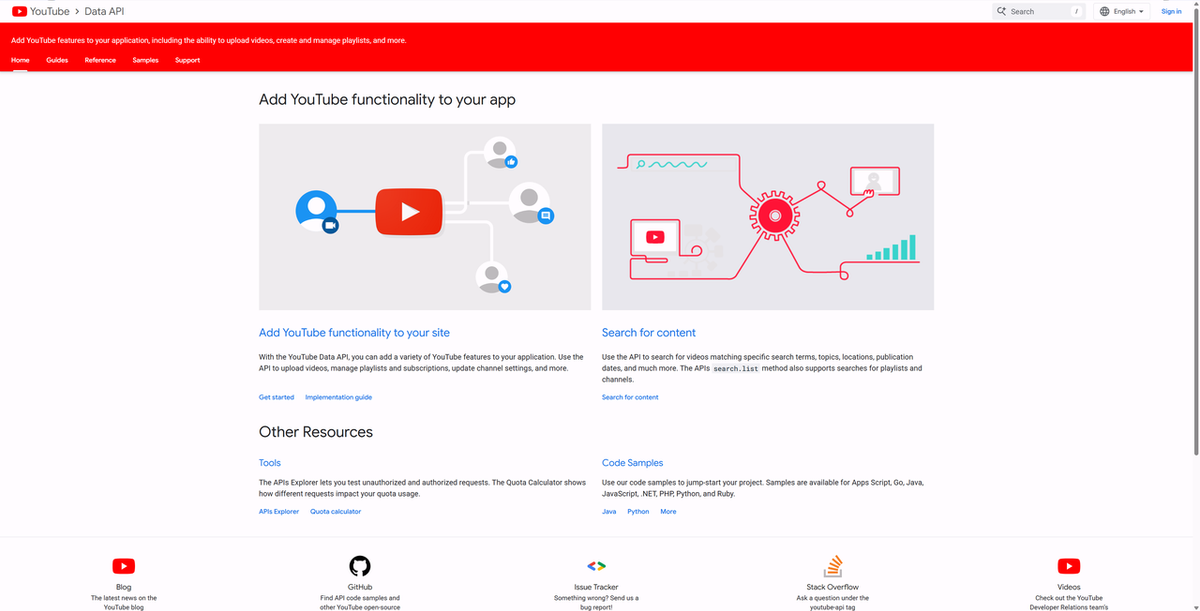
For playlist work, it can help you pull structured data such as video titles, IDs, publish dates, descriptions, and other metadata. Since it relies on the official API, the data source is relatively reliable, but it also means you need to work within YouTube API quota limits.
It is not the most beginner-friendly option, but it is a solid choice if you want a free tool for academic research, lightweight analysis, or one-time playlist data collection.
Key features:
- Free to use
- Built around the official YouTube Data API
- Extracts playlist and video metadata such as titles, IDs, publish dates, and descriptions
- Exports structured data for further analysis
- Suitable for research-oriented YouTube data collection
Pricing: Free.
Best for: Researchers, students, and analysts who need free YouTube metadata extraction for smaller projects.
Limitations: It is less convenient for large-scale or repeated playlist extraction. You may run into API quota limits, and some setup may be required before you can collect data smoothly.
How to Choose the Right Tool
Start with what you actually need the data for.
If you're doing competitive research or content analysis: You need metadata — titles, view counts, publish dates, URLs. AllyHub handles this with no setup and gets more efficient the more you use it. Apify is the better choice if you need programmatic control or pipeline integration.
If you just need a list of video links quickly: YoutubePlaylist.cc is the fastest path. Paste the URL, get the links, done.
If you need the actual video files for offline use: 4K Video Downloader Plus is the most reliable no-code option. yt-dlp is more powerful but requires command-line comfort.
If you're on a strict budget: yt-dlp (free, open source) for downloading; YouTube Data Tools (free, API-based) for metadata. Both have limitations, but both cost nothing.
If you're running the same extraction repeatedly: AllyHub's compounding model means each run builds on the last — no re-exploration, no reconfiguration. For recurring playlist monitoring, that efficiency adds up fast.
FAQ
What's the difference between a YouTube playlist extractor and a downloader?
An extractor pulls metadata — video titles, URLs, view counts, publish dates — and exports it as structured data for analysis. A downloader saves the actual video or audio files to your device. Some tools do both, but most specialize in one. If you need data for research or marketing, use an extractor. If you need offline video files, use a downloader.
Do I need a YouTube API key to extract playlist data?
Not with most modern tools. AllyHub, Browse AI, Apify, and YoutubePlaylist.cc all extract playlist data without requiring a YouTube API key. YouTube Data Tools does require a Google Cloud API key, but it's free to obtain.
Is it legal to extract YouTube playlist data?
Extracting publicly available metadata — titles, URLs, view counts — is generally considered legal in most jurisdictions, though it may conflict with YouTube's Terms of Service. Downloading actual video files without permission is a different matter and more clearly violates both YouTube's terms and copyright law. For research and analysis use cases, metadata extraction is the safer path.
Can I extract data from a private YouTube playlist?
Most tools can only access public playlists. Some desktop downloaders like 4K Video Downloader Plus can access private playlists if you're logged into the associated Google account. Metadata extractors generally cannot access private playlist data.
What is the best YouTube playlist downloader for free?
yt-dlp is the most powerful free option — it's open source, actively maintained, and supports every format and quality level. The trade-off is that it requires command-line knowledge. For a free no-code option, YoutubePlaylist.cc extracts video links from any public playlist instantly, though it doesn't download the actual video files.
How do I extract all video links from a YouTube playlist?
The fastest way is YoutubePlaylist.cc — paste the playlist URL and it returns every video link in seconds. For more complete metadata alongside the links, AllyHub or Browse AI will pull titles, view counts, publish dates, and URLs in a single run and export them to CSV.
Can I monitor a YouTube playlist for new videos automatically?
Yes — Browse AI and AllyHub both support scheduled extraction, so you can set up automatic monitoring and get notified or receive updated data whenever new videos are added to a playlist. 4K Video Downloader Plus also has an automatic playlist sync feature for downloading new videos as they're added.
Final Thoughts
This post compared several playlist extractors by use case, features, pricing, and limitations. Some are better for quick exports, some are easier for no-code users, and others are built for developers who need more control.
If you only need a one-time export, choose a simple metadata extractor. If you track playlists regularly, a tool with reusable workflows or scheduled monitoring will save more time.




