

If you are a developer, technical founder, or ops engineer comparing AllyHub and OpenAI Codex, you are trying to solve one fundamental problem: How do I automate the tedious workflow?
OpenAI Codex is a coding agent designed for software development workflows. It writes, refactors, and debugs text in your IDE.
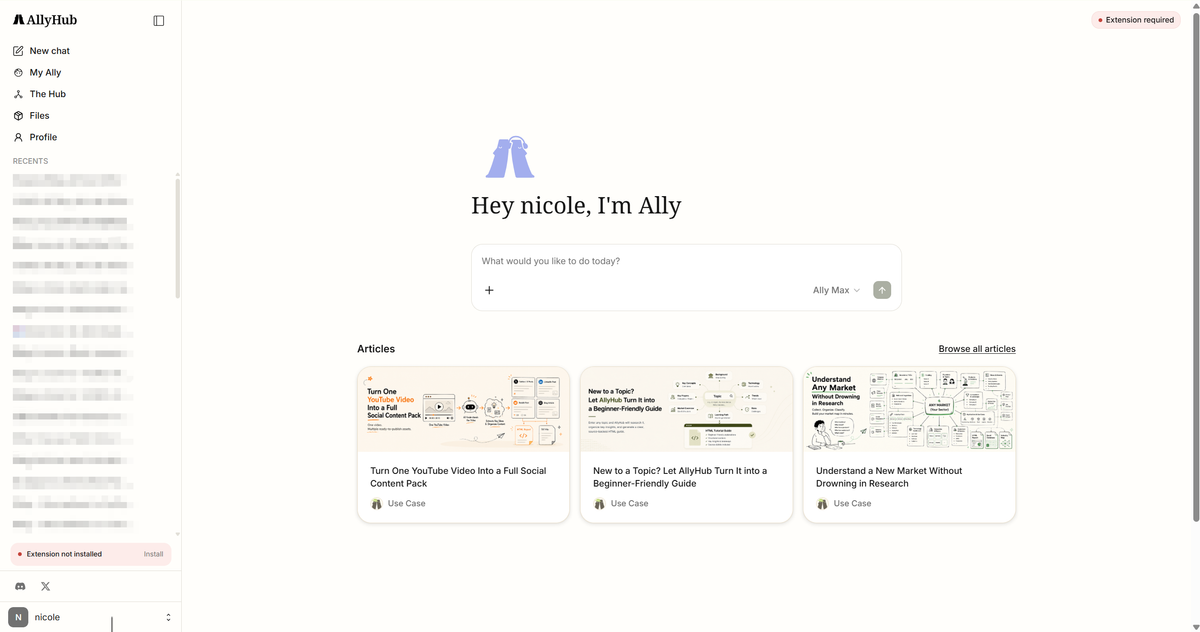
AllyHub, is built for browser-based knowledge workflows. It operates directly inside your Chrome browser, helping click & extract web information and eliminating repetitive research & content creation.
This article gives you a clear, dimension-by-dimensional verdict so you can pick the right AI agent for your needs.
Key Takeaways
- Quick answer: AllyHub wins for browser research, data extraction, and content workflows; Codex wins for writing, refactoring, and debugging code in your repo.
- Pricing: AllyHub starts at $15.99/mo (billed yearly); Codex is included with ChatGPT plans, starting from $8/mo (ChatGPT Go) and mainly $20/month (ChatGPT Plus), billed annually.
- Key difference: Codex works around your development environment and codebase, while AllyHub works around your browser and web workflows.
- For developers: if your daily bottleneck is the IDE, choose Codex; if your daily bottleneck is the browser, choose AllyHub.
- Bottom line: they are complements, not substitutes — but if you can only pay for one this quarter, pick the one that maps to where you actually lose hours per day.
AllyHub vs Codex: Quick Verdict
AllyHub wins for developers who lose hours to browser work — research, scraping, lead enrichment, content. Codex wins for developers whose bottleneck is the codebase — refactoring, bug fixes, tests. Write more code than you scrape? Pick Codex. Scrape or produce content more than you commit? Pick AllyHub.
What Is AllyHub?
With AllyHub, you simply click the Chrome extension and instruct it in plain English. It operates inside the browser environment you already use, allowing it to handle authenticated web applications and multi-step browser workflows—no API keys or custom scripts required. And future workflows can reuse accumulated Skills, Web Notes, and Service assets instead of starting from scratch.
What Is Codex?
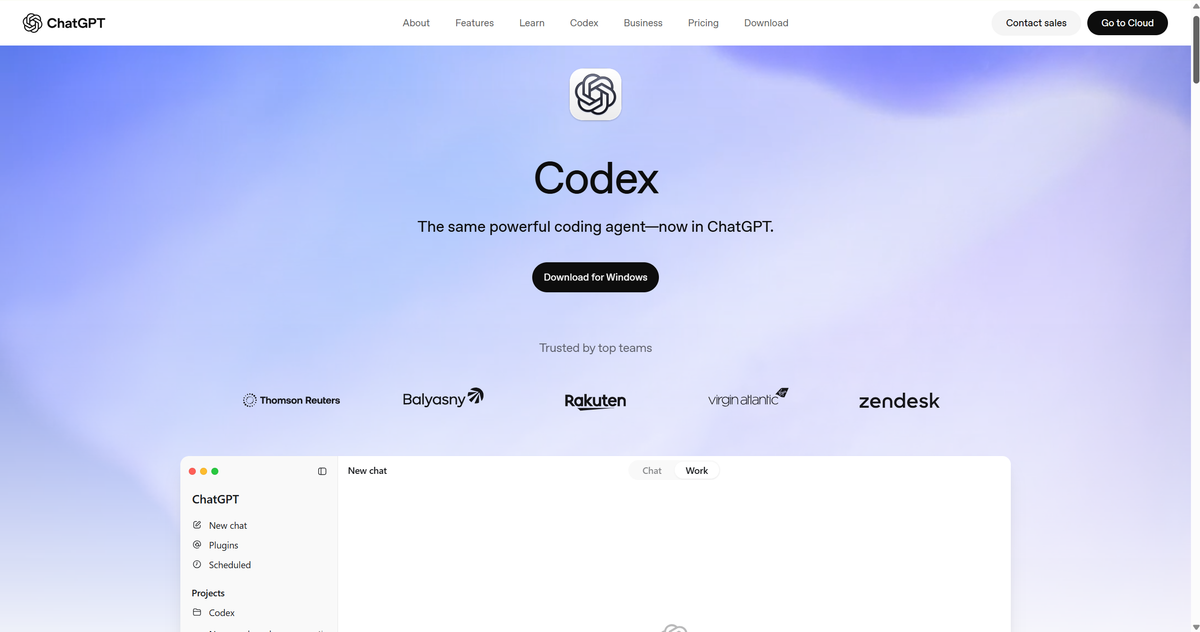
Codex is OpenAI's coding agent designed for software development workflows. It works with repositories and development environments to help developers write, modify, test, and review code. It lives in your terminal and your editor. While AllyHub is not designed for local filesystem-based development or software compilation.
What's the Differences between Allyhub and Codex?
The feature table tells you what each tool can do. This section tells you where each one meaningfully outperforms the other — and where it doesn't.
Execution Model
The biggest difference comes down to where each agent operates.
Codex is the better fit for tasks centered around a codebase. It runs as a sandboxed local process with full repo context, can read your entire project, plan a multi-file refactor, and execute it with a clear diff before commit. AllyHub is not designed for this and shouldn't be judged for it — its execution model is the browser, not the filesystem.
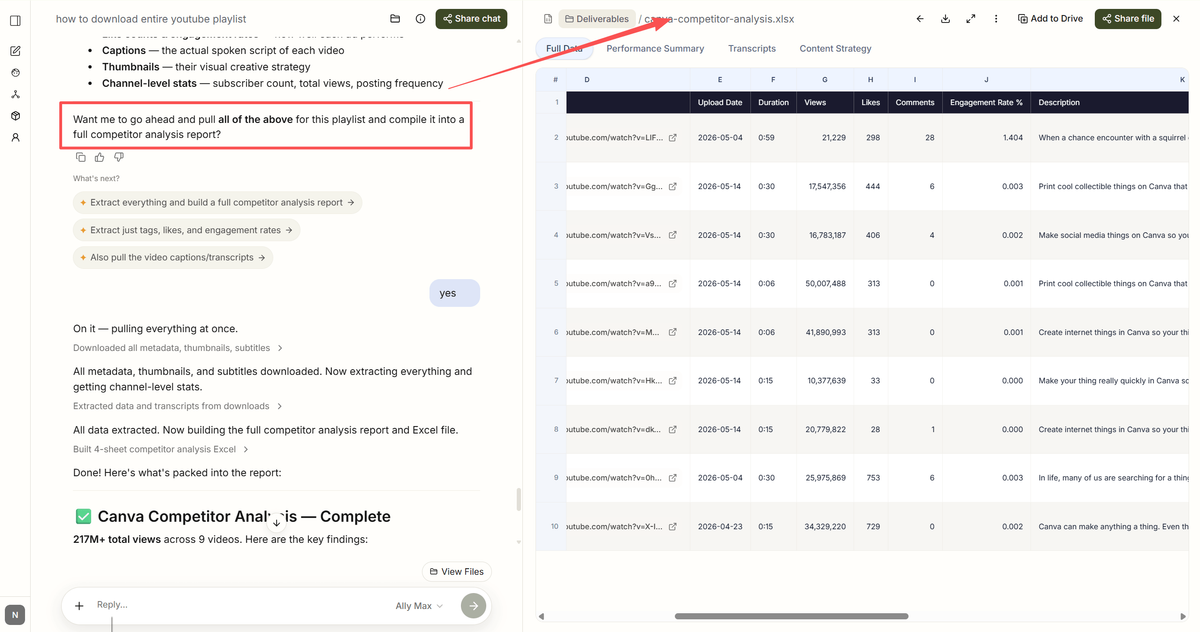
AllyHub operates inside your existing browser environment and authenticated sessions. It can scrape your competitor's pricing page behind a login, extract and conclude video description, or find trending YouTube channels — tasks Codex cannot do natively. It's best for anyone whose work depends on authenticated web apps.
Self-Improvement and Memory
AllyHub takes a different approach to long-term value. This is its core philosophical bet. Repeated workflows (research, monitoring, content creation) accumulate reusable assets, allowing AllyHub to build on previous execution.
Codex uses repository context and developer instructions to support coding tasks, but skills don't carry across projects or repositories. Each new repo starts fresh.
Ecosystem and Extensibility
Codex wins on raw extensibility. Codex benefits from OpenAI's developer ecosystem, including APIs, SDKs, and tool integrations. A developer who wants to extend Codex can.
AllyHub wins on curation. You can publish your own Service for others to use. It's narrower than Codex's ecosystem but more immediately useful for non-developers.
Codex wins ecosystem for developers who want to build custom agents; AllyHub wins for operators who want pre-built workflows today.
Pricing
Plan | AllyHub | Codex (via ChatGPT) | Best For |
Free | Daily credit top-up | BYOK or limited Free tier | Trying either tool |
Entry paid |
Codex is cheaper at entry for code work. AllyHub becomes more valuable over time because repeated workflows can accumulate reusable assets.
Setup Time
AllyHub is a Chrome extension — install, sign in, you're running in under two minutes with zero configuration.
Codex requires installing the CLI, authenticating with OpenAI (or your API key), navigating to your repo, and learning terminal-based prompting.
AllyHub for time-to-first-task; Codex for developers who already live in the terminal.
Integration Landscape
Codex integrates with the entire OpenAI ecosystem — APIs, SDKs, MCP servers, and developer tools — plus any tool a terminal can touch.
AllyHub integrates with the platforms its pre-built Services target (Amazon, Reddit, LinkedIn, TikTok, X, Google Maps, Google News, Stripe, Salesforce) and a Chrome extension ecosystem.
AllyHub vs Codex: The Final Verdict for Developers
If you've read this far, you already know which one fits your week. The honest answer is:
- If you write more code than you scrape: choose Codex. You absolutely need an AI model running against your local repository to handle syntax, refactoring, and logic generation. And the $20/mo Plus tier is one of the best values in AI tooling. Add AllyHub later if your research or content load grows.
- If you scrape, research, or produce content more than you commit: choose AllyHub. Its login-state browser execution and ROTI compounding are unmatched for repeat web workflows, which addresses a different challenge from coding agents like Codex: turning repeated browser workflows into reusable assets. Add Codex later if your codebase work picks up.
- If your week is split roughly 50/50: run both. They don't compete — they cover different surfaces. Many technical founders in 2026 are doing exactly this: Codex for the IDE, AllyHub for the browser.
FAQs: AllyHub vs Codex
Is AllyHub better than Codex?
Neither is universally better. AllyHub is better suited for browser research, scraping, and content workflows; Codex wins for code work in your repo. Pick based on where you lose hours per day.
Can AllyHub write code?
Not natively. AllyHub is a browser agent, not a coding agent. If your primary task is writing or refactoring code, choose Codex or Claude Code instead.
Can Codex scrape websites behind a login?
Codex is primarily designed for coding workflows. For teams whose daily work depends on authenticated web apps and browser automation, AllyHub is designed around that environment.
Is AllyHub free?
Yes — AllyHub has a free tier with daily credit top-up. Codex also has a free tier with limited chat and access.
Can I use AllyHub and Codex together?
Yes, and many developers do. Codex for the IDE, AllyHub for the browser — they cover non-overlapping surfaces.
Which has better enterprise features, AllyHub or Codex?
Codex currently has broader enterprise controls. Teams can access enterprise controls through ChatGPT Business and Enterprise plans.
Does AllyHub have an API?
Not yet — public API and MCP support are on the roadmap. Codex has a full API + SDK today.


