

Let’s clear the air: The original OpenAI Codex API has been deprecated for a while. Today, when developers talk about "using Codex," they are usually referring to OpenAI's latest autonomous coding models baked into the ChatGPT Pro ($200/month) tier or enterprise plans.
While OpenAI's native coding agents are undeniably powerful, the friction is real: $200/month per developer is a massive bill, usage limits on models like o3 still evaporate faster than expected, and a cloud-only interface completely breaks your local IDE and terminal workflows.
You may not need a cloud chatbot. You may need an AI that actually lives in your editor, reads your local repository, and doesn't lock you into a single OpenAI model. Here are the 7 best modern alternatives to OpenAI's coding stack in 2026.
The TL;DR: Which Coding Agent Should You Use?
- If you want the best AI-native IDE: Switch to Cursor. (It lets you use Claude 3.5 Sonnet, which currently outperforms OpenAI in coding).
- If you live in the Terminal: Use Claude Code or Aider.
- If you need an agent for your AWS/API browser tasks: Get AllyHub. (AI for the other 50% of your dev job).
- If you want the safest corporate default: GitHub Copilot.
- Codex is still worth it if: You're already on a ChatGPT Pro or Enterprise plan and need an autonomous agent that integrates natively with OpenAI's model ecosystem.
Quick Comparison: OpenAI Codex Alternatives at a Glance
Alternative | Best For | Starting Price | Free Plan? |
GitHub Copilot | IDE-native suggestions & GitHub-integrated workflows | $10/mo Individual | ✅ Yes (limited) |
1. Cursor — The Ultimate AI-Native IDE (Best Overall Alternative)
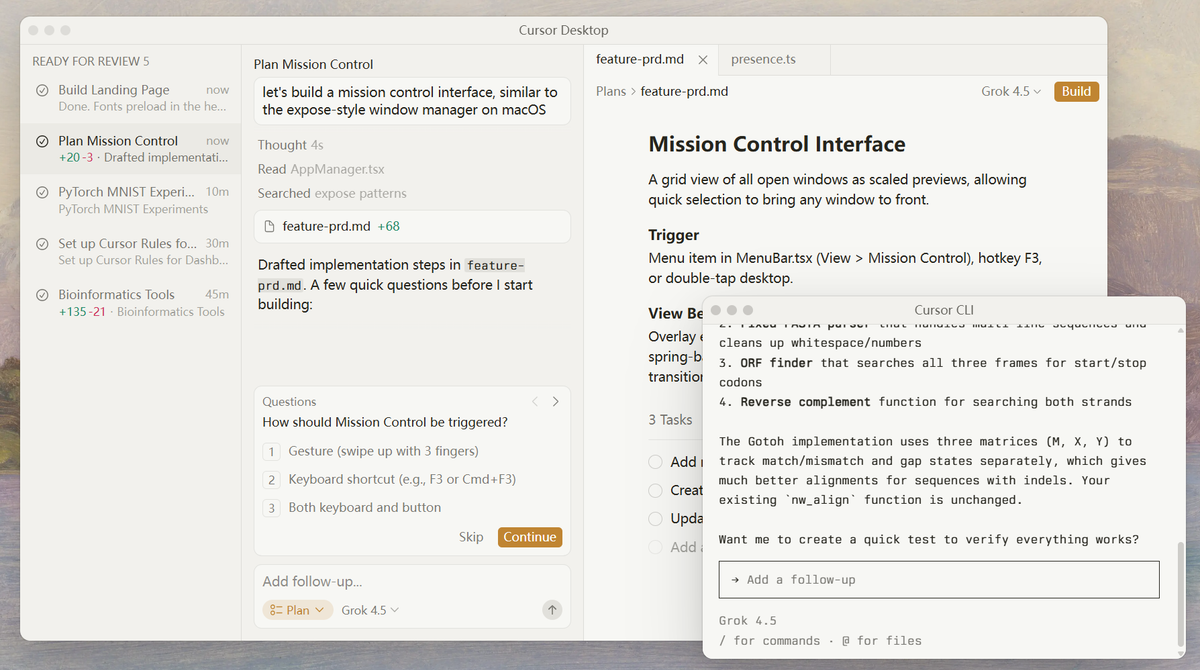
Cursor is a fork of VS Code rebuilt from the ground up with AI as a first-class citizen. If you are tired of being locked into OpenAI's ecosystem, Cursor is your first choice.
Its Model Agnosticism allows you to switch seamlessly between OpenAI's GPT-4o, Anthropic's Claude 3.5 Sonnet (arguably the best coding model right now), and Google models.
Key features:
- VS Code-compatible editor with native AI features (no extension required)
- Multi-model support: OpenAI, Anthropic, Google, and more
- Composer for multi-file AI editing across an entire codebase
- Agent mode for autonomous multi-step task execution
- Codebase indexing for context-aware suggestions across large projects
- Privacy mode: code never stored on Cursor's servers
Pricing vs. Codex: Cursor Free (limited AI requests) vs. Codex's $100–200/month estimate. Cursor paid plans start from $20/month.
Best for: Developers who want a full AI-native coding environment without being locked into OpenAI's model stack or pricing.
Limitations vs. Codex: Cursor requires installing a new editor (though it imports VS Code settings). Its autonomous agent mode is powerful but less specialized for long-running cloud-based engineering tasks than Codex.
2. GitHub Copilot — The Safest Enterprise Standard
If you just want an AI assistant that lives directly in your existing JetBrains or VS Code setup without installing a new IDE, GitHub Copilot remains the industry standard.
The Advantage over Cloud Agents: It integrates natively with your GitHub Pull Requests (via Copilot Workspace) and provides inline autocomplete without copy-pasting code into a web browser.
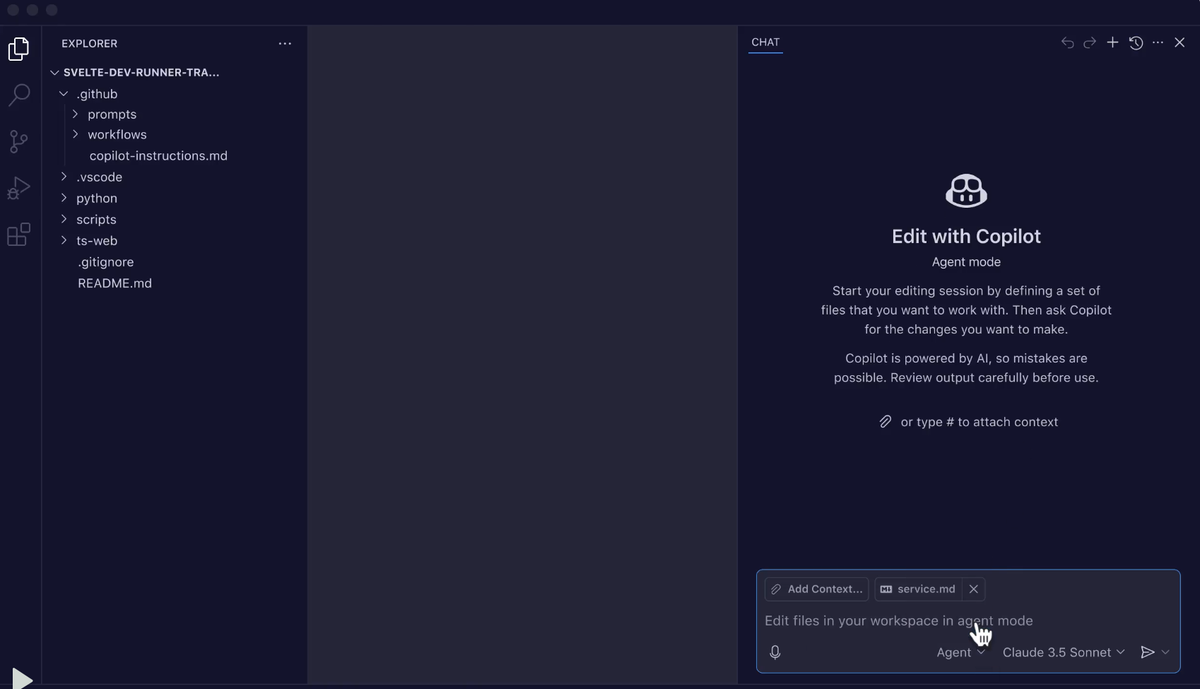
Why it beats Codex for IDE-native workflows: Copilot meets you where you work. There's no context-switching to a separate agent interface, no cloud container setup, and no repository access token configuration. It's the lowest-friction AI coding experience available.
Key features:
- Inline code suggestions in VS Code, JetBrains, Neovim, and more
- Copilot Chat for in-editor Q&A, explanation, and refactoring
- Copilot Workspace for multi-file agentic task execution within GitHub
- Code review assistance and automated PR summaries
- Supports multiple models including GPT-4o and Claude Sonnet
- GitHub Actions integration for CI/CD automation
Pricing vs. Codex: GitHub Copilot Individual at $10/month; Business at $19/user/month for teams. Significantly more predictable billing.
Best for: Individual developers and teams who want AI coding assistance embedded in their existing IDE and GitHub workflow without usage surprises.
Limitations vs. Codex: Copilot's agentic capabilities (Copilot Workspace) are less autonomous than Codex for complex, long-running engineering tasks. It's better at inline assistance than fully autonomous task execution.
3. Claude Code — Best for Agentic Terminal Workflows
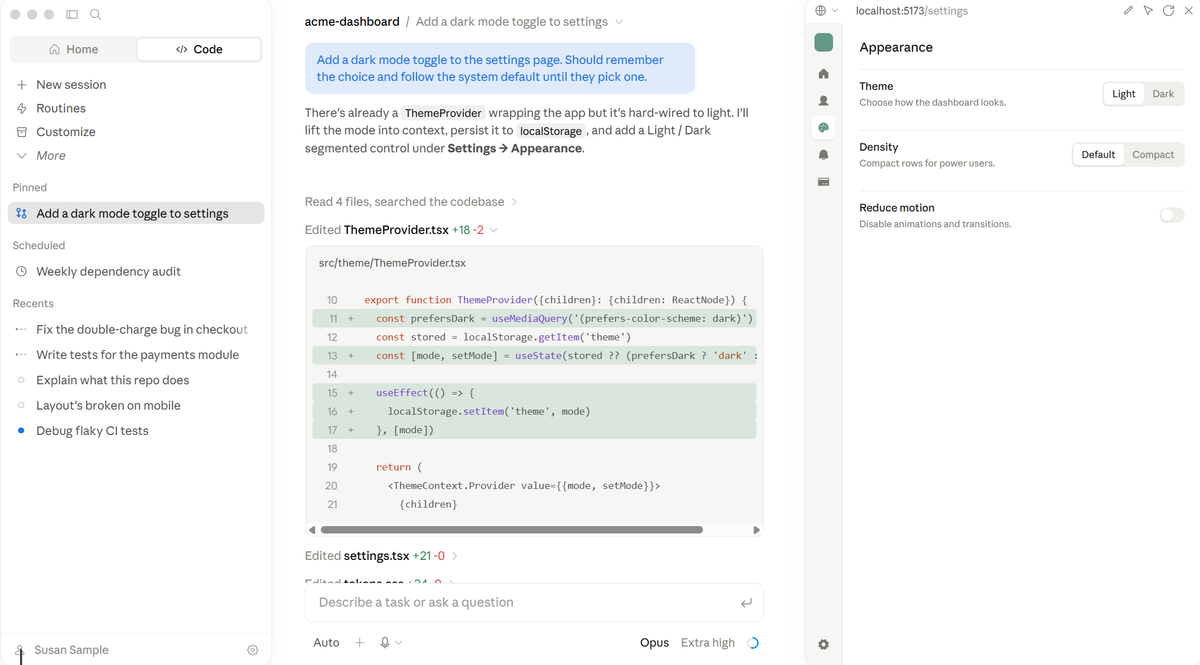
For developers who live in the CLI, Anthropic's Claude Code is a revelation. Instead of a web UI, it runs locally in your terminal, leveraging Claude’s massive 200K context window to reason across your entire repo.
It natively understands your local filesystem, and supports the Model Context Protocol (MCP), meaning you can hook it up to custom internal tools.
Why it beats Codex for terminal-based agentic work: Claude Code's local execution model means your code never leaves your machine unless you choose to push it. Combined with Claude's superior long-context reasoning, it handles complex multi-file tasks with more nuance than Codex.
Key features:
- Terminal-native agent that operates on your local filesystem
- 200K context window for reasoning across large codebases
- Multi-file editing, refactoring, and debugging
- Git-aware: understands diffs, commits, and branch context
- Supports MCP (Model Context Protocol) for custom tool integration
- No cloud container setup — works directly in your development environment
Pricing vs. Codex: Claude Pro at $20/month (includes Claude Code access) vs. Codex's $100–200/month estimate. Claude Code also has API-based pricing for teams.
Best for: Developers who want a powerful terminal agent with local execution, large context, and MCP support — without OpenAI lock-in.
Limitations vs. Codex: Claude Code doesn't have Codex's native GitHub PR workflow integration. It's a terminal tool, not an IDE extension, so it requires comfort with command-line workflows.
4. Aider — Best Open-Source Codex Alternative
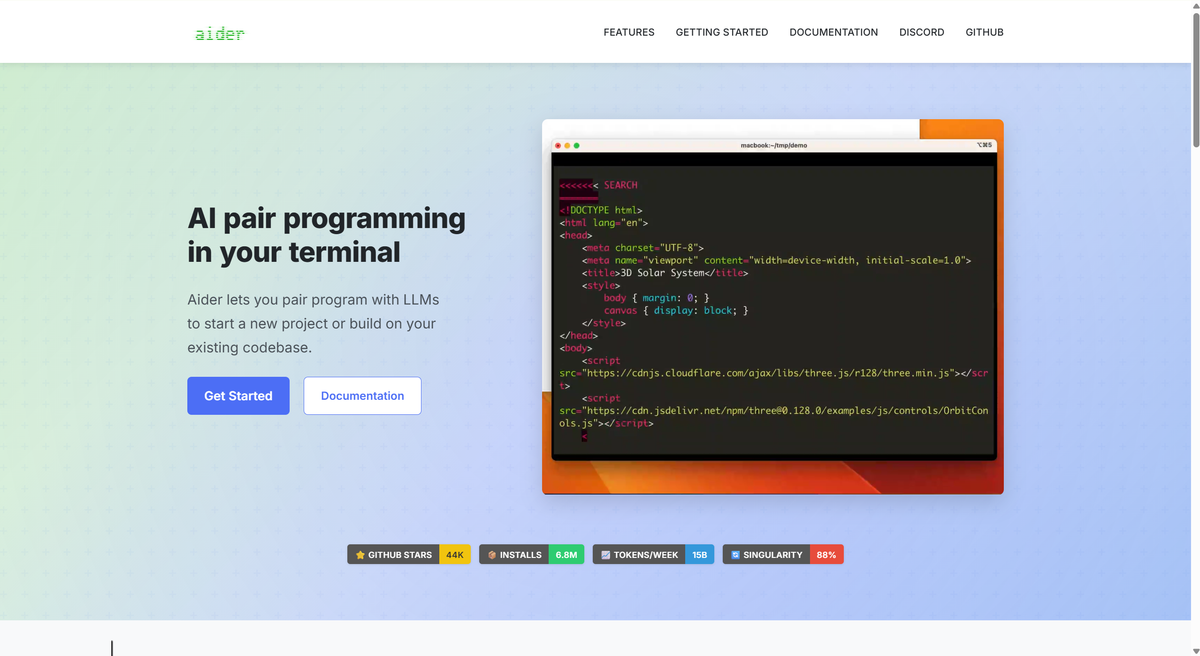
If you want full open-source control, Aider is an incredible command-line tool that pairs an LLM directly with your Git repository. It doesn't just write code; it automatically commits the changes to Git with descriptive commit messages.
Why it beats Codex for open-source flexibility: Aider is free, runs locally, supports any LLM backend, and integrates directly with Git. There's no usage limit, no cloud dependency, and no vendor lock-in of any kind.
Key features:
- Open-source (MIT license), free to use
- Supports OpenAI, Anthropic, Google, Ollama (local models), and more
- Git-native: all changes are committed with descriptive messages
- Multi-file editing across entire repositories
- Works in any terminal on any OS
- Active community with frequent updates
Pricing vs. Codex: Aider itself is free. You pay only for API calls to your chosen model — or nothing if you use a local model via Ollama. Dramatically cheaper than Codex at scale.
Best for: Developers who want maximum flexibility, zero vendor lock-in, and full control over their AI coding stack — and are comfortable with command-line tools.
Limitations vs. Codex: Aider requires more setup than Codex (API key configuration, model selection). It doesn't have a GUI or IDE integration. Less polished for non-technical users.
5. Replit AI Agent — Best for Browser-Based Full-Stack Building
If you're using Codex primarily to build and prototype applications, Replit AI Agent is the fastest path from idea to deployed app.
Replit's AI Agent builds, runs, and deploys full-stack applications entirely in the browser. Describe what you want to build, and the agent writes the code, installs dependencies, runs tests, and deploys it to a live URL — all without touching your local machine.
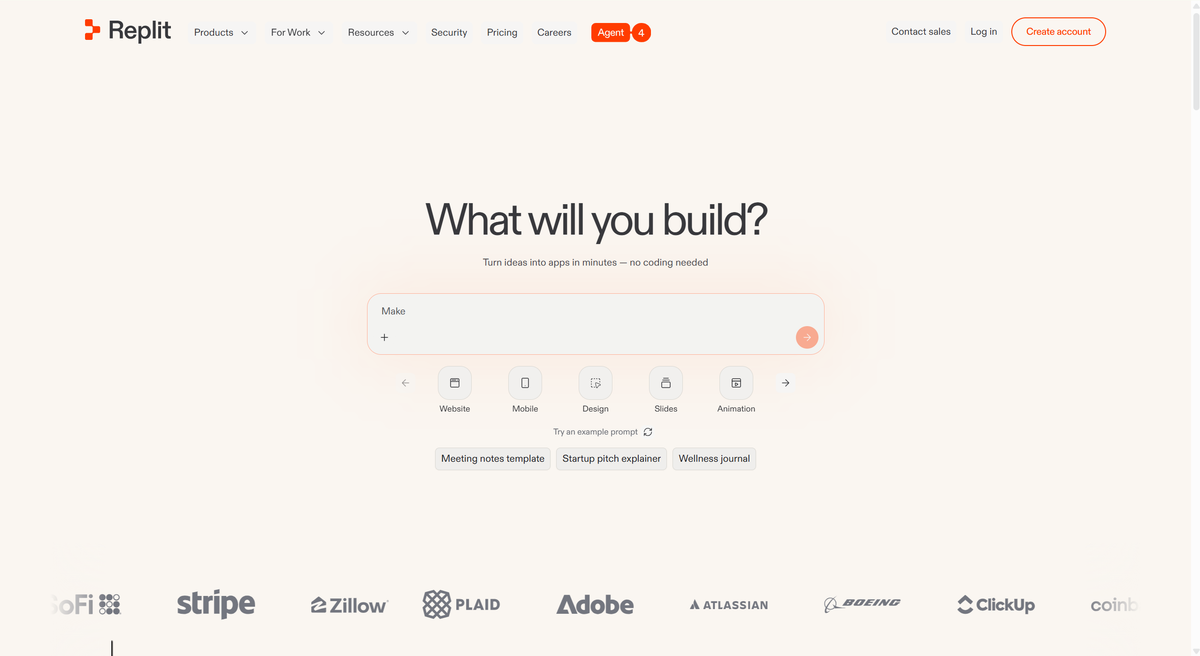
Why it beats Codex for rapid prototyping: Replit's integrated environment means zero setup friction. No repository access tokens, no cloud container configuration, no local environment management. You go from prompt to deployed app in minutes.
Key features:
- Browser-based IDE with AI agent built in
- One-click deployment to a live URL
- Full-stack support (frontend, backend, databases)
- Replit Bounties for outsourcing tasks to human developers
- Multiplayer collaboration for team coding
- Built-in hosting and domain management
Pricing vs. Codex: Replit Free (limited compute) . Replit Core at $20/month for more compute and private repls.
Best for: Developers, entrepreneurs, and teams who need to build and deploy working applications quickly without local environment management.
Limitations vs. Codex: Replit is best for greenfield projects and prototypes. For complex, existing codebases with established local workflows, it's less practical than Codex or Cursor. Compute limits on free and lower tiers can be restrictive.
6. Google Jules — Best for Async Agent Tasks and Enterprise Coding
Google Jules is an asynchronous AI coding agent that works in the background on your GitHub issues and tasks — you assign it to work, it executes independently, and you review the results when it's done.
The async model is meaningfully different from Codex's interactive approach. Jules is designed for tasks you'd assign to a junior developer: fix this bug, implement this feature, write tests for this module. It runs in a secure Google Cloud environment, integrates natively with GitHub, and is backed by Google's Gemini models.
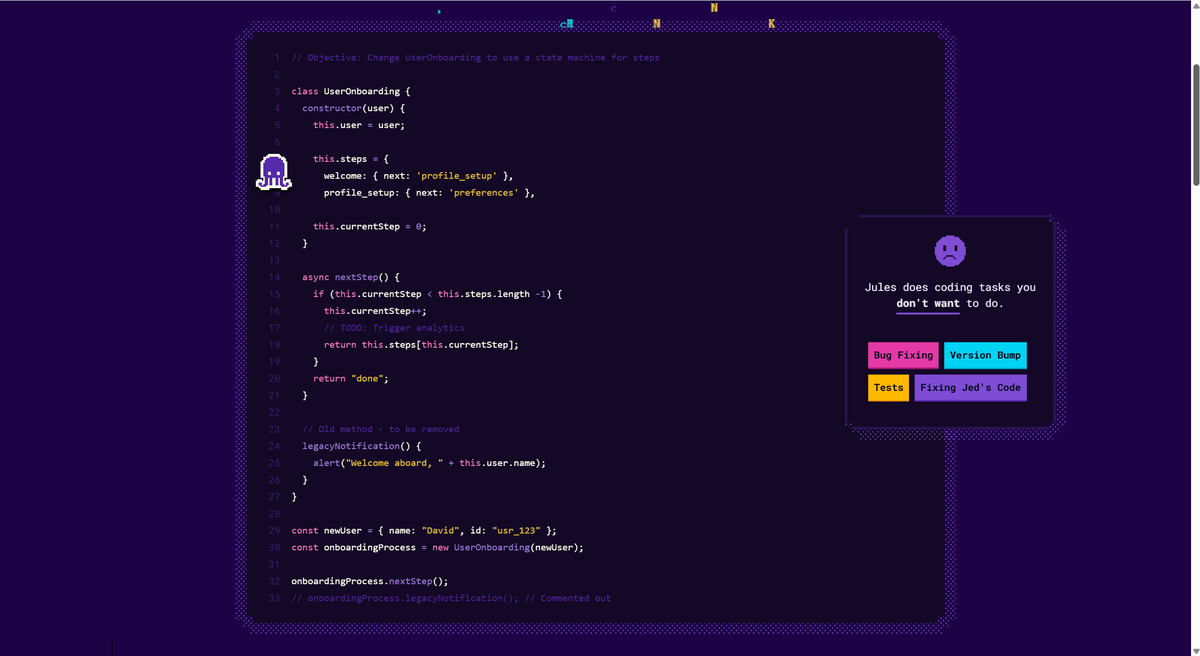
Why it beats Codex for async workflows: Jules's background execution model means you don't have to babysit the agent. Assign a task, continue other work, and review the PR when Jules is done. That's a different workflow than Codex's more interactive session model.
Key features:
- Async execution: works in the background on assigned tasks
- Native GitHub integration (issues, PRs, branches)
- Powered by Google Gemini models
- Secure Google Cloud execution environment
- Supports Python, JavaScript, TypeScript, and more
- Currently in beta with free access
Pricing vs. Codex: Jules is currently free in beta (Jules Basic, Jules in Pro, and Jules in Ultra).
Best for: Development teams who want to offload well-defined, discrete coding tasks to an AI agent that works asynchronously without requiring supervision.
Limitations vs. Codex: Jules is still in beta and less mature than Codex for complex, multi-step engineering workflows. Its async model is less suited for interactive, exploratory development sessions.
7. Augment Code — Best for Enterprise Teams with Large Codebases
For enterprise engineering teams where codebase scale, security compliance, and team collaboration are non-negotiable, Augment Code is the most purpose-built Codex alternative.
Augment Code is designed specifically for large, complex codebases — the kind where a 200K context window still isn't enough to hold the full picture. Its indexing technology understands your entire codebase, not just the files currently open, making it significantly more accurate for large-scale refactoring, cross-service debugging, and onboarding new engineers.
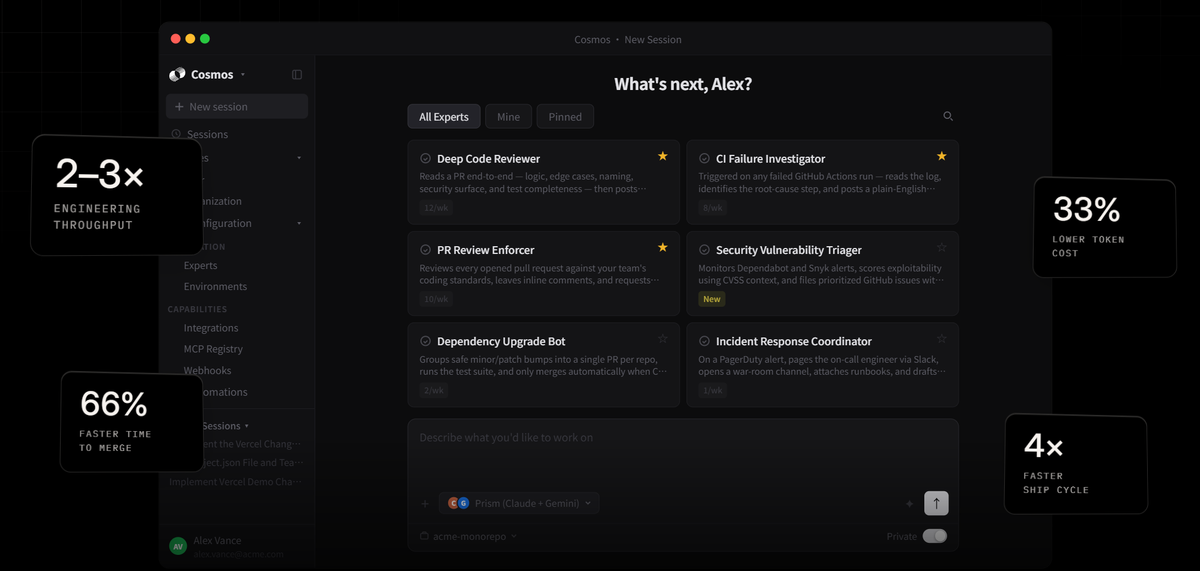
Why it beats Codex for enterprise teams: Augment Code's codebase-wide understanding, enterprise security posture (SOC2, data residency options), and team collaboration features address the gaps that make Codex a harder sell for security-conscious organizations.
Key features:
- Full codebase indexing for context-aware suggestions across millions of lines
- Enterprise security: SOC2 Type II, data residency options, no training on your code
- Team knowledge sharing: AI learns from your team's patterns and conventions
- IDE integration (VS Code, JetBrains)
- Supports multiple AI models
- Onboarding acceleration for new engineers
Pricing vs. Codex: Paid plans start from $100/month. It also uses custom enterprise pricing. More expensive than Codex for small teams, but designed for organizations where security and scale justify the cost.
Best for: Enterprise engineering teams with large codebases, strict security requirements, and a need for AI that understands organizational coding conventions.
Limitations vs. Codex: No self-serve pricing — requires a sales conversation. Overkill for individual developers or small teams. Less suited for rapid prototyping or exploratory development.
Bonus: AllyHub — The AI Agent for the Other 50% of a Developer's Job
Cursor and Aider are fantastic for your local codebase. But any senior engineer knows that writing code is only half the job. The other half is spent in the browser: digging through poorly written AWS documentation, testing web UIs, managing JIRA tickets, or scraping data from cloud consoles.
This is where AllyHub comes in. It is a browser-native AI copilot that operates directly inside your active Chrome session.
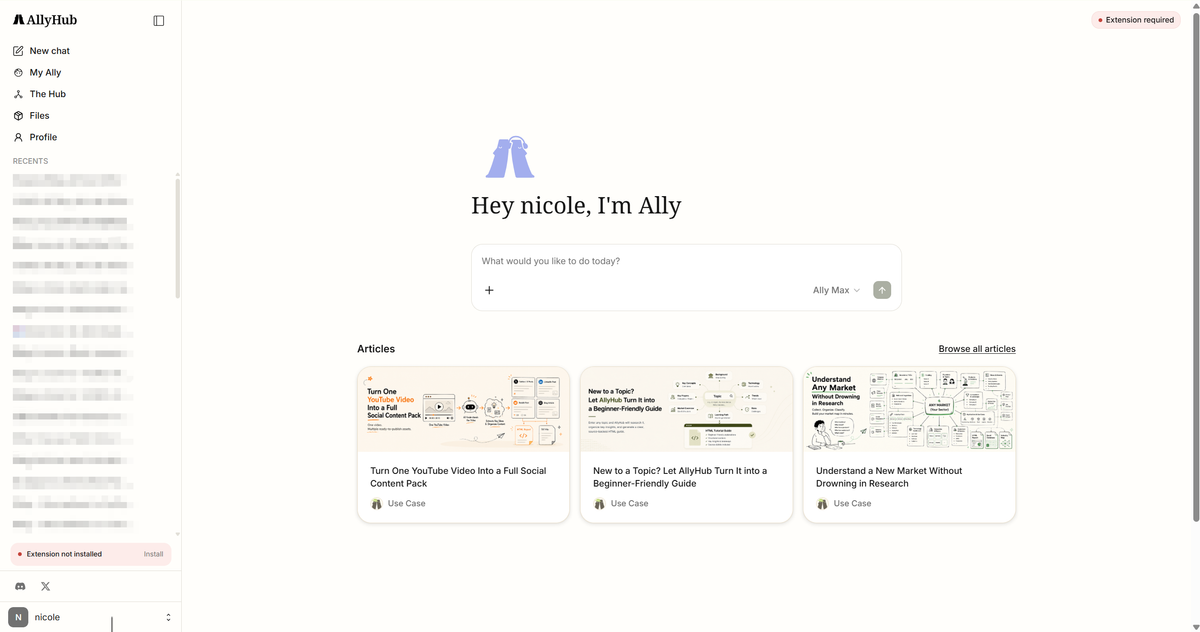
The Developer's Use Case: Need to test a complex UI login flow? Need to extract 500 error logs from a gated observability dashboard without writing a custom Python scraper? You just instruct AllyHub in plain English.
ROTI (Return on Token Investment): Unlike standard LLMs that forget everything, AllyHub compiles your repetitive browser workflows into reusable Skills. By the third time you run your weekly cloud-console audit, the agent executes it significantly faster and cheaper.
Cost: Pro plans start at $19.99/mo, offering a massive productivity boost for the DevOps and research side of engineering. Start for free at allyhub.ai
FAQs about Code Agents
Is OpenAI Codex still available?
No. The original OpenAI Codex API was officially deprecated in 2023. Today, its legacy lives on inside OpenAI’s flagship models (like GPT-4o and the reasoning model o3). When people look for "Codex alternatives" in 2026, they are usually looking for alternatives to the expensive ChatGPT Pro ($200/mo) coding features, seeking native IDE integration or open-source local agents.
Can I use AllyHub and Cursor together?
Absolutely. You use Cursor as your IDE to write, refactor, and debug your local codebase. You use the AllyHub Chrome extension to automate your browser tasks: navigating AWS documentation, testing web apps, or managing JIRA boards.
Are there Codex alternatives that aren't locked into OpenAI models?
Yes — several. Cursor supports OpenAI, Anthropic, Google, and other models with easy switching. Aider supports any LLM backend. Claude Code uses Anthropic's Claude models. Augment Code supports multiple models. All of these give you model flexibility that Codex doesn't.
What's the best Codex alternative for teams?
GitHub Copilot Business is the most practical team option — strong IDE integration, predictable per-seat pricing, and native GitHub workflow support. For teams with large codebases and enterprise security requirements, Augment Code is the most specialized choice. For teams that need async agent task execution, Google Jules (currently free in beta) is worth evaluating.
Are there Codex alternatives that work locally without cloud execution?
Yes. Aider runs entirely locally and supports local models via Ollama (zero API cost). Claude Code runs in your terminal on your local filesystem. Cursor operates locally as a desktop editor. All three avoid the cloud container model that Codex uses.
Final Verdict
Don't overpay for generic cloud chatbots. If you write code, get Cursor or Aider. If you want an agent to automate the tedious browser and ops work surrounding your code, try AllyHub for free.



