

The numbers look fine. Views are up. CTR is decent. Subscribers are growing — slowly, but growing. And yet something isn't working. The channel isn't breaking through. The videos that should perform well don't. The ones that do perform well, you can't replicate.
That's why you need a good YouTube channel analyser — help creators and marketers get insights from metrics like comments, keyword ranking, and click-through rates. Not just show you more numbers — help you read them correctly.
Quick Comparison of the Best YouTube Channel Analyser Tools
Tool | Best For | Pricing | Competitor Analysis |
vidIQ | Growth insights, keyword research, and competitor tracking | Free plan available; paid plans start from $19/month | Strong |
TubeBuddy | YouTube SEO, video optimization, and creator workflow tools | Free plan available; paid plans start from $4.50/month | Good |
Social Blade | Public channel statistics, rankings, and basic benchmarking | Free access; business/API plans available | Basic |
Sprout Social | Agencies and teams managing cross-platform social reporting | Paid plans start from $199/month | Strong |
Tubular Labs | Enterprise influencer analytics and audience intelligence | Enterprise pricing | Deep |
Morningfame | Beginner-friendly YouTube growth and channel improvement | Paid plans start from around $4.90/month | Limited |
HypeAuditor | Influencer vetting, audience quality checks, and brand safety | Custom pricing | Good |
AllyHub | Custom YouTube channel data extraction, tracking, and research workflows | Free tier available | Flexible |
AllyHub — Best for Building Your Own Research Infrastructure
Most channel analysers give you a fixed dashboard and ask you to work within it. AllyHub inverts that: it is a powerful agent that you can only describe what you want to know, and it extracts the data.
Subscriber trends across a list of competitor channels. Video performance patterns in a specific niche. Keyword presence in titles and descriptions over time. Engagement rates broken down however you need them. The question defines the output — not the other way around.
This matters most for the trap most tools can't help with: you don't know what you don't know. When you're limited to a preset dashboard, you can only see what the tool decides to surface. When you can define the extraction yourself, you can go looking for the signal that's actually missing — the pattern a competitor is running consistently, the content gap your audience keeps asking about in comments, the metric that explains why one video outperformed everything else.
What makes AllyHub particularly useful for ongoing work is how it compounds. A research workflow that took an hour the first time takes minutes by the third — which means the data you actually need stays current without the manual overhead building up.
Best for: Marketers, researchers, and growth teams who need to go beyond preset dashboards — and want that research workflow to get faster every time they run it
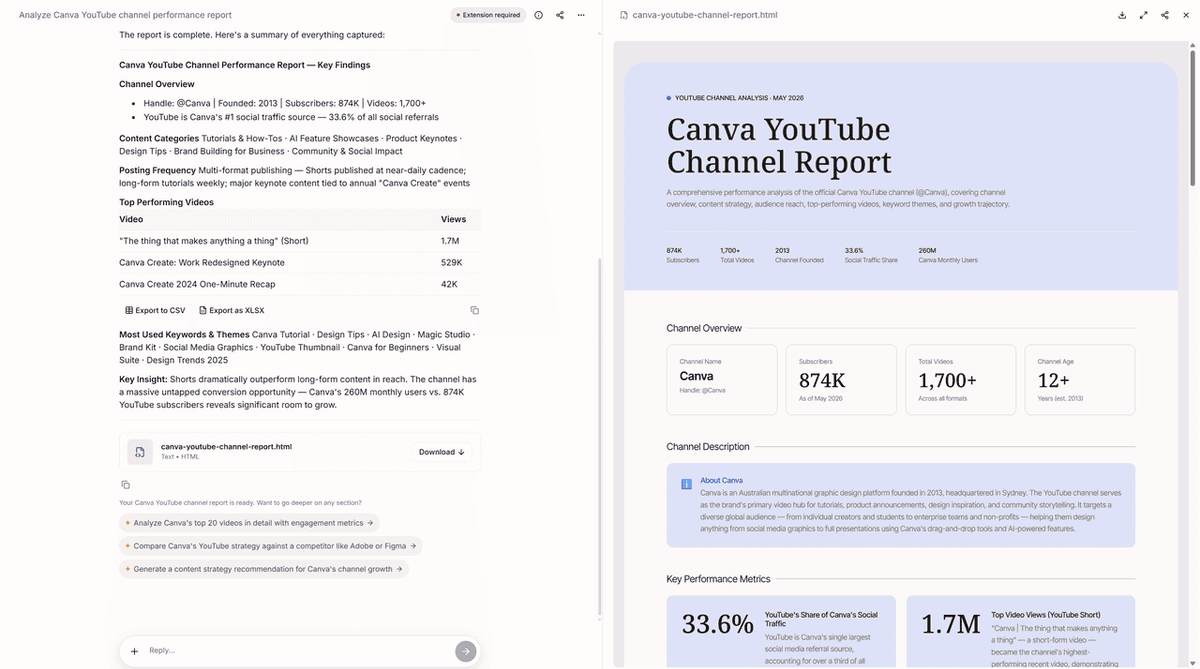
Here’s an example of AllyHub analyzing Canva’s YouTube channel performance, growth trends, and content strategy.
vidIQ — Best for Catching Trends Before They Peak
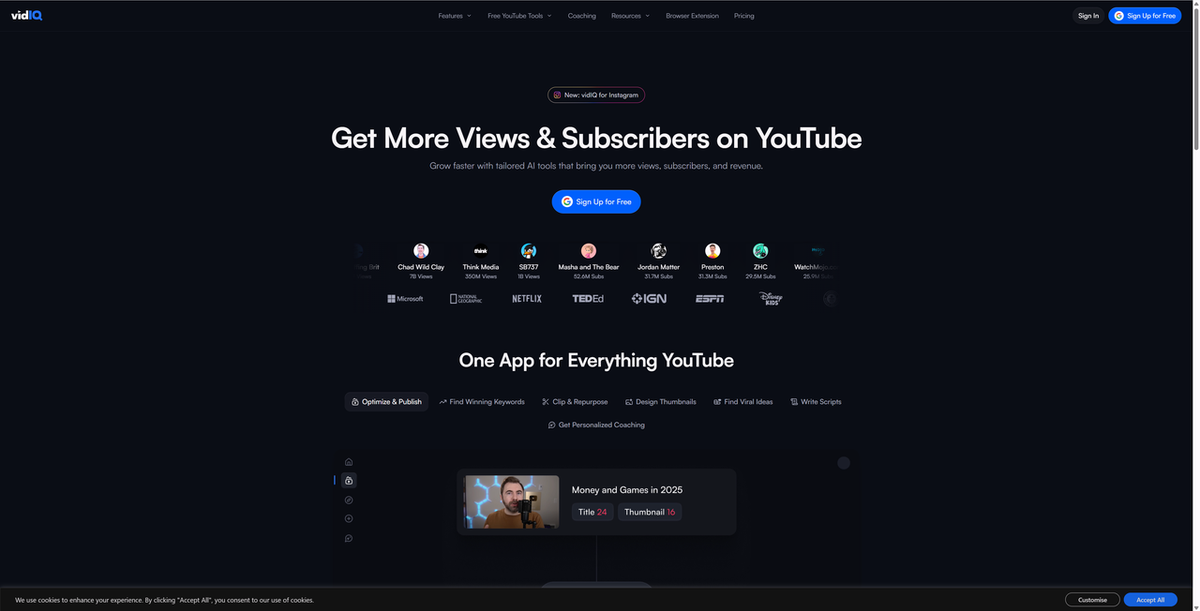
vidIQ's most valuable feature isn't its dashboard — it's the real-time scorecard that appears directly on YouTube videos as you browse. Pull up any public channel and see their top-performing videos, views per hour, subscriber growth trends, and the keywords they're ranking for, without leaving the page.
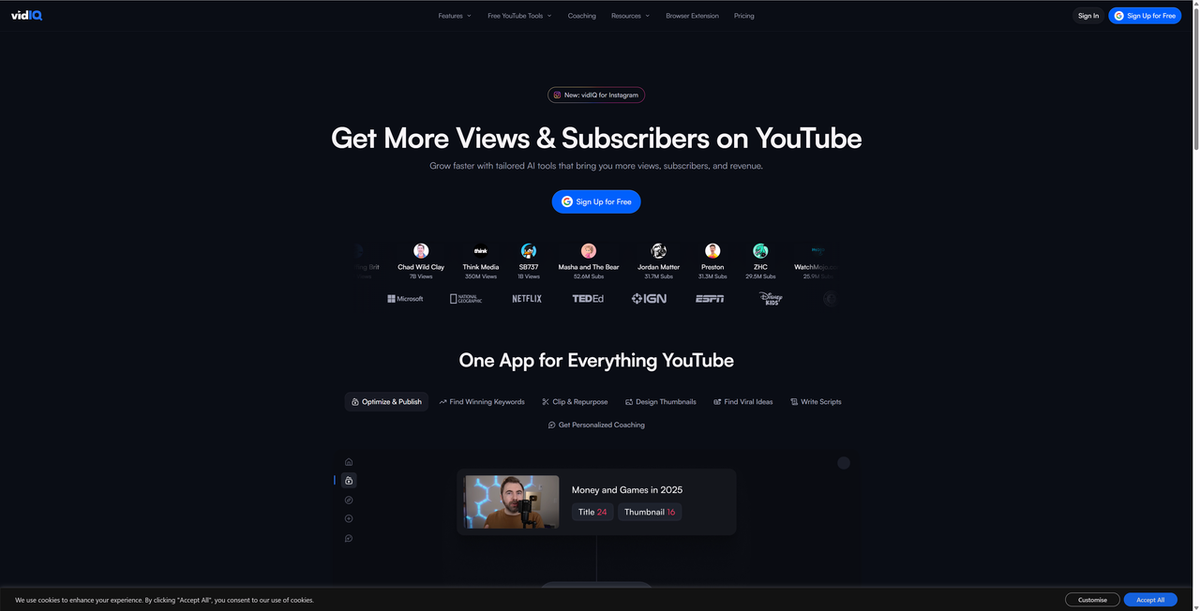
The views-per-hour metric is what sets it apart from every other tool on this list. It tells you what's gaining momentum in your niche right now — not what performed well last month. That's the difference between making a video while a trend is rising and making one after it's already peaked. For creators who want to understand not just how their own channel is performing but why certain channels are growing faster, vidIQ gives you that visibility in real time.
The volume of data can overwhelm beginners, and advanced competitor features require higher-tier plans. But for creators and marketers who want live niche intelligence built into their YouTube workflow, nothing else on this list comes close.
Best for: Creators and marketers who want real-time trend signals and competitor intelligence without leaving YouTube
TubeBuddy — Best for Optimizing Before You Publish
TubeBuddy's value is in the pre-publish moment — the window between finishing a video and putting it live. Its keyword and tag analysis appears directly in the YouTube interface, showing you how your title, description, and tags stack up against what's actually ranking. The competitor scorecard lets you benchmark any video against your own while you're still on the page.
This is where TubeBuddy addresses one of the most common traps: publishing a video with a title that feels right but isn't optimized for how people actually search. The A/B thumbnail testing on higher-tier plans is a feature no other tool on this list offers natively — and it's the only way to know whether your thumbnail is actually working or just looks good to you.
Competitor analysis is less detailed than vidIQ, and the free plan is quite limited for serious research. But for creators who want SEO guidance and channel analysis built directly into their publishing workflow, TubeBuddy is the most frictionless option.
Best for: Creators who want to optimize titles, tags, and thumbnails at the moment of publishing — not after the fact
Social Blade — Best for Reading a Channel's Real Growth Story
Social Blade is free, requires no account, and lets you look up any public YouTube channel's subscriber count, view history, and estimated earnings range instantly. It's not the deepest tool here — but it's the fastest way to answer one specific question: is this channel's growth real, or is it the result of one moment?
The historical subscriber and view graphs are the most useful feature. A channel with 500,000 subscribers that grew steadily over three years tells a completely different story from one that spiked to 500,000 in a month and flatlined. That context matters when you're evaluating a competitor, vetting a potential partner, or trying to understand whether a channel's audience is genuinely engaged or just a legacy number. What Social Blade won't give you is keyword data, engagement rates, or anything below the surface.
Best for: Anyone who needs a quick, free read on whether a channel's growth is organic — no signup required
Sprout Social — Best for Agencies Who Need YouTube in Context
Sprout Social is built for teams and agencies that manage YouTube alongside other social channels. Its YouTube analytics go deeper than most social media management tools — audience demographics, engagement trends, video performance breakdowns, and competitive benchmarking — all in the same platform where you're managing Instagram, LinkedIn, and Twitter.
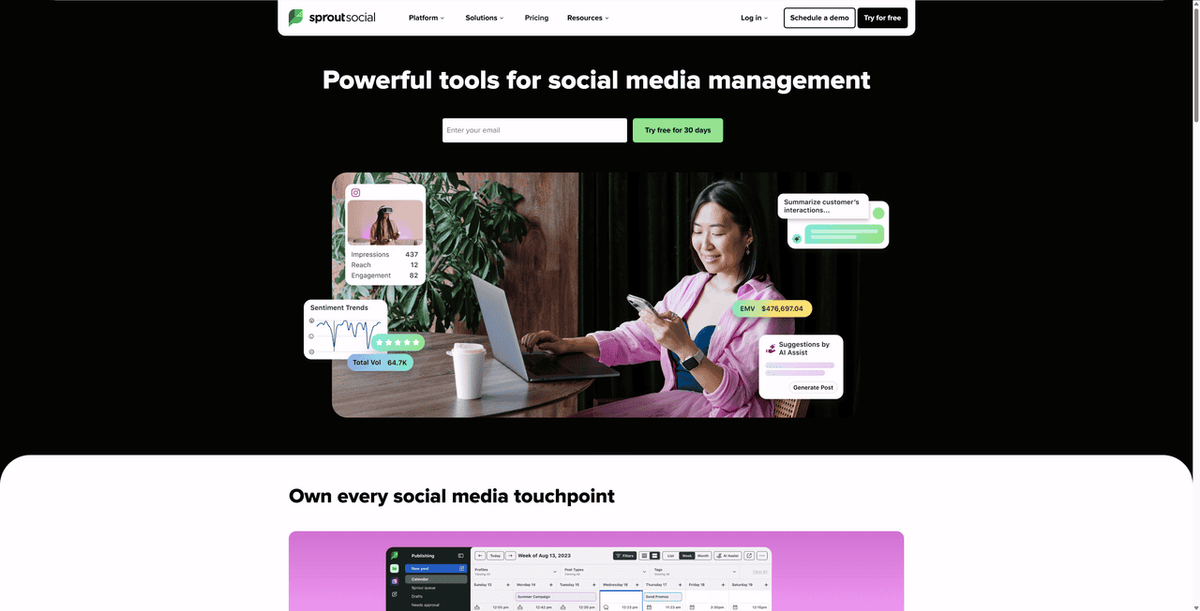
For marketers who need to present YouTube performance to clients or stakeholders, Sprout's reporting tools are the most polished on this list. The ability to build and schedule custom reports that pull YouTube data alongside other platform metrics — without manual work — is where it earns its price. It's expensive for YouTube-only users, and YouTube-specific features are less deep than dedicated tools. But for agencies managing multiple clients across platforms, the unified workflow justifies the investment.
Best for: Agencies and marketing teams who need YouTube analytics as part of a unified cross-platform reporting workflow
Tubular Labs — Best for Seeing Audience Overlap at Scale
Tubular Labs operate on a different scale from most tools on this list. It's built for brands, agencies, and media companies that need to understand YouTube at the industry level — tracking thousands of channels, identifying emerging creators before they peak, and analyzing which channels share the same viewers.
The audience overlap analysis is the capability that sets it apart: it shows you which channels share viewers, which is invaluable for influencer selection and content partnership decisions. If you're running influencer campaigns at scale or need competitive intelligence across an entire content category, Tubular is in a class of its own — and priced accordingly.
Best for: Enterprise brands, media companies, and agencies running influencer programs or category-level competitive research
Morningfame — Best for Knowing What's Actually Realistic for You
Morningfame takes a different approach from most channel analysers: instead of showing you what's working across the whole platform, it shows you what's realistic for a channel your size. Its channel-specific scoring tells you whether a keyword or content angle is achievable given your current metrics — not just whether it's competitive in general.
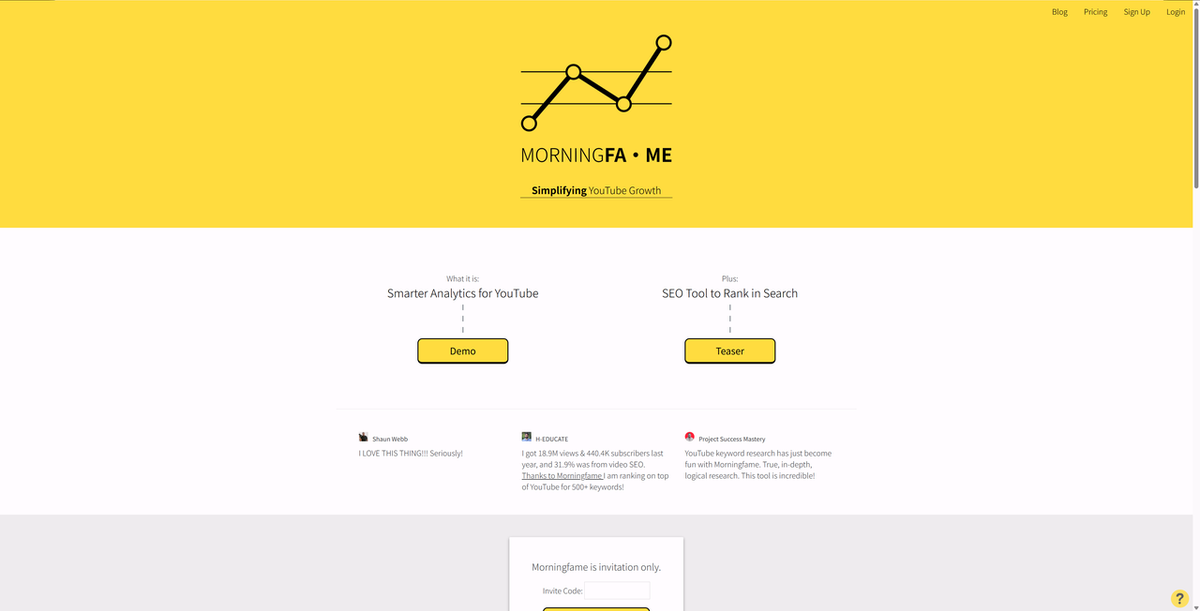
This directly addresses one of the most demoralizing traps for smaller creators: benchmarking against channels ten times your size and concluding that nothing is working. Morningfame benchmarks you against channels at your level, which means the recommendations are actually actionable. It requires an invitation to join, and the basic plan restricts keyword research access to limited hours every few days. But for small channels that want honest guidance rather than aspirational data, it's the most grounded fit on this list.
Best for: New creators and small channels who want recommendations calibrated to their actual channel size — not the platform average
HypeAuditor — Best for Verifying What You Can't See in the Numbers
HypeAuditor is built for one specific job: finding out whether a YouTube channel's audience is real before you commit budget to a partnership. Subscriber count and view numbers are easy to inflate. Audience authenticity scores, demographic breakdowns, and engagement quality analysis are much harder to fake — and that's exactly what HypeAuditor surfaces.
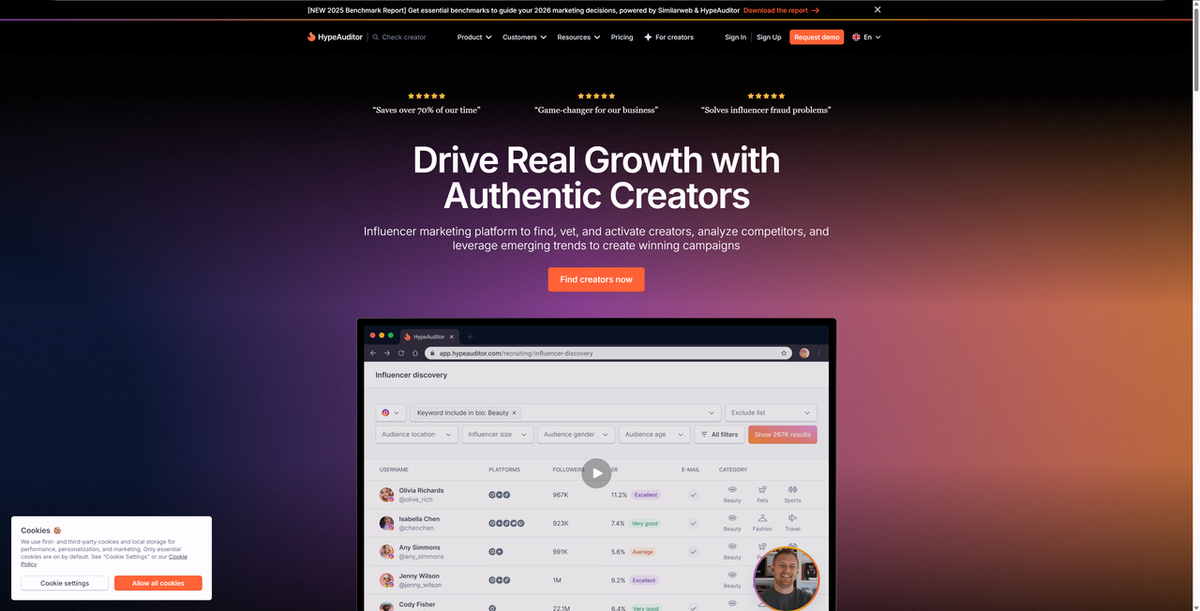
The audience authenticity score gives you a single, clear signal before you dig into the details. For brands and agencies vetting creators, that's the question that matters most — and nothing else on this list answers it as directly. For channel analysis beyond influencer vetting, it's less comprehensive than vidIQ or TubeBuddy.
Best for: Brands and agencies who need to verify audience quality before committing to influencer partnerships
How to choose the right YouTube channel analyser
The right tool is the one that addresses the specific trap you're in — not the one with the most features.
You're a creator trying to grow your own channel: Start with vidIQ or TubeBuddy. Both are YouTube-native, integrate directly into your workflow, and give you the keyword and competitor data you need to make smarter content decisions. The free plans are enough to start.
You're just starting out and the data feels overwhelming: Morningfame. It filters out everything that isn't relevant to your channel size and gives you recommendations you can actually act on.
You need a quick read on a competitor or potential partner: Social Blade. No account, no cost, instant access to any public channel's growth history.
You're an agency managing multiple clients across platforms: Sprout Social. The cross-platform reporting and client-ready dashboards justify the investment when YouTube is one channel among many.
You're running influencer campaigns and need to vet creators: HypeAuditor. Audience authenticity data is its core strength, and nothing else on this list does it as reliable.
You're operating at enterprise scale: Tubular Labs. Category-level competitive intelligence and audience overlap analysis at a depth no other tool matches.
You need to go beyond preset dashboards — custom data, any channel, exportable, and getting faster every time: AllyHub. It's the most flexible option for teams that need data on their own terms, and the research workflow compounds with every run.
FAQ
What is the best free YouTube channel analyser?
Social Blade is the most accessible free option — no account required, instant lookup for any public channel. For creators who want free analysis of their own channel with SEO data included, vidIQ and TubeBuddy both offer free plans with meaningful functionality.
Can I analyse a competitor's YouTube channel without them knowing?
Yes. All the tools on this list work with publicly available YouTube data. Analysing public data doesn't notify the channel owner.
Why does my CTR look fine but my views are still low?
Overall CTR is an average across all traffic sources. A strong search CTR but weak browse CTR — or vice versa — can cancel each other out. Look at CTR broken down by traffic source in YouTube Studio to see which surface is actually underperforming.
What YouTube channel metrics actually matter?
Beyond raw view counts: audience retention (do people finish your videos?), CTR by traffic source, subscriber conversion rate, and where your views are actually coming from. A good channel analyser surfaces these — not just views and subscribers.
How do I track multiple channels consistently without doing it manually every week?
AllyHub lets you set up a channel tracking task once, save it as a reusable Recipe, and re-run it on any schedule. Each run gets faster than the last — so the data stays current without the manual overhead building up over time.
Final Thoughts
A good YouTube channel analyser should help you see what your raw numbers alone cannot: which videos are truly working, where growth is coming from, and what patterns are worth repeating.
For quick competitor checks, Social Blade is enough. For creator-focused SEO and growth insights, vidIQ and TubeBuddy are strong starting points. For agencies, influencer teams, or custom research workflows, tools like Sprout Social, HypeAuditor, Tubular Labs, and AllyHub offer more specialized value.
The best choice depends on the question you need answered — not the tool with the most metrics.




