

Octoparse works for basic scraping, but many marketers quickly hit its limits: the free plan is tightly restricted, scaling requires relatively expensive paid tiers, and workflows often break when target websites change. If you need reliable, flexible data extraction for SEO, lead generation, or e-commerce tracking, it’s worth considering alternatives that are easier to maintain and better aligned with real-world workflows.
Key Takeaways
- Best cloud-based alternative: Apify is the most versatile Octoparse alternative for marketers who need cloud-based scraping with pre-built templates for Amazon, Google, and social platforms — starting at $29/month.
- Best free alternative: Web Scraper offers a free Chrome extension tier for light, ad-hoc data pulls with zero setup.
- Best for no-code simplicity: Browse AI lets you train a scraping robot in minutes with a point-and-click interface — no workflow building required.
- Best open-source alternative to Octoparse: Scrapy (Python) gives developers full control at zero licensing cost, though it requires coding skills.
- Best for e-commerce price monitoring: ParseHub reliably handles JavaScript-heavy product pages and dynamic pricing tables.
- Octoparse is still worth it if: You need a desktop-based scraper with a rich template library for popular sites like Amazon and Google Maps, and you're comfortable with a moderate learning curve.
- Bottom line: Most marketers will find a better fit among the tools below — whether the priority is price, simplicity, cloud-native operation, or AI-assisted automation.
Why Marketers Look for Octoparse Alternatives
Octoparse is a popular no-code scraping tool, but it doesn’t fit every marketing workflow.
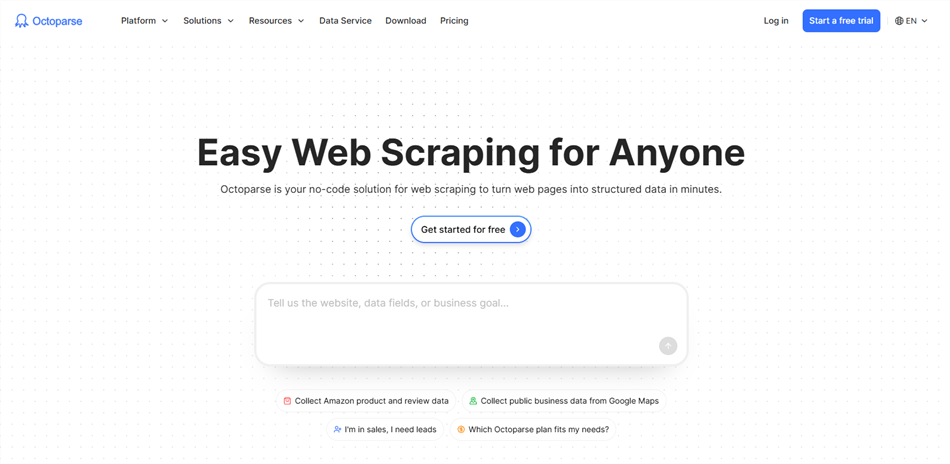
Common reasons marketers switch include:
- Not truly beginner-friendly: Building reliable multi-step workflows still takes time and technical understanding
- Pricing scales quickly: The free plan is limited, and paid tiers — plus add-ons like proxies — can get expensive
- Ongoing maintenance: Scrapers often break when websites change, requiring manual fixes
- Limited beyond scraping: It focuses on data extraction, not the full research-to-insight workflow
Quick Comparison: Octoparse Alternatives at a Glance
Alternative | Best For | Starting Price | Free Plan? | Coding Required? |
Apify | Cloud scraping + pre-built actors | $29/month | ✅ ($5 credits) |
Apify — Best for Cloud-Native Scraping with Pre-Built Actors
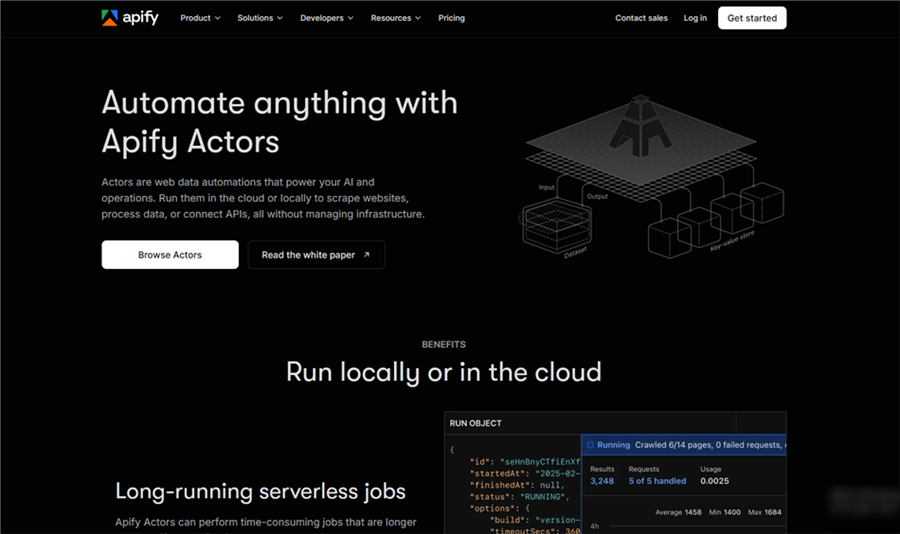
Apify is a full-stack web scraping and automation platform that runs entirely in the cloud. Where Octoparse is desktop-first, Apify is built for programmatic, API-driven workflows — making it a natural upgrade for marketers who've outgrown Octoparse's local-run model.
Why it beats Octoparse for cloud-based workflows: Apify's marketplace offers 4,000+ pre-built "Actors" — ready-to-run scrapers for Amazon product listings, Google Maps, Instagram, LinkedIn, and more. Instead of building a scraper from scratch, marketers can deploy a pre-built Actor in minutes, schedule it to run automatically, and pipe results directly to Google Sheets, Airtable, or any webhook.
Key features:
- housands of pre-built Actors for popular marketing data sources (Amazon, Google, social platforms)
- Cloud scheduling and API-first architecture — no desktop app required
- Proxy rotation and JavaScript rendering built in
- Direct integrations with Google Sheets, Zapier, Make, and Slack
- Storage for scraped datasets with JSON/CSV export
Pricing vs. Octoparse: Apify's free tier includes $5 in monthly platform credits — enough for light testing. Paid plans start at $29/month (Starter), which includes $29 in prepaid usage. Octoparse offers a free plan with strict limits on records, concurrency, and cloud features. Paid plans start at ~$83/month (Standard, monthly billing) and scale to $299/month (Professional), with lower effective pricing under annual billing.
Best for: Digital marketers who need scheduled, cloud-based data pulls from Amazon, Google, or social platforms — without managing a desktop application.
Limitations vs. Octoparse: Apify's pre-built Actors are powerful but can require configuration. Building custom Actors requires JavaScript or Python. Octoparse's visual workflow builder is more beginner-friendly for one-off scraping tasks.
Browse AI — Best for No-Code Website Monitoring
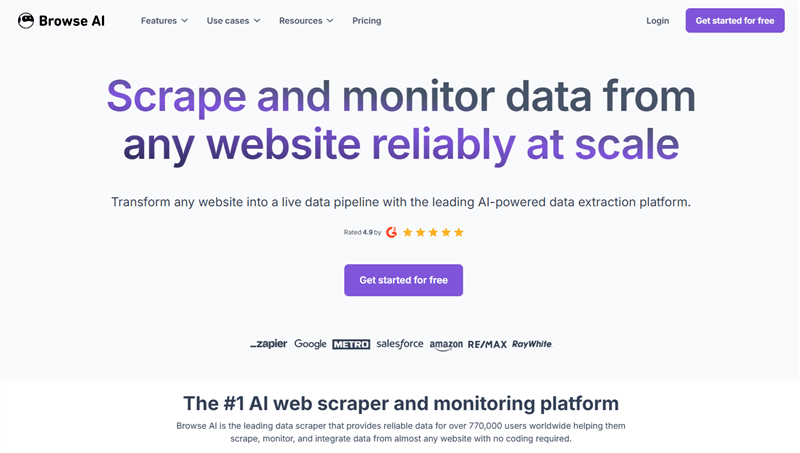
Browse AI takes a fundamentally different approach to scraping: instead of building a workflow, you "train" a robot by demonstrating what to extract on a live website. For marketers who want to monitor competitor pricing, track product availability, or watch for content changes — without any technical setup — Browse AI is the most frictionless option on this list.
Why it beats Octoparse for non-technical marketers: There's no workflow builder, no XPath, no pagination logic to configure. You show Browse AI what data you want, and it figures out the rest. It also monitors for changes and alerts you when something updates — a use case Octoparse doesn't natively support.
Key features:
- Point-and-click robot training — no selectors or workflow logic required
- Website change monitoring with alerts (email, Slack, webhook)
- 7,000+ integrations via Zapier, Make, and native connectors
- Pre-built robots for common marketing tasks (job boards, e-commerce, directories)
- Bulk runs and scheduled extraction
Pricing vs. Octoparse: Browse AI offers a free plan with 50 monthly credits. Paid plans start at $48/month for the Personal tier, with higher tiers like Professional at ~$87/month covering most mid-size use cases. Compared to Octoparse’s higher entry pricing, Browse AI has a lower starting cost — but usage is credit-based, meaning costs can scale quickly depending on how often and how much you scrape.
Best for: E-commerce marketers tracking competitor prices, digital marketers monitoring SERP changes or content updates, and anyone who wants scraping without a learning curve.
Limitations vs. Octoparse: Browse AI's credit-based model can get expensive at high volumes. It's less suited for large-scale bulk extraction compared to Octoparse's cloud run model.
Web Scraper — Best Free Alternative for Light Extraction
Web Scraper is a Chrome extension that lets you build visual sitemaps and extract data directly from your browser — no desktop app, no account required to get started. For marketers who need occasional, ad-hoc data pulls (a competitor's product list, a directory of contacts, a set of blog titles), it's the lowest-friction entry point on this list.
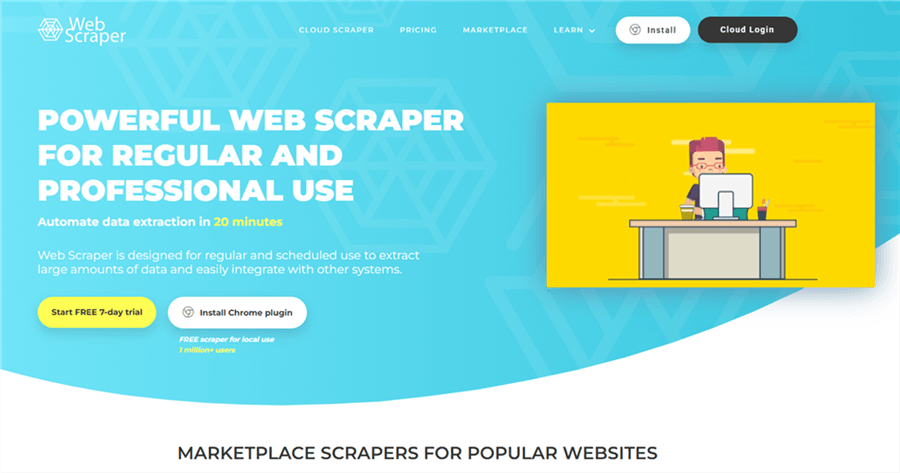
Why it beats Octoparse for occasional use: The free tier is genuinely useful — not a crippled trial. You can build sitemaps, handle pagination, and export to CSV without paying anything. Cloud runs (for scheduled, unattended scraping) start at $50/month, but many marketing tasks don't need that.
Key features:
- Free Chrome extension with no usage caps on local runs
- Visual sitemap builder for pagination, dropdowns, and dynamic content
- Cloud scraping with scheduling (paid tier)
- CSV and XLSX export
- Handles JavaScript-rendered content
Pricing vs. Octoparse: Web Scraper offers a free browser extension for local use, with cloud plans starting at $50/month. In comparison, Octoparse’s paid plans start at ~$83/month on monthly billing (or ~$69/month with annual billing). Web Scraper is more cost-effective for simple or local scraping, but cloud scaling depends on usage.
Best for: Marketers who need occasional data pulls without committing to a monthly subscription — and developers who want a quick browser-based scraping tool.
Limitations vs. Octoparse: Web Scraper lacks Octoparse's rich template library and advanced features like CAPTCHA solving and residential proxy rotation. For complex, large-scale scraping, it falls short.
ParseHub — Best for JavaScript-Heavy Sites and E-Commerce Data
ParseHub is a visual scraping tool similar to Octoparse in interface, but with notably stronger handling of JavaScript-heavy, dynamically loaded pages. For e-commerce marketers scraping product pages with infinite scroll, or AJAX-loaded prices, ParseHub is a more reliable choice.
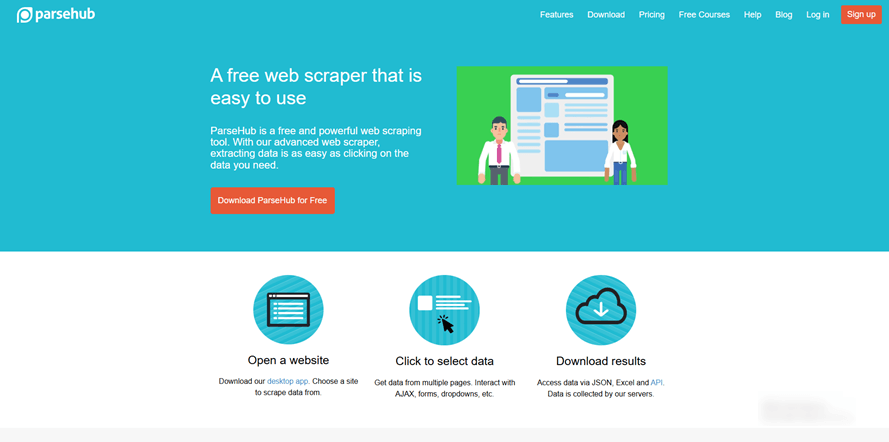
Why it beats Octoparse for dynamic content: ParseHub renders pages using a full browser engine, which means it handles JavaScript, AJAX, and dynamic content more consistently than Octoparse's default rendering. Users report fewer scraper breakages when target sites update their front-end code.
Key features:
- Full browser rendering for JavaScript and AJAX-heavy pages
- Point-and-click interface — no coding required
- Handles infinite scroll, pagination, and authenticated pages when you have permission to access them
- Cloud processing, scheduling, and API access
- IP rotation and proxy support
- Export to CSV, Excel, JSON, and Google Sheets
Pricing vs. Octoparse: ParseHub offers a free plan with 5 public projects and 200 pages per run, making it useful for testing. Paid plans start at $189/month, which is significantly higher than Octoparse’s entry pricing (from ~$69/month annually). However, ParseHub is often favored for handling more complex, JavaScript-heavy sites, where reliability can justify the higher cost.
💡 Pro tip: ParseHub’s free plan is a practical way to validate complex scraping setups before committing to a paid plan — especially for difficult target sites.
Best for: E-commerce marketers who need reliable extraction from product pages, price comparison sites, and JavaScript-heavy retail platforms.
Limitations vs. Octoparse: ParseHub is more expensive at the paid tier. Its template library is smaller than Octoparse's. The desktop client can feel dated compared to cloud-native alternatives.
Bright Data — Best for Enterprise-Scale and Anti-Bot Bypass
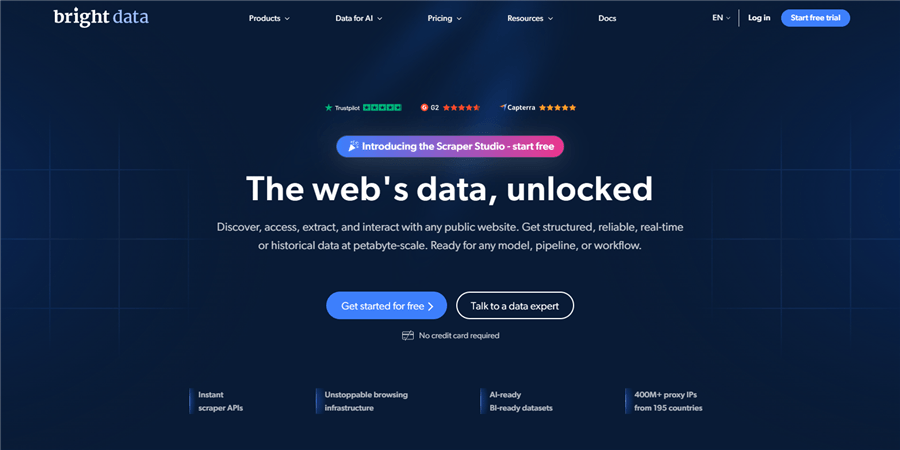
Bright Data is the infrastructure layer that powers serious data operations. Where Octoparse is a scraping tool, Bright Data is a full data platform — combining the world's largest proxy network (residential, mobile, ISP, datacenter) with scraping APIs, a Web Unlocker, and ready-to-use datasets. For marketers at agencies or enterprises who need to scrape heavily protected sites at scale, it's in a different category.
Why it beats Octoparse for scale and reliability: Bright Data's Web Unlocker API handles anti-bot protections, CAPTCHAs, and JavaScript rendering automatically — without you managing proxies or worrying about IP blocks. For marketers scraping Amazon, LinkedIn, or major retail sites at volume, this reliability is worth the premium.
Key features:
- World's largest proxy network (residential, mobile, ISP, datacenter)
- Web Unlocker API — automatic anti-bot bypass and CAPTCHA handling
- Scraping Browser for complex JavaScript rendering
- Ready-to-use datasets for Amazon, LinkedIn, Google, and more
- Enterprise-grade SLAs and dedicated support
Pricing vs. Octoparse: Bright Data’s Crawl API uses a pay-as-you-go model, starting at roughly $1 per 1,000 requests, with no strict monthly minimum and a small free tier available. Unlike Octoparse’s fixed subscription (~$69/month+), Bright Data scales with usage — but real-world costs can quickly exceed $500/month+ at moderate volume.
Best for: Marketing agencies and enterprise e-commerce teams that need to scrape at scale, bypass sophisticated anti-bot systems, and can't afford scraper downtime.
Limitations vs. Octoparse: Bright Data is overkill and overpriced for individual marketers or small teams. The learning curve for configuring the platform is steeper than Octoparse's visual interface.
Scrapy — Best Open-Source Alternative to Octoparse
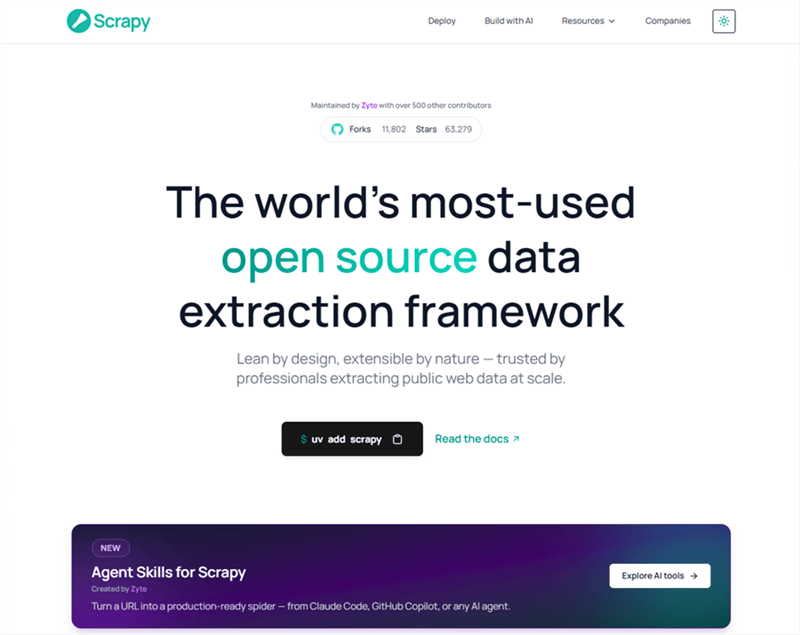
If you're looking for a true open-source alternative to Octoparse, Scrapy is the most widely used option. It's a free, open-source Python framework for large-scale web crawling and data extraction — with no licensing costs, no usage caps, and full control over every aspect of your scraping logic.
Why it beats Octoparse for developers and technical marketers: Scrapy is free forever. There are no per-record limits, no cloud run fees, no proxy add-on charges. For marketers with Python skills (or a developer on the team), Scrapy can handle virtually any scraping task at any scale — and the output can be piped directly into your data pipeline.
Key features:
- Completely free and open-source (BSD license)
- Asynchronous processing for high-speed, large-scale crawling
- Built-in support for CSS selectors and XPath
- Middleware system for proxy rotation, user-agent spoofing, and rate limiting
- Exports to JSON, CSV, XML, and databases
- Large community and extensive documentation
Pricing vs. Octoparse: Scrapy is open-source and free to use, with no subscription fees — unlike Octoparse’s ~$69–$209/month plans. The only costs come from infrastructure (servers/cloud) and proxies if needed.
⚠️ Warning: Scrapy does not natively handle JavaScript-heavy websites. You'll need to integrate it with Playwright or Splash for dynamic content — which adds setup complexity.
Best for: Technical marketers, data analysts, and teams with Python development resources who need maximum flexibility and zero licensing cost.
Limitations vs. Octoparse: Scrapy requires Python knowledge — it's not a no-code tool. Setup, maintenance, and debugging are entirely your responsibility. For non-technical marketers, the alternatives above are more practical.
Firecrawl — Best for AI-Ready Structured Data Output
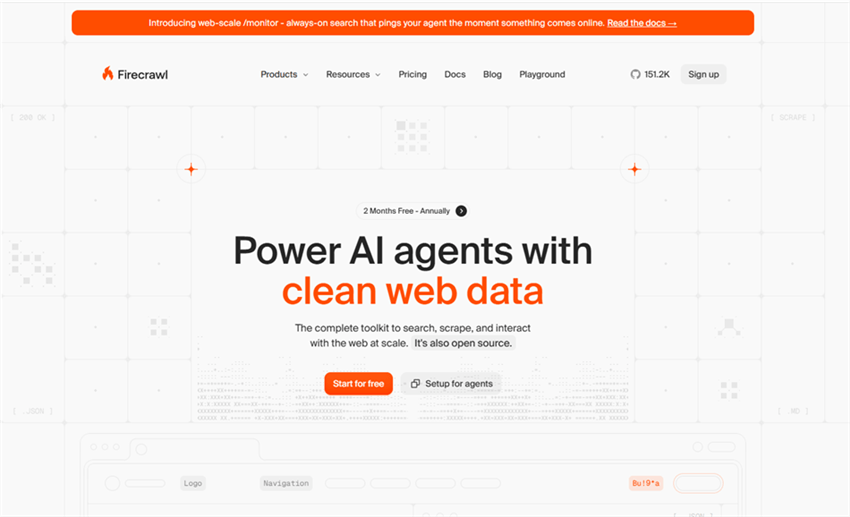
Firecrawl is a newer entrant built specifically for the AI era. It converts any web page into clean Markdown or structured JSON — the format that LLMs, RAG systems, and AI workflows actually need. For marketers building AI-powered content pipelines, competitive intelligence feeds, or automated research workflows, Firecrawl's output quality is a step above raw HTML scraping.
Why it beats Octoparse for AI-integrated workflows: Octoparse outputs raw data that often needs cleaning before it's usable. Firecrawl outputs clean, structured content ready for immediate use in AI tools, spreadsheets, or databases — with no post-processing required.
Key features:
- Converts web pages to clean Markdown or structured JSON automatically
- Handles JavaScript rendering without proxy management
- API-first architecture — integrates with any workflow tool
- Open-source self-hosted option (AGPL license) available
- Natural language extraction — describe what you want in plain English
Pricing vs. Octoparse: Firecrawl offers a free tier (1,000 credits/month) and a low-cost Hobby plan at $19/month, significantly cheaper than Octoparse’s ~$69/month entry plan. Pricing scales via credits (≈1 page/request), making it cost-efficient for small projects but potentially expensive at scale.
Best for: Digital marketers building AI content pipelines, SEO teams automating competitive research, and anyone integrating scraped data into LLM-based workflows.
Limitations vs. Octoparse: Firecrawl is API-first — there's no visual workflow builder. Non-technical marketers may find it harder to use without developer support. It's also newer, with a smaller community than established tools.
Gumloop — Best for AI-Assisted Scraping + Workflow Automation
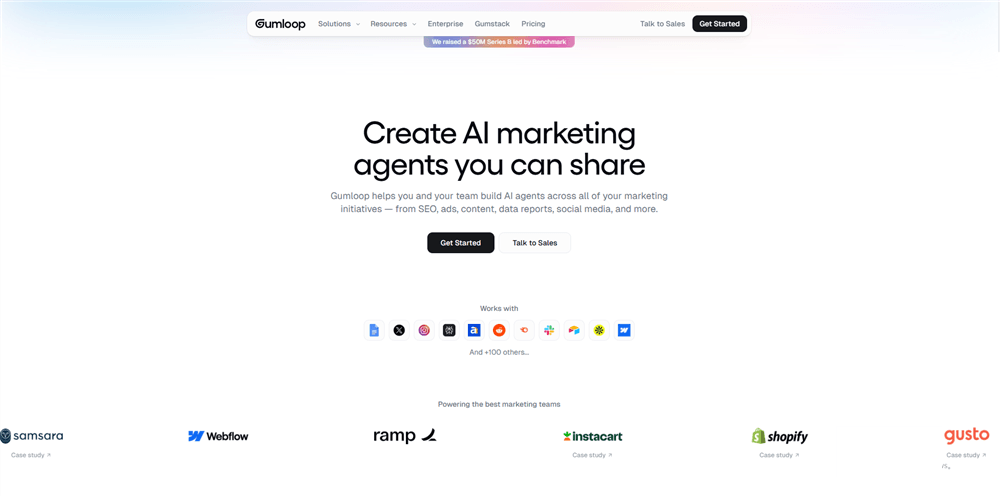
Gumloop is an AI automation platform that combines web scraping with downstream workflow logic — so you can scrape data and immediately analyze, enrich, or route it to other tools within the same canvas. For marketers who currently scrape data in Octoparse and then manually process it in spreadsheets or other tools, Gumloop collapses that two-step process into one.
Why it beats Octoparse for end-to-end marketing workflows: Octoparse stops at data extraction. Gumloop lets you scrape a competitor's product page, run the data through an AI analysis step, and push the results to Slack or a Google Sheet — all in one automated flow.
Key features:
- Visual workflow canvas combining scraping, AI analysis, and data routing
- AI-assisted data extraction — describe what you want in natural language
- Integrations with Google Sheets, Airtable, Slack, and 100+ tools
- No-code interface with AI assistance for complex logic
- Free plan available
Pricing vs. Octoparse: Gumloop offers a free plan for basic automation, with paid plans starting around $37/month — roughly half of Octoparse’s entry pricing. For teams combining scraping + workflow automation, it can replace multiple tools at a lower total cost.
Best for: Digital marketers who want to automate the full data pipeline — from extraction to analysis to distribution — without stitching together multiple tools.
Limitations vs. Octoparse: Gumloop is newer and less battle-tested for large-scale scraping than Octoparse. Its scraping capabilities are strong for standard sites but may struggle with heavily protected or complex targets.
WebHarvy — Best Desktop Alternative for Windows Users
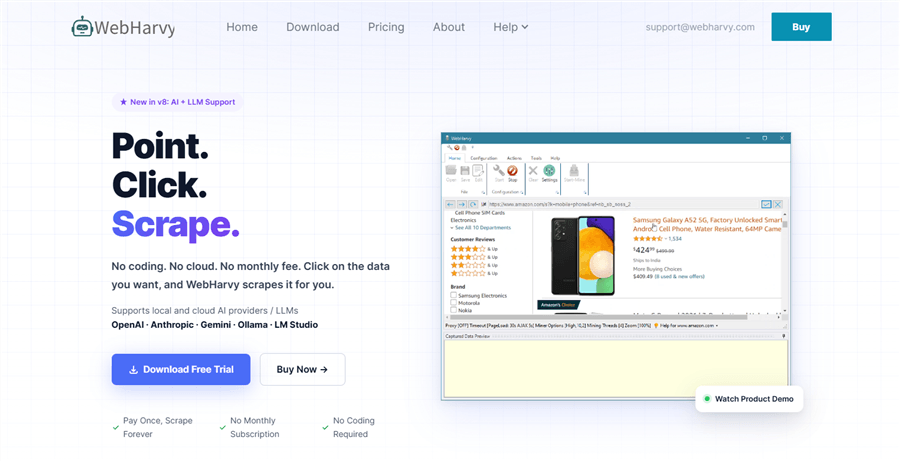
WebHarvy is a point-and-click web scraping tool for Windows that closely mirrors Octoparse's desktop-first approach. If you prefer a desktop application over cloud-based tools and want a one-time purchase rather than a monthly subscription, WebHarvy is worth considering.
Why it beats Octoparse for one-time buyers: WebHarvy is sold as a perpetual license starting at $99 (discounted from $129), meaning you pay once and own the software. In contrast, Octoparse requires a recurring subscription (starting at ~$83/month), which can become significantly more expensive over time for long-term users.
Key features:
- Point-and-click visual interface — no coding required
- Handles JavaScript, AJAX, and dynamic content
- Supports pagination, infinite scroll, and login-protected pages
- Export to CSV, Excel, XML, JSON, and databases
- One-time purchase pricing (no subscription)
Pricing vs. Octoparse: WebHarvy uses a one-time license model starting at ~$129, compared to Octoparse’s recurring monthly fees. This makes it significantly cheaper long-term (break-even in ~1–2 months), but with fewer cloud and scaling capabilities.
Best for: Windows-based marketers who scrape occasionally and prefer a one-time purchase over a monthly subscription.
Limitations vs. Octoparse: WebHarvy is Windows-only and desktop-only — no cloud scheduling or team collaboration. Its template library and community are smaller than Octoparse's. It's not suitable for large-scale or automated scraping workflows.
Bonus: AllyHub — If Your Real Goal Is Automating Research Workflows Beyond Scraping
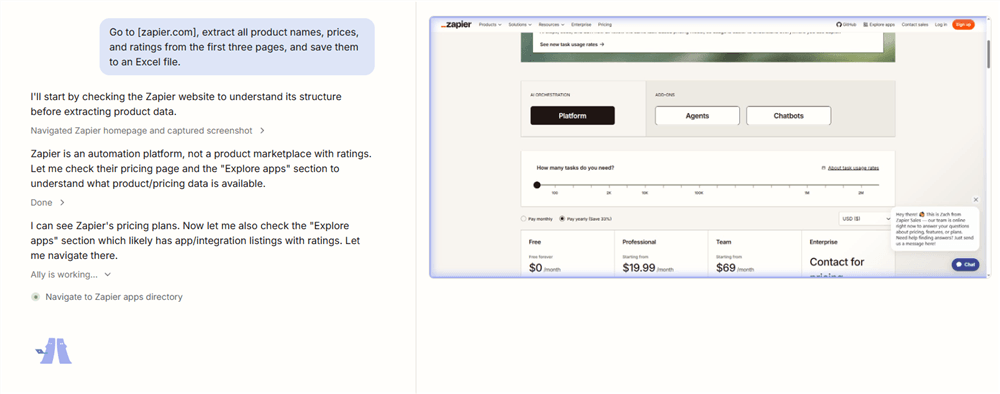
If you're moving beyond Octoparse because scraping alone isn’t enough, AllyHub is built for the full research lifecycle. Instead of just extracting data, it combines AI-powered research, browser automation, and structured output generation into one system — so you can go from question → data → insights without switching tools.
With AllyHub, you can:
- Run end-to-end research workflows (e.g., competitor analysis, SERP breakdowns, lead list building)
- Automatically turn results into structured outputs like reports, tables, or datasets
- Save workflows as reusable Service assets that improve and compound over time
- Execute multi-step tasks directly in your browser with an AI copilot
This makes it especially powerful for workflows like SEO research, market intelligence, and content sourcing, where the goal isn’t just data collection — but usable insights.
Best for: Marketers who want to automate research, not just scraping.
How to Choose the Right Octoparse Alternative
With nine options on the table, here's a quick decision framework for marketers:
Choose Apify if you need cloud-based, scheduled scraping from major platforms (Amazon, Google, social media) and want pre-built scrapers you can deploy immediately.
Choose Browse AI if you want the simplest possible setup — train a robot in minutes, monitor for changes, and connect to your existing tools without any technical knowledge.
Choose Web Scraper if you need occasional, free data pulls and don't want to pay a monthly subscription for light use.
Choose ParseHub if you're scraping JavaScript-heavy e-commerce sites and need reliable extraction from dynamic product pages.
Choose Bright Data if you're at enterprise scale, scraping heavily protected sites, and reliability is non-negotiable.
Choose Scrapy if you have Python skills (or a developer on the team) and want maximum flexibility at zero licensing cost — the best open-source alternative to Octoparse.
Choose Firecrawl if you're building AI-powered content or research pipelines and need clean, structured output ready for LLM ingestion.
Choose Gumloop if you want to combine scraping with AI analysis and workflow automation in a single no-code canvas.
Choose WebHarvy if you're a Windows user who scrapes occasionally and prefers a one-time purchase over a monthly subscription.
Stick with Octoparse if you need a desktop scraper with a rich template library for popular sites, you're comfortable with the learning curve, and the $75/month pricing fits your budget.
FAQ: Octoparse Alternatives
What is the best free alternative to Octoparse?
Web Scraper is the best free alternative for light, ad-hoc extraction — its Chrome extension has no usage caps on local runs. Browse AI's free plan (50 credits/month) is better if you need monitoring and change alerts. Scrapy is free with no limits at all, but requires Python skills.
Is there an open-source alternative to Octoparse?
Yes. Scrapy is the most widely used open-source web scraping framework — free, highly customizable, and capable of large-scale crawling. Beautiful Soup and Playwright are also popular open-source options. The trade-off: all require coding knowledge, unlike Octoparse's no-code interface.
What are the best tools like Octoparse for e-commerce marketers?
For e-commerce use cases (price monitoring, product data extraction, competitor catalog scraping), Browse AI and ParseHub are the strongest no-code alternatives. Apify's pre-built Amazon and e-commerce Actors are also excellent for structured product data at scale.
Is Octoparse still worth it in 2026?
Yes, for the right use case. Octoparse's template library for popular sites (Amazon, Google Maps, Twitter) is genuinely useful, and its visual workflow builder is more beginner-friendly than most alternatives. If you're comfortable with the learning curve and the ~$83/month starting price (monthly billing), it remains a solid choice. But if you need cloud-native operation, simpler setup, or lower pricing, the alternatives above offer better value.
What is the cheapest alternative to Octoparse?
Web Scraper (free for local runs), Browse AI are the most affordable paid alternatives. Scrapy is free if you have Python skills.
Can I replace Octoparse without any coding?
Yes. Browse AI, Web Scraper, Gumloop, and ParseHub are all no-code tools that handle the most common marketing scraping tasks without requiring any programming knowledge.
What's the best Octoparse alternative for teams?
Apify and Bright Data both offer team collaboration features, shared workspaces, and enterprise-grade access controls. Browse AI's Professional and Team plans also support multi-user workflows.


