

Both AllyHub and Firecrawl show up on the same "AI tools for scraping" listicles. Both can produce structured data from web pages. Both mention LLMs in their marketing copy. The surface similarity is real — and it ends there. Firecrawl is an API you call from inside your own code to give an AI agent web access. AllyHub is the AI agent itself, operating your real browser. Once you frame the comparison that way, the question stops being "which is better" and becomes "are you building an agent, or do you want one ready-made?" This article maps each tool to the person it's actually built for.
Key Takeaways
- Quick answer: Firecrawl wins for developers building AI applications who need LLM-ready Markdown/JSON output, /interact natural-language endpoints, and an MCP Server for agent integration. AllyHub wins for non-technical operators who want a finished AI agent that does multi-step browser work in their logged-in browser.
- Pricing: AllyHub starts at $19.99/mo Pro; Firecrawl starts at $19/mo Hobby with usage-based pricing that scales with page volume.
- Key difference: Firecrawl is scraping infrastructure you compose with code (Python/Node SDK + REST API + MCP Server). AllyHub is a browser agent you direct in natural language — no code required.
- LLM-native outputs: Firecrawl formats every scrape as LLM-ready Markdown/JSON. AllyHub exports CSV/Excel/Sheets from operator tasks.
- Bottom line: if you're building an AI app and need a data layer, pick Firecrawl. If you're an operator doing browser work, pick AllyHub. They don't compete — they occupy different layers of the stack.
What Is AllyHub?
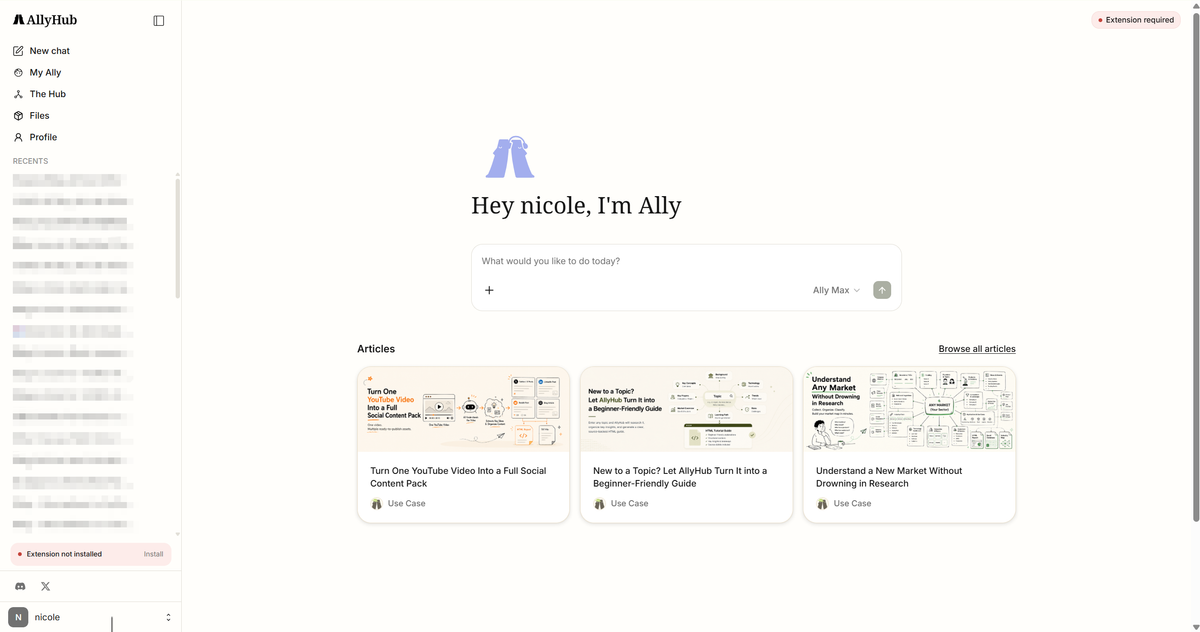
AllyHub turns your browser into an AI-powered execution environment, allowing you to automate real work directly across the websites you already use. Instead of starting from scratch, it operates within your existing sessions to handle tasks like research, data extraction, and multi-step workflows.
What makes it different is its ability to improve with use. Each task creates reusable assets—such as Skills and Services—so future work becomes faster and requires less input. With a built-in library of ready-to-run workflows, users can skip setup and get immediate results.
Designed for individual users and small teams, AllyHub focuses on eliminating repetitive browser work while continuously increasing productivity over time.
What Is Firecrawl?
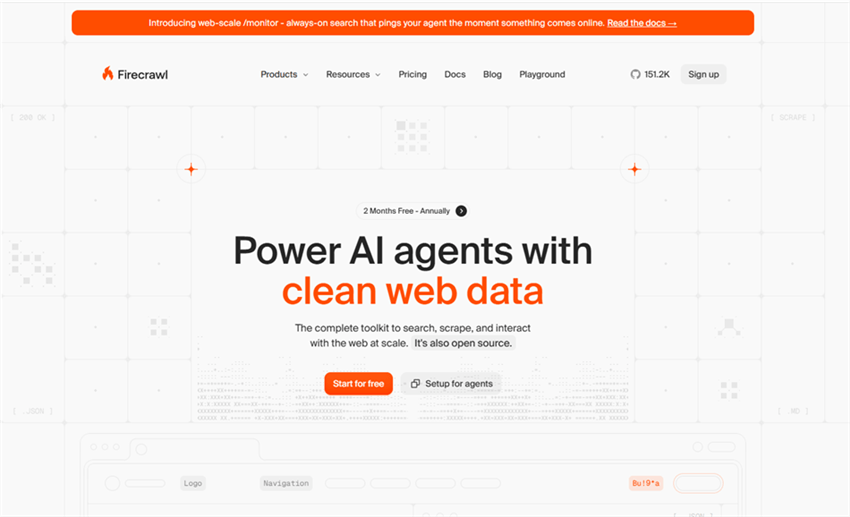
Firecrawl is a developer-first web data API designed for AI applications. It converts web pages into clean, structured Markdown or JSON, removing the need for manual HTML parsing or data cleaning.
Key features:
- Structured scraping with LLM-ready Markdown or JSON output
- Multi-page crawling and site-level data extraction
- /interact endpoint for programmatic page interaction and targeted extraction
- MCP server for tool-based access from LLM clients (e.g., Claude, GPT, LangChain)
- Mobile and browser emulation for different rendering environments
- Change monitoring with webhook-based updates
- Python and Node SDKs, plus REST API for integration
Firecrawl is built for developers and AI teams creating agents, RAG pipelines, and AI-powered products that require a reliable web data layer. It is not an end-user automation tool, but the infrastructure layer used to give agents access to web content.
AllyHub vs Firecrawl: Feature-by-Feature Breakdown
Feature | AllyHub | Firecrawl | Winner |
Product type | Browser agent (Chrome extension) | Scraping API (developer primitive) | Depends on layer |
AllyHub vs Firecrawl: Pricing Compared
Plan | AllyHub | Firecrawl |
Free | Daily credits | 1,000 credits/month |
Entry paid | $19.99/mo Pro, 2,000 credits | $19/mo Hobby |
The pricing models reflect different bets. AllyHub's pricing is operator-friendly: flat monthly credits with daily top-ups, plus ROTI means repeat work gets cheaper over time. Firecrawl's pricing is usage-based and scales linearly with page volume — the 100,000th page crawl costs the same as the first. For developers amortizing Firecrawl across many AI use cases, this is fair; for an operator who just wants to do 50 browser tasks a month, AllyHub's flat pricing is more predictable.
AllyHub vs Firecrawl: Where Each Tool Wins
Both AllyHub and Firecrawl are powerful tools, but they are designed for fundamentally different types of workflows. Rather than trying to determine which one is “better,” it’s more useful to understand where each tool delivers the most value in real-world use.
Developer Workflows & API Automation
Firecrawl is designed for developer workflows and data infrastructure. It provides a clean API that converts web pages into structured, LLM-ready data, making it well suited for RAG pipelines, AI agents, and automated ingestion systems. It also runs server-side, supporting high concurrency and scheduled jobs that continue even when your machine is offline.
AllyHub does not offer API access or backend execution. It operates within the browser and has limited parallelism, making it less suitable for scalable or engineering-heavy workflows.
Browser-Based Work & Interactive Automation
AllyHub operates directly inside your browser, allowing it to use your existing login sessions and interact with authenticated websites without additional setup. Users can describe tasks in natural language, and the agent executes them through actions like clicking, typing, and navigation.
This makes it highly accessible for non-technical users and effective for day-to-day operational tasks. Firecrawl, by contrast, does not interact with web interfaces and is limited to retrieving and structuring page content.
Agent Capabilities & Task Execution
In terms of capability, AllyHub behaves more like a full-fledged AI agent that can execute multi-step tasks. It can move across pages, adapt to changing contexts, and complete workflows that involve both data retrieval and action-taking. This makes it suitable for scenarios where the goal is not just to gather information, but to complete a sequence of tasks from start to finish.
Firecrawl operates at a different layer. It functions as a data primitive rather than an agent, focusing on extracting clean, structured information from the web. Any multi-step reasoning or orchestration needs to be handled by an external system, such as a language model or agent framework. In this sense, Firecrawl and AllyHub are not interchangeable—they serve complementary roles in a broader AI stack.
Specialized Scraping Capabilities
When it comes to advanced scraping capabilities, Firecrawl is more purpose-built for modern web environments. It can handle JavaScript-heavy sites, manage pagination, and produce structured outputs that are immediately usable in downstream systems. It also supports mobile user-agent emulation, allowing you to capture how a website appears on mobile devices—an important detail in certain data collection and competitive analysis scenarios.
AllyHub can extract information from pages it interacts with, but it is not optimized for large-scale crawling or systematic data extraction. Its strengths lie in task execution rather than building datasets, which makes it less suitable for deep or repetitive scraping workflows.
Final Perspective
Ultimately, AllyHub and Firecrawl represent two different layers of capability rather than direct competitors. Firecrawl focuses on the infrastructure side of web data—how to reliably retrieve and structure it at scale—while AllyHub focuses on the interaction layer, enabling users to complete tasks within real web environments.
If your goal is to build automated data pipelines or power AI systems with clean web data, Firecrawl fits naturally into that architecture. If your goal is to get work done inside websites with minimal setup and no coding, AllyHub offers a more direct and accessible approach.
AllyHub vs Firecrawl: Ecosystem & Integrations
Integration Landscape
Firecrawl integrates with LangChain, LlamaIndex, Cursor, Claude Desktop via MCP, Make, n8n, Zapier, and most major AI/automation platforms. Its MCP Server lets any MCP-aware LLM client invoke Firecrawl as a tool — meaning in Cursor or Claude Desktop, you can ask "scrape this URL and summarize" and Firecrawl handles it. AllyHub integrates with the broader Chrome extension ecosystem and mainstream platforms; its public API and MCP support are on the roadmap. For integration breadth in mid-2026, Firecrawl is multiple steps ahead, especially in the AI/LLM ecosystem.
Deliverable-Type Verdict
Deliverable Type | Winner | Why |
LLM-ready Markdown/JSON datasets | Firecrawl | Built for this — clean output tuned for LLMs |
RAG pipelines ingesting web content | Firecrawl |
For developers shipping AI apps with web data layers, Firecrawl is the stronger choice. For operators shipping research, content, and browser-automated work, AllyHub is the stronger choice.
When to Choose AllyHub vs Firecrawl
Use Case | Better Choice | Why |
Work inside logged-in websites (LinkedIn, Notion, SaaS tools) | AllyHub | Uses your real browser session |
Execute multi-step tasks across websites | AllyHub |
FAQ: AllyHub vs Firecrawl
Is AllyHub a replacement for Firecrawl?
No. AllyHub is a browser agent for operator work; Firecrawl is a developer API for LLM-ready web data. They overlap on small one-off scraping tasks but occupy different layers of the AI stack.
Can Firecrawl operate my logged-in browser?
No. Firecrawl is an API that makes HTTP requests server-side. Authenticated scraping requires you to pass cookies, session tokens, or credentials per request, and many authenticated sites block Firecrawl's cloud IPs. For logged-in browser work, AllyHub is the better fit.
Can AllyHub produce LLM-ready Markdown output?
Not natively. AllyHub exports CSV/Excel/Sheets from operator tasks. If you need LLM-ready Markdown/JSON for RAG pipelines, Firecrawl is purpose-built for this.
Does Firecrawl have an MCP Server?
Yes — Firecrawl's MCP Server is live and pluggable into Claude Desktop, Cursor, LangChain, and other MCP-aware clients. AllyHub's MCP support is on the roadmap as of mid-2026.
Does Firecrawl do multi-step AI reasoning like AllyHub?
No. Firecrawl's /interact endpoint lets you ask a single page a natural-language question, but multi-step reasoning across pages is left to the agent you build around Firecrawl. AllyHub is the agent; Firecrawl is a tool an agent uses.
Which is better for change monitoring?
Firecrawl, by default. Its Monitoring feature watches pages over time and fires webhooks on change. AllyHub has no equivalent — scheduling and monitoring are on its roadmap.
Can I use both together?
Yes. A common pattern: use Firecrawl to ingest web data into your AI app, and use AllyHub for the operator work around it (e.g., Firecrawl scrapes competitor pricing into your dashboard; AllyHub drafts outreach in your logged-in LinkedIn for the top opportunities).


