

While Apify is a powerful platform for engineering teams, its technical nature and complex pricing can make simple data extraction and daily web automation unnecessarily difficult for marketers and business teams.
Unpredictable credit billing, broken Actors after site updates, and a workflow that requires too much developer setup — these are the most common reasons users look for an Apify alternative.
In this guide, we evaluate the 9 best Apify alternatives for web scraping and automation in 2026, breaking down each option by pricing structure, no-code ease of use, and specific workflow fit.
Key Takeaways
- Best no-code browser-based marketing workflows: AllyHub is the best Apify alternative for marketers who need browser automation + data extraction without writing a single line of code — and it gets smarter with every task.
- Best no-code scraper: Octoparse offers a visual point-and-click interface with no coding required, ideal for one-off extraction jobs.
- Best for enterprise proxy infrastructure: Bright Data is the go-to for high-volume, anti-bot-resistant scraping at scale.
- Best free/open-source option: Scrapy gives developers full control at zero cost, but requires Python skills.
- Best for AI-ready data: Firecrawl outputs clean, LLM-ready markdown — purpose-built for AI workflows.
- Apify is still worth it if: You have an in-house developer team that needs a managed cloud scraping environment with a large pre-built Actor library.
- Bottom line: For most marketers, the right Apify alternative depends on one question — do you need no-code simplicity, predictable pricing, or AI-native output? This list covers all three.
Why Marketers Look for Apify Alternatives
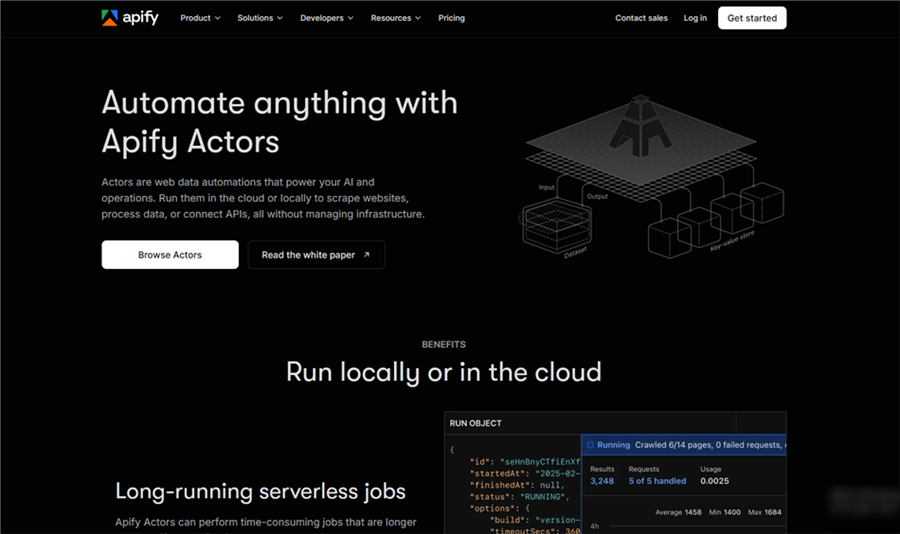
Apify is one of the most capable web scraping and automation platforms available. Its Actor Store—home to tens of thousands of web scraping and automation tools—along with managed cloud infrastructure and developer SDKs, makes it a true powerhouse for engineering teams.
However, marketers commonly switch because:
- Unpredictable Pricing: Apify’s Actor Store includes thousands of pre-built Actors, but pricing can vary because platform usage, proxies, and individual Actor pricing may all affect the final cost.
- High Technical Friction: Apify relies on "Actors"—serverless programs that require configuring input schemas, understanding parameters, and debugging code when runs fail.
- Variable Scraper Stability: Because many Store Actors are community-maintained, third-party scrapers can silently break whenever target sites change their layouts.
If you have a developer team and need enterprise-grade scraping infrastructure, Apify remains a strong choice. But if you're a marketer who needs reliable, actionable data without a PhD in web scraping — one of the alternatives below will serve you better.
Quick Comparison: Apify Alternatives at a Glance
Alternative | Best For | Pricing vs. Apify | Free Plan? |
AllyHub | No-code browser automation + AI workflows for marketers | Comparable | ✅ Yes |
Octoparse |
Top 9 Apify Alternatives for Web Scraping
AllyHub — Best for No-Code Browser Automation
If Apify’s complex Actor setup and technical debugging are slowing you down, AllyHub offers a simpler, browser-native alternative. Operating as an AI-powered browser workspace, it lets you describe your web scraping tasks in plain language—whether you are extracting multi-page e-commerce pricing, monitoring SERPs, or pulling targeted leads—and executes the workflow directly on real web pages without requiring custom scripts, technical configuration, or server deployments.
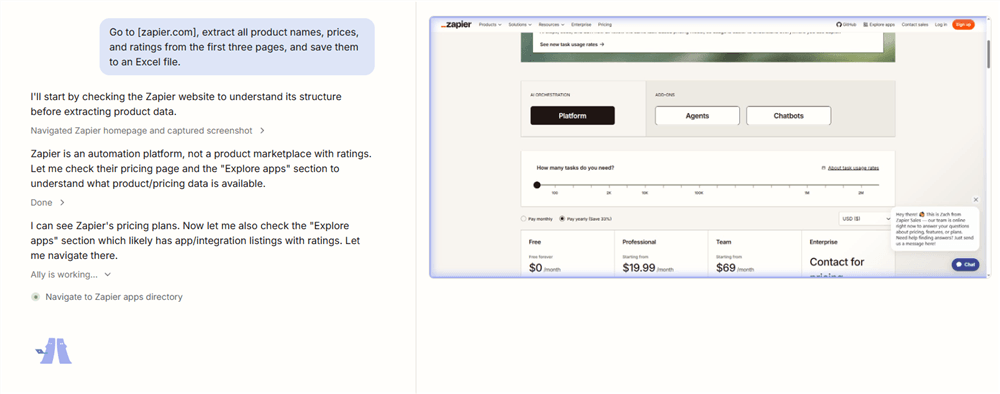
Instead of starting from scratch on every scraping job, AllyHub powered by ROTI (Return on Token Investment) makes every execution build reusable intelligence. Each completed workflow automatically accumulates Skills, Web Notes, and Service assets. When you run a similar extraction task in the future, AllyHub reuses learned page structures, selectors, and user preferences — making subsequent scraping runs faster, more accurate, and more reliable over time.
Key Features:
- Real Browser Execution: Operates live web pages directly via Chrome extension rather than relying strictly on static API endpoints.
- No-Code Web Scraping & Data Extraction: Pulls structured data, extracts lists, fills forms, and completes research workflows with zero code.
- One-Click Reusable Services: Package any repetitive scraping task into a Service card that can be triggered in one click.
- Continuously Evolving Memory: Skills and Web Notes accumulate across runs, so the system builds on what it already knows.
- Zero Configuration: Install the Chrome extension and start extracting data immediately.
Pricing vs. Apify: AllyHub offers a Free plan for basic use and a Pro plan at $19/month (with no complex team tier required). This makes it significantly more accessible and predictable than Apify's $29/month Starter tier, eliminating unpredictable credit overage fees while ensuring every token spent builds long-term workflow capability.
Best For: Digital marketers, e-commerce managers, and growth teams who need automated web scraping and browser workflows without relying on engineering teams — especially those who run recurring data collection tasks.
Limitations vs. Apify: AllyHub is designed for browser-native execution and workflow automation. For massive, infrastructure-level parallel crawling (e.g., scraping millions of raw pages simultaneously across heavy proxy networks), Apify’s managed cloud infrastructure offers higher raw throughput. AllyHub also does not rely on a community Actor store; instead, you build and package your own evolving workflow assets.
💡 Pro tip: AllyHub's compounding model means the ROI improves the more you use it. If you run the same type of research or extraction task weekly, the time savings compound significantly over months.
Octoparse — Best for Visual No-Code Scraping
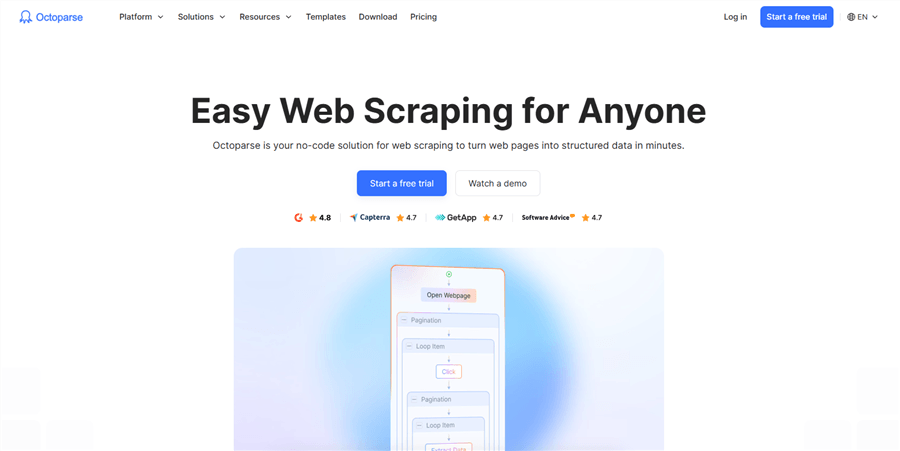
Octoparse is one of the most established no-code web scraping tools on the market. Its visual point-and-click interface lets you build scrapers by clicking on the elements you want to extract — no coding, no input schemas, no Actor configuration.
Why it beats Apify for non-technical users: Octoparse's workflow is genuinely visual. You open a page in its built-in browser, click the data you want, and it generates the extraction logic automatically. For marketers who need to pull product data, pricing tables, or contact lists from specific pages, this is dramatically simpler than Apify's Actor-based approach.
Key features:
- Visual point-and-click scraper builder
- Cloud and local extraction modes
- Scheduled scraping and auto-detection of pagination
- Pre-built task templates for common sites (Amazon, LinkedIn, etc.)
- Export to Excel, CSV, Google Sheets, or databases
Pricing vs. Apify: Octoparse offers a free plan with up to 10,000 records per export. Paid plans start at ~$83/month (or ~$69/month billed annually), making them more expensive than Apify’s $29/month Starter plan, but with simpler, more predictable subscription-based pricing and fewer usage-based variables.
Best for: Marketers who need to extract structured data from specific pages without any coding — especially for one-off or recurring extraction jobs on known sites.
Limitations vs. Apify: Octoparse struggles with highly dynamic JavaScript-heavy pages and complex anti-bot systems. It also lacks Apify's developer extensibility — you can't write custom logic when the visual builder hits its limits.
Browse AI — Best for Monitoring and Change Detection
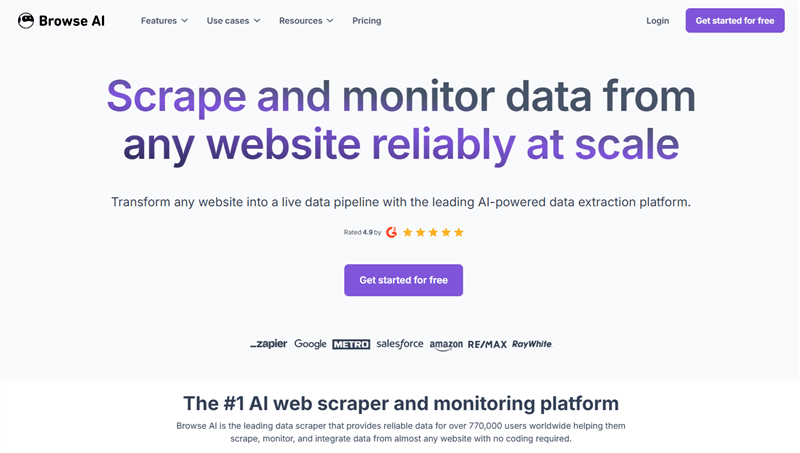
Browse AI is purpose-built for two things: extracting data from web pages and monitoring those pages for changes. Its "robot" setup is genuinely no-code — you train it by demonstrating what to extract, and it handles the rest.
Why it beats Apify for monitoring use cases: Apify can monitor pages, but it requires setting up and scheduling Actors. Browse AI makes monitoring a first-class feature — you can set up alerts when a competitor changes pricing, a product goes out of stock, or a job listing appears. For marketers tracking competitive intelligence, this is a significant workflow advantage.
Key features:
- No-code robot training via browser demonstration
- Built-in change monitoring with email/Slack alerts
- Bulk extraction from lists of URLs
- Integrations with Zapier, Make, Google Sheets
- Pre-built robots for common sites
Pricing vs. Apify: Browse AI starts at $19/month (billed annually) or ~$48/month (monthly) for 2,000 credits, making it cheaper than Apify’s $29/month Starter plan at the entry level. Its credit-based model also offers more predictable per-run pricing for straightforward monitoring and extraction tasks.
Best for: E-commerce marketers monitoring competitor pricing, content marketers tracking SERP changes, and growth teams watching for new leads or listings.
Limitations vs. Apify: Browse AI is less flexible for complex multi-step workflows or custom scraping logic. It works best on relatively stable page structures — highly dynamic sites can cause reliability issues.
Bright Data — Best for Enterprise-Grade Proxy Infrastructure
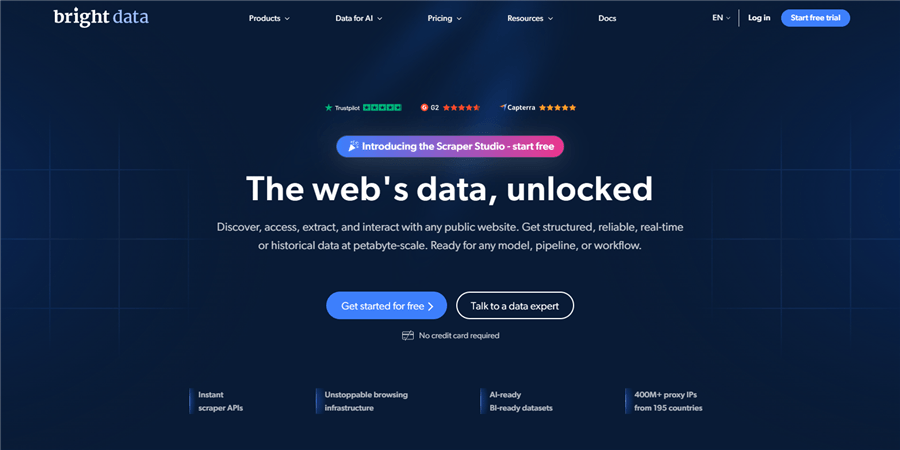
Bright Data (formerly Luminati) is the industry standard for large-scale, anti-bot-resistant data collection. It combines a massive residential proxy network with a suite of scraping tools — including a no-code Scraping Browser, pre-built datasets, and a Web Unlocker API.
Why it beats Apify for high-volume enterprise scraping: Apify's proxy infrastructure is solid, but Bright Data's network is in a different league — 72M+ residential IPs across 195 countries. For teams scraping at scale where bot detection is a constant battle (e.g., Amazon, Google, social platforms), Bright Data's success rates and geo-targeting capabilities are unmatched.
Key features:
- 72M+ residential, datacenter, and mobile proxies
- Scraping Browser (cloud browser with built-in unblocking)
- Web Unlocker API for structured data from complex sites
- Pre-built datasets for Amazon, LinkedIn, Google, and more
- SERP API, e-commerce datasets, and real-time data feeds
Pricing vs. Apify: Bright Data uses a usage-based pricing model, with residential proxies starting at ~$8.40/GB and scraping tools typically from ~$499/month. This makes it significantly more expensive than Apify’s $29/month Starter plan, but better suited for enterprise-scale, high-reliability scraping.
Best for: E-commerce teams running large-scale price monitoring, market research firms collecting data at volume, and any team where anti-bot bypass is a core requirement.
Limitations vs. Apify: Bright Data is expensive for small teams and has its own learning curve. It's infrastructure-first — you still need to build the scraping logic on top of it.
PhantomBuster — Best for Social Media and LinkedIn Automation
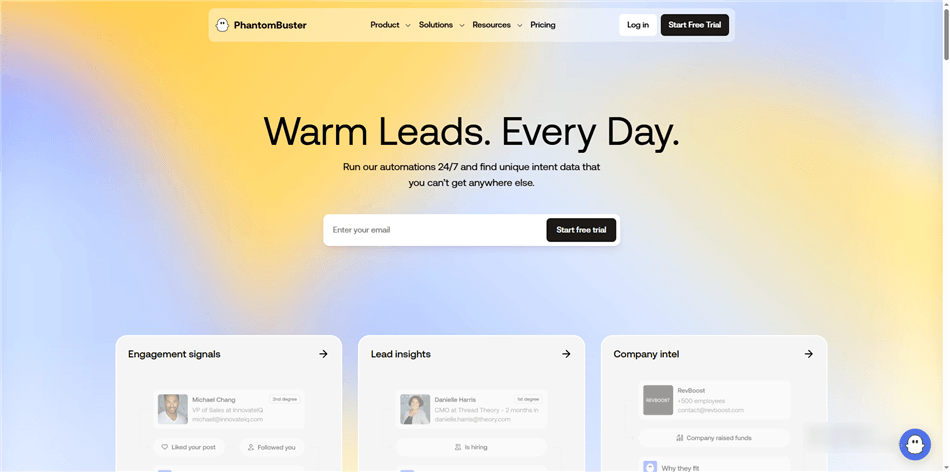
PhantomBuster is the go-to tool for social media data extraction and automation — particularly LinkedIn, Twitter/X, Instagram, and Sales Navigator. Its "Phantoms" (pre-built automation workflows) cover the most common social media tasks marketers need.
Why it beats Apify for social media workflows: Apify has social media Actors, but PhantomBuster is purpose-built for this use case. Its Phantoms are designed specifically for marketers — LinkedIn profile scraping, connection request automation, follower extraction, post engagement tracking — with a UI that doesn't require any technical configuration.
Key features:
- 100+ pre-built Phantoms for LinkedIn, Twitter, Instagram, Facebook
- LinkedIn Sales Navigator scraping and automation
- Lead enrichment and export to CRM
- Scheduling and cloud execution
- Zapier and Make integrations
Pricing vs. Apify: PhantomBuster starts at $69/month (20 hours of execution time), making it comparable to Apify’s $29/month Starter plan, but specifically designed for social media automation and lead generation workflows.
Best for: Growth marketers, sales teams, and social media managers who need to extract leads, monitor engagement, or automate outreach on LinkedIn and other social platforms.
Limitations vs. Apify: PhantomBuster is narrowly focused on social media. It's not a general-purpose scraping platform — if you need to scrape e-commerce sites, news sources, or custom web pages, you'll need a different tool.
⚠️ Warning: Social media automation carries platform risk. Always review LinkedIn's and other platforms' terms of service before running automation workflows.
Firecrawl — Best for LLM-Ready Data Output
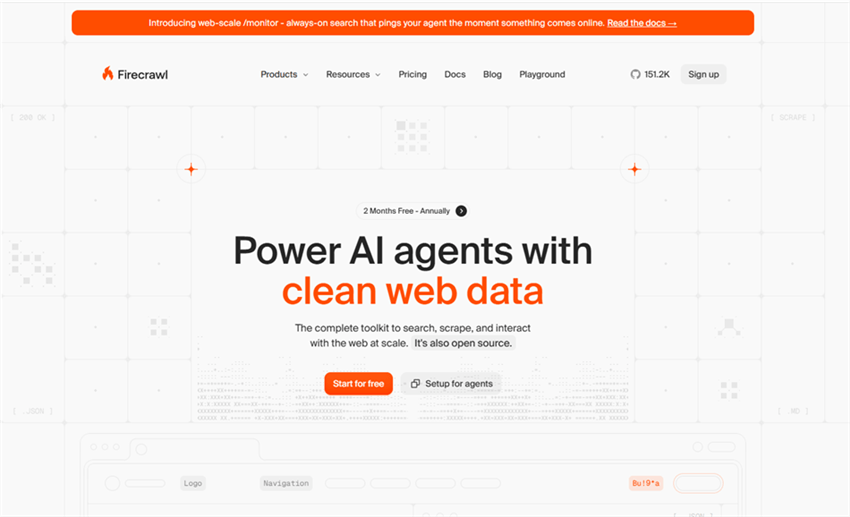
Firecrawl is a modern scraping API purpose-built for AI and LLM workflows. Instead of returning raw HTML, it outputs clean, structured markdown — exactly what you need to feed into ChatGPT, Claude, or any AI pipeline without additional parsing.
Why it beats Apify for AI-native workflows: Apify can be integrated with LangChain and AI frameworks, but it requires additional processing to clean and structure the output. Firecrawl handles that automatically — every page it scrapes comes back as clean, readable markdown with metadata stripped out. For marketers building AI-powered research tools, content pipelines, or competitive intelligence systems, this saves significant post-processing work.
Key features:
- Clean markdown output optimized for LLMs
- Full website crawling with sitemap support
- JavaScript rendering and dynamic content handling
- Structured data extraction with custom schemas
- MCP (Model Context Protocol) server for AI agent integration
Pricing vs. Apify: Firecrawl offers a free plan with 1000 credits/month, and paid plans start at $16/month, making it significantly cheaper than Apify’s $29/month Starter plan for teams using it as an AI data pipeline.
Best for: Marketers building AI-powered content research tools, teams feeding scraped data into LLM workflows, and developers who need clean structured output without post-processing.
Limitations vs. Apify: Firecrawl is an API-first tool — it doesn't have a visual interface or pre-built workflow library. It's best used as a component in a larger pipeline, not as a standalone scraping solution.
ScraperAPI — Best for Simple Anti-Bot Bypass at Scale
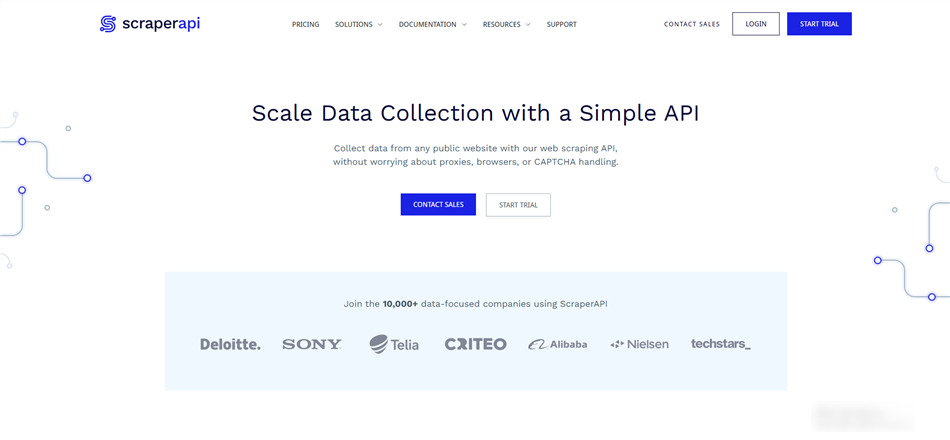
ScraperAPI does one thing extremely well: it handles all the anti-bot complexity (rotating proxies, browser rendering, CAPTCHA solving) so you can focus on writing simple HTTP requests. You send a URL, it returns the HTML.
Why it beats Apify for developer simplicity: Apify's infrastructure is powerful but complex to configure. ScraperAPI abstracts all of that into a single API call — no Actor setup, no compute unit math, no proxy configuration. For developers who want to build their own scraping logic without managing infrastructure, it's significantly simpler.
Key features:
- Single API endpoint — send URL, get HTML
- Automatic proxy rotation and CAPTCHA handling
- JavaScript rendering support
- Geotargeting for localized results
- Structured data endpoints for Google, Amazon, and more
Pricing vs. Apify: ScraperAPI starts at $49/month for 100,000 API credits, making it generally more cost-efficient than Apify at similar scale, with simpler, predictable pricing.
Best for: Developers who want to build custom scraping logic without managing proxy infrastructure, and teams that need predictable, flat-rate pricing.
Limitations vs. Apify: ScraperAPI is a raw infrastructure tool — it returns HTML, not structured data. You still need to write parsing logic. It also lacks Apify's workflow orchestration, scheduling UI, and pre-built Actor library.
Scrapy — Best for Developers Who Want Full Open-Source Control
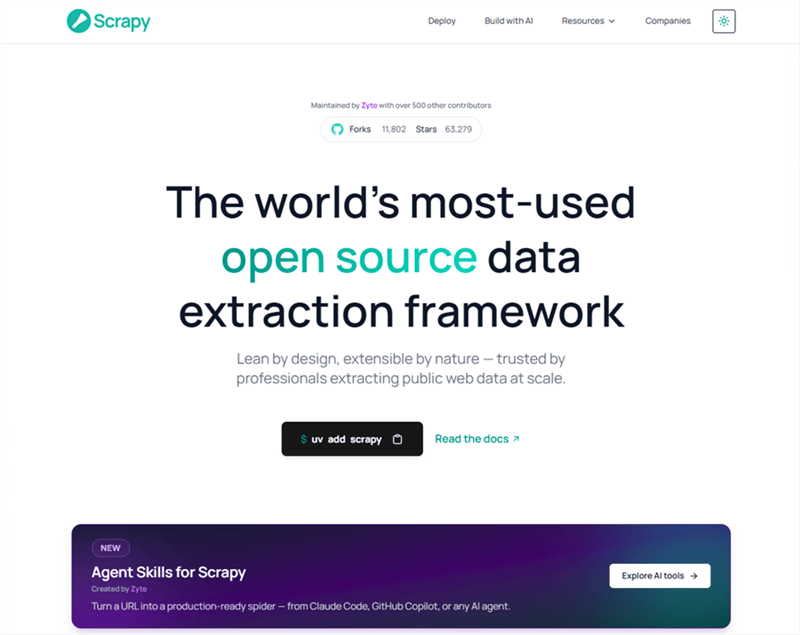
Scrapy is the most widely used open-source Python web scraping framework. It's free, highly extensible, and gives developers complete control over every aspect of the scraping pipeline.
Why it beats Apify for cost-conscious developers: Apify charges for every compute unit. Scrapy runs on your own infrastructure — a $5/month VPS can handle significant scraping workloads. For teams with Python skills who want zero platform dependency and full customization, Scrapy is the obvious choice.
Key features:
- Full Python-based scraping framework
- Built-in support for CSS and XPath selectors
- Middleware system for proxy rotation, cookies, and headers
- Scrapy Cloud for managed deployment (via Zyte)
- Large community and extensive plugin ecosystem
Pricing vs. Apify: Scrapy is free and open-source. Infrastructure costs depend on your setup, but are typically far lower than Apify’s $29/month Starter plan at a similar scale.
Best for: Developers and technical teams who want maximum control, zero vendor lock-in, and are comfortable managing their own infrastructure.
Limitations vs. Apify: Scrapy has no UI, no pre-built scrapers, and no managed cloud environment. Every scraper is custom-built. For non-technical users or teams without Python expertise, the barrier to entry is high.
Zyte — Best for Managed Scraping with AI-Powered Extraction
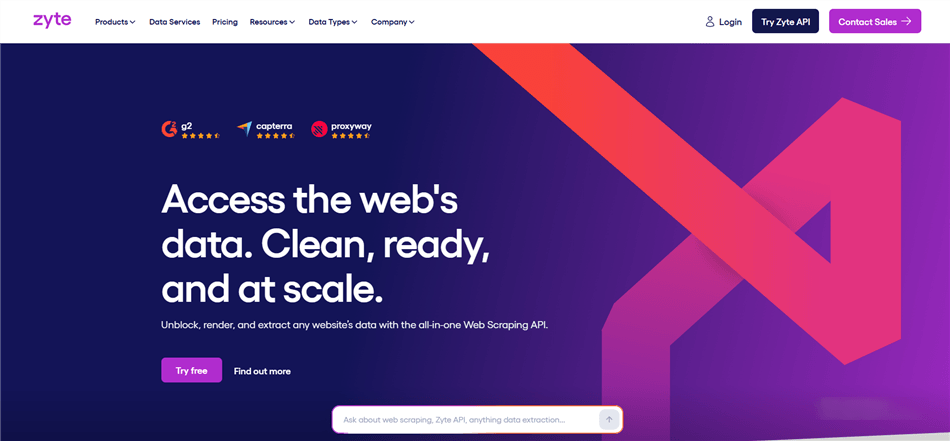
Zyte (the company behind Scrapy) offers a managed scraping platform that combines Scrapy's open-source power with enterprise-grade infrastructure and AI-powered data extraction. Its Automatic Extraction feature can identify and extract structured data from pages without custom parsing logic.
Why it beats Apify for structured data extraction: Apify's Actors return data in formats defined by the Actor developer — quality varies. Zyte's AI-powered extraction automatically identifies product data, article content, and other structured elements from pages, returning clean, consistent output without custom configuration.
Key features:
- AI-powered automatic data extraction (products, articles, jobs)
- Managed Scrapy Cloud for deploying custom spiders
- Smart Proxy Manager with automatic anti-bot handling
- Zyte API for on-demand page rendering and extraction
- Enterprise SLA and dedicated support
Pricing vs. Apify: Zyte offers pay-as-you-go pricing with no monthly minimum, making it comparable to Apify’s mid-tier plans but more flexible for smaller workloads.
Best for: Teams that need reliable, structured data extraction at scale without building custom parsing logic — especially for e-commerce product data, news content, and job listings.
Limitations vs. Apify: Zyte's automatic extraction works best on common page types. Highly custom or unusual page structures may still require manual configuration. The platform is also more developer-oriented than tools like Octoparse or Browse AI.
How to Choose the Right Apify Alternative
The right tool depends on your primary pain point with Apify:
If Apify's complexity is the problem → Start with AllyHub (no-code, AI-native) or Octoparse (visual builder). Both eliminate the need to understand Actors, compute units, or scraping infrastructure.
If Apify's pricing is the problem → ScraperAPI offers flat-rate pricing that's easy to budget. Scrapy is free if you have Python skills. Browse AI is cheaper for monitoring use cases.
If you need social media data specifically → PhantomBuster is purpose-built for this and far more reliable than Apify's social media Actors.
If you're building AI workflows → Firecrawl's LLM-ready output eliminates post-processing. AllyHub can also feed extracted data directly into AI-powered workflows.
If you need enterprise-scale scraping → Bright Data or Zyte. Both offer infrastructure and reliability that Apify can't match at the highest volumes.
If you want full control at zero cost → Scrapy. No platform dependency, no billing surprises — just Python and your own infrastructure.
📌 Note: Most of these tools offer free plans or trials. Before committing, run your most common scraping task on 2–3 candidates and compare output quality, reliability, and actual cost at your usage level.
FAQ: Apify Alternatives
What is the best free Apify alternative?
For non-technical users, Browse AI's free plan (50 credits/month) and AllyHub's free tier are the most accessible starting points. For developers, Scrapy is completely free and runs on your own infrastructure. Firecrawl also offers 1000 free credits/month for AI-focused workflows.
What are the best tools like Apify for web scraping and automation without coding?
AllyHub, Octoparse, and Browse AI are the top no-code options. AllyHub is the most flexible — it handles both scraping and multi-step browser automation in plain language. Octoparse is best for structured data extraction from known pages. Browse AI excels at monitoring and change detection.
Is Apify good for marketers?
Apify can work for marketers, but it's primarily designed for developers. Marketers who don't have coding skills will find the Actor configuration, compute unit billing, and debugging process frustrating. Tools like AllyHub, Browse AI, and PhantomBuster are better fits for marketing workflows.
What are the best alternatives to Apify for LinkedIn scraping?
PhantomBuster is the clear leader for LinkedIn automation and scraping. It has purpose-built Phantoms for profile extraction, connection automation, and Sales Navigator workflows. AllyHub can also handle LinkedIn tasks through direct browser automation.
How does Apify's pricing compare to alternatives?
Apify uses a usage-based pricing model (compute units and platform usage), which can be less predictable than tools like Browse AI ($19/month entry plan) or ScraperAPI (request-based plans starting around $49/month). Scrapy, as an open-source framework, is free but requires infrastructure and maintenance.
Is Apify still worth it in 2026?
Yes — for the right use case. If you have a developer team, need a large pre-built scraper library, and are comfortable with usage-based billing, Apify's managed infrastructure and Actor Store are genuinely valuable. The platform is actively improving its pricing transparency by shifting to pay-per-event billing. But for marketers without technical support, the alternatives above will deliver better results with less friction.
Can AllyHub replace Apify for marketing workflows?
For most marketing use cases — competitor research, SERP monitoring, lead extraction, content research, price tracking — yes. AllyHub handles these through direct browser automation without requiring Actor configuration or compute unit management. The key difference is that AllyHub builds reusable workflow assets over time, so repeated tasks get faster and more accurate. For massive-scale parallel crawling (millions of pages), Apify's infrastructure still has an edge.


