

You probably just closed your 20th competitor tab, rubbing your eyes while manually copy-pasting public data, pricing details, and product descriptions into an endless Excel sheet. As a marketer, you are likely losing up to three hours every day to these exact bottlenecks—mindless data collection, manual task handling, and fragmented desktop research.
In 2026, manual work doesn't just waste your budget—it tanks your execution speed. Modern workflow automation now spans several categories: app connectors, CRM automation, e-commerce flows, no-code data collection, and AI agents that can collect data, assist with research, and automate more complex multi-step workflows with human oversight. To cut through the noise, we evaluated 30+ platforms to bring you the 10 best AI tools built specifically for digital and e-commerce marketers.
Key Takeaways
- Best Overall: Zapier — The gold standard for connecting your existing marketing stack without code.
- Best for E-commerce: Klaviyo AI — The undisputed leader for Shopify and BigCommerce stores needing behavior-triggered flows.
- Best for Data Collection: Browse AI — Lets non-technical marketers extract structured data from any website in minutes.
- Best for Research: Perplexity AI — Reduces manual search loops by delivering instant, source-cited market insights.
- Best for Compounding Automation: AllyHub — The only tool that transforms completed tasks into smarter, reusable AI skills over time.
- Strategic Rule: Most teams need a hybrid stack: one tool for connecting pipelines (Zapier or Make) and one for intelligent execution (AllyHub or Gumloop).
How We Selected These Tools
We evaluated 30+ workflow automation tools based on the following criteria:
- AI capability: Does the tool go beyond rule-based triggers to execute intelligent, context-aware tasks?
- Marketer fit: Is it designed for marketing use cases — not just for developers or IT teams?
- Integration depth: How many marketing tools does it connect with natively?
- Pricing model: Is the pricing predictable and scalable as your workflow volume grows?
- Ease of use: Can a non-technical marketer set it up without engineering support?
- Honest limitations: We excluded tools that overpromise and underdeliver on core automation tasks.
Only tools that meaningfully reduce manual work for digital or e-commerce marketers made this list.
Best Workflow Automation Tools [Quick Comparison Table]
Tool | Best For | Pricing | AI Capability | Ease of Use |
AllyHub | Compounding AI autopilot | Free to start | ⭐⭐⭐⭐⭐ |
10 Best Workflow Automation Tools
AllyHub — Best for Compounding AI Automation That Gets Smarter Over Time
Most workflow automation tools execute the same task the same way, every time. AllyHub is different.
AllyHub is a browser-native AI copilot that doesn't just automate tasks — it builds reusable skill assets from every task it completes. The first time you ask AllyHub to research a competitor, extract data from a website, or generate a report, it it can retain workflow context, preferred formats, and reusable steps through Skills and Service assets.
The result: your automation gets faster and more accurate over time, not just faster.
For marketers, this means AI automation for data collection, research, and repetitive tasks that compound in value — rather than resetting to zero with every new request.
Key features:
- Real browser execution — Ally directly operates your browser to click, scroll, extract data, and fill forms
- Skills system — every completed task builds reusable knowledge assets that improve future performance
- One-click Services — package any repetitive workflow into a reusable card, trigger it with a single click
- Web Notes — Ally learns the operational details of every website it works with, so it never starts from scratch
- Broad suite of web automation tools covering data extraction, scraping, and research across dozens of platforms
- Browser extension format — install and start immediately, no server setup or configuration required
Pricing: Free to start. $19.99/month for getting started, $49.99/month for professional use, with yearly billing typically lower.
Best for: Digital marketers and e-commerce marketers who run the same research, data collection, or content workflows repeatedly — and want an AI that compounds in capability with every use rather than starting fresh each time.
Limitations: Best value comes from repeated use — the compounding benefit builds over time, so one-off tasks don't fully showcase the platform's advantage. Currently browser-extension based, so it works within your existing browser environment.
✅ Recommended: If you regularly do competitor research, product data extraction, or content workflows, AllyHub's compounding model means recurring workflows become easier to rerun, refine, and standardize over time.
Zapier — Best for Connecting Your Entire Marketing Stack
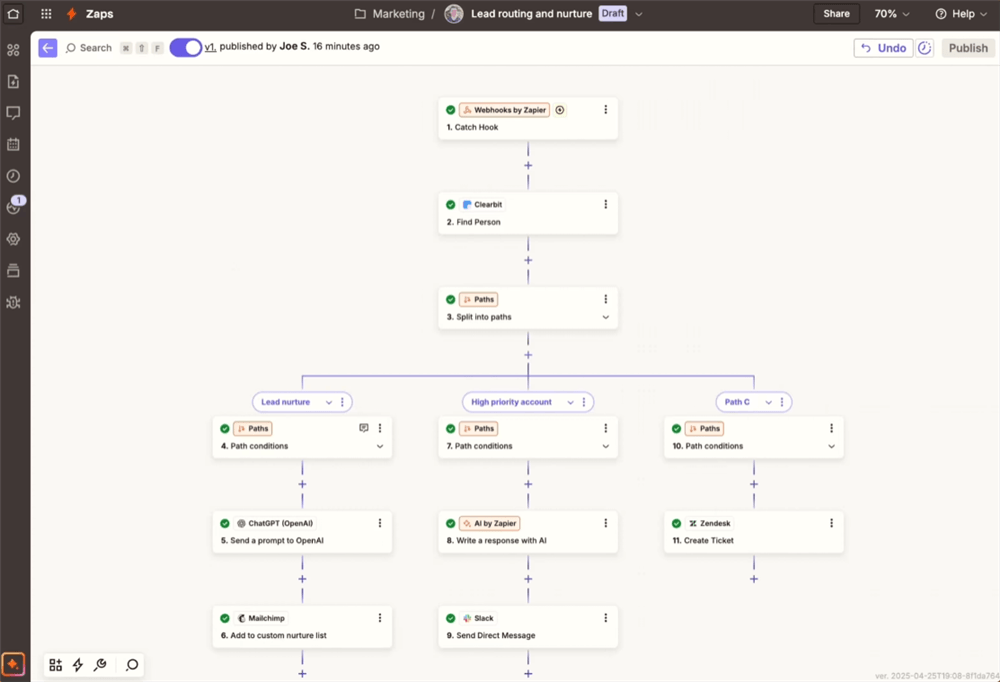
Zapier is the backbone of most marketers' automation stacks. With over 8,000 app integrations, it lets you build "Zaps" — automated workflows triggered by events in one app that fire actions in another — without writing any code.
For marketers, the most common use cases are: routing new leads from a form into a CRM, sending Slack notifications when a campaign goes live, syncing ad data into a reporting sheet, and triggering email sequences based on user behavior.
In 2026, Zapier will add AI-powered workflow suggestions and built-in AI steps for data formatting, text generation, and conditional logic — making it more capable than ever for AI automation of repetitive tasks.
Key features:
- 8,000+ app integrations across marketing, CRM, analytics, and e-commerce platforms
- Multi-step Zaps with conditional logic and branching paths
- AI-powered workflow builder that suggests automations based on your tools
- Built-in AI steps for text transformation, data formatting, and content generation
- Pre-built templates for common marketing workflows
Pricing: Free tier (100 tasks/month); paid plans from $19.99/month (billed annually) for 750 tasks/month.
Best for: Digital marketers who need to connect multiple SaaS tools and automate event-driven workflows without engineering support.
Limitations: Per-task pricing scales up quickly for high-volume workflows. Not ideal for bulk data processing or complex AI agent tasks. Workflows can break when integrated apps update their APIs.
💡 Pro tip: Use Zapier's "Paths" feature to build conditional logic — for example, routing leads to different CRM pipelines based on their industry or deal size.
Make (formerly Integromat) — Best for Complex Visual Workflows
Make is what marketers graduate to when Zapier's pricing or complexity limits start to bite. Its visual canvas lets you map out multi-step workflows with branching logic, data transformation, and error handling — all in a drag-and-drop interface.
Where Zapier charges per task, Make charges per operation, which often works out significantly cheaper for high-volume workflows. For e-commerce marketers running thousands of order automations or data syncs per month, this pricing difference is material.
Key features:
- Visual scenario builder with drag-and-drop modules
- Advanced data mapping and transformation between apps
- Supports complex branching, loops, and error-handling logic
- 1,500+ app integrations including Shopify, WooCommerce, and major ad platforms
- HTTP/webhook modules for connecting to any API
Pricing: Free tier (1,000 credits/month); paid plans from $9/month.
Best for: E-commerce marketers and marketing ops teams who need complex, high-volume automations at a lower per-operation cost than Zapier.
Limitations: Steeper learning curve than Zapier — the visual canvas can become overwhelming for large workflows. Less intuitive for beginners. Some integrations are shallower than Zapier's.
HubSpot Marketing Hub — Best All-in-One for B2B Marketers
HubSpot is the closest thing to a complete marketing operating system for B2B teams. It combines CRM, email marketing, landing pages, social scheduling, ad management, and workflow automation in a single platform — with AI embedded throughout.
In 2026, HubSpot's AI capabilities will have expanded significantly: predictive lead scoring, AI-generated email content, intelligent workflow suggestions, and a ChatSpot AI assistant that lets you query your CRM data in plain English.
Key features:
- Visual workflow builder for lead nurturing, lifecycle stage changes, and internal notifications
- Predictive lead scoring powered by AI
- AI-generated email subject lines, body copy, and CTAs
- Native integration with Salesforce, Google Ads, LinkedIn, and 1,000+ tools
- Detailed attribution reporting across the full funnel
Pricing: Starter from $10/mo/seat; Professional from $890/month; Enterprise from $3,600/month.
Best for: B2B digital marketers who need a unified platform for lead management, nurturing, and reporting — and want AI embedded into every step.
Limitations: Expensive at scale — mid-market B2B teams typically pay $890–$1,800/month. The free CRM is genuinely useful, but meaningful automation requires the Professional tier. Can feel bloated if you only need one or two modules.
⚠️ Warning: HubSpot's pricing scales with contact count. If you're importing a large list, model out the cost carefully before committing.
Klaviyo AI — Best for E-Commerce Email and SMS Automation
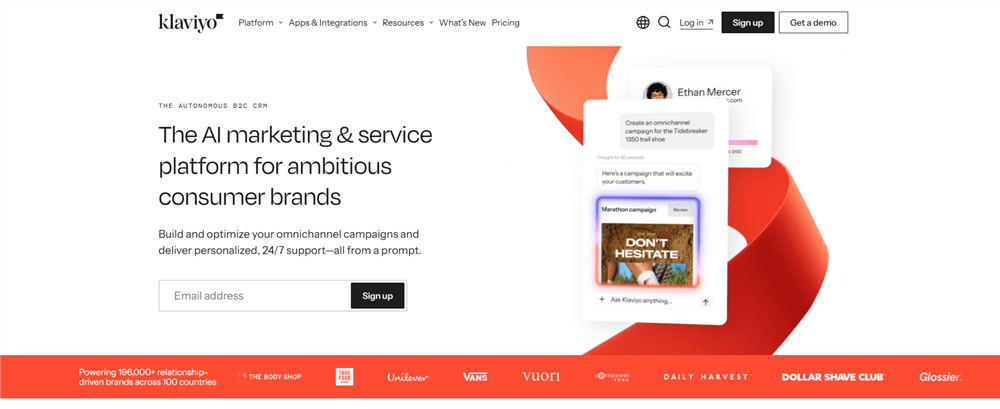
If you run a Shopify, BigCommerce, or WooCommerce store, Klaviyo is the standard. Its deep e-commerce integrations enable behavior-triggered flows that most general marketing automation platforms can't match — abandoned cart sequences, post-purchase upsells, browse abandonment, and win-back campaigns that fire based on real purchase data.
Klaviyo's AI layer adds predictive lifetime value scoring, churn prediction, AI-generated subject lines, and smart send-time optimization — making it one of the most capable AI automation tools for repetitive e-commerce tasks.
Key features:
- Pre-built e-commerce flows: abandoned cart, welcome series, post-purchase, win-back
- Predictive analytics: lifetime value, churn probability, next purchase date
- AI-generated subject lines and send-time optimization
- Deep Shopify integration with real-time event tracking
- Advanced segmentation based on purchase behavior, browsing history, and predicted behavior
Pricing: Free up to 250 contacts; from $45/month for 1,500 contacts. Scales linearly — a store with 30K contacts pays approximately $480/month.
Best for: E-commerce marketers on Shopify or BigCommerce who need behavior-triggered email and SMS automation with predictive AI built in.
Limitations: Pricing scales steeply with list size — it can become expensive for large stores. Less suited for B2B or non-e-commerce use cases. Limited landing page and ad management capabilities compared to HubSpot.
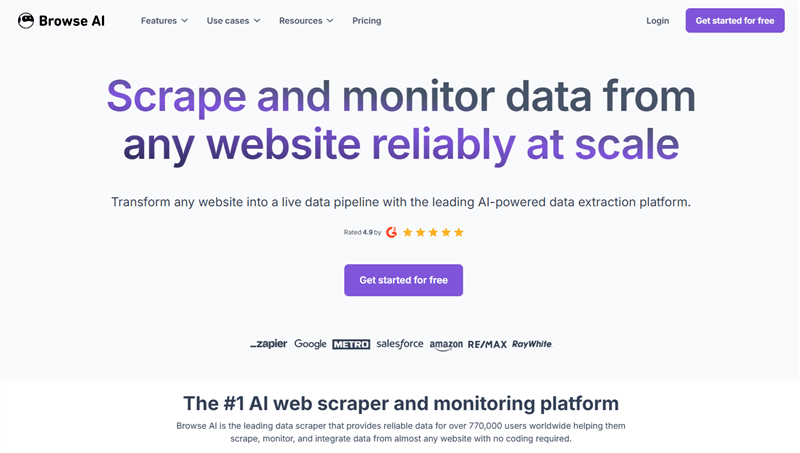
Browse AI — Best for AI Automation for Data Collection
Browse AI is the simplest way for non-technical marketers to extract structured data from any website — no code, no scraping scripts, no developer required. You train a "robot" by clicking on the data you want to extract, and Browse AI handles the rest: scheduling, pagination, and delivering clean data to your spreadsheet or CRM.
For marketers, the most common use cases are competitor price monitoring, product catalog tracking, automate product review analysis from Amazon, and lead list building from directories.
Key features:
- No-code web scraping — train robots by clicking on page elements
- Scheduled monitoring with change detection alerts
- Handles pagination, infinite scroll, and login-protected pages
- Delivers data to Google Sheets, Airtable, Zapier, or webhooks
- Pre-built robots for common sites (Amazon, LinkedIn, Google Maps, etc.)
Pricing: Free plan available (limited credits). Personal at $48/month, Professional at $87/month, Premium starting at $500/month.
Best for: Digital and e-commerce marketers who need to collect competitor data, monitor pricing, or aggregate reviews without writing code or hiring a developer.
Limitations: Complex JavaScript-heavy sites can be unreliable. Not designed for large-scale enterprise scraping. Data quality depends on site structure — sites that change layouts frequently require robot retraining.
💡 Pro tip: Use Browse AI's change detection feature to get Slack or email alerts when a competitor changes their pricing page — no manual checking required.
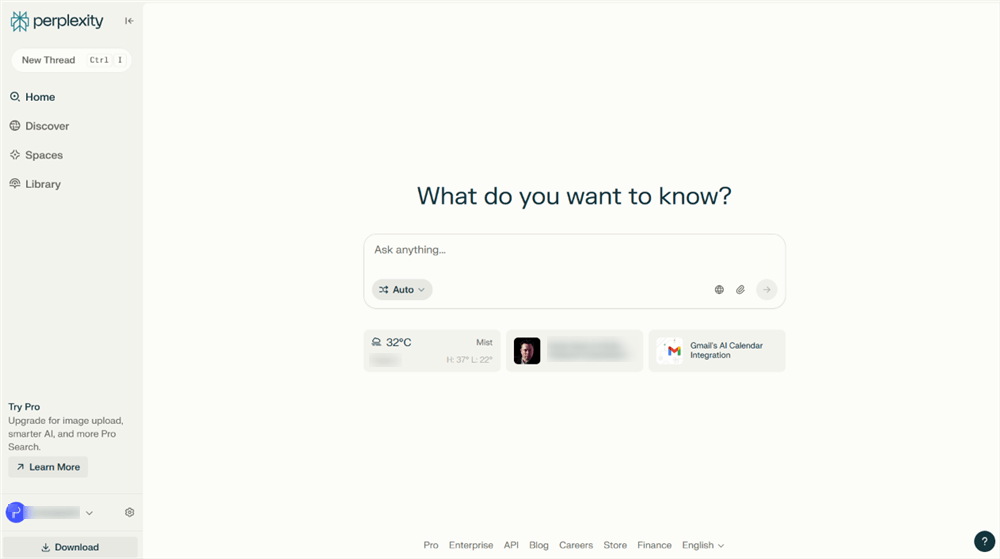
Perplexity AI — Best for Research Automation
Perplexity AI has become the go-to research tool for marketers who need fast, accurate, source-cited answers. Unlike ChatGPT, Perplexity browses the live web in real time — so when you ask about a competitor's latest product launch, current ad spend benchmarks, or trending topics in your niche, you get up-to-date answers with citations you can verify.
For marketers doing competitive research, trend analysis, or content ideation, Perplexity dramatically reduces the time spent on manual Googling and tab-switching.
Key features:
- Real-time web browsing with source citations for every answer
- Follow-up questions that maintain context across a research session
- Perplexity Pro Search for deeper, multi-source research synthesis
- Collections for organizing research by project or topic
- API access for integrating research into custom workflows
Pricing: Free tier; Pro plan $20/month.
Best for: Marketers who need fast, reliable research on competitors, market trends, industry news, and content topics — with sources they can actually cite.
Limitations: Not a workflow automation tool in the traditional sense — it doesn't connect to your marketing stack or trigger actions. Best used as a research layer alongside other automation tools. Answers can occasionally miss niche or paywalled sources.
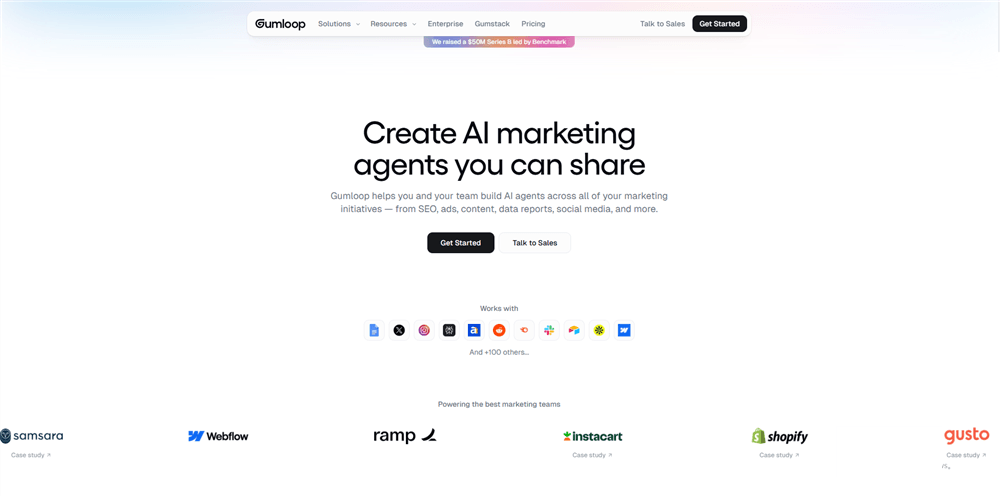
Gumloop — Best for AI-Native Agent Workflows
Gumloop is built for the next generation of marketing automation: AI agents that don't just connect apps, but actually think and act. Where Zapier automates rule-based triggers, Gumloop lets you build workflows where AI models make decisions, scrape web data, analyze content, and take action — all in a visual canvas.
For marketers, this opens up use cases that weren't possible with traditional automation: automated competitor intelligence reports, sentiment analysis on social media mentions, AI-generated content pipelines, and research workflows that run on a schedule.
Key features:
- Visual AI workflow builder with native access to GPT-4, Claude, and other models
- Built-in web scraping and app data extraction nodes
- Continuous AI agents that monitor data sources and act on new information
- Pre-built templates for marketing use cases: competitor tracking, content generation, lead enrichment
- Integrations with Google Sheets, Slack, Notion, and major marketing tools
Pricing: Free tier; paid plans from $37/month.
Best for: Marketing teams who want to build AI agent workflows for research, competitive intelligence, and content automation — without writing code.
Limitations: Higher learning curve than Zapier or Make. Pricing jumps significantly from free to paid. Best suited for teams with a dedicated marketing ops or automation owner. Still maturing — some integrations are less stable than established platforms.
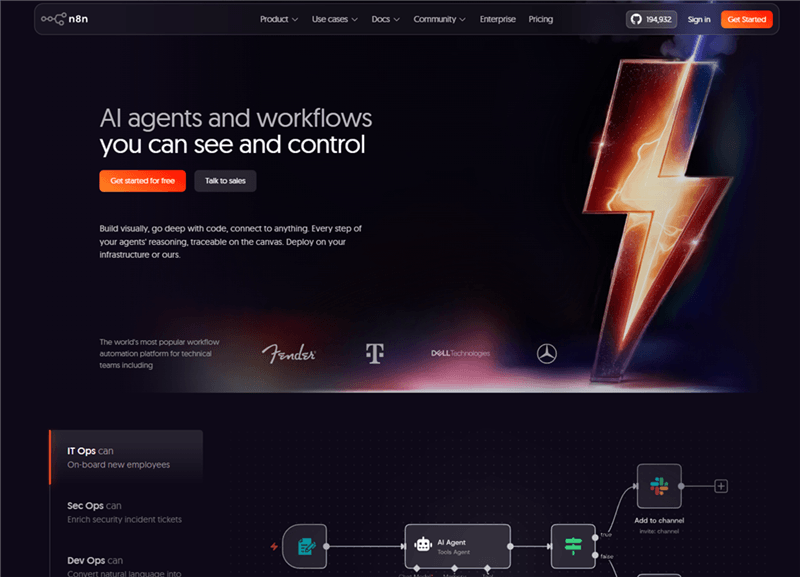
n8n — Best for Technical Teams Who Need Full Control
n8n is the open-source alternative to Zapier and Make — and for technical marketing teams, it's the most powerful option on this list. Its visual node editor supports over 400 integrations and 70+ AI-dedicated nodes, and because it's self-hostable, you have complete control over your data and infrastructure.
For marketers at companies with strict data governance requirements, or teams that want to build custom AI automation tools for data collection and research without per-task pricing, n8n is worth the setup investment.
Key features:
- 400+ integrations with a visual node-based workflow editor
- 70+ AI nodes including LLM chains, vector stores, and AI agents
- Self-hostable — full data control, no per-task pricing
- HTTP request nodes for connecting to any API
- Active open-source community with thousands of workflow templates
Pricing: Free (self-hosted); Cloud plans from €24/month.
Best for: Technical marketing teams or marketing engineers who need maximum flexibility, data control, and cost efficiency for high-volume AI automation workflows.
Limitations: Requires technical setup and maintenance for self-hosted deployments. Not beginner-friendly — the learning curve is steep compared to Zapier or Make. The cloud version is more accessible but loses some of the cost advantage.
ActiveCampaign — Best for Email Automation + CRM
ActiveCampaign sits in the sweet spot between an email marketing platform and a full CRM — making it a strong choice for digital marketers who need sophisticated email automation without the complexity (or price) of HubSpot.
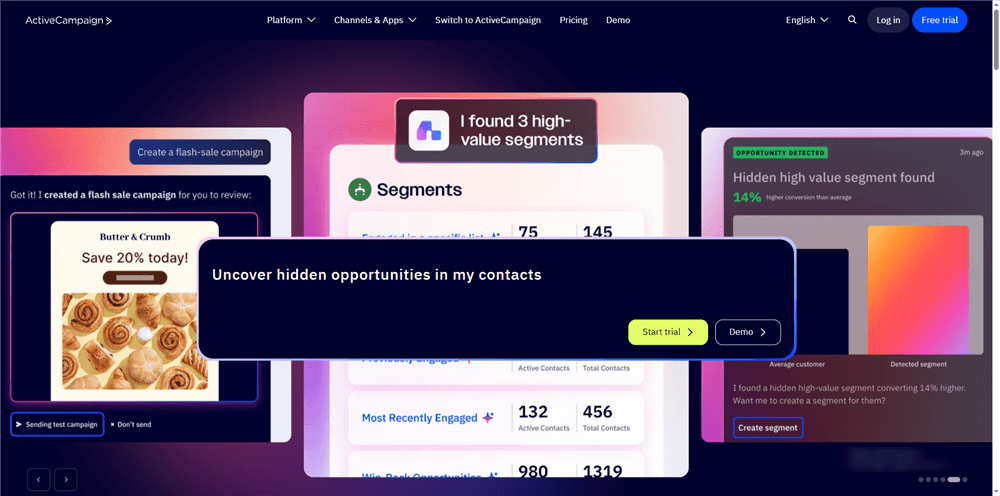
Its "Active Intelligence" layer suggests workflow improvements, identifies underperforming segments, and surfaces reporting insights automatically. With 1,000+ integrations and a visual automation builder, it handles the full customer journey from first touch to repeat purchase.
Key features:
- Visual automation builder with conditional logic and branching
- Lead scoring based on email engagement, site visits, and custom events
- AI-powered workflow suggestions and segment recommendations
- 1,000+ integrations including Shopify, WooCommerce, Salesforce, and Slack
- Dynamic content personalization within emails
Pricing: Starter from $15/month; Plus from $49/month.
Best for: Digital marketers and small-to-mid-size e-commerce teams who need powerful email automation with CRM capabilities at a more accessible price point than HubSpot.
Limitations: Reporting and analytics are less robust than HubSpot at the enterprise level. The interface can feel dated compared to newer platforms. Advanced features like predictive sending require higher-tier plans.
How to Choose the Right Workflow Automation Tool for Your Needs
With 10 strong options, the right choice depends on your specific situation. Here's a practical decision framework:
If you're a digital marketer connecting existing SaaS tools:
Start with Zapier (easiest) or Make (better economics at scale). These are your automation backbone — they handle the plumbing between your existing tools.
If you run an e-commerce store on Shopify or BigCommerce:
Klaviyo AI is non-negotiable for email and SMS. Pair it with Browse AI for competitor price monitoring and AllyHub for research and data collection tasks.
If you're a B2B marketer who needs CRM + automation in one place:
HubSpot is the standard. ActiveCampaign is the more affordable alternative if you don't need the full HubSpot suite.
If you need AI automation for data collection and research:
Browse AI handles structured web data extraction. Perplexity AI handles research. AllyHub handles both — plus it builds on what it learns each time. For community-level audience research, you can also extract Reddit data to surface real conversations around your niche. For tracking search demand over time, tools that let you automate search volume tracking remove the need for manual Google Trends checks.
If you have a technical marketing ops team:
n8n gives you maximum control and the best economics for high-volume AI workflows. Gumloop is the better choice if you want AI-native agent workflows without self-hosting.
If you want automation that compounds over time:
AllyHub is the only tool on this list where repeated use actively makes the system smarter — reducing the time and effort required for each subsequent task.
FAQ: Workflow Automation Tools for Marketers
What is a workflow automation tool?
A workflow automation tool connects apps, data sources, and actions into automated sequences that run without manual intervention. For marketers, this means tasks like lead routing, email sequences, data collection, and reporting can run automatically based on triggers — saving hours of repetitive work each week.
Why do marketers need modern workflow automation?
Because swapping between 10+ apps to manually export CSVs, track competitors, or clean CRM data is a massive tax on your time. While old tools only connected apps, today’s AI automation handles data collection, autonomous research, and more complex workflows with less manual intervention, while still requiring review for quality, accuracy, and compliance.
What's the difference between workflow automation and AI automation?
Traditional workflow automation is rule-based: "when X happens, do Y." AI automation adds intelligence to that process — the tool can make decisions, interpret unstructured data, browse the web, generate content, and adapt to new situations. Tools like AllyHub, Gumloop, and HubSpot represent the AI automation tier; Zapier and Make are primarily rule-based with AI features added on top.
Which workflow automation tools are best for AI automation for data collection?
Browse AI is the easiest no-code option for extracting structured data from websites. For SEO and competitive research, dedicated tools that let you extract SERP data at scale are worth adding to the stack. For more complex data collection that requires browser interaction, form filling, or multi-step navigation, AllyHub's browser execution capability handles tasks that traditional scrapers can't.
Are there free workflow automation tools for marketers?
Yes. Zapier, Make, Browse AI, Perplexity AI, and AllyHub all offer free tiers. Zapier's free plan covers 100 tasks/month — enough for light automation. Make's free plan covers 1,000 operations/month. For most marketers, a combination of free tiers across two or three tools covers basic automation needs before requiring a paid upgrade.
How do I automate repetitive marketing tasks without coding?
Start with Zapier or Make for connecting apps. Use Browse AI for data collection. Use Perplexity AI for research. Use AllyHub for tasks that require browser interaction, multi-step execution, or repeated workflows that should improve over time. None of these requires coding to get started.
What's the best workflow automation tool for e-commerce marketers?
Klaviyo AI for email and SMS automation. Browse AI for competitor and product data collection. AllyHub for research, content workflows, and any task that benefits from compounding AI intelligence. Zapier or Make is the integration layer connecting everything else.
How much do workflow automation tools cost?
Pricing varies widely. Entry-level tools like Make start at $9/month. Mid-tier platforms like ActiveCampaign start at $19/month. Enterprise platforms like HubSpot Professional start at $800/month. Most tools offer free tiers for low-volume use. The key pricing consideration is whether the tool charges per task/operation (Zapier, Make) or a flat monthly fee — high-volume workflows can become expensive on per-task pricing.


