

Managing an X (Twitter) account means more than publishing posts. Scheduling content, managing replies, tracking performance, monitoring conversations, and keeping old content under control can quickly become a daily workload.
The right Twitter management tool takes repetitive work off your plate and puts publishing, analytics, engagement, and account cleanup into one workflow. But the best option depends on what you actually need: creators may prioritize scheduling and threads, while brands and agencies may need analytics, multiple accounts, and team collaboration.
This guide compares 10 Twitter management tools based on their core use cases, features, pricing, and practical limitations, so you can choose the one that fits your workflow.
Key Takeaways
- Best for account cleanup: Circleboom
- Best for content intelligence: AllyHub
- Best for one-time deletion: TweetXDelete
- Best free scheduler: Buffer
- Best for X-native writing: Typefully
- Bottom line: Choose based on the main need—cleanup, content creation, scheduling, analytics, or monitoring.
How We Selected These Twitter Management Tools
We compared 20+ X/Twitter management tools and shortlisted those that are currently operational and useful for real-world workflows.
Each tool was evaluated on:
- Core features: scheduling, analytics, engagement, or account cleanup
- X compatibility: current publishing and account-management capabilities
- Limits: free-plan restrictions, usage caps, and important feature limitations
- Pricing: current starting price and overall value
- Ease of use: how practical the tool is for its target user
We also verified current pricing and product capabilities against official sources where available.
10 Best Twitter Management Tools [Quick Comparison Table]
Tool | Best For | Pricing | Standout Feature |
Circleboom | All-in-one cleanup + follower management | Free tier; paid from $29.99/mo | Bulk deletion, follower management, analytics, and X account search |
10 Best Twitter (X) Management Tools
Circleboom — Best All-in-One Twitter Management Tool for Cleanup
When Twitter/X management turns into bulk cleanup, follower management, and audience maintenance, Circleboom goes well beyond a standard scheduler. It combines bulk tweet, retweet, and like deletion with follower and following management, audience analytics, and bot or inactive-account detection. Circleboom is also an Official X Enterprise Developer.
For older content outside X's standard 3,200-post access window, Circleboom supports X archive uploads, allowing you to target older tweets, retweets, and replies. Its mass-unfollow tools also operate within X's applicable API limits.

Pricing: Limited free access; paid Twitter management plans start at $29.99/month. Pro is $35.99/month.
Best for: Creators and operators who need cleanup tools alongside follower and audience management.
The catch: The free version is limited, and full-history deletion requires an X archive upload. Some follower-management features also have account-size limits.
TweetDelete — Best for Ongoing Twitter Cleanup
For X accounts that need regular cleanup rather than a one-time purge, TweetDelete focuses on automated deletion. You can set rules based on age, keywords, date ranges, or post types, then let Automatic Tasks handle recurring cleanup of tweets and likes.
The standard service works within the most recent 3,200 posts available through X. Premium users can upload their X data file to reach older content and delete posts from their full history.
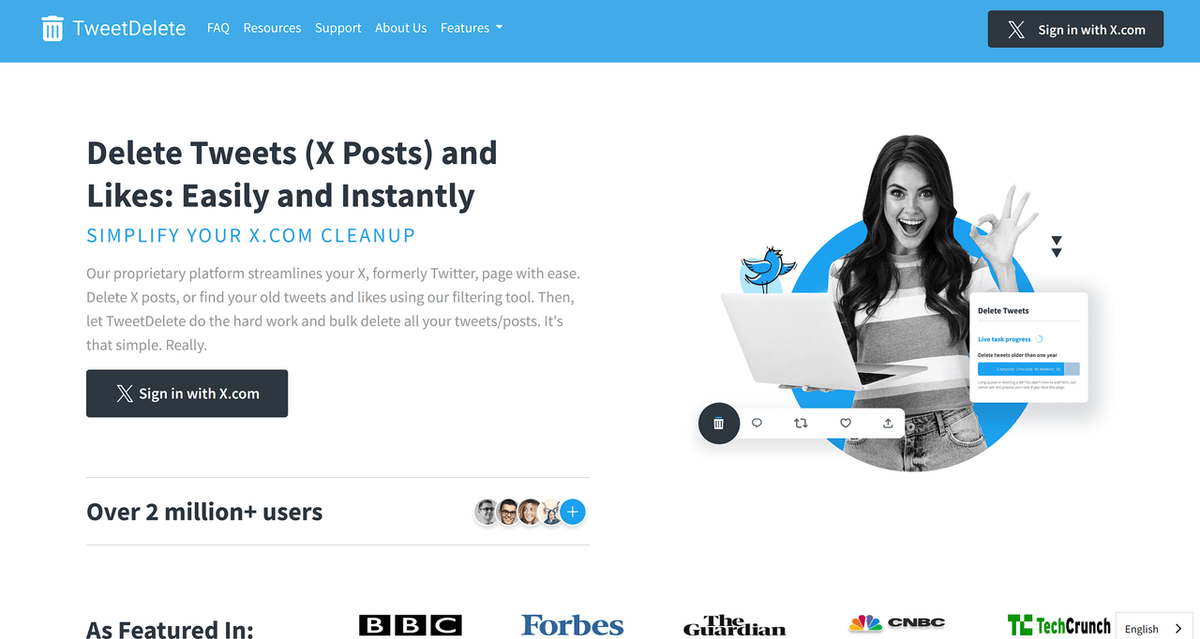
Pricing: Free plan available; paid plans start at $3.99/month.
Best for: Creators and personal brands that want old X posts or likes removed automatically and regularly.
Watch out for: Full-history deletion requires a premium plan and X data-file upload. Automatic tasks also run according to TweetDelete's processing schedule rather than continuously.
AllyHub — For Turning X Data Into Content Decisions
Managing an X account isn't only about publishing and cleanup. For creators and social teams, the harder part is often figuring out what to publish next. AllyHub connects X performance data, trend research, content strategy, and creation in one AI-powered workspace.
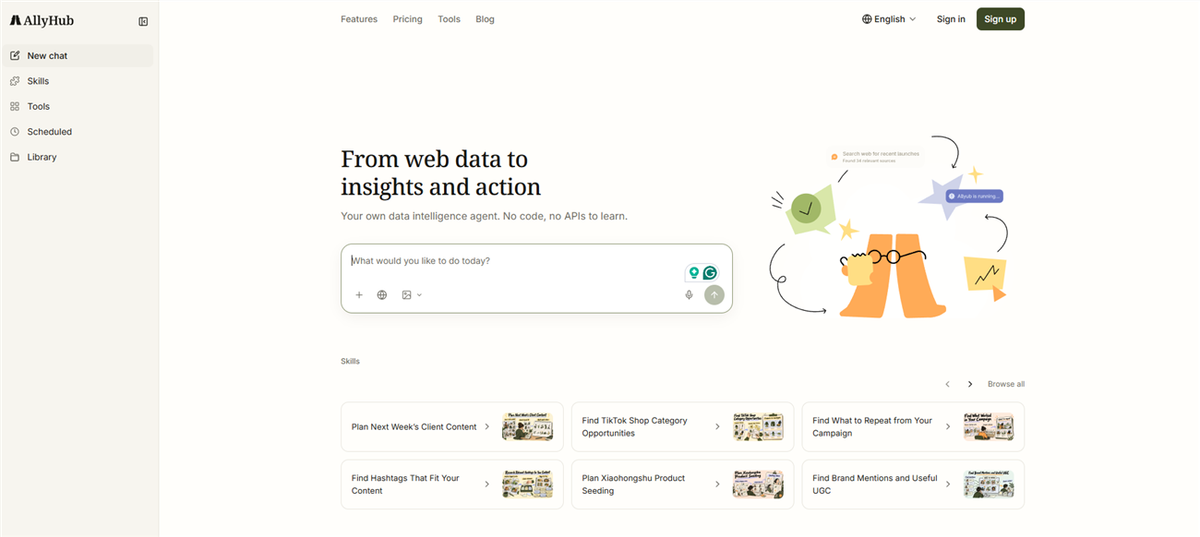
Its Social module connects X and turns account data—including follower and engagement metrics, plays, likes, comments, and shares—into analysis such as performance briefs, winning-content patterns, content gaps, and next-topic ideas. Radars monitors news, trends, X accounts, and creators, while Profiles helps define positioning and audience. Studio then turns those inputs into long-form X posts and other long-form content.
That creates a workflow of performance → insights → topic selection → on-brand creation, rather than treating analytics, research, and writing as separate tasks. Reusable skills and workflow assets can also accumulate over time, which fits AllyHub's ROTI approach.
Pricing: Free tier; Pro is $19/month.
Best for: Content creators, social teams, MCNs, and e-commerce marketers that want X content decisions driven by performance data, trends, and reusable workflows.
TweetEraser — Best for Budget-Friendly Bulk Tweet Deletion
For Twitter/X management focused on bulk cleanup, TweetEraser provides a simple way to remove unwanted tweets, likes, and other activity without paying for a full social media management suite. Filters let you target content by age, type, or keyword, while an X data-file upload extends cleanup beyond the standard 3,200-post window.

Paid plans also support automatic deletion, which makes TweetEraser useful for accounts that want to keep their timeline clean over time rather than repeatedly deleting posts manually. The workflow is primarily built around deletion and cleanup, rather than publishing, analytics, or broader account management.
For creators and personal brands with a large backlog of old content, TweetEraser offers a more focused and affordable alternative to all-in-one Twitter management platforms. The main trade-off is that larger-scale or full-history cleanup requires a higher-tier plan.
Pricing: Free plan available; paid plans start at about $7.80/month. Expert is about $10.80/month.
Best for: Creators, personal brands, and X users who need affordable bulk tweet deletion or want to automate ongoing timeline cleanup.
TweetXDelete — Best for a One-Time Twitter Account Reset
For a clean-slate X reset, TweetXDelete takes a browser-based approach rather than operating as a conventional cloud deletion service. Its extension runs inside your existing logged-in X session and can bulk-delete posts, likes, and reposts.

It also supports X data archives for content beyond the standard 3,200-post window. The archive is processed locally, and the extension does not require your X password or account credentials.
Pricing: First 30 deletions are free; early-access pricing is a one-time $4.99 for lifetime access.
Best for: Solo creators and personal brands doing a one-time account reset, rebrand, or large-scale cleanup.
Buffer — Best Free Twitter Scheduler for Solo Creators
For day-to-day Twitter/X management, Buffer covers the part solo creators usually need first: keeping posts organized, queued, and published consistently without having to manage everything manually. Its X workflow supports posts and threads, while the same dashboard can handle content for other social channels and provide basic performance insights.
The free plan supports up to 3 channels, with 10 scheduled posts per channel at a time. That is a queue-size limit rather than a monthly posting cap: once a scheduled post goes live, the slot becomes available again.
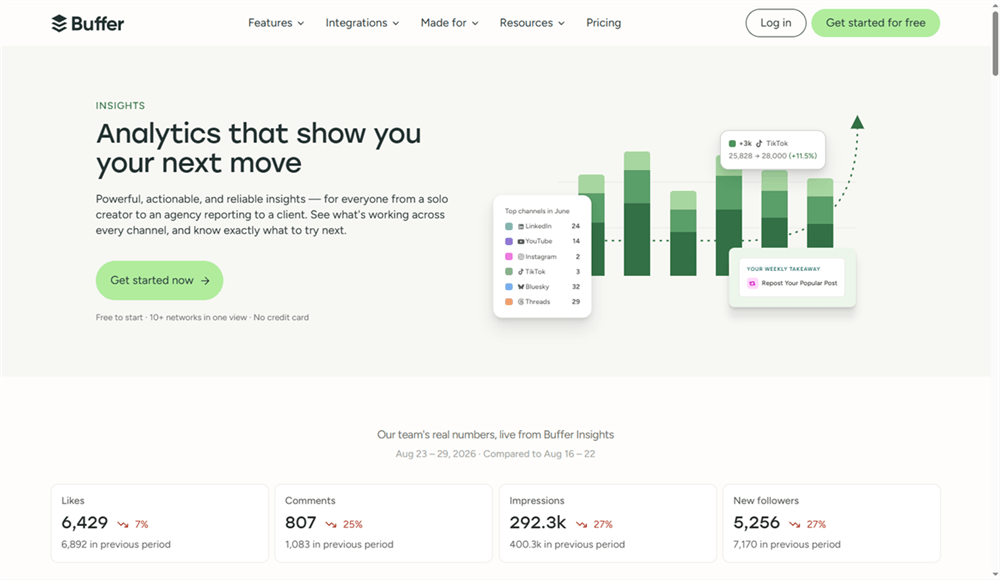
For creators managing a single X account, that makes Buffer a lightweight way to handle the publishing side of Twitter management. Paid plans add more publishing capacity and advanced analytics, although the per-channel pricing becomes less attractive as the number of accounts grows.
Pricing: Free plan available; Essentials starts at $6/channel/month with monthly billing.
Best for: Solo creators, UGC creators, and small businesses that want a simple way to manage and schedule X content without a full social media suite.
Typefully — Best for X-First Writers and Thread Creators
For an X account built around threads, commentary, and frequent text posts, the writing experience matters as much as the scheduler. Typefully is designed around that workflow, with an X-focused editor, thread previews, drafts, AI writing assistance, scheduling, and suggested posting times.

It has also expanded beyond X, supporting LinkedIn, Threads, Bluesky, Mastodon, and Substack Notes. That makes it useful for creators who write once and repurpose across several text-based platforms.
The trade-off is scope. Typefully is primarily a content creation and publishing tool, not a full account-management suite. Follower management, social listening, and broader community workflows aren't its focus.
Pricing: Free plan available; paid plans start at $20/month per social set.
Best for: X-native creators, newsletter writers, founders, and personal brands that publish threads regularly.
Metricool — Best for X Analytics and Competitor Tracking
Once X management moves beyond scheduling, performance data and competitor activity become more important. Metricool combines publishing with social analytics, competitor tracking, reporting, and multi-brand management, so marketers can manage the content calendar and evaluate results from the same platform.
For X users, this makes Metricool a better fit than a scheduling-only tool when the workflow includes account performance analysis, competitor benchmarking, and reporting.

There is one pricing detail worth checking before signing up: X isn't included in the Free plan. Connecting an X account requires a paid Starter or Advanced plan plus a $10/month X add-on per account. The Free plan itself is limited to one brand, 20 scheduled posts per month, and basic analytics.
Pricing: Free plan available; paid plans start at $20/month, with an additional $10/month per X account.
Best for: E-commerce sellers, marketers, and social teams that want X scheduling alongside analytics and competitor insights.
X Pro (formerly TweetDeck) — Best for Real-Time X Monitoring
Some X workflows are less about scheduling and more about watching conversations as they happen. X Pro is built for that: its column-based interface lets power users keep searches, lists, accounts, mentions, DMs, and other feeds visible at the same time.
That makes it particularly useful for real-time monitoring and multi-account operators who need to react quickly rather than work from a traditional content calendar. Native post and thread scheduling is available too, but publishing isn't the main reason to use X Pro.
The biggest limitation is access. X Pro requires an X Premium+ subscription, while its feature set remains narrower than a full social media management platform. There is no bulk publishing, deep analytics suite, or dedicated follower-management system.
Pricing: Requires X Premium+ (about $40/month).
Best for: MCNs, agencies, community operators, and heavy X users who need a live monitoring workspace.
SocialPilot — Built for Multi-Account X Management
For multi-account Twitter/X management, SocialPilot is built around the operational side of running several profiles at once: scheduling content, organizing client posts, managing approvals, and tracking performance from one dashboard. Its publishing calendar supports multiple social accounts, while CSV bulk scheduling lets teams upload up to 500 posts at once.
The workflow is particularly useful for agencies and media teams that need more than a shared posting queue. SocialPilot includes content calendars, shared content libraries, team collaboration, client approval workflows, analytics, and white-label reporting on higher-tier plans.

For teams managing several X accounts, this makes SocialPilot more suited to structured publishing operations than lightweight X schedulers. The trade-off is that some of its more useful multi-account features sit behind higher-priced plans, and its focus is broader social media management rather than X-specific intelligence.
Pricing: 14-day free trial; plans start at $30/month. Bulk scheduling starts at $50/month, while Premium with client approvals and white-label reports is $100/month.
Best for: Agencies, media teams, and businesses managing multiple X accounts that need bulk publishing, approvals, shared content workflows, and client reporting.
FAQ: Twitter Management Tools
Can I delete tweets older than 3,200?
Yes, but usually not through the standard API workflow. X's API access is limited to the most recent 3,200 posts, so tools that support older content typically require an X data archive upload. TweetDelete, for example, uses archive uploads to extend deletion beyond that limit.
Is it safe to use a Twitter/X management tool?
Check how the tool connects to X. OAuth is preferable to entering your X password directly, and access can be revoked later from your connected-app settings. For browser-based tools, check whether your X session or archive data stays local rather than being uploaded to a third-party server.
Can I recover tweets after deleting them?
Generally, no. Bulk deletion is permanent, so download your X data archive first if you may need a record of your old posts. This is especially important before running an account-wide cleanup.
Can Twitter/X management tools delete likes and retweets too?
It depends on the tool. Some focus only on posts, while others also support likes, replies, and reposts. Check the supported content types before starting a bulk cleanup, particularly if the goal is to reset more than just the visible timeline.



