

Choosing a Twitter (X) monitoring tool comes down to four things: what it can monitor, how quickly it detects new posts, how well it filters noise, and what it costs.
The right tool depends on how you want to work. A live dashboard helps you follow conversations as they unfold. Keyword alerts bring relevant mentions to you. Scheduled research helps you review niche topics and other creators without staying glued to a feed.
This guide compares eight options across those workflows, with a focus on what they monitor, how you receive results, and what you can do next. Not every tool is a real-time listening platform—and not every creator needs one.
Key Takeaways
- Best for real-time X monitoring: X Pro provides live columns for mentions, lists, and keyword searches.
- Best for teams: Hootsuite combines monitoring, publishing, and reporting across multiple accounts.
- Best for keyword and competitor monitoring: Octolens tracks mentions, keywords, competitors, sentiment, and intent with automated alerts.
- Best for brands and agencies: Sprout Social combines social listening with competitor and performance reporting.
- Best for audience research: Followerwonk focuses on followers, audiences, and competitor accounts.
- What to look for: Match the tool to your monitoring needs — live tracking, mentions, competitors, hashtags, or alerts — and check pricing and data coverage before choosing.
Why Twitter Monitoring Matters
Manual scrolling makes it easy to miss untagged brand mentions, competitor conversations, customer complaints, buying signals, and emerging trends. Monitoring tools turn these conversations into searchable signals and alerts, helping teams find relevant posts faster and reduce noise.
Best Twitter Monitoring Tools [Quick Comparison Table]
We compared eight tools by their monitoring coverage, how they deliver results, pricing, and key limitations.
Tool | Best For | Monitoring Focus | Starting Price |
X Pro | Real-time X monitoring | Mentions, searches, hashtags, lists | From $40/mo with X Premium+ |
Pricing verified September 2026; always double-check the vendor's current page before subscribing.
8 Best Twitter Monitoring Tools
X Pro — Best for Native, Real-Time X Monitoring
If you want to monitor X in real time, X Pro is the platform's native multi-column dashboard. Formerly TweetDeck, it lets you build columns for mentions, search queries, lists, hashtags, trends, and multiple accounts, with columns updating in real time. It also supports advanced search, filters, and multiple account switching.
Key features:
- Real-time columns for mentions, searches, hashtags, lists, and trends
- Multiple X accounts in one interface
- Advanced search and column filters
- Scheduled posts and a built-in post composer
Pricing: Requires X Premium+ — from $40/month or $395/year on the U.S. web plan. Regional pricing varies.
Best for: Creators, researchers, and power users who already use X Premium+ and want native, real-time monitoring.
Limitations: Analytics and reporting are limited compared with dedicated social listening platforms. There are no built-in historical monitoring reports, advanced sentiment analysis, or comprehensive exports.
💡 Pro tip: Create one search column for each competitor, creator, or niche topic you want to watch. X Pro can turn them into a live research feed without switching between searches.
Octolens — Best for Real-Time Keyword and Competitor Monitoring
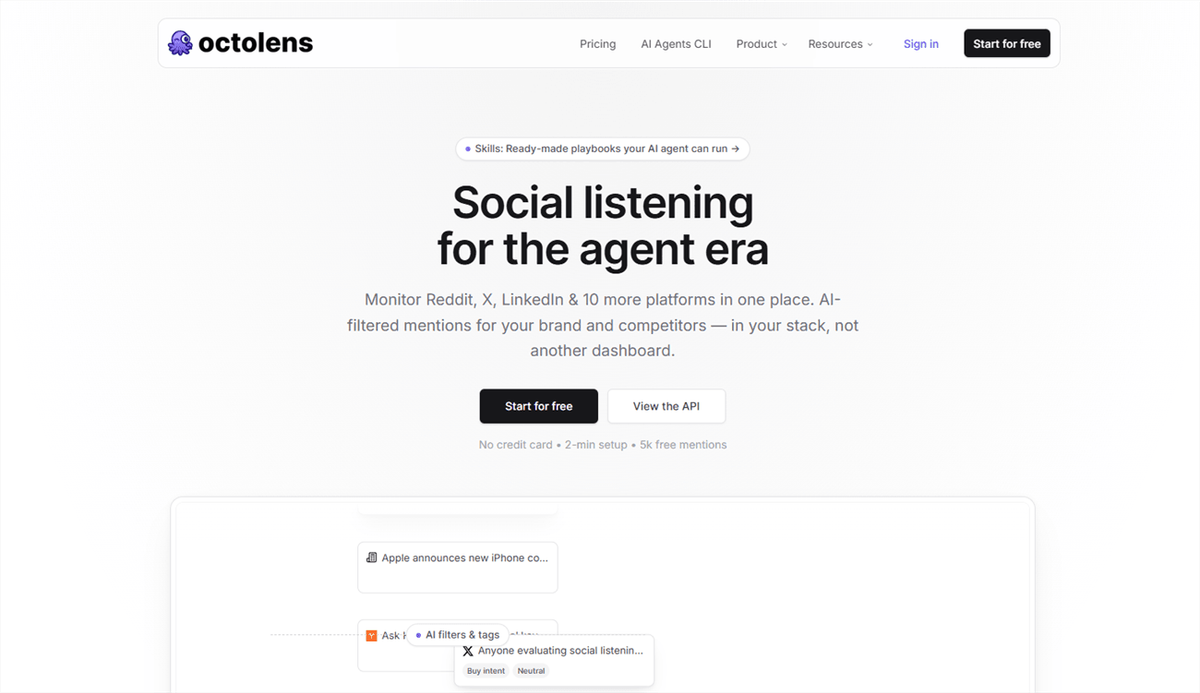
Octolens is built for monitoring conversations around specific keywords, brands, competitors, and industry terms. For X/Twitter, it tracks public posts even when nobody tags your account, then uses AI to filter mentions by relevance, sentiment, and intent. Alerts can be sent to Slack or email, or pushed into other workflows through webhooks, API, or MCP.
Key features:
- Real-time or hourly X/Twitter keyword monitoring, depending on plan
- Brand, competitor, and industry keyword tracking
- AI relevance, sentiment, and intent filtering
- Boolean search, negative keywords, and author filters
- Slack, email, webhook, API, and MCP alerts
- Mention-volume and sentiment trend reporting
Pricing: 7-day free trial; Pro is $199/month when billed monthly or $159/month when billed annually, with 15,000 mentions and 10 keywords. Scale is $499/month billed annually, with 50,000 mentions and 40 keywords.
Best for: Brands, agencies, and content teams that need to catch relevant X conversations, competitor mentions, and buying-intent signals rather than simply track their own post metrics.
Limitations: Pricing is much higher than creator-focused monitoring tools, and the product is geared more toward brand/social listening than individual creator analytics. Pro also refreshes X data hourly, while real-time monitoring is available on Scale.
Hootsuite — Best All-in-One for Teams and Multi-Account Management
Hootsuite combines X monitoring with publishing, engagement, analytics, and team workflows. Its Streams and social listening tools can track mentions, keywords, competitors, trends, and hashtags, while the same platform handles scheduling, inbox management, reporting, and collaboration.
Key features:
- Monitoring for mentions, keywords, competitors, trends, and hashtags
- Scheduling and publishing across multiple social networks
- Unified inbox for messages and comments
- Analytics, competitor benchmarking, and social listening
Pricing: 14-day free trial; Standard starts at $99/user/month; Professional starts at $199/user/month, billed annually; Advanced starts at $399/user/month.
Best for: Agencies, media teams, brands, and businesses managing multiple social accounts and collaborative workflows.
Limitations: Hootsuite is primarily a social media management platform. Its deeper listening and intelligence capabilities are more relevant to higher-tier plans, while per-user pricing can become expensive for larger teams.
Sprout Social — Best for Advanced X Analytics and Social Listening
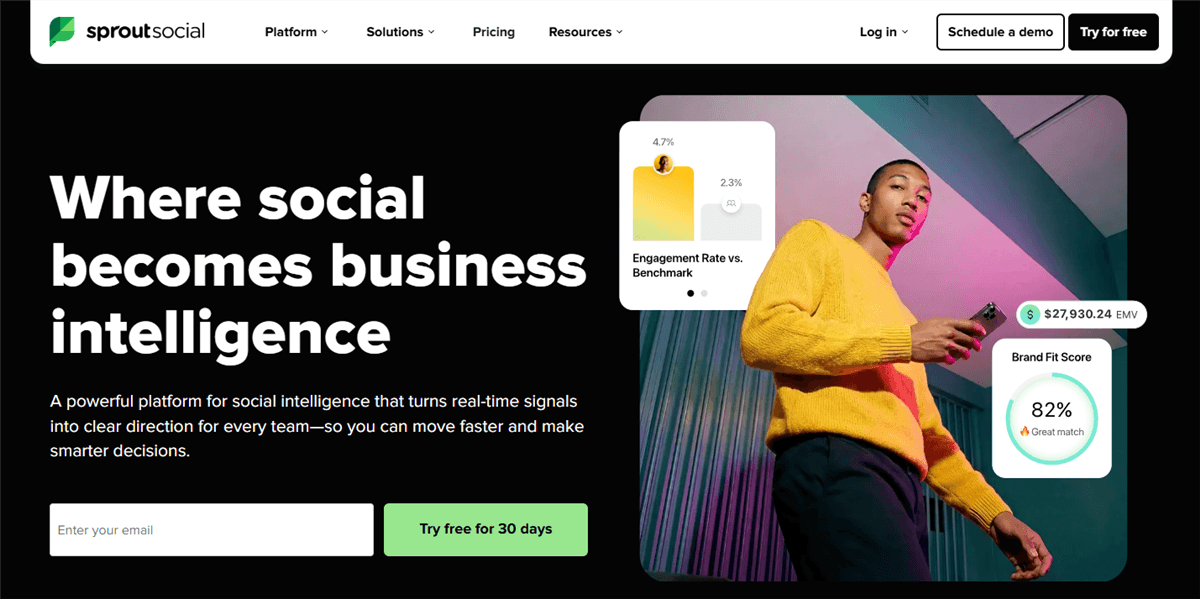
Sprout Social combines X publishing, engagement, analytics, and monitoring in one platform. Its X tools cover mentions, keywords, hashtags, follower growth, engagement, and competitor comparisons, while its separate Social Listening solution adds deeper topic monitoring, sentiment analysis, trend discovery, and share-of-voice insights.
Key features:
- X keyword, hashtag, and mention monitoring
- Competitor and profile benchmarking
- X publishing, engagement, and reporting
- Advanced Social Listening with sentiment, trends, and share-of-voice analysis
Pricing: Standard from $199/user/month, billed annually; Professional starts at $299 and Advanced at $399. Social Listening is an additional add-on.
Best for: Agencies, established brands, and creator teams that need monitoring and analytics for ongoing reporting.
Limitations: The starting price is high for individual creators, and advanced listening capabilities add to the cost. The platform also has a steeper learning curve than lightweight X analytics tools.
Tweet Binder — Best for Hashtag and Campaign Monitoring
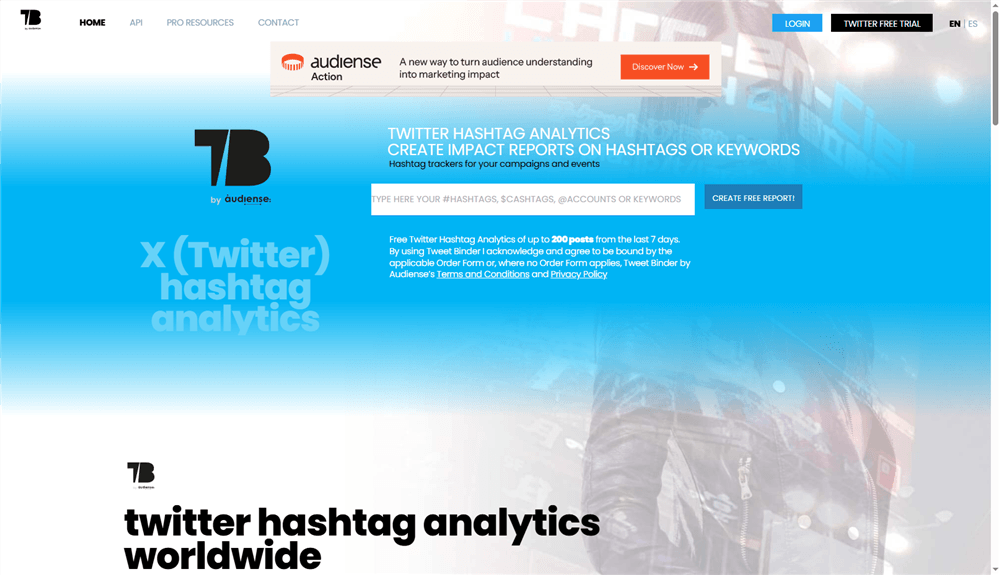
Tweet Binder monitors a topic instead of an account. Feed it a hashtag, keyword, or event tag, and it produces a real-time and historical report: tweet volume, reach, impressions, top contributors, and sentiment — perfect for a launch, a hashtag challenge, or a live event where you want to know what the conversation looked like and who drove it. UGC and influencer campaigns live on this kind of data when it's time to show a brand what their hashtag actually did.
Key features:
- Real-time and historical analytics for any hashtag or keyword
- Reports on volume, reach, impressions, top contributors, and sentiment
- Campaign-focused reporting for hashtags and keywords
Pricing: free reports cover up to 200 posts from the last 7 days; paid PRO reports and plans are available through the sales team.
Best for: creators and e-commerce sellers running campaigns who need proof of reach without a monthly subscription.
Limitations: it's report-based, not a live dashboard — you pay per report, and it won't track your own account's day-to-day performance.
AllyHub — X Monitoring for Content Intelligence
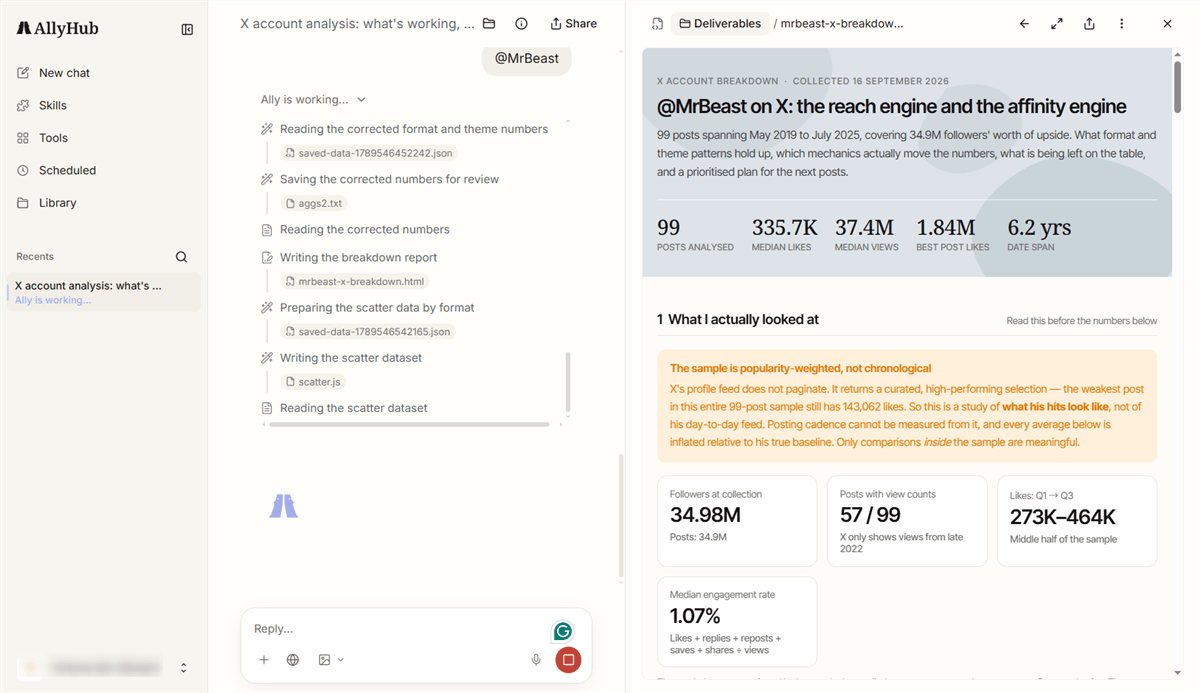
AllyHub takes a content-intelligence approach to X monitoring rather than focusing on a traditional social inbox.
Its Radars are the most relevant pieces for monitoring: News & Trends tracks keywords, news sources, and selected X accounts through manual or scheduled scans, while Creator Watch monitors TikTok and X creators to surface performance, viral content, positioning, and content patterns. Radar data is collected via API and can run on a schedule.
Social adds first-party performance analysis for connected TikTok and X accounts, helping turn account data into content insights. Profiles and Studio can then help turn those insights into on-brand long-form content.
Key features:
- Radars: Monitor X keywords, accounts, creators, news, and trends
- Social: Analyze your own X and TikTok performance
- Profiles + Studio: Turn research into on-brand long-form content
Pricing: Free plan available; Pro starts at $15.99/month.
Best for: Creators and content teams that want X monitoring to inform content research and planning.
Limitations: AllyHub is built for content intelligence and creation rather than real-time social listening. For a dedicated inbox for managing mentions and replies, tools such as Hootsuite or Agorapulse may be a better fit. Social currently supports TikTok and X.
Agorapulse — Best for Managing Mentions and Replies
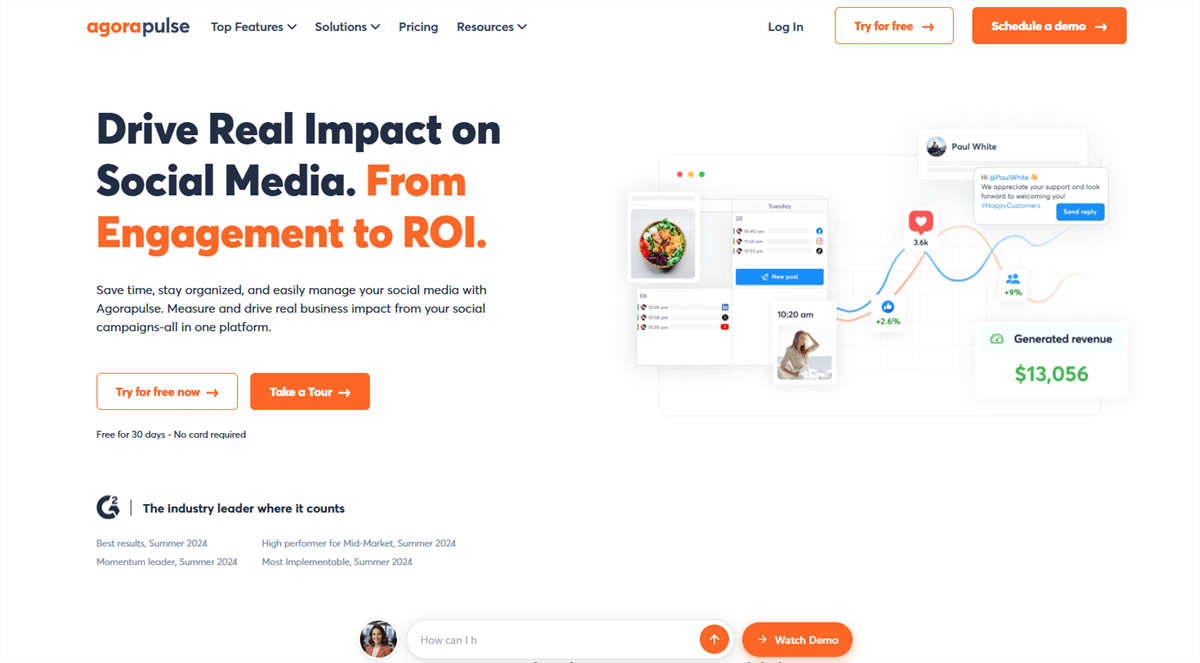
If your X account generates replies, DMs, and mentions — and you're bad at checking them — Agorapulse is the safety net. Its social inbox collects mentions, replies, and direct messages across your profiles in one queue, so nothing slips through during a busy week. On top of that you get account analytics, competitor reports, and scheduling. The free plan covers up to three social profiles and one user, which makes it the easiest serious monitoring tool to trial without spending anything.
Key features:
- Unified social inbox for mentions, replies, and DMs
- Account analytics: audience growth, engagement, impressions, top content
- Competitor benchmarking and publishing tools
Pricing: free plan (free for 30 Days); paid from $79/month (billed annually).
Best for: creators and e-commerce sellers who treat X as a customer channel and can't afford to miss messages.
Limitations: deep social listening is limited compared to dedicated platforms, and the price climbs as you add team members and profiles.
Followerwonk — Best for Audience Monitoring & Research
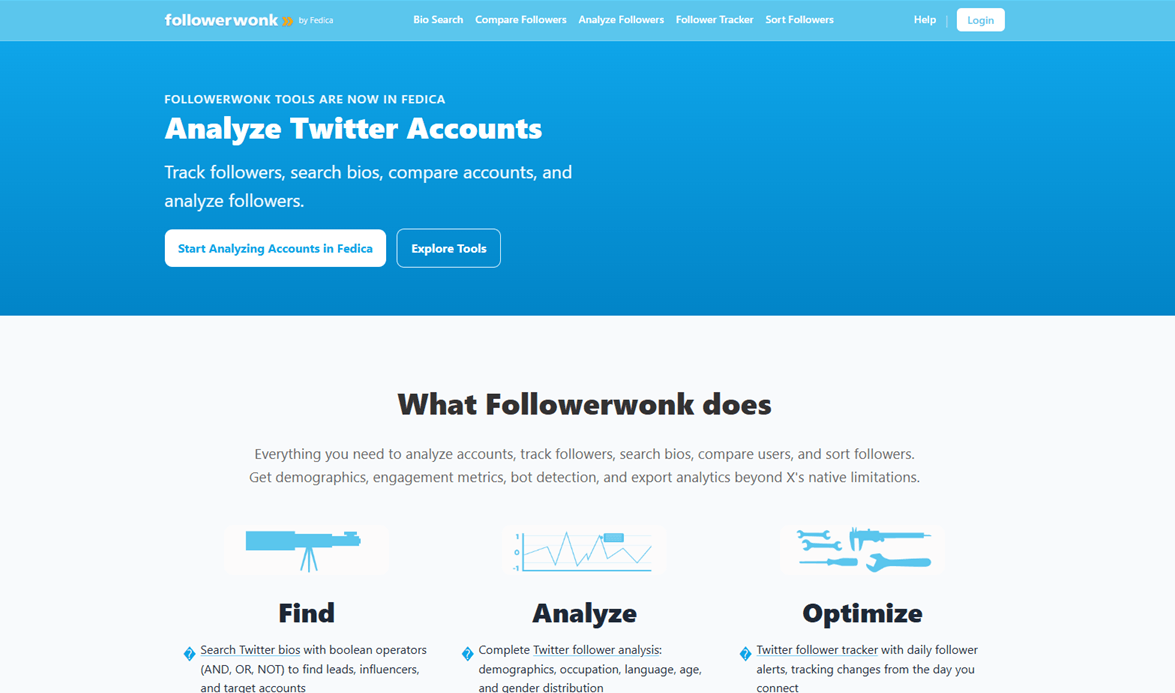
Followerwonk focuses on monitoring and researching who follows an X account and how that audience changes over time. Now part of Fedica, it can track followers and unfollowers, segment audiences by bio, location, demographics, activity, and engagement, and compare follower overlap between accounts. That makes it useful for monitoring audience changes, researching competitors, and finding relevant accounts — rather than tracking brand mentions or broader social conversations.
Key features:
- Daily follower and unfollower tracking
- Audience segmentation by bio, location, demographics, and activity
- Follower overlap between X accounts
- Bio and account search for competitor and influencer research
- Follower-list and analytics exports
Pricing: Followerwonk is now part of Fedica. Audience research features start with the Publish plan at $15/month; Grow plan at $29/month.
Best for: creators and marketers researching audiences, competitors, and potential collaborators.
Limitations: Followerwonk monitors audience and follower changes, not brand mentions or broader social conversations. For keyword-based mention monitoring, sentiment, or real-time alerts around your brand, you'll need a dedicated listening tool.
How to Choose the Right Twitter Monitoring Setup
Match the setup to the job:
- Solo creators: X Pro + Twitonomy for basic monitoring and analytics; add Creator Watch for competitor insights.
- Faceless/UGC creators: Focus on trend, hashtag, and creator tracking to spot formats worth adapting.
- MCNs and content teams: Hootsuite for multi-account monitoring and publishing; Sprout Social for deeper reporting.
- E-commerce sellers: Agorapulse for mentions and DMs; Tweet Binder for campaign tracking.
For most creators, a $0–50/month setup is enough. Start with the monitoring you actually need, then add deeper analytics or competitor tracking as your workflow grows.
Frequently Asked Questions
What's the difference between Twitter monitoring and social listening?
Monitoring focuses on specific accounts, mentions, keywords, or hashtags. Social listening goes broader, analyzing conversations, sentiment, and themes across a market.
Can I monitor other X accounts without them knowing?
Generally, yes. Tools can analyze publicly available posts and engagement data without notifying the account owner.
How often should I check Twitter monitoring data?
For most creators, a quick daily check plus a deeper weekly review is enough. Use scheduled reports or alerts for anything that needs closer tracking.



