

Posting consistently on X is only part of the job. You also need ideas worth sharing, time to write them, and a way to learn from the results. The right Twitter marketing tools help with those tasks—but you probably don’t need a full social media suite.
This guide compares 10 Twitter marketing tools across publishing, analytics, content research, and audience development, with a focus on what independent creators actually need.
Key Takeaways
- For a simple publishing queue: Start with Buffer.
- For writing and scheduling threads: Consider Typefully.
- For turning performance data and creator research into new ideas: Consider AllyHub.
- For cross-platform reporting: Compare Metricool’s paid plans and X access costs.
- For audience development and lead management: Consider Tweet Hunter.
- Before subscribing: Check whether your chosen plan includes the X features you need.
Quick Comparison: Twitter Marketing Tools at a Glance
Tool | Best For | Free Plan | Starting Price | Standout Feature | Rating |
Buffer | Solo creators who need a reliable scheduler | Yes (3 channels, 10 posts/channel) |
9 Best Twitter Marketing Tools
AllyHub — An AI Workspace That Closes the Analytics-to-Content Loop
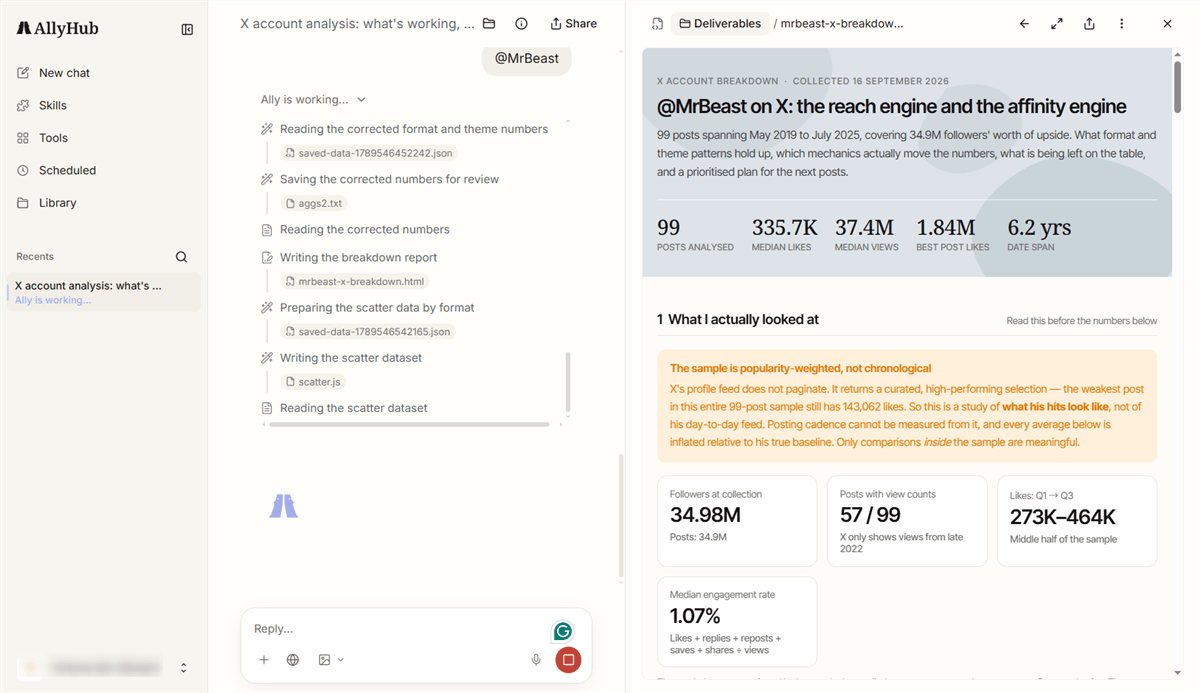
A scheduler helps you publish consistently. AllyHub turns account performance and niche research into your next content decision. Its Social workspace connects your own X data to AI-generated performance briefs, while Radars monitor relevant creators, accounts, and keywords for emerging trends. Profiles define your positioning, audience, and voice, and Studio helps turn that research into long-form drafts.
Key features:
- Social: X analytics with AI briefs, including top posts, content gaps, next-topic suggestions, and comment-audience analysis
- Radars: Creator Watch and News & Trends for monitoring X creators, accounts, and keywords
- Studio: Long-form X post and content drafting with a brand-voice Profile
- Profiles: A defined creator identity and voice that can be applied to Studio projects
Pricing: Free tier; Pro $19/month or $15.99/month billed annually, with 2,000 credits plus daily bonus credits.
Best for: Solo creators, MCNs, and sellers who want to connect X analytics, competitor monitoring, and content drafting in one workspace.
Limitations: AllyHub does not natively schedule or publish posts, so it complements rather than replaces Buffer or Hootsuite. Social currently covers X and TikTok, while Studio is focused on long-form content rather than one-click short-form captions.
💡 Pro tip: A practical workflow is Buffer for publishing → AllyHub Social for performance analysis → Radars for trend and competitor monitoring → Studio for drafting the next piece of content.
Buffer — Best for Affordable X Scheduling
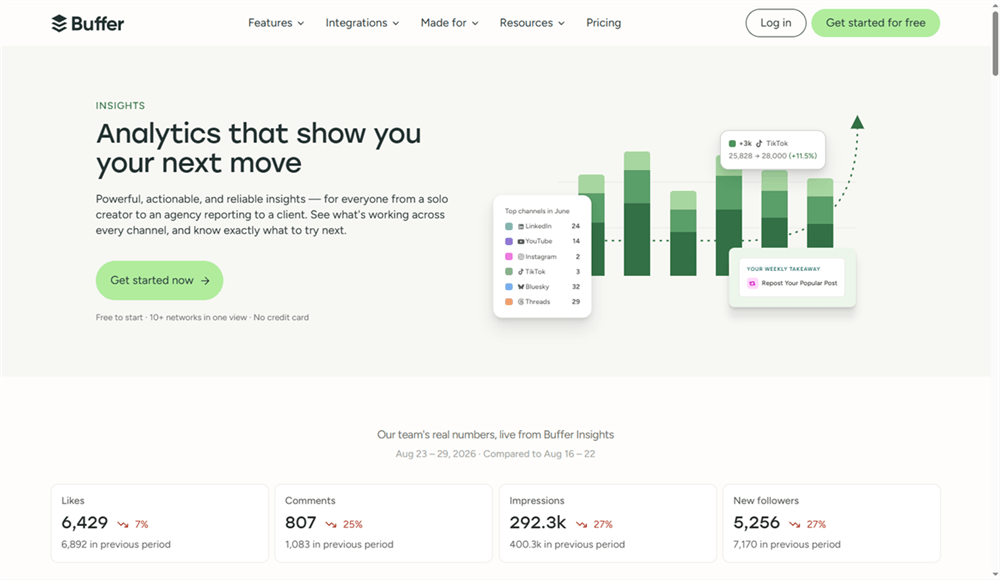
Buffer is a straightforward social scheduler for creators and small businesses that want reliable publishing without a complex setup. Its Free plan supports up to three channels with 10 scheduled posts per channel, plus AI Assistant, basic analytics, and a community inbox. Paid plans add unlimited scheduling, advanced analytics, and team features.
Key features:
- AI Assistant for drafting and rewriting posts
- Queue-based scheduling with channel-specific previews
- Community inbox for managing replies and comments
- X thread scheduling
Pricing: Free; Essentials from $6/channel/month; Team from $12/channel/month. Annual billing lowers those rates to $5 and $10 per channel, respectively.
Best for: Solo creators and small e-commerce brands that want simple, reliable X publishing.
Limitations: The Free plan is limited to 10 queued posts per channel. Paid plans are priced per channel, so costs can add up when managing many accounts. Buffer's analytics are useful for tracking performance, but they don't provide the deeper content intelligence of specialized analytics or research tools.
💡 Pro tip: Pair Buffer's Free plan with X's native analytics if you only need basic publishing and measurement. Buffer supports up to three channels and 10 queued posts per channel for free.
Canva — Best for Visual Content and Scheduling
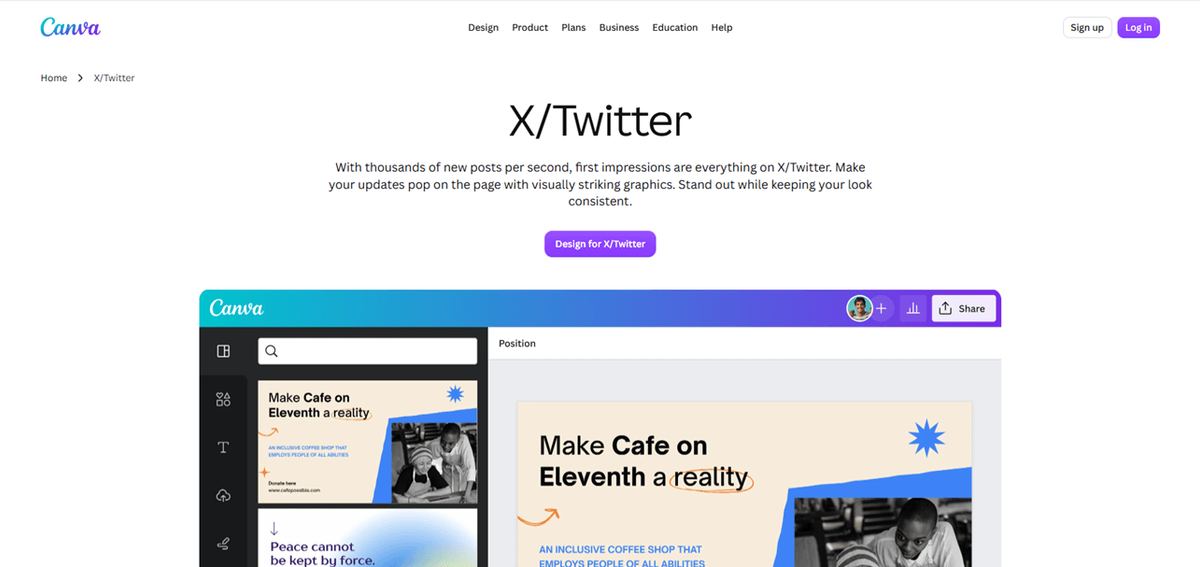
Most visual X posts start with the creative itself, and Canva combines design and social publishing in one workflow. Canva Pro includes Content Planner, which lets creators design, schedule, and publish social posts across platforms including X, Instagram, Facebook, and LinkedIn.
Key features:
- Templates for social posts and visual content
- Brand Kit for consistent fonts, colors, and logos
- AI tools for writing and content creation
- Built-in social scheduling and publishing
Pricing: Free plan; Canva Pro is $15/month equivalent when billed annually ($180/year) in the U.S.
Best for: E-commerce sellers, UGC creators, and brands that want to design and schedule visual content in the same tool.
Limitations: Canva's scheduler is secondary to its design tools, so analytics and publishing workflows are less specialized than dedicated social media platforms.
Metricool — Best for Affordable Social Analytics
Metricool combines scheduling, analytics, competitor tracking, and client reporting in one dashboard. Its Free plan supports one brand and up to 20 scheduled posts per month, but X is excluded from the Free plan. To manage an X account, you now need a paid Starter or Advanced plan plus a separate X/Twitter add-on.
Key features:
- Social analytics and exportable reports
- Competitor tracking and performance comparisons
- Scheduling and content planning
- X analytics, publishing, and inbox on paid plans
Pricing: Free; Starter from $20/month, plus $10/month per connected X account. Advanced starts at $53/month. Existing X add-ons purchased before July 2026 may retain the legacy $5/month price.
Best for: Freelancers, creators, and small marketing teams that need analytics and client-ready reporting across multiple social networks.
Limitations: X now carries a separate add-on cost, making Metricool more expensive for X-focused users. Some X features, including best-time scheduling, are limited to higher plans.
⚠️ Warning: Don't compare Metricool's X cost with its headline plan price alone. For a new X connection, the real starting point is the paid Metricool plan plus $10/month for the X add-on.
Typefully — Best for Threads and Long-Form X Content
Typefully is built around writing and publishing text-heavy social content, with a strong focus on X threads and long-form posts. It combines a distraction-free editor with scheduling, AI writing assistance, cross-posting, and X analytics. It also supports X Articles for eligible X Premium accounts.

Key features:
- Thread-focused editor with realistic previews
- Scheduling with suggested posting times
- X analytics for impressions, engagement, and follower growth
- Cross-posting to LinkedIn, Threads, Bluesky, and Mastodon
Pricing: Free plan; paid plans start at $12.50/month, with a 14-day free trial.
Best for: Thought leaders, faceless creators, and niche creators who rely on threads and long-form content.
Limitations: Typefully is more focused on writing and publishing than full-scale social management. It has fewer engagement, monitoring, and team-management features than broader social platforms.
Tweet Hunter — Best for X Growth and Monetization
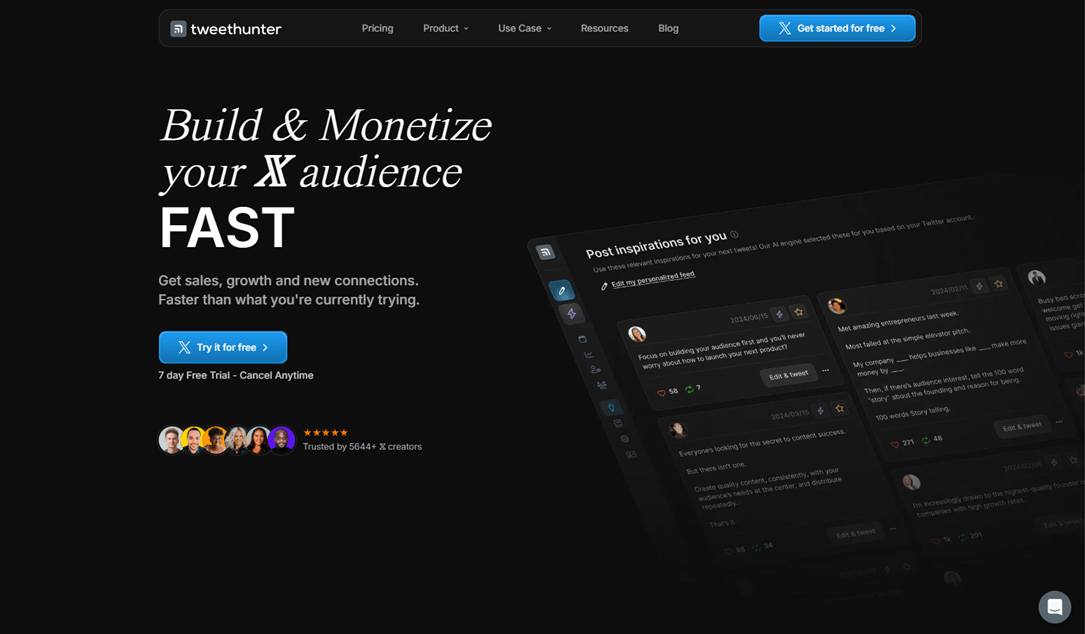
Tweet Hunter is designed for creators and businesses that treat X as a growth and acquisition channel. It combines a large viral-tweet library, content inspiration, scheduling, analytics, engagement tools, and automation. Its higher-tier Grow plan adds AI writing and an X CRM for managing prospects and interactions.
Key features:
- Viral tweet library and content inspiration
- Tweet and thread scheduling with automation
- X analytics for reach, engagement, and follower growth
- AI writing and X CRM on the Grow plan
Pricing: No free plan; 7-day free trial. Discover costs $29/month; Grow costs $49/month.
Best for: Creators, consultants, and businesses using X to build an audience, generate leads, or drive sales.
Limitations: Tweet Hunter is X-focused rather than a multi-network social suite. The AI writer and CRM require the more expensive Grow plan, making it less attractive for users who only need basic scheduling or analytics.
Agorapulse — Best for X Engagement and Customer Care
Agorapulse is built for teams that need to manage publishing, customer conversations, and reporting in one place. Its unified inbox brings messages, mentions, and comments together, while higher plans add team assignments, approval workflows, advanced reports, and competitor benchmarking.

Key features:
- Unified social inbox for messages, mentions, and comments
- Team assignments and approval workflows on higher plans
- Competitor benchmarking and reporting
- Publishing with X support through dedicated add-ons
Pricing: 30-day free trial. Standard starts at $99/user/month, or $79/month when billed annually, and includes 10 social profiles. X requires an additional add-on: X Lite $29/profile/month for publishing or X Plus $69/profile/month for publishing, Inbox, and reporting.
Best for: E-commerce brands, agencies, and teams that treat X engagement and customer support as part of the customer journey.
Limitations: X adds a significant per-profile cost, especially with X Plus. Agorapulse is also more focused on publishing, engagement, and reporting than content ideation.
Hootsuite — Best for Multi-Account Teams
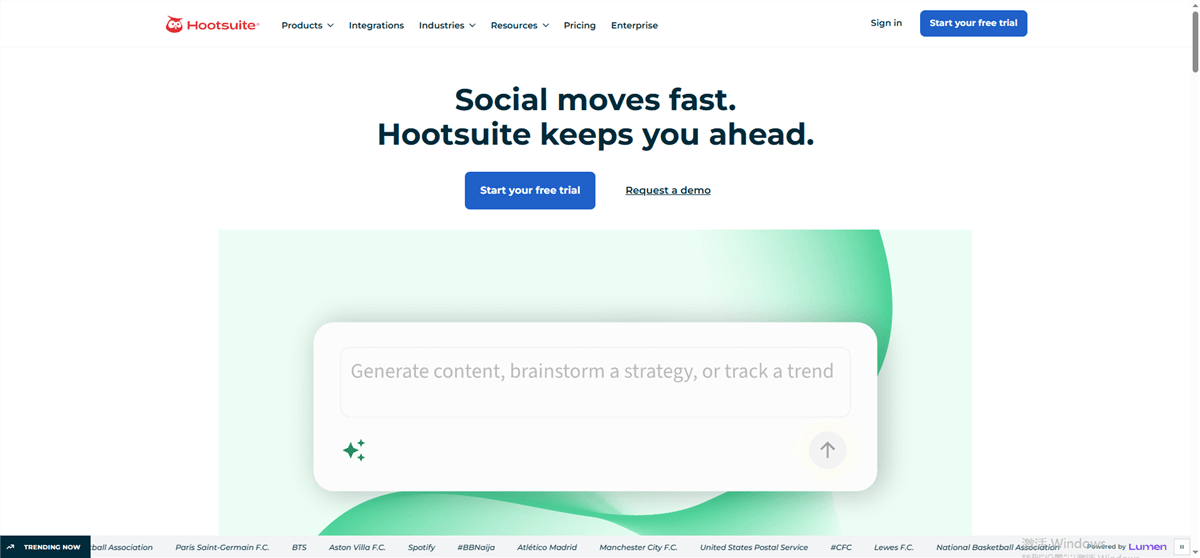
Hootsuite is built for teams managing multiple social accounts from one dashboard. Standard supports up to 10 social accounts, unlimited scheduling, a unified inbox, analytics, competitor monitoring, and AI-powered content creation. Higher plans add unlimited social accounts, automation, and more advanced collaboration and approval workflows.
Key features:
- Scheduling across up to 10 social accounts on Standard
- Unified inbox and social monitoring
- Analytics, competitor benchmarking, and AI insights
- Team approvals and advanced workflows on higher plans
Pricing: No free plan; 14-day free trial. Standard starts at $99/user/month billed annually.
Best for: MCNs, agencies, and marketing teams managing multiple X accounts and other social channels.
Limitations: Hootsuite is relatively expensive for solo creators, and its broad feature set can take time to configure and learn.
SocialPilot — Best for Multi-Brand Publishing
SocialPilot is a cost-conscious social media management platform for marketers, small teams, and agencies managing multiple brands. It combines scheduling, analytics, content calendars, team collaboration, and client reporting, with higher plans adding bulk scheduling, client approvals, and white-label reports.

Key features:
- Multi-account scheduling and content calendar
- Analytics and reporting across major social networks
- Bulk scheduling and CSV uploads on higher plans
- Client approvals and white-label reports on Premium
Pricing: 14-day free trial; SocialPilot plans start at $30/month for the Essentials plan, which supports 7 social media accounts and one user. Annual billing lowers the effective price to $25.50/month.
Best for: E-commerce marketers, freelancers, and small agencies managing multiple brand accounts.
Limitations: Advanced agency features such as bulk scheduling, client approvals, and white-label reports require higher-tier plans. Its analytics are more reporting-oriented than the deeper content intelligence offered by specialized tools.
How to Choose the Right Twitter Marketing Tool
Choose based on the problem you need to solve—not the number of features:
If you need to... | Best fit |
Schedule X posts simply | Buffer |
Create X threads | Typefully |
Turn X data into content ideas | AllyHub |
Track cross-platform performance |
FAQ: Twitter Marketing Tools
What is the best Twitter marketing tool?
It depends on the job. Buffer is a practical starting point for scheduling; X's native analytics covers basic measurement, while Tweet Hunter, Metricool, or AllyHub become more useful for growth, analysis, and content intelligence.
What free Twitter marketing tools actually work?
Buffer's Free plan supports up to 3 channels and 10 scheduled posts per channel. For other tools, check current X connection costs before assuming the free tier covers X.
Can AI tools help grow an X account?
Yes—when AI is connected to a real account and niche data. The most useful workflows analyze past performance, monitor relevant accounts or trends, and turn those insights into new content. Generic AI-generated posts alone are unlikely to provide the same advantage.
Which Twitter marketing tools are best for e-commerce?
A practical stack is SocialPilot for multi-brand publishing, Agorapulse for customer conversations, and Metricool for reporting. Add a monitoring or trend-research tool when competitor content and product trends are a major source of ideas.



