

X’s native analytics can show how your posts performed, but it doesn’t answer the questions that matter for growth: which content is working, how your performance compares with competitors, and what you should post next.
That’s where Twitter analytics tools come in. The right tool can add deeper post analysis, historical data, audience insights, competitor benchmarking, and actionable recommendations. We evaluated 25+ tools available in 2026 and shortlisted 10 that are worth considering for creators, brands, and social teams.
Key Takeaways
- Best overall: Metricool — combines X analytics, audience insights, and competitor tracking in one dashboard.
- Best free option: X’s native analytics for basic performance tracking.
- Best for competitor analysis: Socialinsider for benchmarking.
- Best for creators: Look for post-level performance, audience insights, historical data, and content recommendations.
- Bottom line: Start with native analytics if you only need basic metrics. Use a third-party tool when you need competitor data, deeper history, or actionable insights.
Quick Comparison Table
What to look for in a Twitter analytics tool:
- Own-account analytics: post performance, engagement, follower growth
- Competitor analytics: public-account tracking and benchmarking
- Historical data: enough history to spot trends
- Audience insights: follower quality, demographics, interests
- Actionable insights: recommendations, not just charts
Tool | Best For | Starting Price | Standout Feature |
X Analytics | Basic first-party analytics | Free* | Native post performance data |
* X's available analytics features and access requirements can vary by account and subscription tier.
** Circleboom's full analytics features are available on higher tiers; pricing varies by plan and billing cycle.
📌 Note: Pricing and free-plan details on X tools change often — verify on each vendor's site before committing. Prices below reflect what we found in September 2026.
10 Best Twitter Analytics Tools
X Analytics
X Analytics is the natural starting point for basic X performance tracking. Its Post Activity Dashboard provides post-level metrics such as impressions, engagements, replies, reposts, likes, and clicks, while the Video Activity Dashboard adds retention, view-rate, and completion metrics.
Key features:
- Free native post and account analytics
- Impressions, engagements, replies, reposts, likes, and clicks
- Video retention, view-rate, and completion metrics
- CSV export for post and video data
- No third-party connection required
Pricing: Free. X states that its Post Activity and Video Activity Dashboards are free features, accessible by registering at analytics.x.com or through an X Ads account.
Best for: Solo and faceless creators who want a quick read on their own X performance before paying for a third-party analytics tool.
Limitations: The dashboard initially shows the last 28 days, although the date range can be changed. CSV exports are limited to 30 days per export, so longer-term analysis may require multiple exports. It also focuses on your own post performance rather than competitor benchmarking or deeper content interpretation.
AllyHub
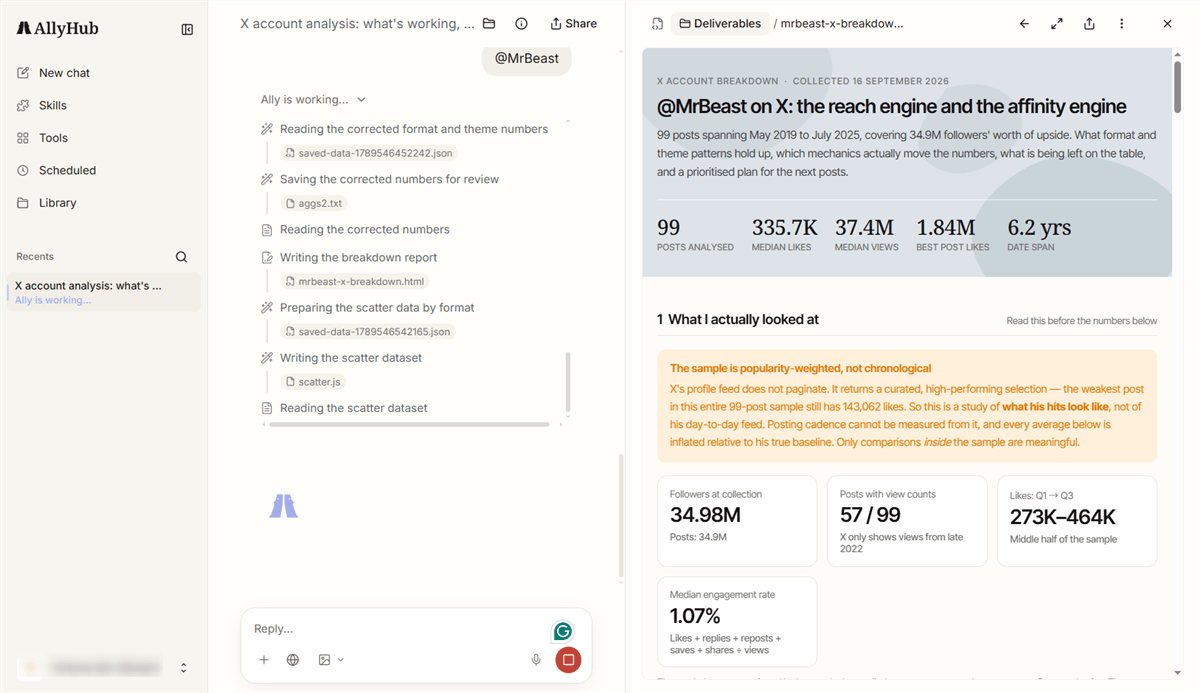
AllyHub is an AI-powered workspace for social content operations, and it's the only pick here whose X analytics is designed to close the loop: connect your X account, see per-post performance, and get AI briefs that tell you what's working, what's missing, and what to post next.
Key features:
- Connect your X account for post-level metrics and follower/engagement trends
- Built-in AI briefs: performance summary, winning content patterns, content gaps, and next-topic ideas
- Creator Watch radar that monitors other X accounts, tracks their content performance, and surfaces viral posts and recurring patterns on a schedule.
- Same workspace drafts your next post (long-form editor) in your brand voice
Pricing: Free tier with daily credits; Pro at $15.99/month (annual billing −20%).
Best for: Creators and operators who are tired of charts without conclusions — you get the analysis and the next content decision in one place.
Limitations: X support is paired with TikTok only (no other platforms yet); it's an analytics-plus-content tool, not a scheduler — you won't publish from it; and as a newer platform, its X analytics history is shorter than dedicated suites.
Metricool
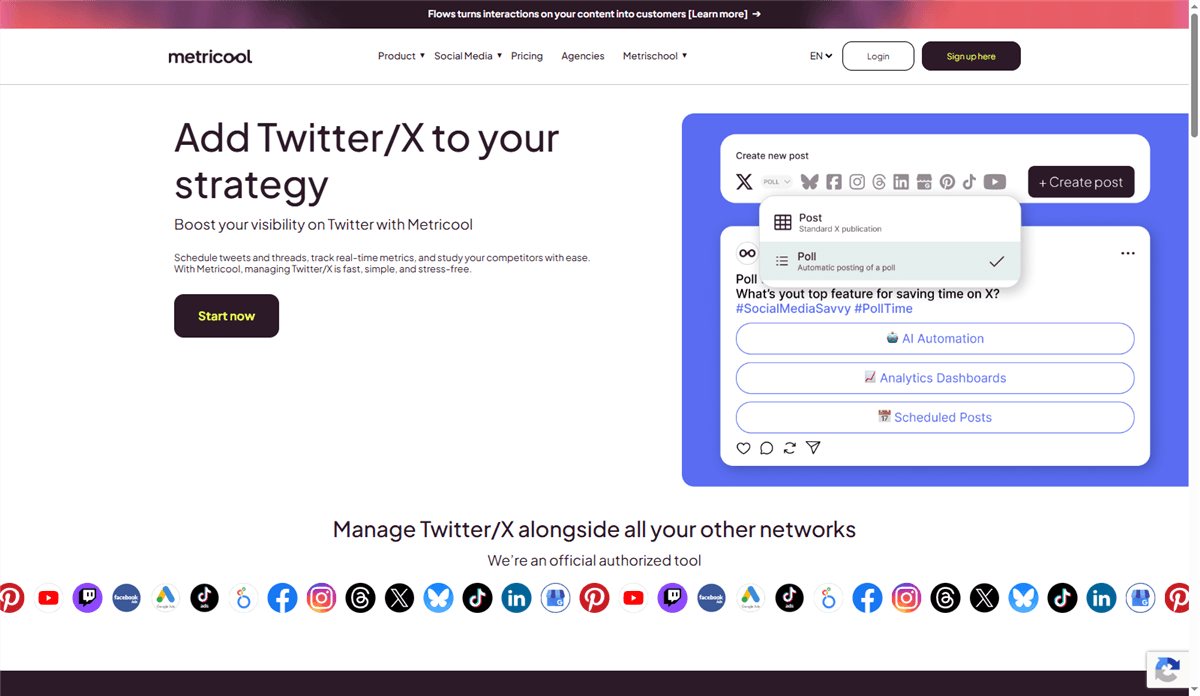
Metricool combines X analytics with scheduling, reporting, and analytics for other social networks. It also supports competitor analysis, making it useful for creators and small teams managing multiple channels.
Key features:
- X post and account analytics
- Competitor analysis
- Cross-platform reporting and content planning
- Best-time-to-post recommendations on higher plans
- Historical analytics on paid plans
Pricing: From $30/month for one X account — $20/month for Metricool Starter plus a $10/month X/Twitter add-on. X access requires a paid Starter plan or higher; the Free plan does not support X connections.
Best for: Content creators, UGC creators, and small teams that manage X alongside other social channels and want analytics, reporting, and competitor tracking in one dashboard.
Limitations: X access is no longer included in Metricool's Free plan. The X add-on is charged separately for each connected account, and some advanced X metrics and features require the Advanced plan.
Buffer Analyze
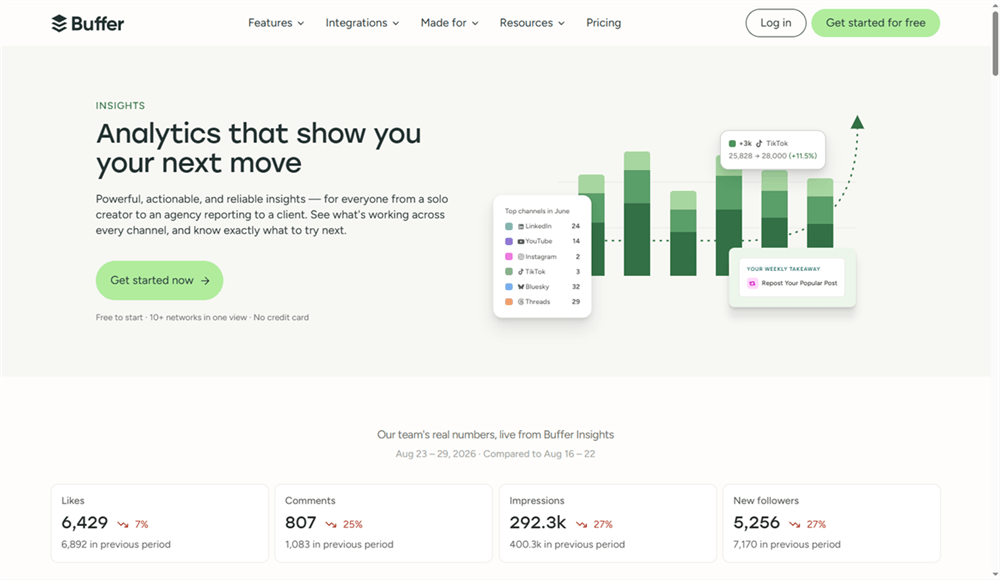
Buffer Analyze combines X analytics with publishing and reporting in a clean interface. It is a good fit for creators who want basic performance insights without moving to a specialist analytics platform.
Key features:
- Post, channel, and follower performance
- Cross-platform analytics and reports
- Best-performing post and engagement insights
- Basic analytics on the Free plan; deeper reporting on paid plans
Pricing: Buffer has a free plan with basic Insights, while paid plans start at $6 per channel per month or $5 per channel per month when billed annually. Advanced analytics and reporting are available on paid plans.
Best for: Solo creators and small teams that want simple X analytics alongside scheduling and publishing.
Limitations: No competitor benchmarking, lighter audience analysis than specialist tools, and limited X data depth. X data is backfilled for about 30 days, while individual post metrics stop updating after about 20 days.
Circleboom
Circleboom focuses more on followers and audience management than traditional post analytics. It can track follower growth, identify unfollowers, and detect fake, bot, or inactive accounts.

Key features:
- Follower growth and churn tracking
- Follower and following analytics
- Fake, bot, and inactive account detection
- Audience insights and post analytics
Pricing: Free access to preview features; higher-tier analytics from $35.99/month with annual billing.
Best for: E-commerce sellers and account operators who want to audit follower quality and manage audience growth.
Limitations: More audience-management focused than analytics-first platforms, and its interface can take time to learn. Advanced audience intelligence is also less extensive than specialist platforms such as Audiense.
Socialinsider
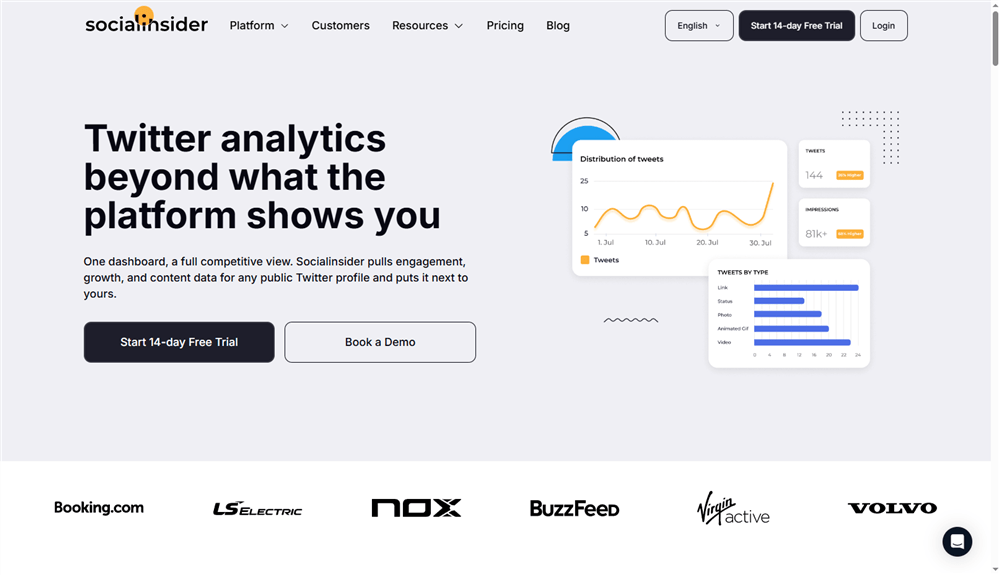
Socialinsider is built for comparing X performance across accounts. Add public X profiles to benchmark engagement, follower growth, and content performance alongside your own data.
Key features:
- Side-by-side competitor benchmarking
- Standardized engagement and growth metrics
- Post-level content analysis and topic comparisons
- Automated reports and data exports
- AI-powered analysis of account and competitor data
Pricing: 14-day free trial; paid plans start at around $99/month.
Best for: Agencies, brands, and operators that manage multiple accounts or need defensible competitor benchmarks.
Limitations: More expensive than creator-focused tools, and its value is harder to justify for a single account that only needs basic post analytics.
Fedica
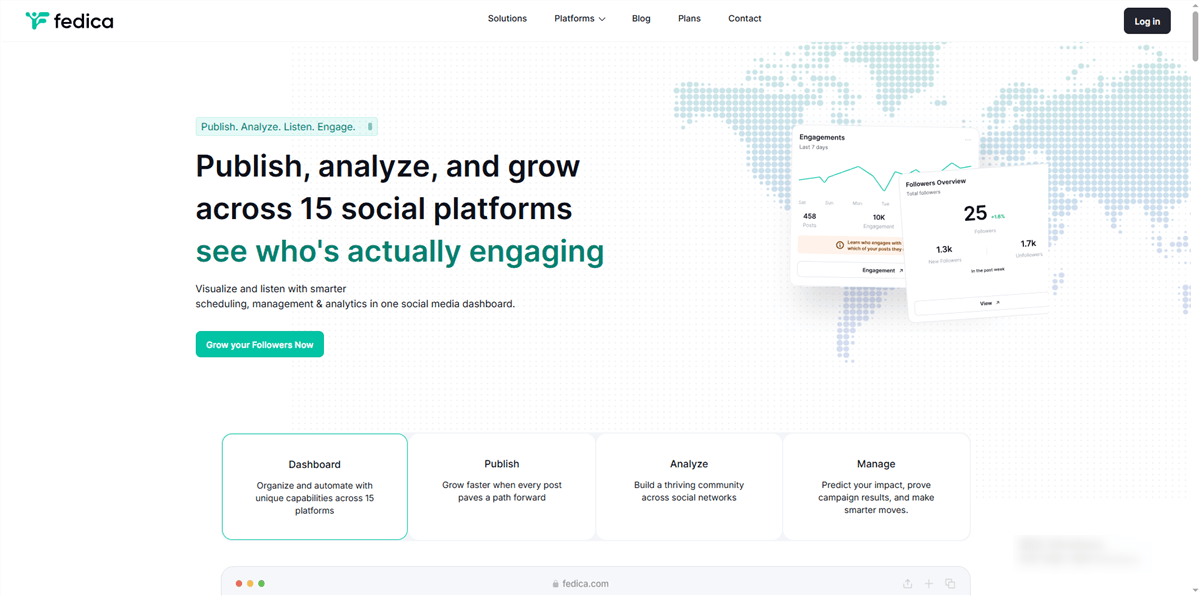
Fedica goes beyond post performance with follower analysis, audience segmentation, account research, and engagement intelligence. It can analyze your own audience as well as other X accounts, making it useful for creators, brands, and researchers.
Key features:
- X engagement and post analytics
- Follower demographics, personas, and growth tracking
- Audience and influencer analysis
- Account, hashtag, and keyword research
- Bot and fake-follower audits
Pricing: Free plan available for publishing; X analytics requires a paid plan. Paid plans start at $10/month for publishing, while follower analytics starts at $19/month and deeper research features start at $149/month.
Best for: Creators, brands, and operators who need audience intelligence and account research rather than basic post reporting.
Limitations: The deeper analytics and research features are spread across higher-tier plans, so it can become expensive for users who only need basic X performance tracking.
TweetBinder
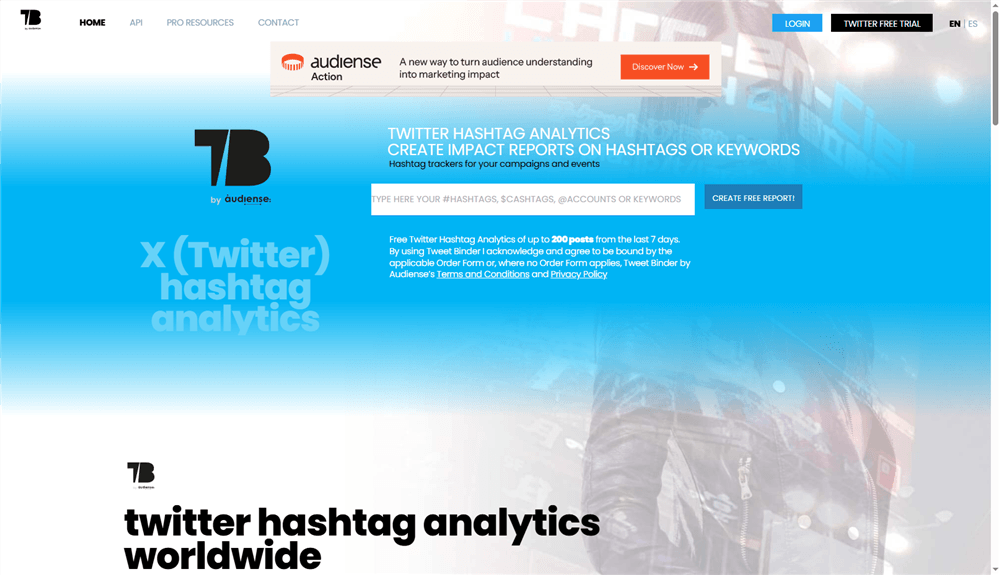
TweetBinder is the specialist for anything hashtag-, keyword-, or event-shaped: launches, giveaways, campaigns, and trend-jacking. It generates reports for any keyword, hashtag, or account, which makes it a favorite for measuring campaign ROI on X.
Key features:
- Reports for hashtags, keywords, mentions, and accounts
- Influence and reach scoring for campaign participants
- Real-time tracking during live events
- Historical report generation for past campaigns
Pricing: Free reports cover up to 200 tweets from the last 7 days; paid plans are available through the sales team.
Best for: E-commerce sellers running launches or giveaways, and operators measuring campaign performance beyond simple post stats.
Limitations: Purely campaign-focused — it won't replace your day-to-day account analytics, and full-report pricing climbs quickly for heavy use.
Audiense
Audiense is the audience intelligence heavyweight. If you need to understand who an X audience really is — affinities, demographics, influential segments, audience overlap between accounts — Audiense is the reference point that other tools get compared to.

Key features:
- Deep audience segmentation and affinity mapping
- Compare audience overlap between your account and competitors
- Community analytics for X Marketing users
- Custom audience intelligence for enterprise teams
Pricing: Free starter for X Marketing features; Pro from around $63/month; enterprise-grade Audience Intelligence is a significant step up (annual enterprise pricing).
Best for: MCNs and brands whose decisions depend on knowing exactly who follows them — and who else those followers follow.
Limitations: The learning curve is real, the jump from Pro to enterprise pricing is steep, and most solo creators will never use 80% of its power.
Sprout Social
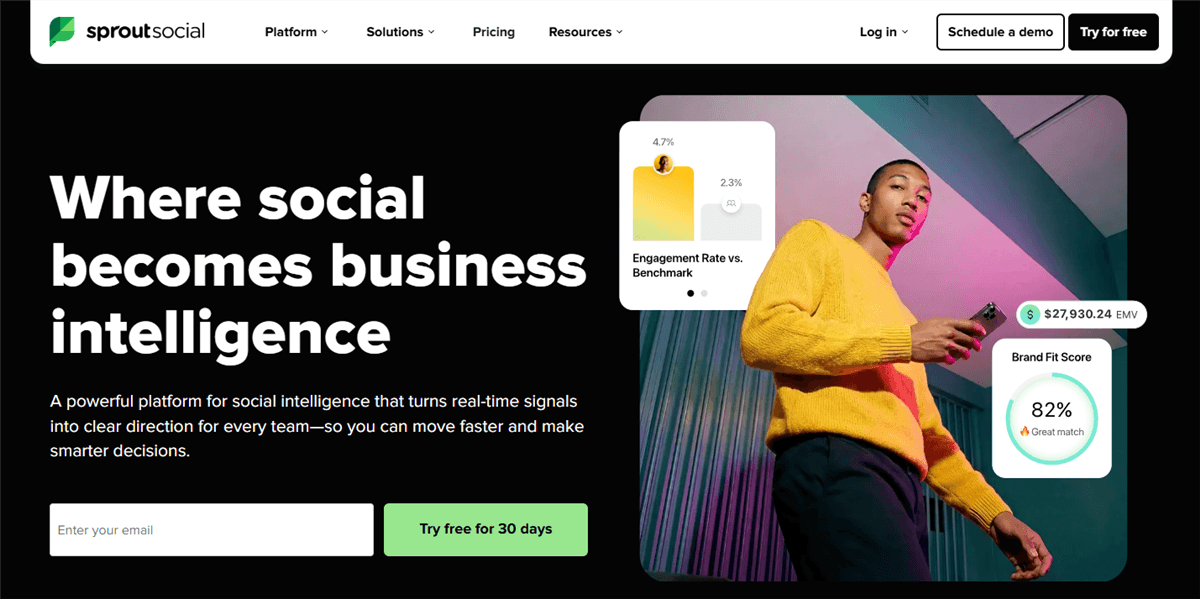
Sprout Social remains the standard for teams that need polished, client-ready X reporting. Its X analytics are deep — post performance, audience growth, engagement benchmarks, and competitive reports — wrapped in dashboards built for collaboration.
Key features:
- Comprehensive X (and cross-network) analytics and reporting
- Competitive reports on other X accounts
- Team workflows, approvals, and publishing in one suite
- Benchmarking and trend analysis for mature accounts
Pricing: Free plan available for basic audience insights. Paid Twitter Marketing pricing varies by subscription, while full Audience Intelligence is sold separately and can require a higher-tier or custom plan.
Best for: Agencies, MCNs, and e-commerce teams that need shareable reports and multi-user workflows.
Limitations: Built for teams, not individuals — the price and feature set are overkill for a solo or niche account, and you'll pay for seats you may not need.
How to Choose the Right Twitter Analytics Tool
Choose based on the type of analysis needed, not the number of features.
Solo, Niche, and Faceless Creators
Start with X Analytics for basic post performance. Add AllyHub for free competitor checks, then move to Metricool or Buffer for cross-platform analytics and reporting.
MCNs and New Media Operators
Prioritize competitor benchmarking and reporting. Socialinsider is a strong fit for multi-account benchmarking, Sprout Social for team and client reporting, and Audiense for deeper audience segmentation.
E-commerce Sellers
Focus on audience quality and campaign tracking. Circleboom helps audit followers, while TweetBinder is better suited to launches, giveaways, and hashtag campaigns.
Rule of thumb: Pick the tool that answers the next business question—what is working, who is responding, or what should be tested next.
Twitter Analytics Tools: FAQ
What are the most important X metrics for a new creator account?
Start with impressions, engagement rate, replies, reposts, and profile clicks. Impressions show reach, while engagement and profile actions better indicate whether content is attracting meaningful interest.
Why does my engagement rate look lower than a competitor's?
Check the calculation method first. Some tools divide engagement by impressions, while others use followers. Always compare accounts using the same formula and time period.
Can someone analyze my X account without permission?
Yes, if the account is public. Third-party tools can analyze public metrics such as follower counts, posting activity, and visible engagement. Private metrics such as account-specific impressions or audience data require authorized access.
Can third-party X analytics tools access my password?
Legitimate tools should not require an X password. OAuth-based connections let users authorize access without sharing login credentials. Review the permissions requested and revoke access when a tool is no longer needed.



