Have you ever found that several TikToks perform differently — one flatline, one does okay, one surprises you, or none of them outperform even if you spend a lot of time and effort? TikTok's built-in analytic numbers tell you what happened, but not why, and definitely not what to post next.
That's where third-party TikTok analytics tools can help: they add competitor tracking, longer-term reporting, trend data, excellent scripts, and other context that native analytics don't provide. This guide compares the 9 best TikTok analytics tools for content creators in 2026 — from TikTok's free native analytics to third-party tools.
Key Takeaways
- Top pick overall: TikTok's native analytics is the best free starting point for most creators — it's first-party data with zero setup cost.
- Best free third-party tool: Countik shows engagement data for any public profile with no login required.
- Best budget upgrade: Metricool adds cross-platform analytics and competitor benchmarks with a usable free plan.
- Best for trend intelligence: Pentos tracks hashtags and sounds before they peak.
You can tart with native analytics, then add one third-party tool that fills your biggest gap. All you need are retention metrics beyond views, competitor tracking, trend data, and pricing that fits a creator budget.
Why TikTok Analytics Tools Matter for Creators
Analytics tools enable creators to check data consistently and answer three questions faster than everyone else: which videos actually retain viewers, when is your audience online, and what's about to trend in your niche.
But TikTok's native analytics are limited. They only show your account, only keep 60 days of history, and don't tell you anything about competitors. Third-party TikTok analytics tools fill those gaps with competitor tracking, extended data retention, and trends.
So let's dive into the top TikTok analytics tools. They mostly go beyond TikTok views, track complete competitor data, and cover trend intelligence with ease of use.
Quick Comparison Table of 9 Best TikTok Analytics Tools
Tool | Best For | Free Plan | Main Strength |
TikTok Native Analytics | Own-account analytics | Yes | First-party performance data |
Countik |
Free TikTok Native Analytics
TikTok's built-in analytics live inside TikTok Studio and cost nothing. Once you switch to a Creator or Business account, you get three core tabs: Overview (views, profile visits, follower growth), Content (per-video watch time, retention, and traffic sources), and Followers (demographics plus when your audience is active).
For most creators, this is genuinely enough to start. The traffic source breakdown alone — For You vs. profile vs. search — tells you whether your content is being pushed or only found by people already following you.
How to See Analytics on TikTok
- Open TikTok and go to your profile.
- Tap the Menu ☰ button.
- Select TikTok Studio.
- Open Analytics to view account, content, viewer, and follower data.
You can also access TikTok Studio on the web for a larger analytics view.
Pricing: Free with any Creator or Business account.
Best for: Every creator's baseline — checking retention, traffic sources, and audience activity before paying for anything.
Limitations: Data disappears after 60 days, so you can't compare against last quarter. No competitor data, limited export options, and some creators report occasional metric discrepancies.
💡 Pro tip: Screenshot or export your Content tab monthly. Native data is gone after 60 days — your third-party tool can't recover what was never saved.
Countik — Best for Quick Free Checks
Countik is the easiest free TikTok analytics tool in existence: paste any public handle, no account needed. You get a live follower counter, average engagement rate, top-performing videos, most-used hashtags, and country-level trend lists for hashtags, accounts, and songs.
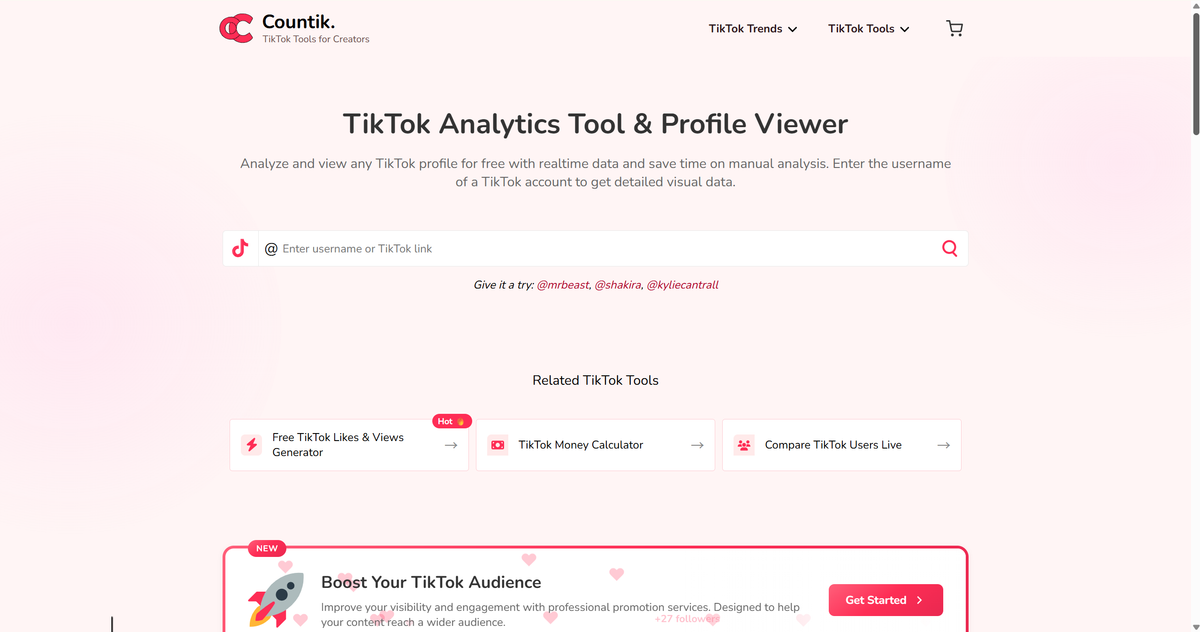
Key features:
- Live follower counts and engagement rates for any public profile
- Top video and hashtag analysis per account
- Trend lists by country (hashtags, songs, accounts)
- Hashtag generator and video downloader built in
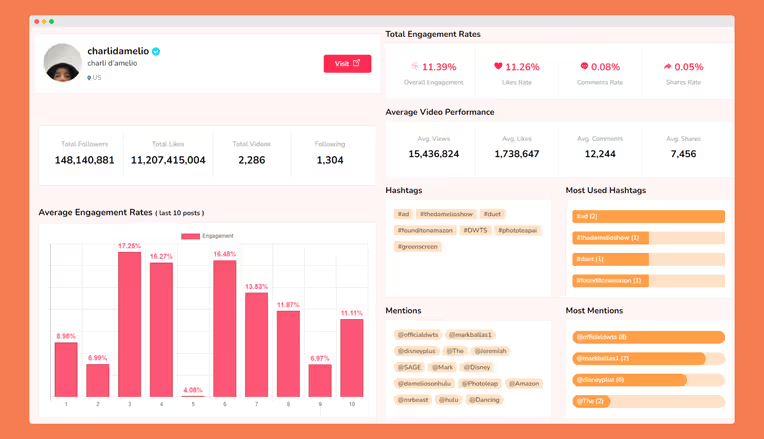
Pricing: Completely free, no registration required.
Best for: Creators who want quick competitor snapshots without signing up for anything.
Limitations: Basic compared to paid tools — no long-term tracking, no alerts, and estimates for public profiles only. Your own account's retention data still comes from native analytics.
Metricool — Best Budget Cross-Platform Dashboard
Metricool is one of the best valued tools on this list. It pulls TikTok, Instagram, YouTube, and other channels into one dashboard, with scheduling and competitor benchmarking included.
What makes it genuinely useful for creators: you can compare your TikTok performance against a competitor's handle directly in the dashboard, and the free plan is real — one brand, core analytics, no credit card trap.
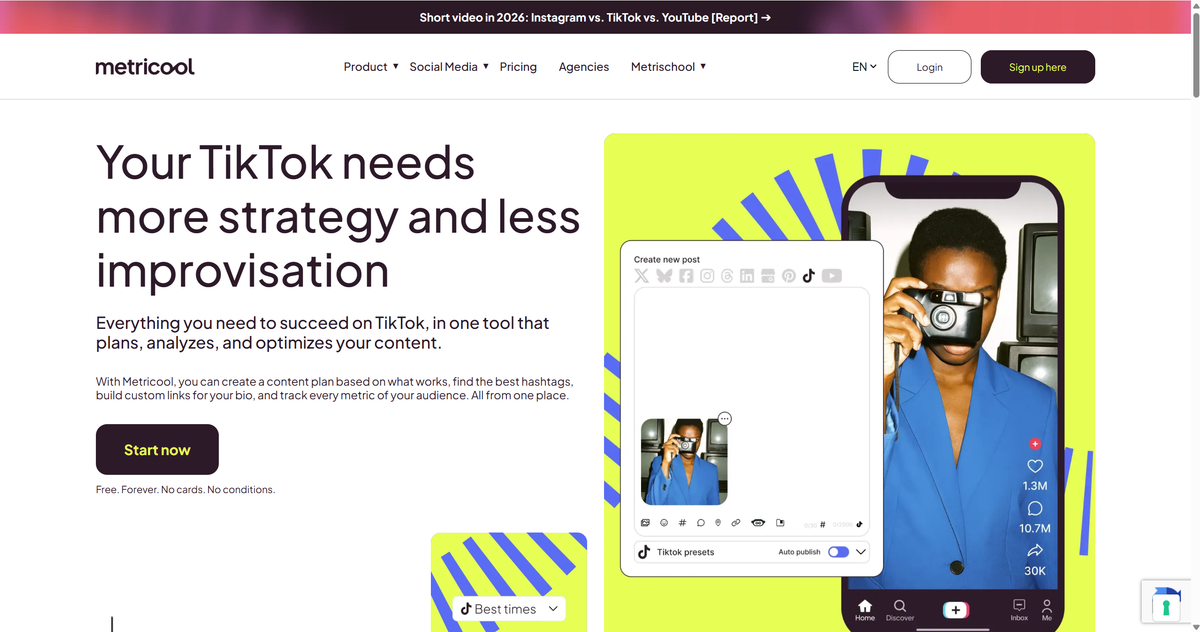
Key features:
- Unified analytics across TikTok, Instagram, YouTube, and more
- Competitor comparison within the dashboard
- Post scheduler with best time to post suggestions
- Automated PDF reports for brand deals
Pricing: Free plan available; paid plans start around $20/month with annual billing.
Best for: Creators running multiple platforms who want one dashboard instead of three.
SocialPilot — Best for Creator Teams and Agencies
SocialPilot is a social media management platform, but integrated analytics tool. It covers TikTok alongside other networks, with approval workflows so an editor can review posts before they go out.
For a creator with a small team — or an agency managing creator accounts — the combination of scheduling, analytics, and collaboration helps steer your TikTok strategies in the right direction.
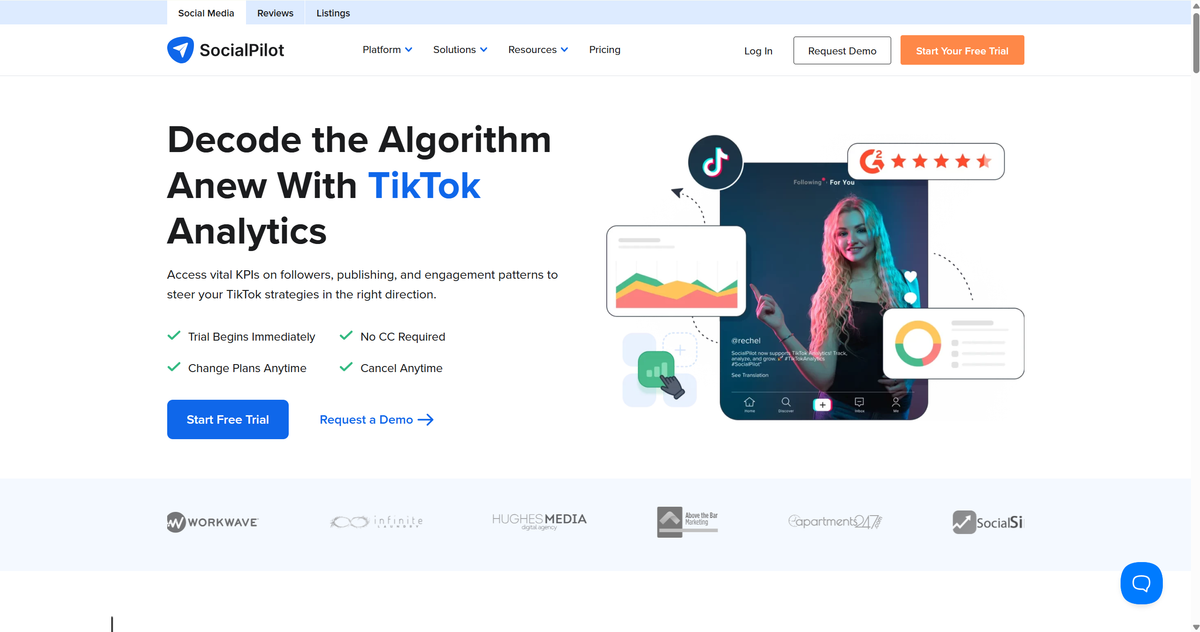
Key features:
- Multi-platform scheduling with team approval workflows
- TikTok analytics alongside other connected accounts
- Client-ready white-label reporting
- Content calendar and bulk scheduling
Pricing: No free plan, but a 14-day free trial. Paid plans start at $25.50/month (Essential, billed annually).
Best for: Creator teams, managers, and agencies handling multiple accounts.
Limitations: No free tier, and TikTok posting is partially manual — you often finalize posts in the mobile app. Trend intelligence and deep competitor analysis are lighter than specialized TikTok tools.
Exolyt — Best Deep TikTok Intelligence
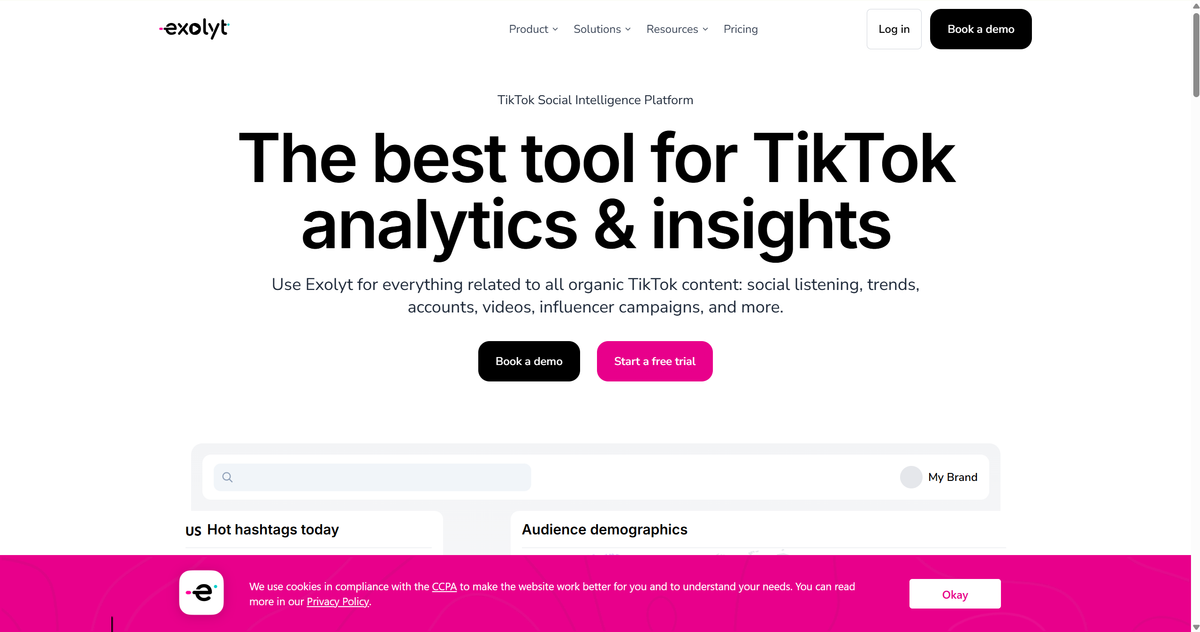
Exolyt is built especially for TikTok analytics. It covers TikTok account analytics, individual video breakdowns, hashtag tracking, sentiment analysis, influencer discovery, and industry engagement benchmarks.
Key features:
- In-depth account and video analytics with engagement benchmarks by industry
- Hashtag and trend tracking with sentiment analysis
- Influencer discovery and campaign tracking
- Content ideation grounded in real performance data
Pricing: Free Basic plan (1 tracked account, 1 hashtag). Essentials: $330/month billed annually ($400 monthly). Advanced: $790/month billed annually.
Best for: Full-time creators and brands who need deep competitor data and are monetizing enough to justify it.
Limitations: Expensive beyond the free tier — overkill for hobbyists. TikTok-only, so you still need another tool for Instagram or YouTube.
Pentos — Best for Trend and Hashtag Tracking
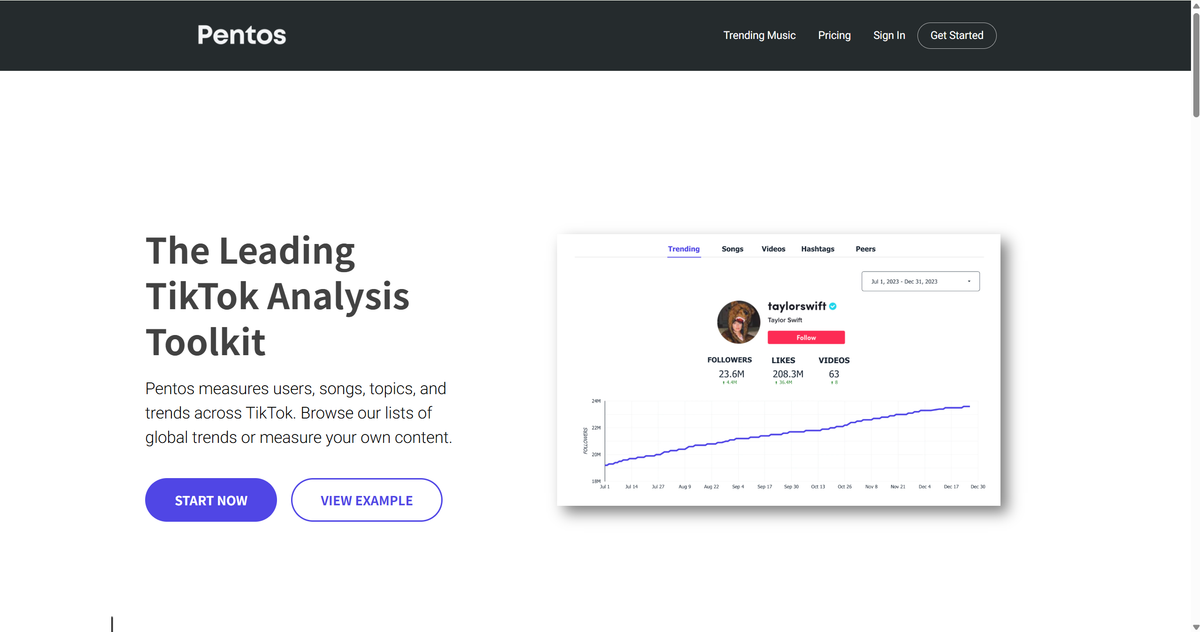
Pentos does one thing extremely well: trend intelligence. It tracks hashtag performance, trending sounds, and content trends across TikTok, with account benchmarking and brand dashboards on top.
If your content strategy is "catch the trend before it peaks," Pentos's hashtag and sound tracking is the most focused option here. It identifies formats and sounds on the way up, not after they've saturated your feed.
Key features:
- Hashtag and sound performance tracking
- Account monitoring and benchmarking
- Trend dashboards with daily data refresh
- Brand performance reporting
Pricing: Trends Pro starts at $99/month; Icon plan $299/month; Mega plan $999/month for 10 accounts. Trial available.
Best for: Creators who build content around trending sounds and hashtags and want data before trends go mainstream.
Limitations: Data refreshes daily, not real-time — if you're chasing hour-by-hour spikes, this isn't it. No free tier, TikTok-only, and no TikTok Shop analytics.
AllyHub — Best for Competitor and Content Research with AI
AllyHub takes a different approach for spotting trends early, researching competitors, and scheduling your content calendar.
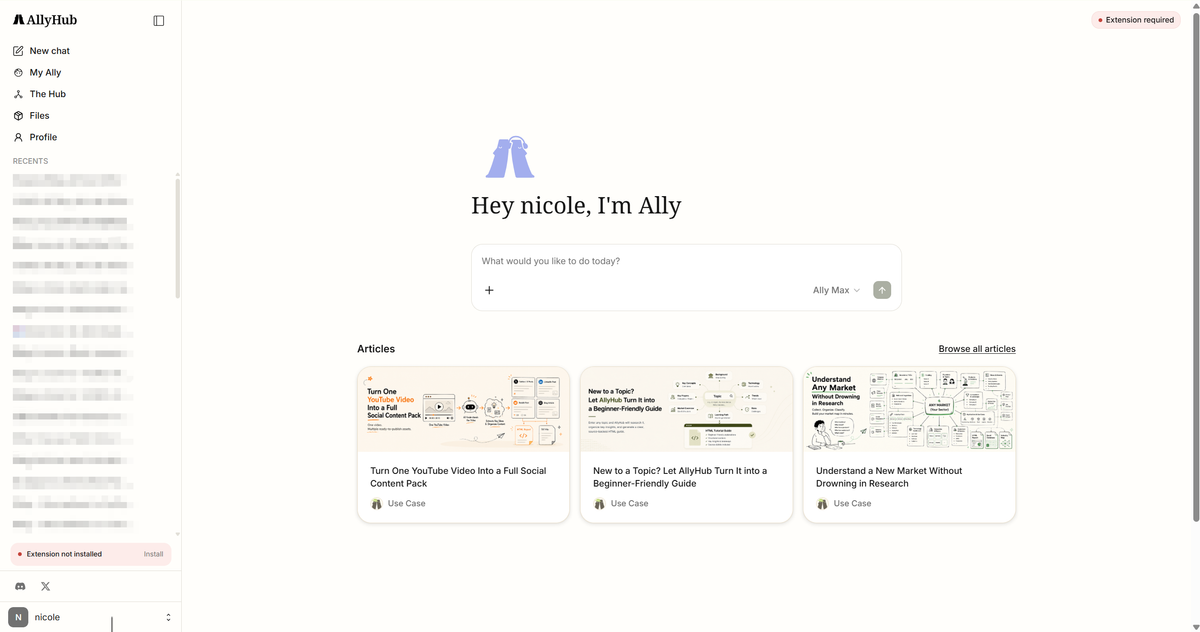
It is a browser-native AI autopilot that automates the research around your content strategy. You can ask any competitor and content research aspects, it starts broswering the web immediately, and generates reports with data and conclusion.
Key Features:
- Research and conclude titles, hooks, scripts, and other signals from viral TikTok accounts and videos
- Research competitors and generate a structured report
- Compile trend data into spreadsheets
- Monitor social discussions across platforms to surface what your audience is asking for
Pricing: Free tier available; Pro plan at $15.99/month.
Best for: Creators whose bottleneck is research time — finding trends and competitor angles — not dashboard features.
Limitations: It's an automation platform, not a TikTok analytics dashboard. Use it for research and monitoring; keep native analytics or a third-party tracker for metrics and curves.
Virlo — Best for AI-Powered Content Research
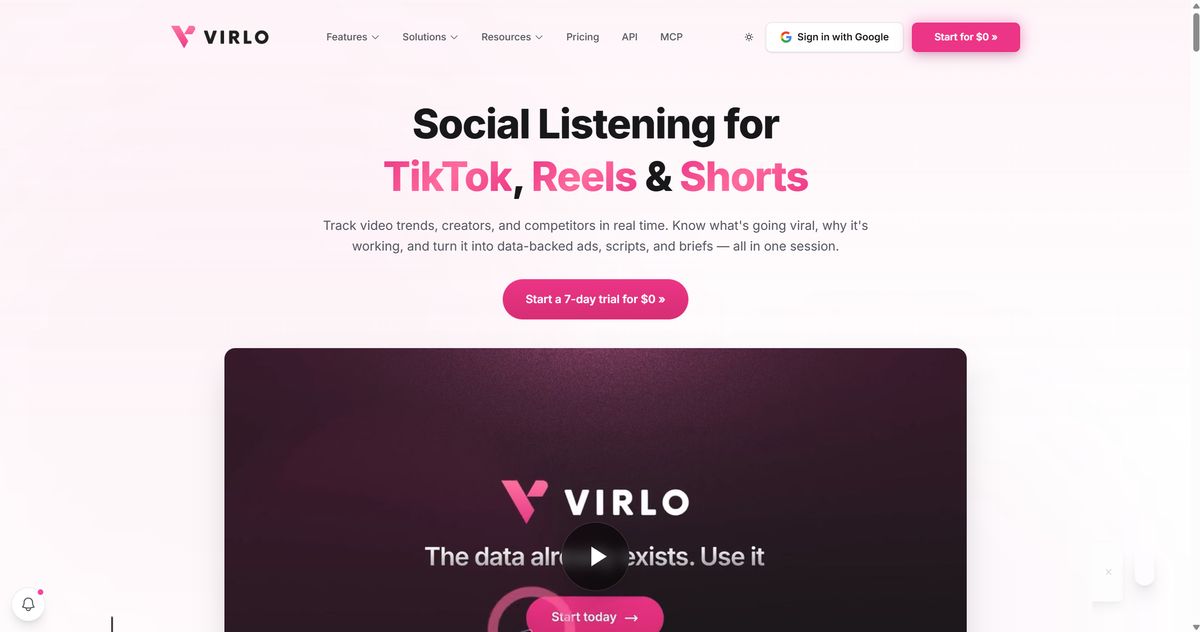
Virlo is an AI analytics platform built for short-form creators — TikTok first, with YouTube Shorts and Reels coverage. Instead of just reporting your stats, it analyzes what's working across the platform: viral captions, hooks, scripts, CTAs, and formats — then turns them into content research you can act on before you film.
Its standout features are the Content Research Agents that break down why top videos perform, Orbit Search for competitor intelligence, and daily AI snapshots that flag creators and videos showing outlier growth. If you've ever stared at a viral video wondering why it worked, Virlo answers that question with data.
Key features:
- AI content research: hook, script, format, and CTA analysis of top-performing videos
- Orbit Search for competitor and outlier detection
- Daily AI snapshots predicting rising creators and trends
- Free no-signup tools: hashtag, hook, and caption generators, engagement calculators
Pricing: 7-day free trial. Starter: $34/month (billed annually, 2,000 credits). Pro: $139/month (billed annually, 12,000 credits). Enterprise: custom. Credits are consumed per analysis on top of the subscription.
Best for: Growth-focused creators who want AI research on why content performs — not just performance charts.
Limitations: The credit system means heavy users pay extra on top of the monthly fee.
Tokchart — Best Budget Sound Trend and Profile Analytics
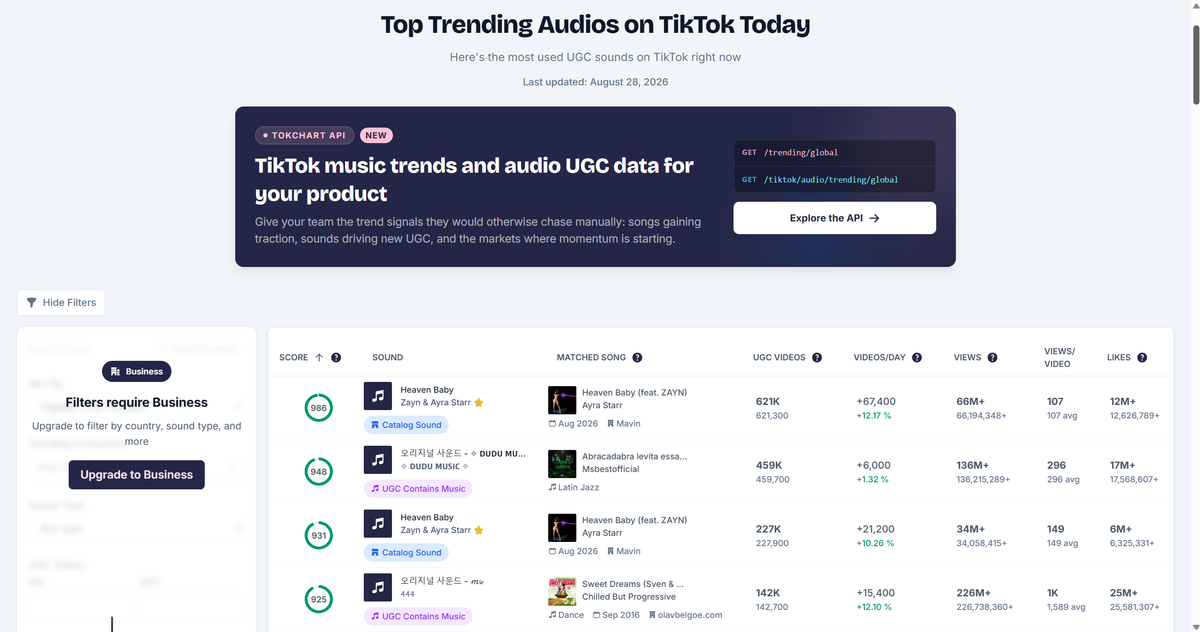
Tokchart is a TikTok-only analytics tool with a music-industry pedigree, which makes it uniquely good at the thing most creator tools skip: sounds. Its trending sounds dashboard ranks tracks globally and by country, matches "original sounds" to commercial songs, and its Radar feature flags niche sounds showing early potential before they hit the main charts.
Beyond sounds, Tokchart Pro adds profile analytics — optimal posting times, hashtag performance, engagement rates, and audience demographics built from comments rather than follower lists.
Key features:
- Trending sounds dashboard with country-level rankings
- Radar for niche sounds with early breakout potential
- Profile analytics: posting times, hashtags, engagement rates, audience location
- Genius Reports with best hours to post, optimal video length, and top hashtags
Pricing: Free tier for trending sound charts. Pro: $14.99/month (1 tracked account). Business: $59/month (20 accounts, daily updates). Discovery: $149/month (adds Radar).
Best for: Creators who pick sounds strategically — especially music, dance, and lifestyle niches — without paying Pentos-level prices.
Limitations: Search functionality and demographic depth get frequent criticism in reviews. It's sound-centric, so video-format and hook analysis are thin, and tracked accounts update weekly on the Pro plan.
⚠️ Warning: Sound trends tell you what's rising, not whether it fits your niche. A sound trending in beauty may do nothing for a cooking account — filter by your category before copying anything.
What Do TikTok Analytics Tools Actually Track?
TikTok analytics isn't one category anymore. Here are some example analytics tools, focusing on different tracking:
Type | What you learn | Example Tools |
Account analytics | Views, engagement, followers, retention | TikTok Studio, Metricool |
Competitor analytics | How other accounts perform | Countik, Exolyt, AllyHub |
FAQs about Best TikTok Analytics Tools
What is the best TikTok analytics tool?
For most creators, TikTok Studio is the best place to start because it provides first-party performance, audience, and content analytics for free. If you need competitor tracking, trend intelligence, or longer-term benchmarking, add a third-party tool based on the type of data you need.
Do I need 100 followers to see TikTok analytics?
No. TikTok says you need at least one public post to access analytics. The exact metrics available can vary by account, region, and feature eligibility.
Is TikTok analytics free?
Yes. The native dashboard costs nothing. Third-party tools also include free options and free trial.
Can I see other creators' TikTok analytics?
Not officially — TikTok doesn't expose other accounts' private metrics. Third-party tools like Countik, Tokchart, and Exolyt estimate public engagement data (views, likes, engagement rates) for public profiles. AllyHub can research competitor for its viral videos, hook inspiration, and more.
What's the difference between native TikTok analytics and third-party tools?
Native analytics show your account's first-party data for roughly the last 60 days. Third-party tools add longer history, competitor and hashtag tracking, and trend prediction — at a price that ranges from free to enterprise.
How can I track TikTok trends faster?
Start with Tokchart or Pentos for sound and hashtag signals. If you're also tracking what your audience discusses on other platforms, AllyHub can compile trend and competitor research into a structured report automatically, so your trend research doesn't eat your filming time.