

Managing X manually means repeating the same work every week: writing posts, turning ideas into threads, scheduling content, repurposing old posts, and publishing from RSS feeds. The best Twitter automation tools take those tasks off your plate while leaving strategy and final approval to you.
The catch: “automation” means different things across tools. Some are mainly schedulers; Others add AI writing, content recycling, conditional workflows, research, or analytics. This guide compares what each tool actually automates, its pricing, and its main limitations.
Key Takeaways
- For all-in-one X content: Tweet Hunter combines AI writing, scheduling, and content automation.
- For thread writing: Typefully focuses on writing, editing, and scheduling threads.
- For workflow automation: FeedHive adds conditions and automated content workflows.
- For X research and content: AllyHub connects research, analytics, trend tracking, and AI content creation.
- For simple scheduling: Buffer keeps X publishing straightforward across multiple platforms.
- What to look for: Compare what each tool actually automates — publishing, writing, research, or workflows.
Quick Comparison Table
Tool | Best for | Free plan | Starting price | Standout automation |
Tweet Hunter | All-in-one X growth | 7-day trial | $29/mo |
* Pricing caveat: FeedHive's $15 price is currently displayed with annual billing; AllyHub's $15.99 is also the annual-billing monthly equivalent; Hootsuite's $99 is the annual-billing monthly rate. Circleboom's $9.99 refers to its X-specific publishing product rather than the broader Circleboom Publish suite.
8 Best Twitter Automation Tools
Tweet Hunter — Best for X Growth Automation
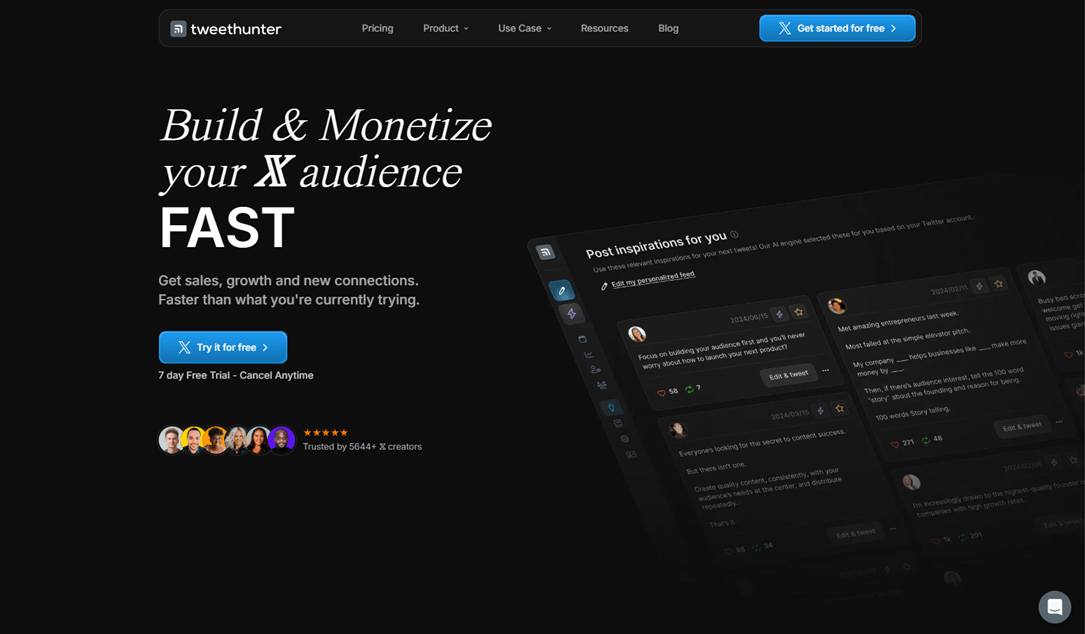
Tweet Hunter combines AI content creation with the automation features X creators need most: scheduling, evergreen recycling, auto-retweets, and auto-plugs. It is built specifically for X, so creators can draft, queue, recycle, and promote content from one dashboard instead of piecing together separate tools.
Key features:
- AI tweet and thread generation, rewriting, and content ideas
- Scheduling with evergreen recycling and auto-retweets
- Auto-plug for automatically promoting relevant offers or content
- Lightweight CRM for tracking engaged followers and saved audiences
Typefully — Best for Writing and Scheduling Threads

Typefully combines a distraction-free editor with AI writing, thread creation, scheduling, and post analytics. Its X-focused workflow makes it easy to turn long-form ideas into polished threads, preview them, and schedule them from one dashboard. It also supports LinkedIn, Threads, Bluesky, and Mastodon for cross-platform publishing.
Key features:
- AI writing assistant for drafting, rewriting, and adapting content to your voice
- Thread editor with preview and easy thread splitting
- Post scheduling and performance analytics
- Cross-platform publishing to X, LinkedIn, Threads, Bluesky, and Mastodon
FeedHive — Best for Conditional Social Media Automation
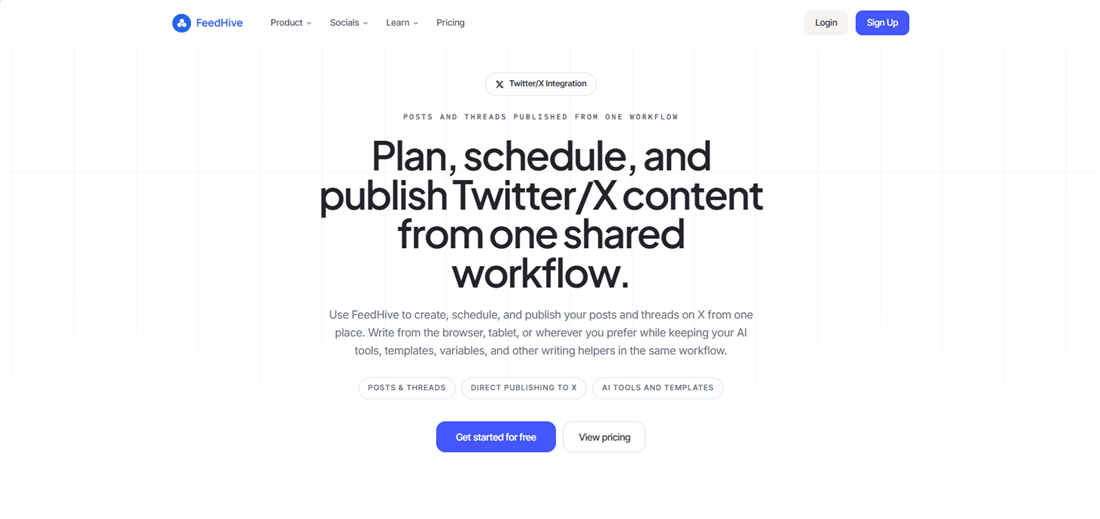
FeedHive goes beyond scheduling with rules-based social media automation. Its Post Conditions, Workflows, and Automations let you trigger actions based on how a post performs, while Recycle Posts keeps evergreen content in rotation. You can also use comment triggers, RSS feeds, and Zapier or Make integrations to build more automated publishing workflows.
Key features:
- Conditional posting and follow-up comments
- Automated content recycling and workflows
- Comment triggers and RSS-based automation
- AI performance prediction before publishing
- Zapier and Make integrations
AllyHub — Best for Automating X Research, Analysis, and Content Workflows
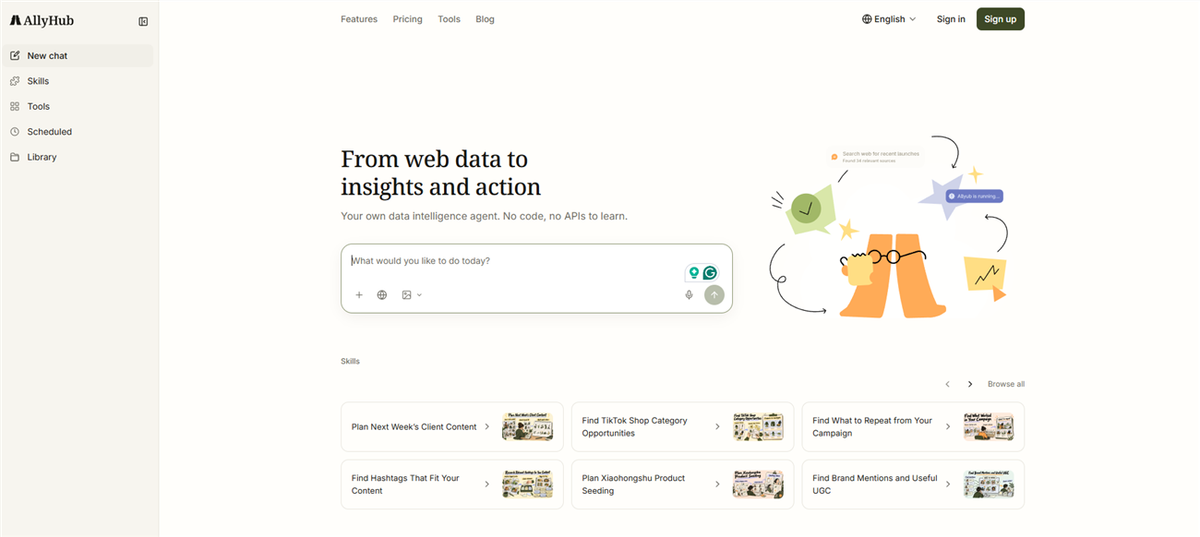
AllyHub takes a broader approach to X automation than a scheduler. Chats can execute browser-based research and repetitive multi-step tasks in your logged-in browser, while Radars can run scheduled scans of X accounts, creators, and trends. Social connects your X account and turns performance data into AI briefs, winning-content patterns, content gaps, and next-topic ideas; Studio then turns those insights into on-brand X long-form posts.
Key features:
- Browser-based automation for X research and repetitive workflows
- Scheduled Radar scans for X accounts, creators, and trends
- X account analytics with AI performance briefs and content-gap analysis
- Automated trend and competitor intelligence that feeds content ideas
- X long-form post creation with Profiles-based brand voice
- Reusable Skills, Web Notes, and Services that compound across repeat workflows
Publer — Best for Budget-Friendly Social Media Automation
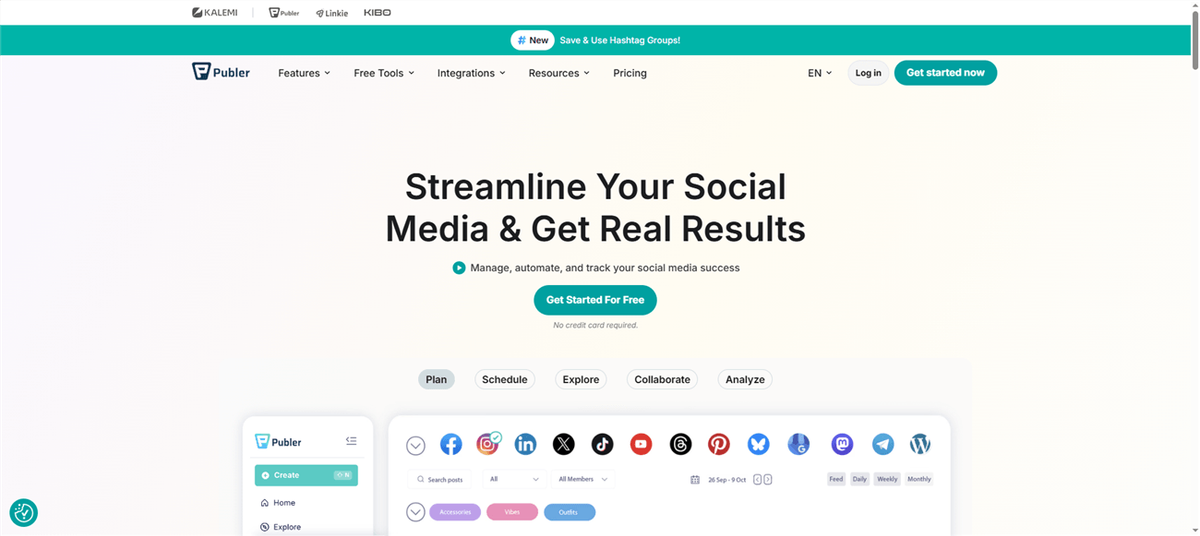
Publer combines multi-platform scheduling with practical automation features. Its RSS automations can automatically publish new content, while AutoShare recycles existing posts and can trigger follow-ups based on engagement conditions. It also supports recurring posts and thread scheduling across platforms including X, Threads, Mastodon, and Bluesky.
Key features:
- Unlimited RSS automations
- AutoShare, recurring posts, and auto-delete
- Engagement-based follow-up actions
- Thread scheduling across X, Threads, Mastodon, and Bluesky
- AI Assist for content and hashtag ideas
Buffer — Best for Simple Social Media Scheduling
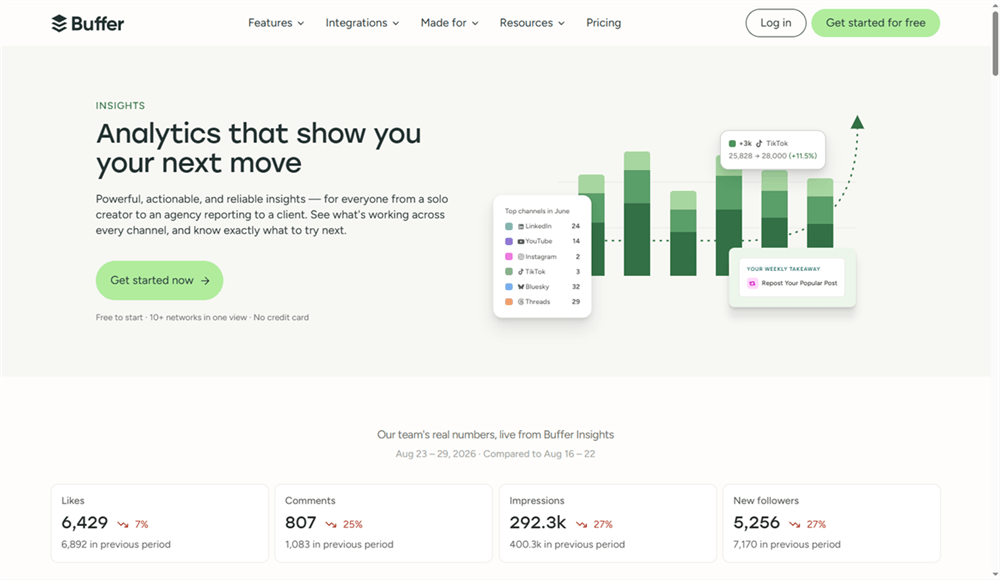
Buffer focuses on straightforward scheduling rather than complex automation. It lets you schedule posts and threads across multiple networks, preview content before publishing, and use its AI assistant for writing and rewriting. Its simple analytics also make it easy to track how scheduled content performs.
Key features:
- Multi-platform post and thread scheduling
- Content previews before publishing
- Built-in AI writing assistant
- Basic post performance analytics
- Free plan with limited scheduling
Circleboom — Best for X Account Management and Content Automation

Circleboom combines X account management with social publishing and automation. Its tools can audit and clean up followers, bulk-delete old posts, automatically retweet selected content, and publish new posts from RSS feeds such as blogs or YouTube channels. It also offers AI tools for generating tweets and threads.
Key features:
- Scheduled auto-retweets and RSS publishing
- Follower audits and bulk post deletion
- Account cleanup and content management
- AI tweet and thread generation
Hootsuite — Best for Team-Based Social Media Management
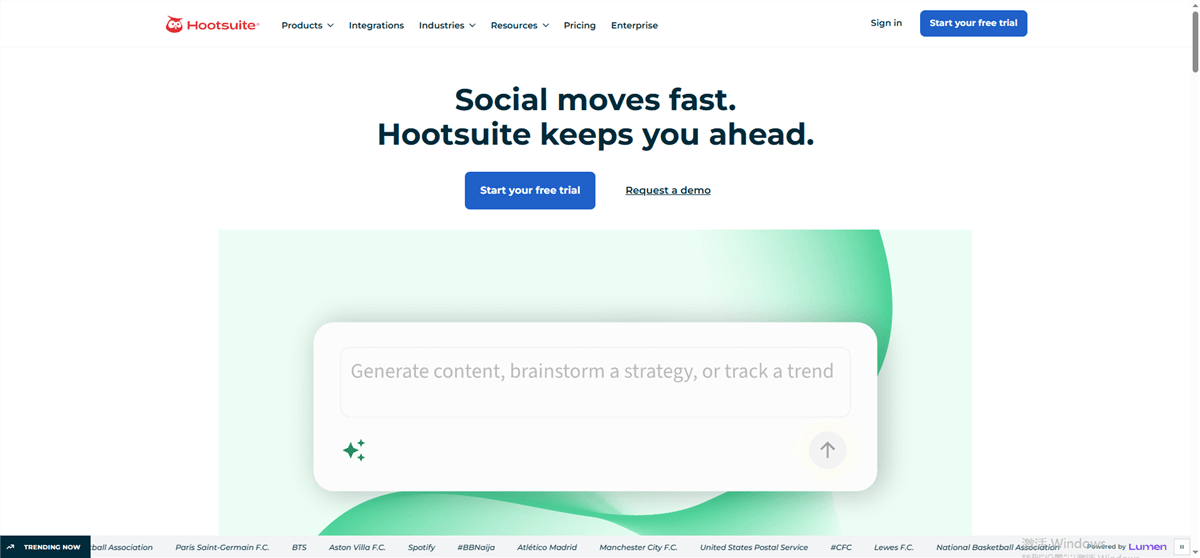
Hootsuite combines social scheduling with the team workflows larger organizations need. It supports content calendars, approval workflows, social listening, and a shared engagement inbox, while its AI tools help generate posts and images and automate some engagement tasks.
Key features:
- Multi-platform scheduling with content calendars and approvals
- Social listening and mention monitoring
- Shared engagement inbox for teams
- AI-assisted post and image generation
- Automated engagement workflows
How to Choose the Right Twitter Automation Tool
Match the tool to the task. Choose based on whether you need scheduling, AI writing, content research, or broader workflows.
Start with a free plan or trial. Test the core workflow before paying, especially if you only need basic scheduling.
Prioritize useful automation. Look for features that reduce repetitive work, such as content recycling, research, and workflow triggers—not just scheduled posting.
Check X compatibility. Make sure the tool uses supported X integrations and stays within X's automation rules.
Avoid stacking similar tools. One publishing tool plus one research or content tool is often enough; adding overlapping schedulers can create unnecessary complexity.
FAQ: Twitter Automation
What is Twitter automation?
Twitter automation uses software to handle repetitive X tasks such as scheduling, content creation, repurposing, RSS publishing, and workflows.
Is Twitter automation allowed?
Yes, when used within X's rules. Automating your own content is generally supported, while automated engagement such as bulk likes, follows, or unsolicited replies can violate the rules.
Do I need X API access to use automation tools?
Usually not. Most third-party tools handle the required X connection and API access as part of their service.
Can I automate replies and DMs on X?
Use caution. Automated replies, mentions, and DMs are subject to X's rules, especially when they are unsolicited or sent at scale.
Can one tool automate X and other social platforms?
Yes. Tools such as Buffer, Publer, FeedHive, and Hootsuite support multiple social networks, while some tools focus mainly on X.



