

If you are still trying to edit your TikToks inside the native TikTok app, you are leaving views on the table. The native editor is clunky, prone to crashing, and makes precision trimming nearly impossible.
But finding the right TikTok editing app shouldn't mean testing a dozen editors just to find one that handles captions, templates, and 9:16 video properly. The best choice depends on how you create: beginners need simplicity, faceless creators need fast captions and layered editing, while brands and teams need templates and consistent workflows.
We've compared the top TikTok editing apps by editing features, watermark policies, pricing, platforms, and ease of use. Here are the 9 worth considering in 2026 — including the best free, beginner-friendly, and professional options.
Key Takeaways
- Top pick overall: CapCut is the best TikTok editing app for most creators because it offers trending templates, auto-captions, and a watermark-free free tier.
- Best free, no watermark: VN Video Editor delivers multi-layer editing and 4K export with zero cost and zero watermark.
- Best for beginners: InShot gets a polished TikTok out of raw footage in minutes, with the gentlest learning curve we tested.
- Best pro mobile: LumaFusion is a one-time-purchase, frame-accurate editor for iOS creators who want a real NLE in their pocket.
- Best for teams: Canva keeps MCNs, brand accounts, and e-commerce sellers consistent with TikTok-sized templates and a shared Brand Kit.
- Start free with CapCut or VN; upgrade only when a specific limitation (watermarks, precision, team workflow) is actually slowing you down.
How We Selected These Apps?
We compared popular TikTok editing apps based on TikTok-specific features, free-tier limits, watermark policies, ease of use, platform support, and overall value.
Best Editing Apps for TikTok in 2026 [Quick Comparison Table]
App | Best For | Pricing | Watermark | Platform | Standout Feature |
CapCut | Best overall | Free; Pro from $9.99/month |
9 Best Editing Apps for TikTok in 2026
CapCut — Best Editing App for TikTok Overall
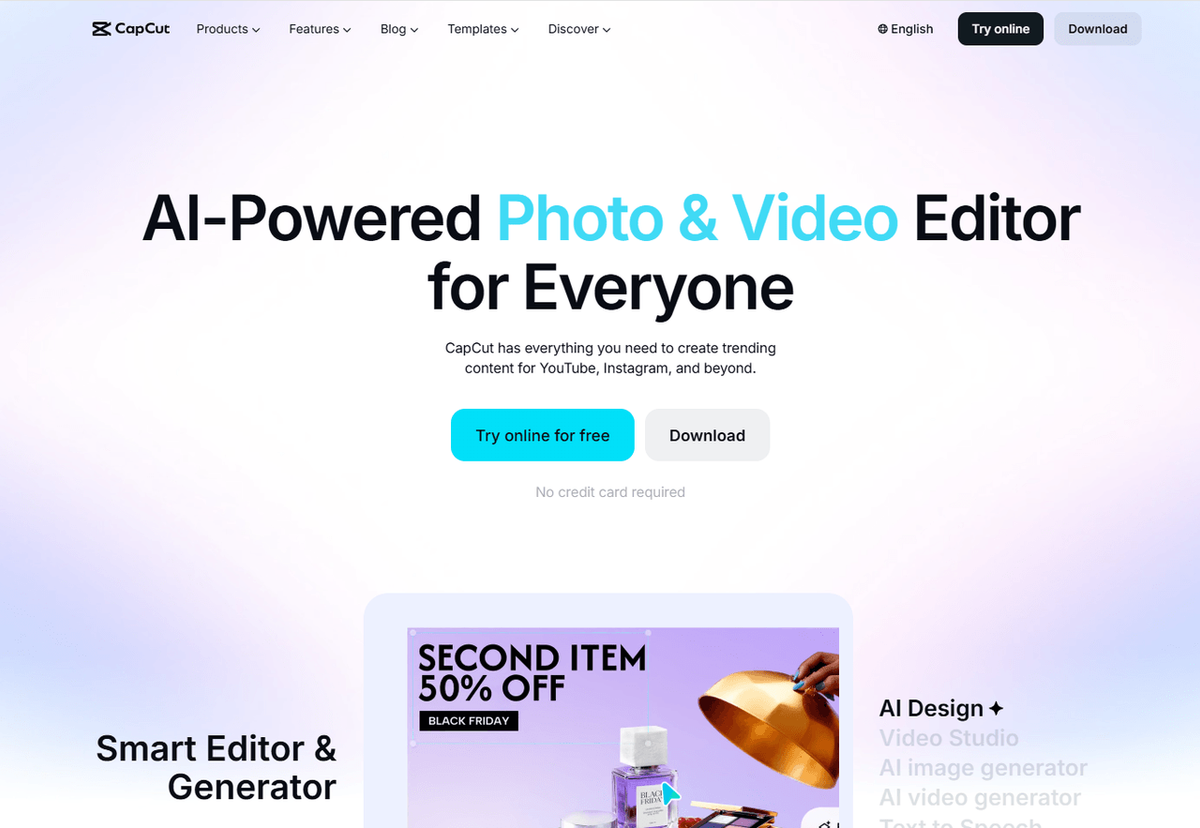
CapCut is one of the strongest all-around choices for TikTok creators, combining a large template library with TikTok-friendly editing tools and direct publishing. Its deep TikTok integration and constantly updated trend templates make it especially useful for creators who want to build videos around popular formats and effects.
Key features:
- Free editing with watermark-free exports on eligible projects
- Auto captions, background removal, chroma key, and keyframe animation
- Trending templates and effects designed for TikTok-style content
- AI editing tools, text-to-speech, voice effects, and direct TikTok sharing
Pricing: Free; Pro plans start at around $9.99/month in the U.S. Prices can vary by region, platform, taxes, and promotions.
Best for: Solo creators, UGC creators, and niche channels that want fast, trend-focused editing with templates, captions, and AI-assisted tools.
Limitations: Some advanced AI tools, premium templates, effects, and watermark-free exports for projects using Pro assets require a paid plan. The Pro price is also significantly higher than many competing mobile editors.
💡 Pro tip: If a template adds a CapCut watermark, check the timeline for a branded ending clip before upgrading. CapCut says many template watermarks come from an included outro that can simply be removed.
TikTok's Built-In Editor — Best for Zero-Extra-App Edits
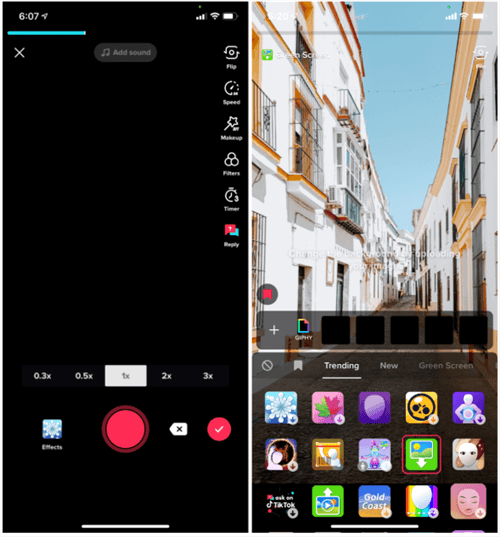
TikTok's built-in editor is the most convenient option for creators who want to record, edit, and publish without switching apps. It covers the essentials — trimming, text, sounds, effects, and captions — and keeps everything inside TikTok's native posting workflow.
Key features:
- Trim, split, adjust speed, add text, filters, and effects
- Access TikTok's sounds, voice effects, and creative effects
- Auto-generated and customizable captions
- Save your video to your device before posting or after editing
Pricing: Free.
Best for: Brand-new creators, casual posters, and anyone making quick reaction, trend, or talking-head videos directly in TikTok.
Limitations: TikTok's editor is convenient but offers less editing control than dedicated video editors, especially for complex timelines, advanced keyframing, and detailed audio or color work. It's best suited to TikTok-first workflows rather than more advanced cross-platform editing.
VN Video Editor — Best Free Editing App for TikTok With No Watermark
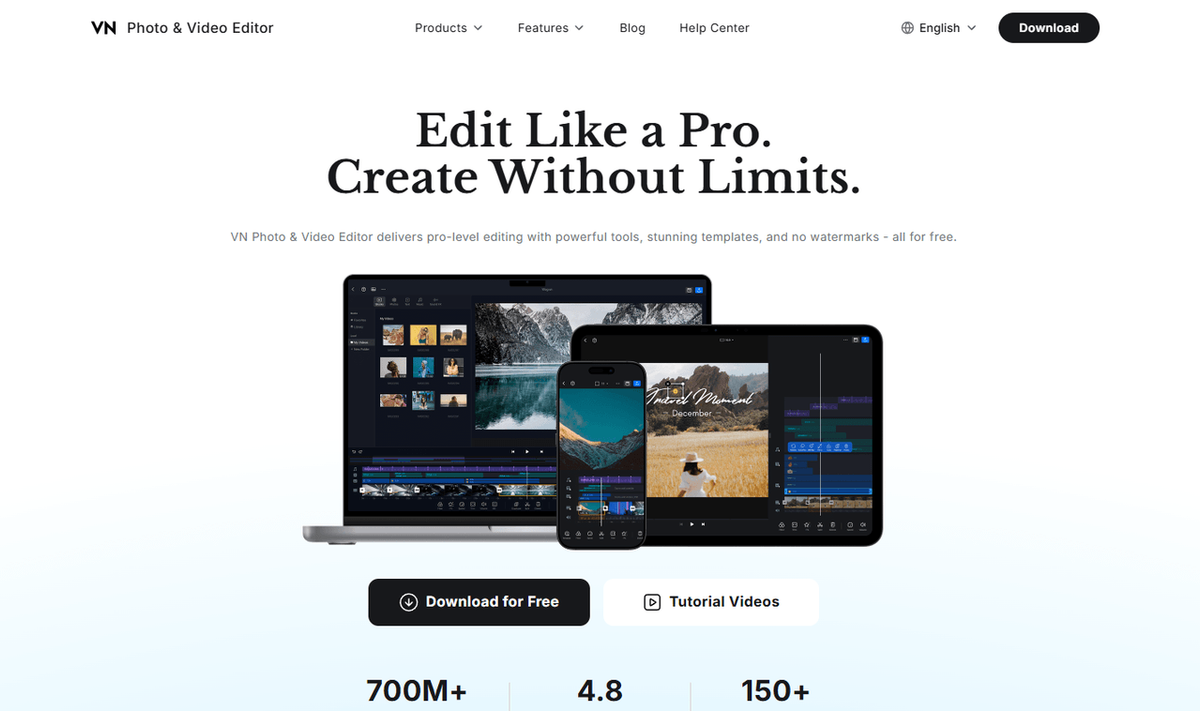
VN Video Editor is one of the strongest free alternatives to CapCut, offering a multi-track timeline, keyframe controls, speed curves, and no-watermark exports without requiring a subscription for core editing. It is a particularly good fit for creators who want more control than a basic mobile editor without paying for professional software.
Key features:
- Multi-track timeline with keyframe controls and speed curves
- Auto captions, text-to-speech, background removal, and chroma key
- Up to 4K/60fps export with no watermark
- Beat-synced templates, music and sound effects, and AI-powered tools
Pricing: Free with no watermark; optional VN Pro and in-app credits are available. U.S. App Store pricing currently starts at $7.99/month or $69.99/year, but prices vary by region and platform.
Best for: Faceless creators, budget-conscious editors, and anyone who wants advanced mobile editing tools without paying for a subscription.
Limitations: VN has fewer trend-focused templates and effects than CapCut, so creators who rely heavily on viral templates may prefer CapCut. Some AI-powered tools and additional assets use in-app credits or require paid features.
InShot — Best Editing App for TikTok Beginners
InShot stands out for its simple, approachable interface. It covers the core editing tasks most beginners need — trimming, splitting, merging, speed adjustments, music, and text — without the complexity of a desktop-style timeline. It also includes AI-powered tools for creators who want more advanced features without a steep learning curve.
Key features:
- Simple trim, split, merge, and speed controls
- Background removal, picture-in-picture, and smart tracking
- Auto captions, text styles, stickers, and AI effects
- Speed curves, AI Cut, video stabilization, and 4K/60fps export
Pricing: Free with ads and a watermark; InShot Pro starts at $4.99/month or $19.99/year in the U.S. and removes ads and watermarks. Regional pricing may vary.
Best for: Beginners, casual creators, and UGC creators who want quick, polished edits without learning a complex timeline-based editor.
Limitations: The free version includes ads and a watermark, making Pro a better choice for client work that requires clean exports. Its AI and trend-focused toolset is also less extensive than CapCut's.
KineMaster — Best for Layered Mobile Editing
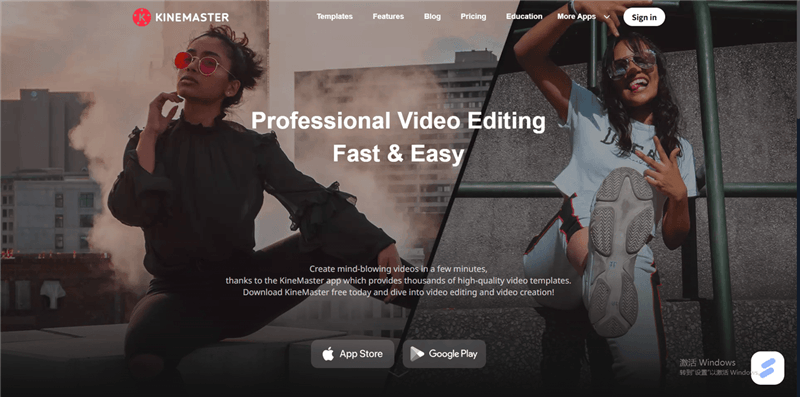
KineMaster is a strong choice for creators who need more control than a basic mobile editor. Its multi-layer timeline, keyframe animation, blending modes, chroma key, and detailed audio controls make it well suited to text-heavy edits, gaming clips, commentary, and faceless explainer videos.
Key features:
- Multi-layer timeline with keyframes and 16 blending modes
- Chroma key, color grading, and background removal
- Advanced audio mixing, voiceover, and audio effects
- Up to 4K/60fps export, including 9:16 for TikTok
Pricing: Free with ads and a watermark; KineMaster Premium removes both and adds premium assets and cloud storage. U.S. pricing currently varies by platform and offer, with the official site listing $7.99/month or $51.99/year; KineMaster's May 2026 pricing comparison lists $8.99/month or $59.99/year. Check the in-app purchase screen for the latest local price.
Best for: Mobile creators making layered, text-heavy edits, including gaming clips, commentary, and faceless explainer content.
Limitations: The free version adds ads and a watermark, so you'll need Premium for clean exports. Its interface also takes more time to learn than simpler editors such as InShot.
LumaFusion — Best Professional Mobile Editor for iPhone and iPad

LumaFusion is one of the most capable mobile editors for creators who want a traditional, track-based editing workflow. It offers multiple video and audio tracks, frame-accurate editing, professional color tools, audio mixing, and support for 4K ProRes and HDR media.
Key features:
- Multi-track timeline with frame-accurate editing
- Professional color, LUT, and audio tools
- 4K ProRes and HDR support
- Optional Creator Pass with enhanced features and Storyblocks content
Pricing: $29.99 one-time purchase in the U.S.; optional Creator Pass is $9.99/month or $69.99/year and adds enhanced features and Storyblocks content. Additional features such as Multicam Studio, Speed Ramping & Keyframing, and FCPXML Export can also be purchased separately. Prices may vary by region and platform.
Best for: iPhone, iPad, and Apple Silicon Mac users who want professional editing controls without committing to a recurring subscription for the core app.
Limitations: LumaFusion is more complex than beginner-friendly editors such as CapCut or InShot, and it lacks the large trend-template ecosystem of TikTok-focused apps. It is also unavailable on Android.
DaVinci Resolve — Best Free Desktop Editor for TikTok
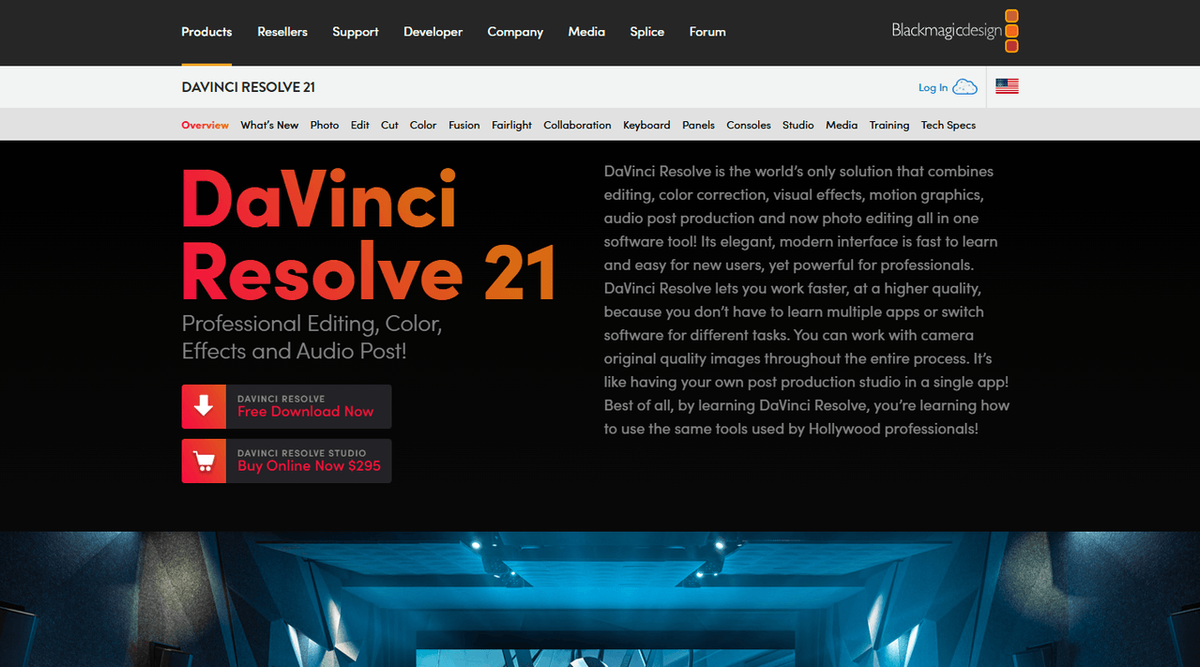
If you edit on a computer, DaVinci Resolve is one of the most capable free options available. The free version combines professional editing, color grading, visual effects, motion graphics, and audio tools, while supporting up to Ultra HD 4K at 60fps.
Key features:
- Professional editing, color grading, VFX, motion graphics, and audio tools
- Free version supports up to 4K/60fps exports on standard supported formats
- Studio adds Magic Mask, AI Neural Engine tools, advanced noise reduction, and additional effects
- Vertical 9:16 workflows for TikTok, Reels, Shorts, and other platforms
Pricing: Free; DaVinci Resolve Studio is $295 one-time for advanced AI tools, additional effects, and higher-end video formats.
Best for: Faceless channels, niche creators, and anyone repurposing long-form footage into polished short-form content on desktop.
Limitations: DaVinci Resolve has a steeper learning curve and higher hardware demands than mobile-first editors. It's overkill for quick 30-second edits if you don't need advanced color, audio, or compositing tools.
⚠️ Tip: If your computer struggles with Resolve's playback, a lighter editor such as CapCut Desktop may be a better fit for simple vertical content.
Canva — Best Editing App for TikTok Teams and Brand Accounts

Canva is less focused on frame-by-frame professional editing and more on fast, collaborative, on-brand content production. Its large library of TikTok and short-form video templates, drag-and-drop editor, Brand Kit, and team collaboration tools make it a strong choice for brands, agencies, and creators producing content at scale.
Key features:
- Large library of TikTok and short-form video templates
- Drag-and-drop video editing with animations, transitions, and AI-powered tools
- Brand Kit for centralized logos, fonts, colors, and other brand assets
- Team collaboration, comments, approvals, and social publishing workflows
Pricing: Free; Canva Pro is a paid subscription that adds premium templates, stock media, AI features, and additional brand tools. Pricing varies by region and billing plan.
Best for: Brand teams, agencies, e-commerce sellers, and creators producing high-volume, consistent short-form content.
Limitations: Canva is better suited to fast, template-driven content than complex professional editing. Advanced video workflows may be better handled in editors such as DaVinci Resolve, CapCut, or LumaFusion.
YouCut — Best Budget Editor With No Watermark
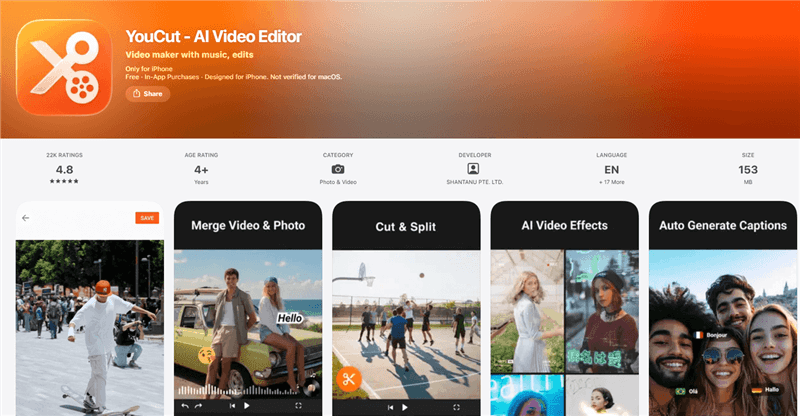
YouCut is a straightforward video editor for creators who want clean, watermark-free exports without paying for professional editing software. Its core tools cover trimming, merging, speed control, captions, background removal, chroma key, and AI-assisted editing, making it a practical option for simple TikTok content.
Key features:
- Free editing with no watermark on exports
- Trim, merge, speed control, transitions, and picture-in-picture
- AI captions, background removal, AI Cut, and other AI-assisted tools
- Music, sound effects, filters, and direct sharing to TikTok and other social platforms
Pricing: Free; YouCut Pro is available as a monthly, annual, or lifetime purchase. U.S. pricing currently starts at $6.99/month, $25.99/year, or $59.99 lifetime. Prices vary by region and platform.
Best for: Budget-conscious creators, beginners, and faceless channels that want simple editing and watermark-free exports without committing to a professional desktop editor.
Limitations: YouCut has a smaller template and trend-focused ecosystem than CapCut, so creators who rely heavily on viral templates and advanced effects may prefer CapCut. Its feature set is also better suited to straightforward social videos than complex, professional editing workflows.
Bonus: How to Automate the Research Behind Viral Edits
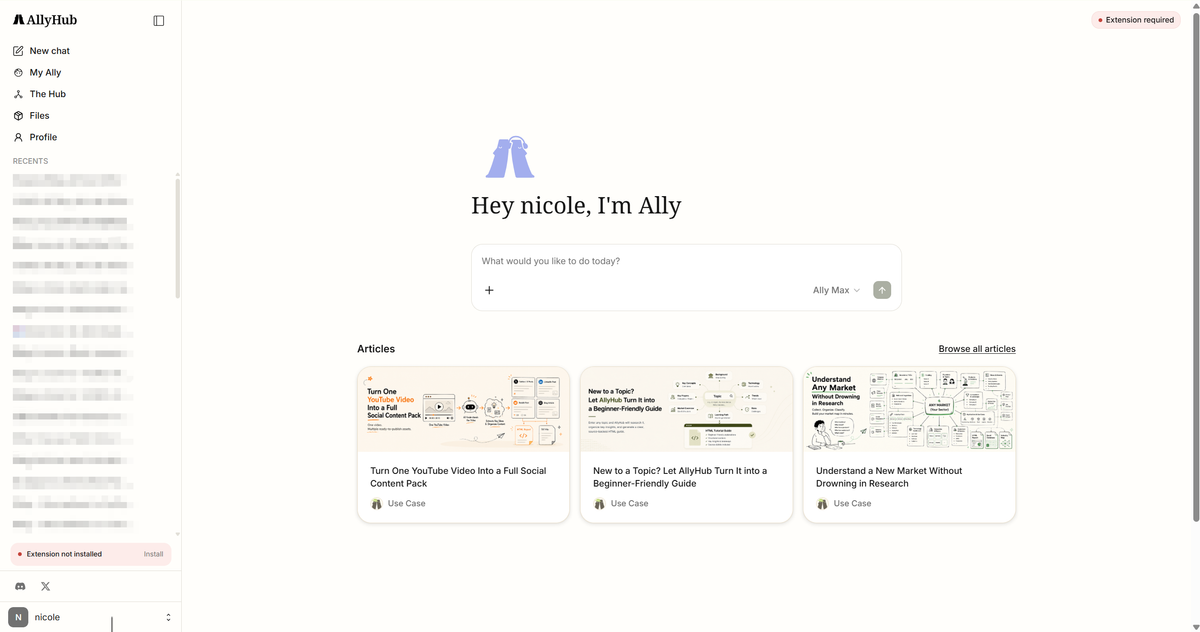
If you're trying to grow a TikTok channel—not just edit individual videos—AllyHub adds the research and strategy layer that editing apps don't cover. It helps you research what people are searching for, study competitor ads and audiences, understand how viewers respond to content, and turn those insights into captions and content ideas.
Key features:
- TikTok keyword research: Find real TikTok autocomplete and related searches, group keywords into topic clusters, and compare the number of competing videos for each term.
- TikTok ad research: Search TikTok's Top Ads and Commercial Content Library, compare creatives, and sort ads by how long they've been live to identify campaigns worth studying.
- Audience & sentiment analysis: Analyze public TikTok comments for positive, negative, and neutral sentiment, identify the themes behind those reactions, and export the results for further research.
- TikTok transcript extraction: Extract spoken text from individual videos, accounts, or hashtags, including AI transcription for videos without a caption track, then export the transcripts for content research.
- TikTok caption generation: Generate captions with hooks, hashtags, and CTAs based on your niche and video, with support for batch caption creation.
- TikTok audience research: Pull public followers or following lists, compare audiences across multiple accounts, and filter profiles by metrics such as follower count and posting activity.
Pricing: Free tier available; Pro starts at $19.99/month.
Best for: Creators, faceless channels, agencies, and e-commerce teams that want to turn TikTok research and audience insights into a repeatable content workflow.
How to Make TikTok Edits That Hold Attention
Whatever app you pick, these moves separate scroll-past videos from watched ones:
- Cut the dead air. Remove every pause; keep the first 1.5 seconds jarring — text hook, motion, or a bold claim.
- Burn in captions. Auto captions in CapCut, VN, or TikTok's editor, sized inside the safe zones so TikTok's UI doesn't cover them.
- Cut on the beat. Snap every major cut to the music's downbeat — InShot and CapCut do this semi-automatically.
- Use trend templates strategically. Drop your hook into a trending CapCut template, but keep your core structure original so viewers don't scroll past "seen it."
- Export clean. 1080p minimum, no watermark, 9:16 — and check compression after the first upload before scheduling the rest.
The Final Verdict
For most creators, you don't need a complicated editing stack:
- The Brains: AllyHub for viral transcript research and script generation.
- The Workhorse: CapCut Free for everyday cuts, B-roll, effects, and captions.
- The Pro Export: VN Video Editor when you need a clean, watermark-free export.
Bottom line: CapCut + VN covers most short-form editing needs for $0. If research is taking longer than editing, add AllyHub to speed up the work before you even open your editor.
FAQ: Best Editing Apps for TikTok
What are the best editing apps for TikTok for beginners?
TikTok's built-in editor, InShot, and CapCut are the easiest options for beginners. Use TikTok's editor for quick native edits, InShot for a simple interface, or CapCut if you want more templates and AI-powered tools.
Is there a completely free TikTok editing app with no watermark?
Yes. VN Video Editor and YouCut offer free, watermark-free exports, while DaVinci Resolve provides a powerful free desktop option without a watermark on standard exports. CapCut also supports watermark-free exports on eligible projects. Some free editors, including InShot and KineMaster, add a watermark to free exports.
How do I add auto captions to my TikTok videos?
You can use TikTok's built-in captions, or generate auto captions in apps such as CapCut, VN, and InShot. Always review the transcription for errors and keep important text within TikTok's safe areas so interface elements don't cover it.
How do you use a green screen on TikTok?
TikTok includes a Green Screen effect in its built-in effects. For more control over backgrounds and compositing, you can use chroma key tools in editors such as CapCut, VN, and KineMaster.
Can I edit a TikTok video after posting it?
You generally can't replace the video itself after it has been published. If you need to change the footage, editing, or burned-in captions, make the changes to the original and upload it as a new TikTok.
What tools do I need beyond an editing app to grow on TikTok?
Editing is only one part of the workflow. Creators may also need tools for keyword research, competitor research, audience analysis, and content planning. For research-heavy workflows, AllyHub can analyze TikTok keywords, ads, comments, transcripts, and public audience data, then help turn those insights into captions and content ideas.



