

If you are creating TikTok UGC on your phone, you may need more than basic trimming for high-converting content: auto-captions, vertical editing, clean exports, and enough control to keep your videos from looking overly polished or generic. The right app can turn raw footage into a client-ready UGC video in minutes.
Below are the 7 best mobile apps for creating UGC videos for TikTok in 2026, compared by UGC-specific features, pricing, watermark policies, and ease of use.
Key Takeaways
- Best overall: CapCut — A strong all-around choice for TikTok UGC, with TikTok-friendly editing, auto-captions, templates, and a fast workflow from raw footage to finished video.
- Best free option: VN Video Editor — Offers multi-track editing and watermark-free exports without requiring a subscription, making it a solid choice for creators who want more control.
- Best for AI-generated UGC ads: Captions AI — Useful for producing UGC-style ads at scale with AI avatars, eye-contact correction, and multilingual dubbing.
- Best for branded UGC: Canva — Its Brand Kits, templates, and collaboration features make it useful for creators managing content for multiple brands.
- What to look for: Prioritize accurate auto-captions, watermark-free exports, vertical video support, and editing tools that preserve an authentic UGC feel.
- Bottom line: Choose CapCut for fast, everyday UGC editing; VN for more hands-on control; and Captions AI when you need to scale AI-assisted UGC ad production.
What Makes a Great UGC Video App for TikTok?
What "UGC video" actually demands from a mobile app — the requirements are different from general video editing.
UGC video has a specific aesthetic. It should feel real, not produced. Overpolished content underperforms on TikTok because the algorithm and the audience both reward authenticity. The best UGC apps help you achieve that look intentionally — not accidentally.
Here's what to evaluate when choosing a UGC video app for TikTok:
Feature | Why It Matters for UGC |
Vertical video (9:16) optimization | TikTok is mobile-first. Apps that treat vertical as an afterthought will slow your workflow. |
Auto-captions | 85%+ of TikTok videos are watched without sound. Captions are not optional for UGC. |
Watermark-free export | Brands will reject deliverables with app watermarks. This is a hard requirement for paid UGC work. |
Best Mobile Apps for Creating UGC TikTok Videos [Quick Comparison Table]
App | Best For | Pricing | Auto-Captions | Watermark-Free (Free Tier) | UGC Rating |
CapCut | TikTok-first UGC, all creator types | Free / Pro from ~$9.99/mo* |
*Pricing can vary by region, platform, plan, and promotions.
7 Best Mobile Apps for Creating UGC Videos for TikTok
CapCut — Best Overall for TikTok UGC Creators
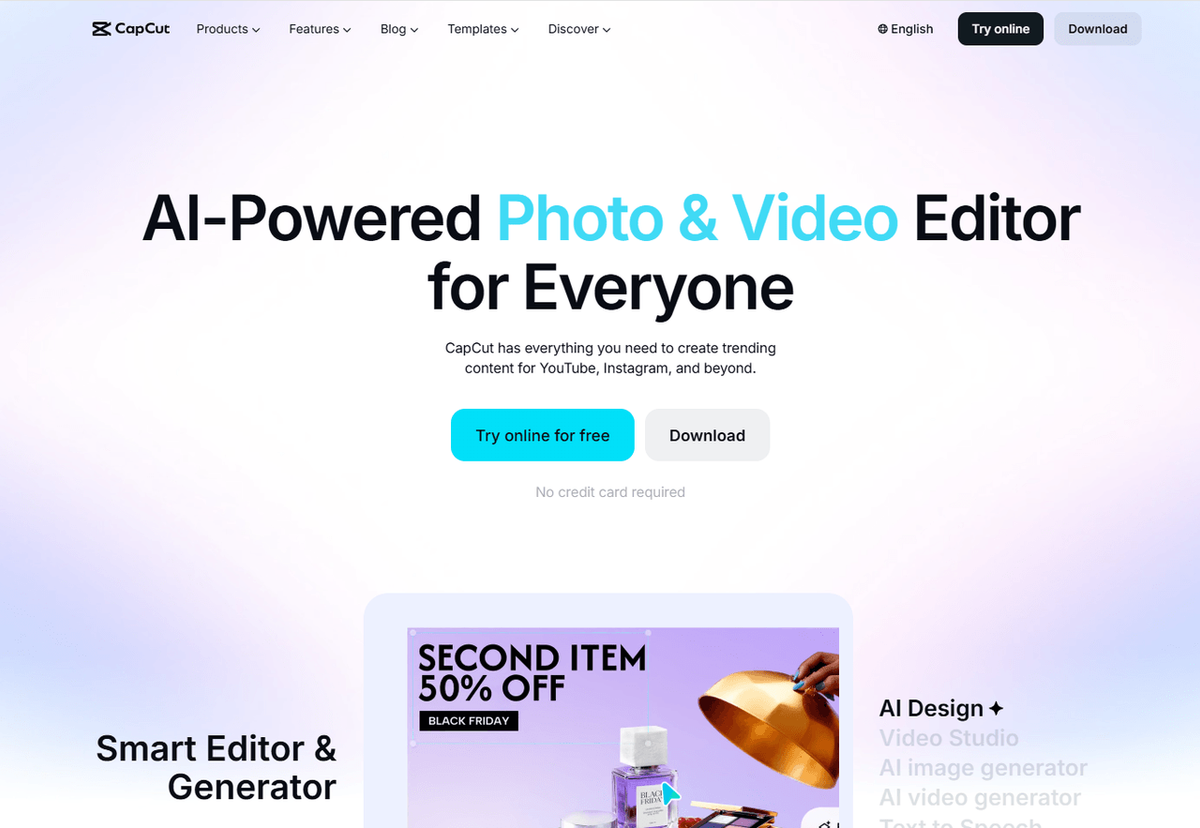
CapCut is the default choice for UGC creators — and it's earned that position. Built by ByteDance (TikTok's parent company), it's the only mobile editor with direct access to TikTok's trending audio library, native UGC templates, and one-tap TikTok export. That's not a minor convenience; it's a structural advantage.
For UGC work specifically, CapCut gets the aesthetic right. Its templates are designed to look like organic creator content, not brand ads. The auto-captions are accurate, free, and customizable with brand colors and fonts — which matters when you're delivering captioned videos to clients. And the AI auto-trim and beat sync features mean you can turn a 3-minute raw product review into a tight 45-second UGC clip without manually scrubbing through footage.
What makes it great for UGC video creation:
- UGC-native templates: Regularly updated with trending TikTok formats — unboxing, product review, day-in-the-life, GRWM, and more
- Free auto-captions: Accurate, customizable styles, brand color support — no paywall
- AI auto-trim & beat sync: Cuts raw footage to the right length and syncs edits to audio automatically
- Background remover: Clean product shots without a studio setup
- Script generation: AI-generated UGC scripts based on product descriptions
- 4K vertical export, direct TikTok publish: No format conversion needed
- No watermarks on 1080p export: Clean deliverables on the free tier
Pricing: Free / Pro plans start at around $9.99/month, with pricing varying by region, platform, and plan.
Best for: Solo UGC creators, niche creators, faceless creators, and anyone producing high-volume TikTok content who needs a fast, free, TikTok-native workflow.
Limitations: Heavy template reliance can make content feel generic if you're not intentional about customization. Advanced color grading is limited. Some creators are cautious about CapCut's data practices given its ByteDance ownership — worth considering if you're working with sensitive brand content.
💡 Pro tip for UGC creators: Use CapCut's "Auto Reframe" to instantly adapt horizontal product footage to 9:16 — a huge time-saver when brands send you horizontal assets to work with.
Captions AI — Best for AI-Powered UGC Ads and E-Commerce Sellers
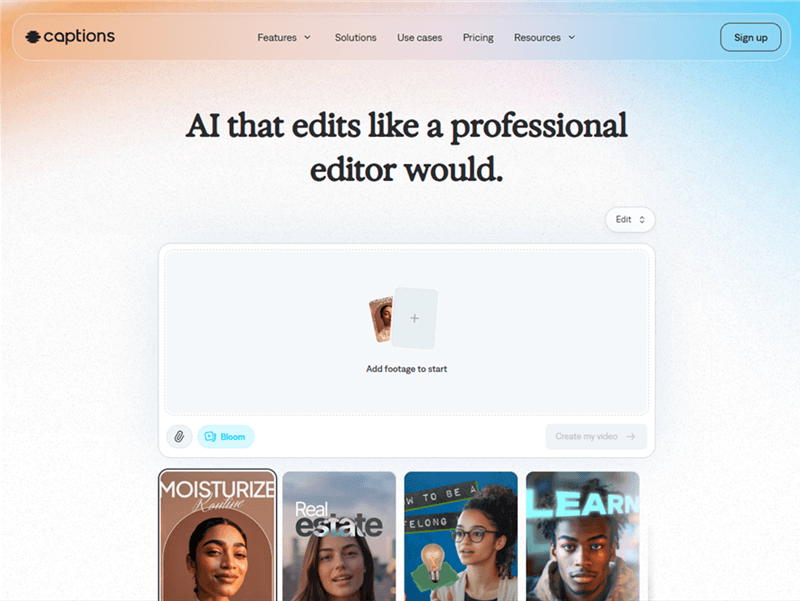
Captions AI is purpose-built for the modern UGC ad workflow. Where CapCut helps you edit footage you've already filmed, Captions AI can generate UGC-style video content from scratch — using AI avatars, product URLs, and text prompts. For e-commerce sellers and MCNs running paid TikTok campaigns, that's a fundamentally different capability.
The standout feature for UGC creators is the AI Eye Contact correction. Talking-head UGC — product reviews, testimonials, unboxings with commentary — often suffers from the "reading from a script" look where the creator's eyes drift to their notes. Captions AI automatically corrects this, making every talking-head video look like the creator is speaking directly to the viewer. It's a small detail that makes a significant difference in UGC performance.
What makes it great for UGC video creation:
- AI Eye Contact correction: Fixes the "reading from a script" look in talking-head UGC — makes product reviews and testimonials feel more authentic
- AI auto-captions: Trending styles, brand colors, animations — accurate and fast
- AI Ads: Generate UGC-style video ads from a product URL — no filming required
- AI avatars & actors: Faceless UGC at scale — useful for brands that need volume without on-camera talent
- AI Dubbing with lip-sync: Repurpose UGC content into multiple languages without re-filming
- Background noise removal: Clean audio from imperfect recording environments
- AI Edit: Command-based editing — describe the edit you want in plain language
Pricing: Free plan available; Pro starts at $9.99/month, with Max at $24.99/month and Scale at $69.99/month. AI generation uses monthly credits.
Best for: E-commerce sellers, MCNs, and UGC creators producing paid TikTok ad content who need AI-powered automation for eye contact correction, captioning, avatar generation, and multi-language repurposing.
Limitations: The free version is not usable for brand deliverables — watermarked and heavily restricted. The credit system can be frustrating; heavy AI tasks deplete monthly allowances quickly. Some users report performance issues with complex generative tasks. AI-generated scripts can occasionally miss cultural nuances or product-specific details.
⚠️ Warning: If you're running high-volume UGC ad campaigns, calculate your monthly credit needs before committing to a plan. Running out of credits mid-campaign is a common complaint.
InShot — Best for Quick, Authentic-Feeling UGC Edits
InShot is a good fit for UGC creators who prioritize speed and simplicity over advanced editing. Its straightforward interface makes it easy to trim clips, add text and music, apply light effects, and quickly format videos for TikTok. It's particularly useful for lifestyle UGC, product hauls, and simple product demos that don't require complex timelines.
What makes it great for UGC video creation:
- Quick editing: Trim, merge, crop, and resize clips with minimal setup
- Auto captions: Generate and customize captions directly in the app
- Text, music, and effects: Add simple overlays without making videos feel overly edited
- Vertical video support: Easily create 9:16 videos for TikTok and other short-form platforms
- Simple interface: Easy for beginners to learn and fast for repeat UGC production
Pricing: Free with a watermark / Pro at $4.99/month or $19.99/year, with a lifetime purchase option also available.
Best for: Lifestyle and product UGC creators who want a fast, beginner-friendly editor for straightforward TikTok videos.
Limitations: It offers less advanced timeline control and AI functionality than editors such as CapCut or VN. The free version also includes a watermark, so Pro is a better option for client-ready deliverables.
💡 Pro tip: Use InShot when your UGC workflow is mostly trimming, captions, text, and light effects. If you regularly need advanced layering, keyframes, or AI-assisted editing, VN or CapCut will give you more flexibility.
VN Video Editor — Best Free App for UGC Creators Who Want Full Control
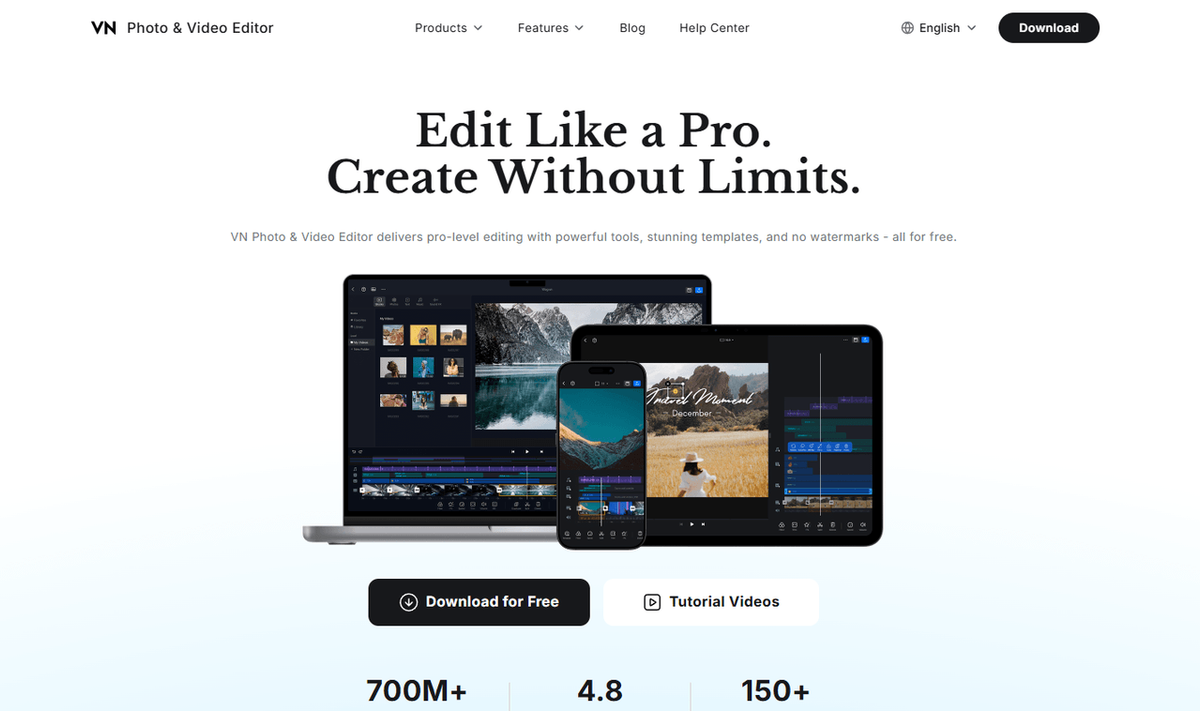
VN Video Editor is a strong free option for UGC creators who want more editing control without committing to a paid editor. Its multi-track timeline lets you layer product footage, B-roll, voiceovers, text, and other elements, making it well suited to product reviews, tutorials, and more structured UGC formats.
What makes it great for UGC video creation:
- Multi-track timeline: Layer footage, B-roll, voiceovers, and text for more precise edits
- Keyframe animation: Add custom motion to text, clips, and other elements
- Speed curves: Create smooth speed ramps for more dynamic UGC
- No watermark on exports: Useful for clean, brand-ready deliverables
- Auto captions: Generate captions directly in the app
- Available on iOS and Android
Pricing: Free with no watermark; optional Pro plans and in-app purchases are available.
Best for: UGC creators who want full timeline control, watermark-free exports, and more editing flexibility than simpler mobile editors provide.
Limitations: VN has a steeper learning curve than CapCut or InShot, and its AI features are less extensive than those of newer AI-focused editors.
💡 Pro tip: Use VN when you need precise control over your UGC edit, especially when combining product footage, B-roll, voiceover, and text. Its watermark-free exports make it a practical choice for client deliverables.
Canva — Best for Branded UGC and Multi-Client Creators
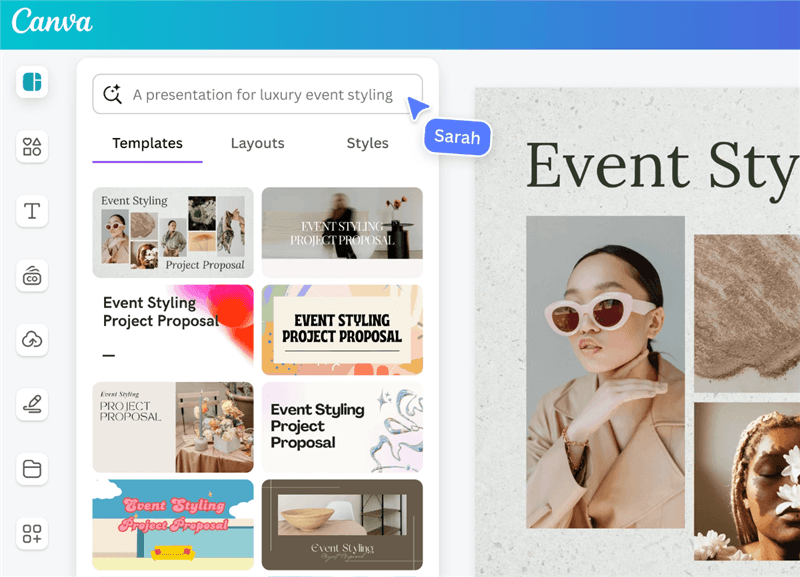
Canva has evolved well beyond graphic design. Its video editor now includes brand kits, drag-and-drop timelines, AI voiceovers, and a massive stock media library — making it the strongest option for UGC creators who manage content across multiple brand clients simultaneously.
The brand kit feature is the key differentiator for UGC work: you can store each client's colors, fonts, and logos and apply them instantly to any video project. For creators juggling 5+ brand deals at once, this eliminates the manual brand-matching work that eats into production time.
What makes it great for UGC video creation:
- Brand kits: Store multiple clients' colors, fonts, and logos — apply instantly to any project
- UGC-ready templates: Social-first video templates designed for TikTok and Reels formats
- AI voiceovers: Generate natural-sounding voiceovers for product UGC without recording
- Magic Studio AI: Auto-resize content for multiple platforms in one click
- Stock media library: Millions of photos, videos, and audio tracks for B-roll and background music
- Collaboration tools: Share projects with brand clients for approval without exporting
Pricing: Free / Pro starts at about $14.99/month; annual pricing varies by plan and purchase channel.
Best for: UGC creators managing multiple brand clients, MCNs coordinating creator content, and content teams that need consistent brand application across high volumes of UGC deliverables.
Limitations: Frame-level editing is minimal — Canva is not the right tool for tight pacing, complex transitions, or raw footage editing. Its template-heavy approach can feel constraining for highly custom UGC. Better suited for polished, brand-forward content than authentic, creator-native UGC.
Videoleap — Best for Niche and Faceless UGC Creators
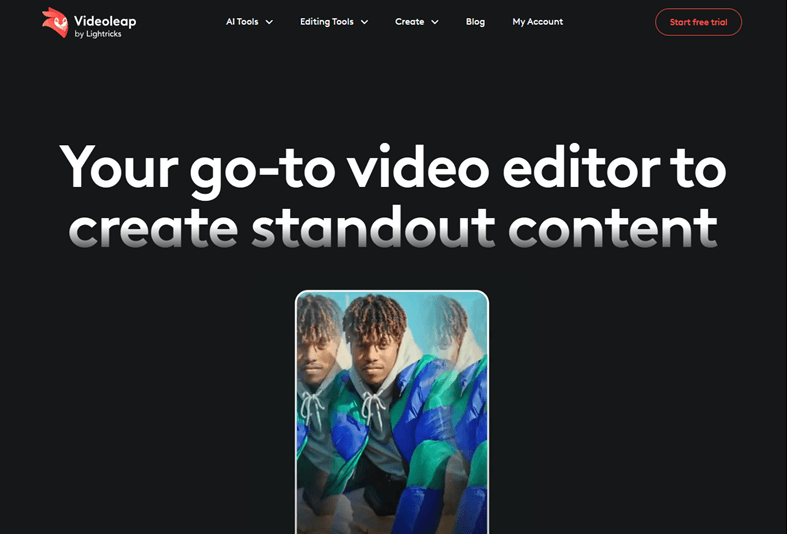
Videoleap (by Lightricks) is the choice for UGC creators who want to stand out visually. Its AI-powered effects, chroma key (green screen), and layered compositing tools go beyond what most mobile editors offer — making it popular with niche creators and faceless creators who build a distinctive visual identity.
For faceless UGC specifically — product showcases, unboxings, and review content where the creator doesn't appear on camera — Videoleap's compositing tools let you create visually dynamic content that holds attention without relying on a talking head.
What makes it great for UGC video creation:
- AI visual effects: "Leap" text-to-effect generation — describe an effect and the AI creates it
- Chroma key (green screen): Place products in any environment without a physical set
- Layered compositing: Blend modes and multi-layer editing for visually complex UGC
- Auto-captions: Accurate, with style customization
- Keyframe animation and speed ramping: Smooth, professional-feeling motion for product UGC
Pricing: Free with watermark / Pro plans start at around $7.99/month, with annual plans around $69.99/year.
Best for: Niche creators, faceless UGC creators, and e-commerce sellers who want visually distinctive product content that stands out in a crowded TikTok feed.
Limitations: Steeper learning curve than CapCut or InShot. The free version's watermark limits usability for brand deliverables. AI effect generation can be inconsistent and may require multiple attempts.
TikTok Studio — Best for Beginners Starting Their UGC Journey
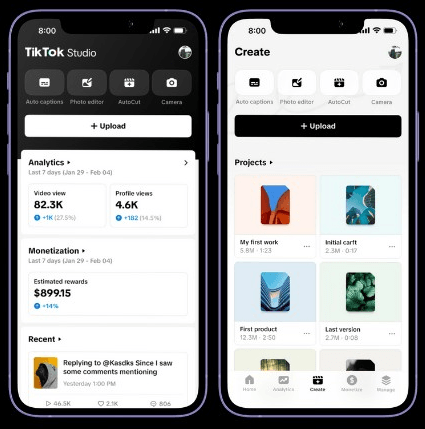
TikTok Studio is TikTok's dedicated creator app for creating, publishing, and managing content. It offers basic editing tools such as trimming, auto captions, photo editing, and autocut, along with analytics and content management features.
For beginners, its biggest advantage is a TikTok-first workflow: you can create and edit content, publish it to TikTok, and manage your posts from the same app. It's free and doesn't require a separate paid editing subscription.
What makes it great for UGC video creation:
- TikTok-native workflow: Create, edit, publish, and manage TikTok content in one place
- Auto captions: Generate and edit captions without a separate captioning app
- Autocut: Quickly turn footage into edited short-form content
- Creator tools: Access content management, analytics, and audience insights alongside editing
- Free to use: No paid editing subscription required
Pricing: Free.
Best for: Beginners and UGC creators who primarily publish on TikTok and want a simple, all-in-one creator workflow.
Limitations: Editing controls are more limited than dedicated editors such as CapCut or VN. It's also more focused on the TikTok ecosystem, so creators producing content for multiple platforms may prefer a more flexible video editor.
How to Choose the Right UGC Video App for Your Needs
The right app depends on your UGC format, your client requirements, and your production volume. Here's a quick decision framework:
You're a solo UGC creator just starting out → Start with CapCut (free, TikTok-native, auto-captions included) or TikTok Studio (zero friction, built-in).
You need watermark-free exports without paying → Use VN Video Editor (completely free, no watermarks, ever) or CapCut (free tier exports clean 1080p).
You're producing UGC ads for e-commerce brands at scale → Captions AI for AI-powered ad generation and eye contact correction.
You manage UGC content for multiple brand clients → Canva Pro for brand kit management across multiple clients.
You create faceless or niche UGC content → Videoleap for creative effects and visual differentiation.
You need fast, authentic-feeling lifestyle UGC → InShot for quick edits with a natural, unpolished aesthetic.
You've outgrown CapCut but don't want to pay → VN Video Editor for advanced free editing with full timeline control.
Bonus: AllyHub — For UGC Creators Who Want to Create Smarter
Mobile video editors solve the execution side of UGC—trimming clips, syncing audio, and adding captions. However, the most time-consuming phase of UGC production happens before opening an editor: researching winning hooks, auditing competitor ads, and identifying converting angle structures.
This is where AllyHub complements your mobile editing toolkit.
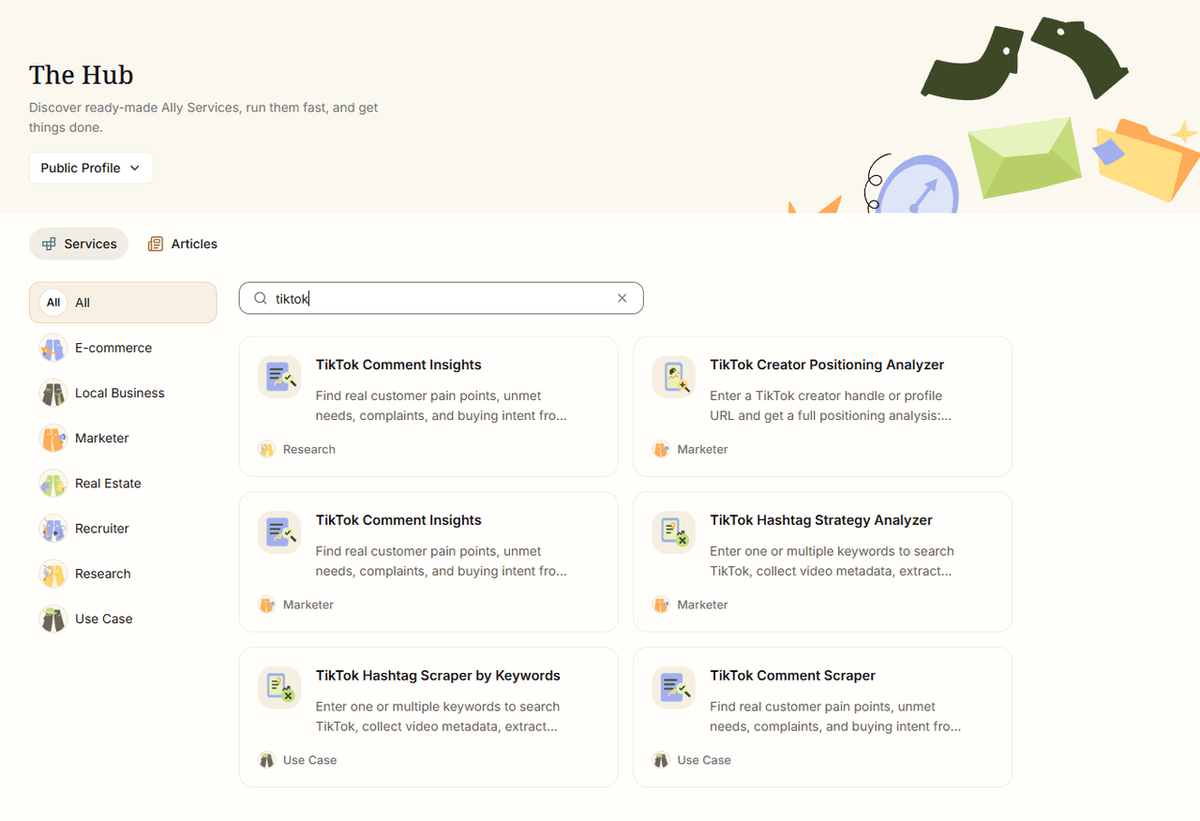
Rather than acting as a static chatbot or script generator, AllyHub functions as a browser-native AI autopilot that executes competitive research directly inside your browser:
- Automated Competitor & Ad Scraping: AllyHub automatically browses top creator feeds and extracts high-performing scripts without manual copy-pasting.
- Reusable Research Workflows: Convert your recurring competitor audit routines into one-click Service cards, saving hours of manual prep time.
💡 Try it free: AllyHub offers a free tier with daily credits. Start for free at allyhub.ai and turn real creator or product data into actionable content insights.
FAQ: Best Mobile Apps for Creating UGC Videos for TikTok
What is the best mobile app for creating UGC videos for TikTok?
CapCut is the best overall choice for most UGC creators. Its TikTok-native integration, free auto-captions, UGC-specific templates, and watermark-free 1080p export make it the fastest path from raw footage to a polished, brand-ready deliverable. For creators focused on AI-generated UGC ads, Captions AI is the stronger pick.
What is UGC video editing, and how is it different from regular video editing?
UGC (user-generated content) video editing prioritizes authenticity over production value. The goal is content that feels native to TikTok — real, unpolished, and creator-driven — rather than slick and corporate. UGC editing typically involves quick cuts, auto-captions for sound-off viewing, trending audio sync, and a vertical-first format. The best UGC apps are optimized for this aesthetic, not just general video editing.
Do I need to pay for a mobile video editing app for TikTok UGC?
Not necessarily. CapCut and VN Video Editor both offer genuinely useful free tiers with no watermarks on export — which is the critical requirement for brand deliverables. InShot, Captions AI, and Videoleap require paid plans to remove watermarks. TikTok Studio is completely free and built into the platform.
What is the most important feature in a UGC video app for TikTok?
Auto-captions and watermark-free export are the two non-negotiables for paid UGC work. Auto-captions are essential because 85%+ of TikTok videos are watched without sound — captioned UGC consistently outperforms uncaptioned content. Watermark-free export is required for brand deliverables; most brands will reject files with app watermarks.
What is the best free video editing app for UGC creators?
VN Video Editor is the best completely free option — no watermarks, no subscription, and professional-grade multi-track editing. CapCut is a close second with more AI features and TikTok-native templates, though its most advanced capabilities are behind a paywall.
Can AI tools generate UGC videos without filming?
Yes — tools like Captions AI can generate UGC-style video ads from product URLs using AI avatars and actors. This is increasingly used by e-commerce brands and MCNs for paid TikTok ad campaigns where volume matters more than on-camera authenticity. For organic UGC content, creator-filmed videos still outperform AI-generated content in most niches.



