

If you are managing a brand's TikTok account or running a UGC creator business in 2026, you already know the importance of the TikTok scheduler. A proper TikTok scheduling tool lets you batch your work on Monday and let software handle the daily posting.
However, not all schedulers are built equal. Some only send you a push notification, while others offer true "set-it-and-forget-it" auto-publishing.
We evaluated the top TikTok schedulers for 2026 — analyzing direct publishing support, analytics depth, pricing, and real-world limits — so you can find the exact match for your workflow.
Key Takeaways
- For the Budget-Conscious Creator: Buffer (Simplest UI) or TikTok Native Scheduler (100% Free & Algorithm Safe).
- Best for agencies & MCNs: SocialPilot or Hootsuite — Built for multi-account workflows, client management, and approval flows.
- Best for visual planning: Later — Ideal for visual content calendars across TikTok, Reels, and Shorts.
- For beyond-scheduling AI automation: AllyHub. Best if you want an AI that not only posts, but actively generates SEO-optimized captions and researches competitor trends for you.
Why TikTok Scheduling Matters for Creators and Businesses
Consistency is the single biggest driver of TikTok growth. The algorithm rewards accounts that post regularly at times when their audience is most active — and doing that manually across multiple accounts is unsustainable.
For content creators and new media operators, scheduling tools free up time for ideation and production. For MCNs and agencies, they're essential for managing dozens of accounts without burning out your team. For e-commerce sellers, they ensure product content goes live at peak shopping hours without requiring someone to be at a desk at 9 PM.
Beyond posting, the best TikTok schedulers also surface analytics that tell you why certain posts perform — giving you the data to refine your TikTok content strategy over time.
How We Selected These Tools
We evaluated 20+ TikTok scheduling tools based on the following criteria:
- Direct publishing support: Does it auto-publish to TikTok, or just send a push notification reminder?
- Scheduling flexibility: How far in advance can you schedule? Does it support bulk scheduling?
- Analytics depth: Does it provide TikTok-specific performance data beyond basic likes and views?
- Multi-account & team features: Can it handle multiple TikTok accounts with role-based access?
- Cross-platform support: Does it also handle Instagram Reels, YouTube Shorts, and other short-form platforms?
- Pricing transparency: Is the pricing fair relative to the feature set?
- Real-world reliability: Based on community feedback (Reddit, G2, Capterra), does it actually work consistently?
Only tools with verified direct TikTok publishing (or a clearly disclosed push-notification model) made this list.
Best TikTok Scheduling Tools [Quick Comparison Table]
Tool | Best For | Starting Price | Direct Publishing | Free Plan |
Buffer | Individual creators, small teams | $6/mo per channel | ✅ Yes |
11 Best TikTok Scheduling Tools for Creators & Businesses
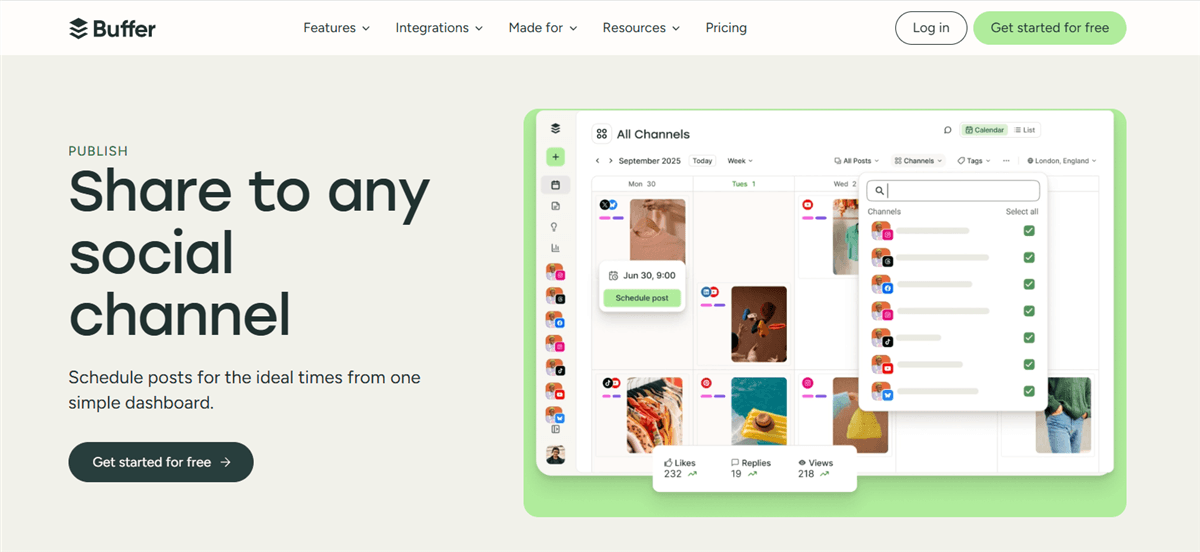
Buffer — Best TikTok Scheduler for Individual Creators and Small Teams
Buffer has been a staple of social media management for years, and its TikTok support is among the most reliable in its price range. It supports direct auto-publishing to TikTok (no push notification required), lets you schedule posts weeks in advance, and provides clean per-post analytics.
The interface is intentionally simple — you won't find enterprise-grade approval workflows here, but for a solo creator or a two-person content team, that simplicity is a feature, not a bug.
Key features:
- Direct TikTok auto-publishing (no manual posting required)
- Content calendar with drag-and-drop rescheduling
- Best-time-to-post recommendations based on your audience data
- Cross-platform scheduling: TikTok, Instagram, YouTube, LinkedIn, X, Facebook
- Basic analytics: views, likes, comments, shares per post
Pricing: Free plan (3 channels, 10 scheduled posts per channel); Essentials from $6/month per channel.
Best for: Individual content creators and small new media teams who want a clean, affordable TikTok scheduler without the complexity of enterprise tools.
Limitations: Analytics are more basic than those of Hootsuite or Sprout Social. No content recycling or category-based scheduling. Team collaboration features are limited on lower tiers.
Later — Best for Visual Content Planning Across Short-Form Platforms
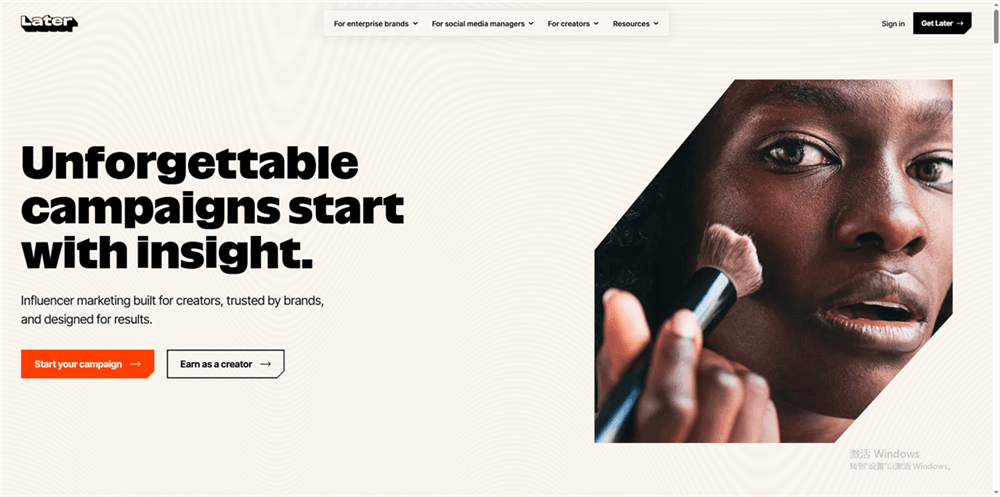
Later is the tool of choice for creators who think visually. Its drag-and-drop content calendar lets you see exactly how your TikTok feed will look before anything goes live — and it supports cross-posting to Instagram Reels and YouTube Shorts from the same queue.
Later's TikTok integration supports direct publishing, and its "Best Time to Post" feature is powered by your own historical engagement data rather than generic benchmarks.
Key features:
- Visual content calendar with drag-and-drop scheduling
- Direct TikTok auto-publishing
- Cross-platform: TikTok, Instagram, YouTube Shorts, Pinterest, Facebook
- Best-time-to-post recommendations (account-specific)
- Link in Bio tool for driving traffic from TikTok profile
- Media library for organizing video assets
Pricing: 14-day free trial; Starter starts at $25/month on monthly billing, or $18.75/month when billed yearly.
Best for: Content creators and new media operators who manage TikTok alongside Instagram Reels and YouTube Shorts and want a visual planning workflow.
Limitations: Free plan is quite limited for serious creators. Some users report that TikTok-specific features (like adding trending sounds) must still be done manually in-app after scheduling. No advanced team approval workflows on lower tiers.
Metricool — Best Budget-Friendly TikTok Scheduler with Real Analytics
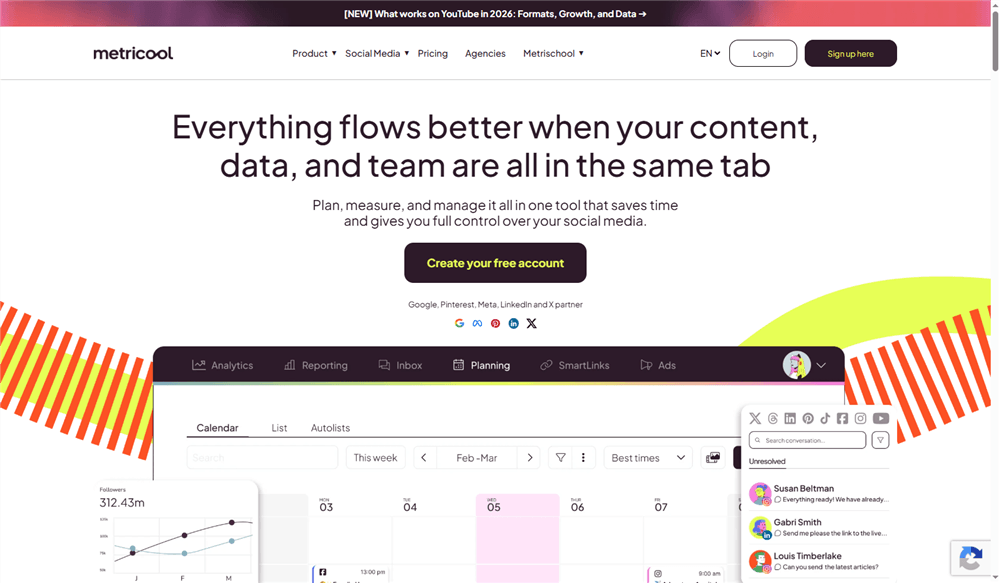
Metricool punches well above its price point. Its free plan includes genuine TikTok scheduling and analytics — not just a trial — making it one of the few tools where you can get real value without paying anything.
Beyond scheduling, Metricool's analytics dashboard provides TikTok-specific metrics, including follower growth, video performance trends, and best time to post data. For creators and small businesses who want data without paying Hootsuite prices, it's hard to beat.
Key features:
- Direct TikTok auto-publishing
- TikTok analytics: follower growth, video reach, engagement rate, best posting times
- Competitor analysis (track competitor TikTok accounts)
- Cross-platform: TikTok, Instagram, YouTube, LinkedIn, X, Facebook, Pinterest
- Bulk scheduling via CSV upload (paid plans)
- Content calendar with visual overview
Pricing: Free plan available (1 brand, limited posts). Paid plans unlock more brands, posts, and analytics depth—starter from $25/month.
Best for: Budget-conscious creators, SMBs, and e-commerce sellers who need real TikTok analytics alongside scheduling without committing to a premium tool.
Limitations: Free plan limits can feel restrictive for high-volume posters. Some users on Reddit note TikTok integration can occasionally be "wonky" — worth testing before committing. No advanced team collaboration features.
Hootsuite — Best TikTok Scheduling Tool for Large Teams and Enterprises
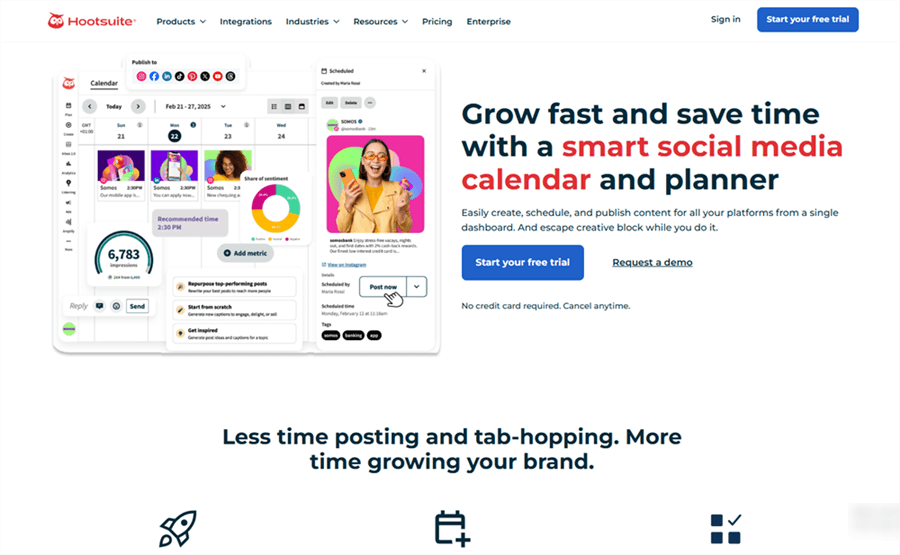
Hootsuite is the enterprise standard for a reason. Its TikTok support includes direct publishing, bulk scheduling, AI-assisted caption generation, and a full approval workflow system — making it the go-to for large marketing teams and agencies managing multiple brand accounts.
The analytics suite is genuinely deep: you can track TikTok performance alongside all other channels in a unified dashboard, set up custom reports, and benchmark against competitors.
Key features:
- Direct TikTok auto-publishing with bulk scheduling
- AI caption and hashtag suggestions
- Multi-account management with role-based permissions
- Full approval workflow (draft → review → approve → publish)
- Advanced analytics with custom reporting and competitor benchmarking
- Social listening and brand monitoring
- Integration with 150+ apps
Pricing: Standard from $99 per user/month; Professional $199 per user/month; Enterprise custom pricing.
Best for: Large marketing teams, enterprises, and agencies that need a single platform to manage TikTok alongside all other social channels with full team controls.
Limitations: Expensive — the entry price is prohibitive for individual creators or small teams. The interface can feel overwhelming for users who only need basic scheduling. Some users report the mobile app experience is less polished than the desktop version.
SocialBee — Best for Evergreen Content and Category-Based TikTok Scheduling
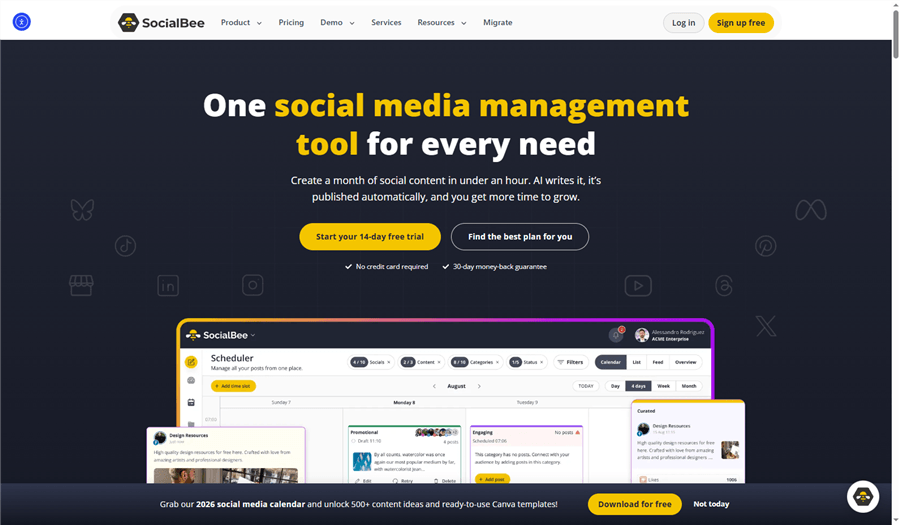
SocialBee takes a different approach to scheduling: instead of a simple queue, it organizes your content into categories (e.g., "Product Showcases," "Educational," "Behind the Scenes") and rotates through them automatically. This is particularly powerful for e-commerce sellers and brands with a library of evergreen content.
Its TikTok integration supports direct publishing, and the category-based system ensures you're never accidentally posting three product videos in a row.
Key features:
- Category-based content scheduling with automatic rotation
- Direct TikTok auto-publishing
- Content recycling for evergreen posts
- AI-powered caption and hashtag generation
- Cross-platform: TikTok, Instagram, Facebook, LinkedIn, X, Pinterest, Google Business
- Team collaboration with approval workflows
- Analytics per category and per post
Pricing: Starts around $29/month (Bootstrap plan); higher tiers for agencies and larger teams
Best for: E-commerce sellers and content creators with a library of evergreen TikTok content who want automated content rotation without manual re-queuing.
Limitations: The category-based system has a learning curve — it takes time to set up properly. Not ideal for creators who post primarily trending or time-sensitive content. No free plan (free trial available).
SocialPilot — Best TikTok Scheduling App for Agencies and Multi-Location Brands
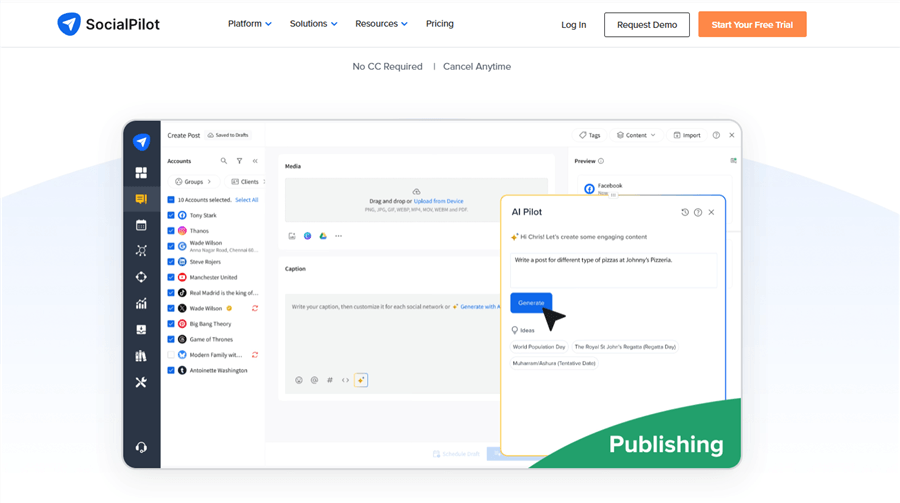
SocialPilot is built with agencies and multi-location businesses in mind. It supports direct TikTok publishing, bulk scheduling via CSV, and client management features that let you manage separate workspaces for each client — all from one dashboard.
For MCNs managing multiple creator accounts, or agencies handling TikTok for several brand clients, SocialPilot's pricing is significantly more competitive than Hootsuite at comparable feature levels.
Key features:
- Direct TikTok auto-publishing
- Bulk scheduling via CSV (up to 500 posts at once)
- Client management with separate workspaces
- White-label reports for client delivery
- Audience targeting controls for TikTok posts
- Mobile app with push notification reminders
- Team collaboration with role-based access
Pricing: Starts around $30/month; Enterprise plans available for larger teams.
Best for: Social media agencies, MCNs, and multi-location brands that need to manage multiple TikTok accounts with client-facing reporting.
Limitations: Analytics are less in-depth than those of Hootsuite or Sprout Social. The interface feels dated compared to newer tools. No free plan (free trial available).
Publer — Best Budget-Friendly TikTok Scheduler with Advanced Features
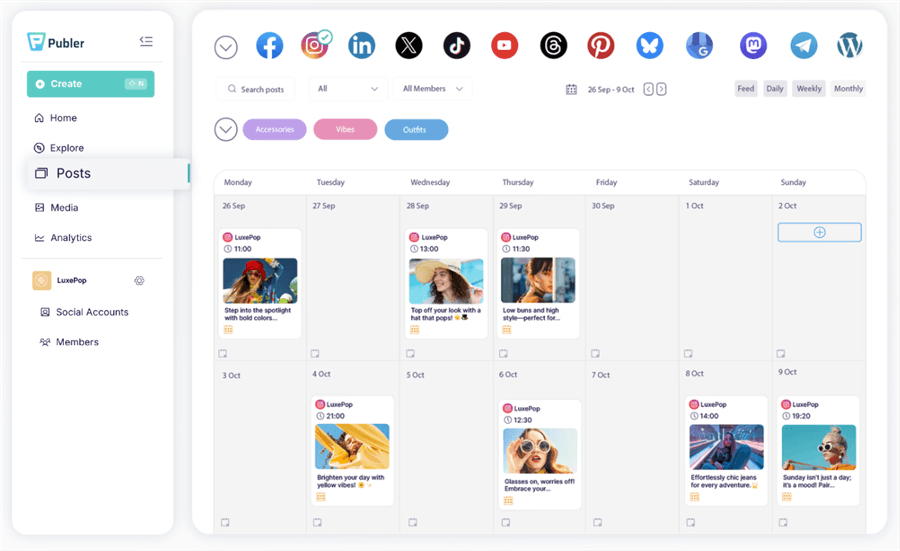
Publer offers a surprisingly robust feature set at a price point that undercuts most competitors. It supports direct TikTok publishing, bulk CSV scheduling, content recycling, and even carousel post support — features you'd typically expect from tools costing 3× as much.
For creators and small businesses who want more than Buffer's basics but can't justify Hootsuite's price tag, Publer hits a sweet spot.
Key features:
- Direct TikTok auto-publishing
- Bulk scheduling via CSV upload
- Content recycling for evergreen posts
- Carousel post support
- AI-assisted caption writing
- Cross-platform: TikTok, Instagram, Facebook, LinkedIn, X, Pinterest, YouTube
- Analytics with engagement tracking
Pricing: Free plan available (limited); paid plans from $5/month.
Best for: Individual creators and small teams who want advanced scheduling features (bulk upload, content recycling) without paying enterprise prices.
Limitations: Analytics are less comprehensive than premium tools. Some advanced features are locked behind higher-tier plans. Smaller user community means fewer third-party integrations and tutorials.
Planable — Best TikTok Scheduling Tool for Agencies with Client Approval Workflows
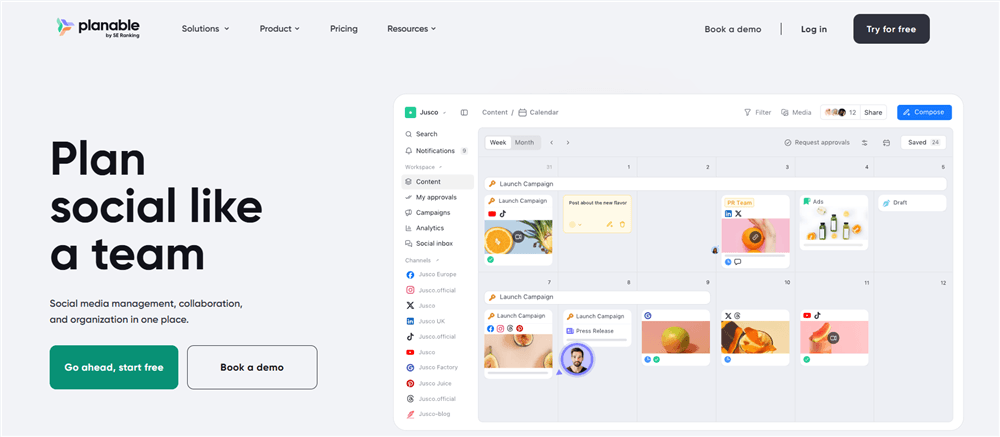
Planable is purpose-built for the agency workflow: create content, share it with clients for review, collect feedback, get approval, and publish — all in one place. Its visual content calendar makes it easy for clients to see exactly what's going live and when.
For agencies managing TikTok content for multiple clients, Planable's approval workflow is one of the cleanest in the market.
Key features:
- Visual content calendar with real-time collaboration
- Multi-level approval workflows (internal + client-facing)
- Direct TikTok auto-publishing
- Side-by-side content preview (see how posts look before publishing)
- Cross-platform: TikTok, Instagram, Facebook, LinkedIn, X, YouTube
- Workspace separation per client
- Comment and annotation tools for feedback
Pricing: Free plan (50 total posts); paid plans from $39/month.
Best for: Social media agencies and content teams that need a clean client approval workflow for TikTok content before publishing.
Limitations: The free plan's 50-post lifetime limit is very restrictive. Analytics are basic — Planable is primarily a planning and approval tool, not an analytics platform. Pricing can add up quickly for agencies with many clients.
Viraly — Best All-in-One TikTok Scheduler for Creators, Businesses, and Agencies
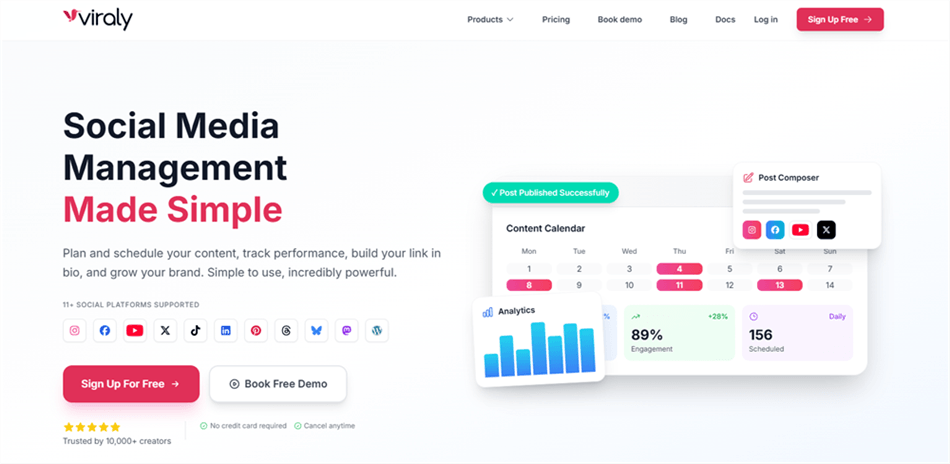
Viraly is a newer entrant that has quickly gained traction for its combination of scheduling, analytics, and best-time recommendations in a single platform. It supports bulk scheduling, provides TikTok-specific performance insights, and offers a free plan that's genuinely useful for getting started.
Its best-time-to-post feature is powered by your account's historical data, not generic averages — which makes the recommendations more actionable.
Key features:
- Direct TikTok auto-publishing with bulk scheduling
- Best-time-to-post recommendations (account-specific data)
- TikTok analytics: engagement rate, follower growth, video performance
- Multi-platform support: TikTok, Instagram, Facebook, LinkedIn, X, YouTube
- Content calendar with drag-and-drop interface
- Team collaboration features
Pricing: Free plan available; Influencer $19 per month (Up to 5 social profiles); Business $49 per month;
Agency $99/month.
Best for: Creators, businesses, and agencies looking for an all-in-one TikTok scheduling and analytics platform with a competitive free tier.
Limitations: Newer platform with a smaller track record than Buffer or Hootsuite. Some advanced features are only available on higher-tier plans. Integration ecosystem is less mature than established competitors.
TikTok Native Scheduler — Best Free Option for Algorithm-Safe Scheduling
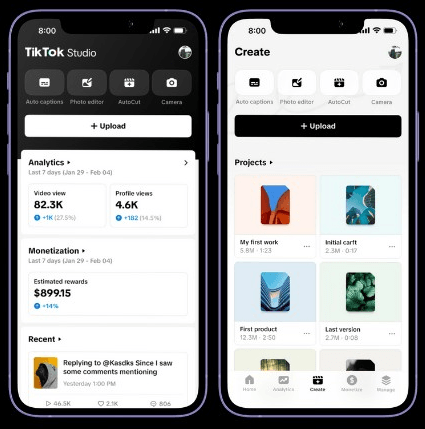
TikTok Studio's built-in scheduler (available via TikTok Studio on desktop and the TikTok Studio mobile app) is the most algorithm-safe option available. Since it's a first-party tool, there's no risk of reduced reach from third-party API usage — a concern that comes up repeatedly in Reddit discussions about TikTok scheduling.
It's limited — you can only schedule up to 10 days in advance, and there's no cross-platform support — but for creators who primarily post on TikTok and want a free, reliable option, it's the obvious starting point.
Key features:
- Free, built-in TikTok scheduling
- Schedule up to 10 days in advance
- Available via TikTok Studio (desktop and mobile app)
- No third-party API dependency (algorithm-safe)
- Access to all native TikTok features (sounds, effects, interactive elements)
Pricing: Free (included with TikTok Business or Creator account)
Best for: Individual creators who primarily post on TikTok, want a free solution, and are concerned about third-party tools affecting their reach.
Limitations: Maximum 10-day scheduling window. No cross-platform support. No analytics beyond TikTok's native dashboard. No team collaboration or approval workflows. Desktop-only for web upload (though TikTok Studio app now supports mobile scheduling).
AllyHub — An AI Copilot for Smarter TikTok Scheduling
If you think of a scheduler as simply a calendar that clicks “Publish,” tools like Buffer or Later are great. But if you want to optimize what you publish before it goes live, AllyHub takes a different approach.
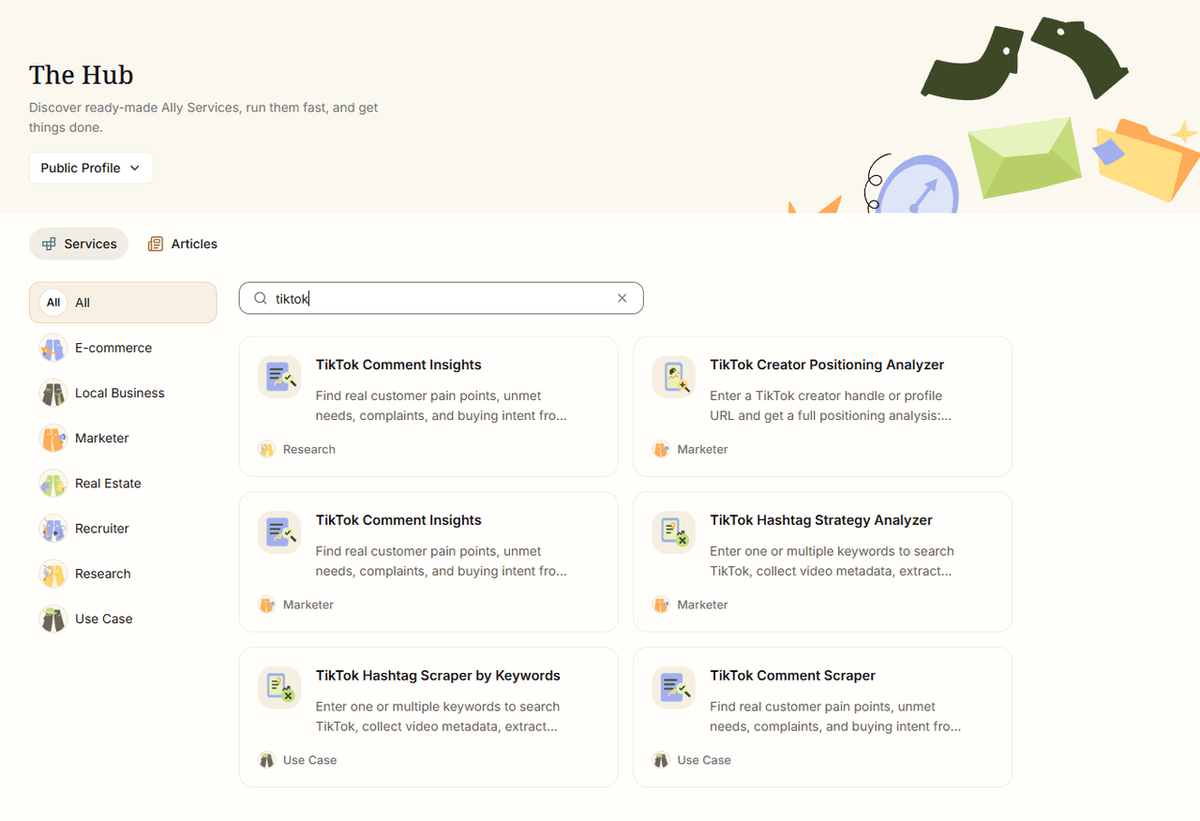
Instead of stopping at scheduling, AllyHub works upstream of the publishing step. Its browser-native AI can research competitors and trending content, identify relevant TikTok SEO opportunities, and turn those insights into captions, scripts, and other content assets — helping you prepare stronger posts before they enter your publishing workflow.
Why it’s different from traditional schedulers: Traditional tools are built around content you’ve already created. AllyHub can help with the work that comes before scheduling, from researching what’s working in your niche to preparing content for publication. That makes it especially useful if your biggest bottleneck isn’t clicking “Schedule,” but figuring out what to post and how to make it more competitive.
Key features:
- TikTok Content Research: Analyze competitor content, TikTok keywords, trending posts, creator strategies, and niche-specific opportunities.
- AI Script & Caption Generation: Turn research insights into ready-to-use TikTok scripts, captions, hashtags, and content ideas.
- Browser-Native AI Agent: Execute research and repetitive content workflows directly in the browser without constantly switching between tools.
- End-to-End Content Workflows: Connect research, content preparation, and publishing into repeatable workflows instead of handling each step separately.
- Multi-Channel Publishing: Extend workflows beyond TikTok with support for other social platforms and channels.
- Reusable AI Workflows: Turn recurring tasks into reusable Service cards, so frequently used workflows become faster to run over time.
Pricing: Free tier available, with paid plans starting at $19.99/month.
Best for: Creators, agencies, MCNs, and e-commerce teams that want more than a basic scheduler — especially those who need help researching, creating, and optimizing content before it goes live.
How to Choose the Right TikTok Scheduling Tool for Your Needs
With so many options, the right choice comes down to your specific situation:
If you're a solo creator or small team: Start with Buffer (free plan) or Metricool (free plan). Both offer direct TikTok publishing and enough analytics to inform your strategy without overwhelming you.
If you're an agency or MCN: SocialPilot offers the best value for multi-account management. Hootsuite is worth the premium if you need enterprise-grade analytics and compliance features. Planable is the best choice if client approval workflows are your primary pain point.
If you're an e-commerce seller: SocialBee's category-based scheduling is ideal for rotating product content, educational posts, and promotional videos without manual re-queuing.
If you're concerned about TikTok algorithm impact: Use TikTok's native scheduler for TikTok-only posting, and a third-party tool for other platforms. The algorithm concern is real — Reddit discussions consistently show some creators perceive better reach from native posting.
If you need advanced analytics: Hootsuite or Metricool (paid) offer the deepest TikTok-specific analytics. For most creators, Metricool's paid plans offer the best analytics-to-price ratio.
FAQ: Best TikTok Scheduling Tools
Does scheduling TikTok posts affect views or reach?
No. TikTok's native scheduler and official API tools (like Buffer or AllyHub) are safe. Video quality and initial engagement drive reach far more than posting methods.
Can I schedule TikTok posts for free?
Yes. TikTok's native scheduler is completely free, while tools like Buffer, Metricool, and AllyHub offer free tiers or daily credits.
How far in advance can I schedule TikTok posts?
TikTok's native tool allows up to 10 days in advance. Third-party schedulers let you queue content weeks or months ahead.
What's the best TikTok scheduling app for managing multiple accounts?
SocialPilot offers the best value for agencies and MCNs, while Hootsuite is best for large enterprises needing advanced compliance.
Can I schedule TikTok posts from my phone?
Yes. You can schedule via the TikTok Studio mobile app or third-party mobile apps (though bulk uploads require a desktop).
Do TikTok scheduling tools support trending sounds?
Generally no for third-party apps due to API limits. Use TikTok's native scheduler if your post relies on trending audio or native app effects.
Is there a TikTok scheduler that also helps with content research and ideation?
Yes. While traditional schedulers only publish finished files, AllyHub automates the full workflow — from competitor research and scriptwriting to direct scheduling.



