

Low Instagram reach usually means your content isn't reaching far enough beyond your existing audience. To increase reach, focus on the signals that encourage Instagram to show your content to more non-followers, including watch time, shares, saves, and search visibility.
This guide covers 9 practical ways to increase Instagram reach, from optimizing Reels and creating more shareable content to using Instagram SEO and diagnosing sudden reach drops.
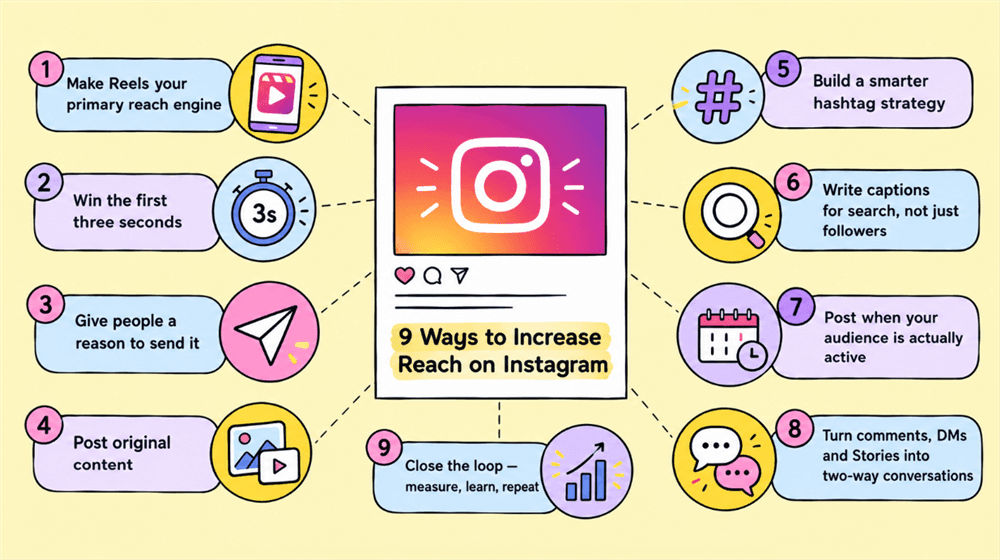
Key Takeaways
- Design for shares and saves. Content people send or save gives Instagram stronger reasons to distribute it further.
- Use Reels and carousels strategically. Reels are particularly useful for non-follower discovery, while carousels can drive saves and repeat exposure.
- Track non-follower reach. A high view count isn't necessarily growth if most of those views come from the same audience.
9 Ways to Increase Reach on Instagram
Method 1: Make Reels a core reach engine
Reels remain one of Instagram's main discovery formats, and Instagram's own Best Practices hub specifically provides guidance on the relationship between Reels, reach, and follower growth. Instagram has also introduced Trial Reels, which show eligible Reels to non-followers first so creators can test new topics and formats before sharing them more broadly.
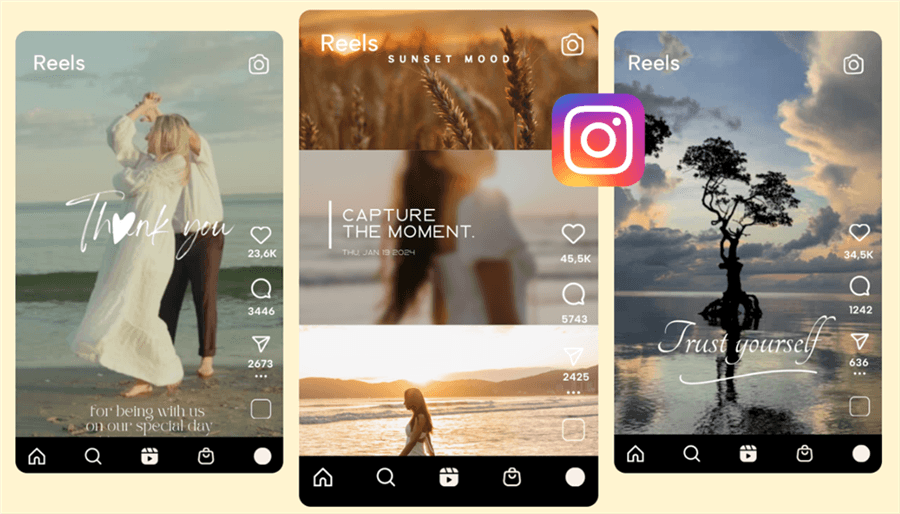
Keep each Reel focused on one idea, make the value clear early, and build a publishing rhythm you can maintain. For experimental topics, Trial Reels can provide an additional way to test whether an idea resonates with people who don't already follow you.
Method 2: Win attention early and design for retention
Getting someone to start a Reel is only the first step. Instagram provides creators with watch-time and retention metrics, including total watch time, average watch time and retention charts, so you can see where viewers lose interest.
Put the payoff or central idea near the beginning instead of spending the opening on greetings or context. Then use tighter editing, visual changes and a clear narrative to keep the viewer moving through the Reel. If the ending naturally leads back to the opening, a rewatch can add more viewing time without making the video feel repetitive.
Method 3: Give people a reason to send your content
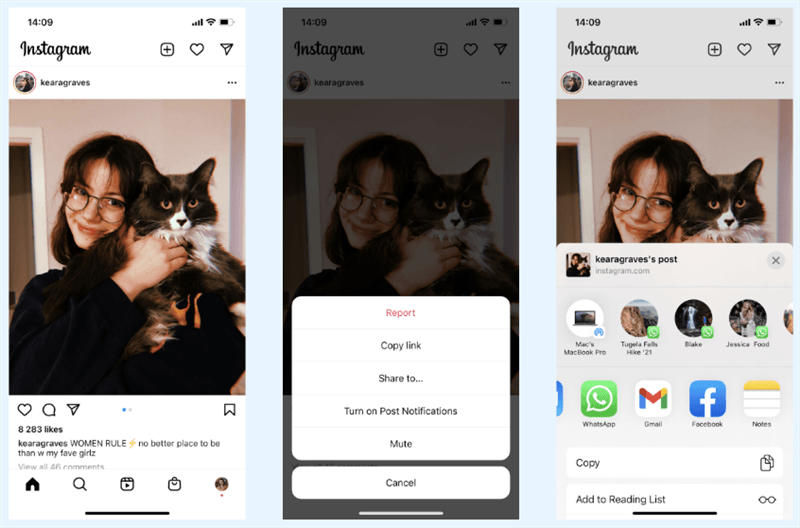
For Reels specifically, DM shares — when someone sends your Reel to another account via direct message — are the one of most heavily weighted distribution signals in Instagram's algorithm. Buffer's 2026 analysis of Instagram's ranking systems identifies sends as the primary factor that determines whether a Reel gets pushed to a wider audience. A Reel that earns 50 DM shares will travel further than one with 500 likes.
Create Instagram posts that feel useful or relevant enough to send to one specific person. Checklists, comparisons, recommendations, relatable observations and “send this to someone who…” formats are natural candidates. The stronger question is not “How do I get more likes?” but “Who would someone send this to?”
Method 4: Prioritize original content
Instagram has taken explicit steps to give original creators more opportunities to reach new audiences. In 2024, Instagram announced changes to recommendation ranking that would give smaller original creators more distribution, replace reposts with original content in recommendations and remove content aggregators from recommendation surfaces.
That makes originality more than a branding preference. Add your own commentary, demonstration, editing or perspective when using outside material rather than simply reposting it. Review your recent posts regularly and identify how much of your feed offers something that could not be found in the source.
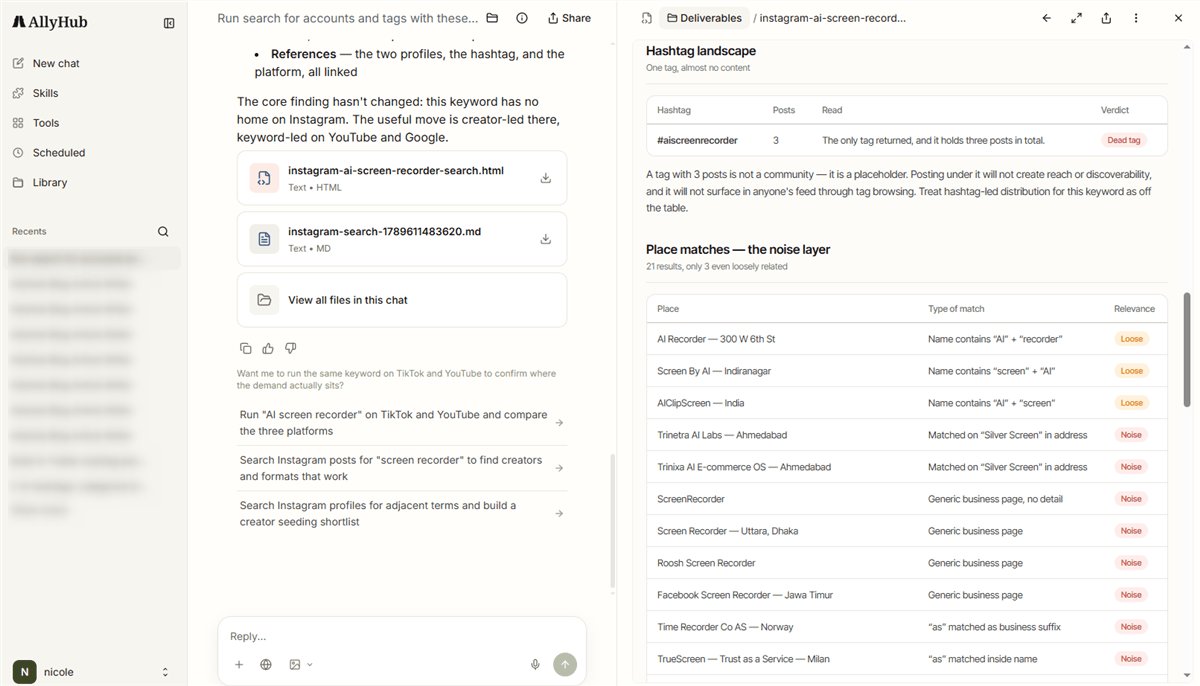
Method 5: Build a smarter Instagram hashtag strategy
Hashtags can still help your content get discovered, but relevance matters more than stuffing every post with popular tags. Build a mix of niche, industry, community and branded hashtags around the topics your audience actually follows.
- Start with your content pillars. Build separate hashtag groups for the main topics you post about instead of using one generic set everywhere.
- Research what your niche is already talking about. Look for recurring topics, creators, conversations and content formats around each topic, then turn relevant terms into hashtag candidates.
- Keep a testable hashtag bank. Track which groups appear alongside posts with stronger reach, shares and saves, and replace weak candidates over time.
AllyHub can help with the research stage. Its Radars and social intelligence workflows surface relevant creators, conversations and content patterns around a topic, giving you more context for finding hashtag candidates instead of relying on generic hashtag generators. Use those findings to build a reusable tag bank, then validate the results with your own Instagram Insights.
Method 6: Write captions and profiles for Instagram search
Instagram discovery is not limited to hashtags. Your captions, profile information and the content itself help establish what a post is about and make it easier for people to find relevant content. Instagram's Best Practices hub now treats creation, reach and discovery as areas creators can actively optimize.
Use the language your audience actually searches for. Put the main topic near the beginning of the caption, use relevant terms naturally throughout the post and make your profile name and bio clear about what the account covers. Avoid turning captions into keyword lists.
Method 7: Post consistently, but let your own data determine timing
Consistent posting gives Instagram's algorithm more data points to classify your account and content. Accounts that post regularly are more likely to be shown to followers who have previously engaged — the algorithm treats consistency as a signal of reliability.
Use your Instagram Insights to identify when your audience is active, then test a small number of posting windows rather than following a generic “best time to post” chart. Keep the schedule sustainable: a repeatable publishing rhythm gives you more useful performance data than bursts of activity followed by long gaps.
Method 8: Turn comments, DMs, and Stories into audience relationships
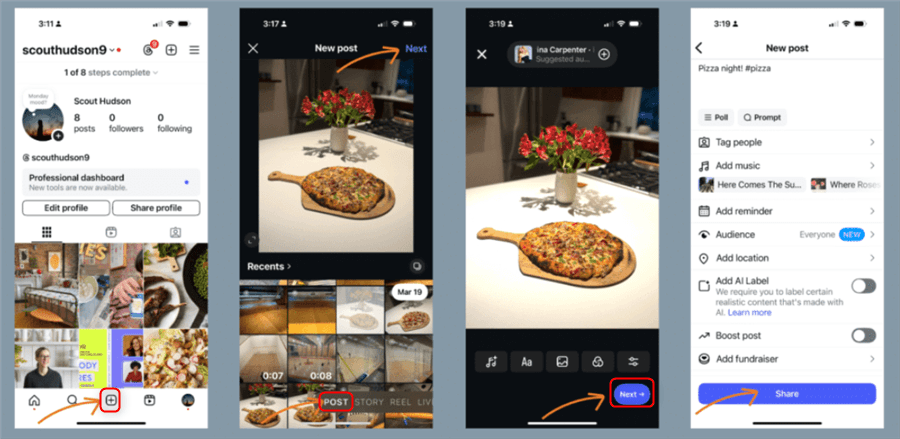
Reach is not only about getting new viewers; a strong relationship with existing followers can create more opportunities for people to respond to, share, and return to your content. Instagram has continued adding replies, prompts and insights to help creators understand what their communities respond to.
Reply to meaningful comments, answer relevant DMs, and use Stories for polls, questions, and follow-up content. Treat these interactions as a source of audience insight rather than a tactic for generating empty engagement. The questions people repeatedly ask can also become your next Reels, carousels or searchable posts.
Method 9: Close the loop — measure, learn and repeat
Increasing reach is an iterative process. Instagram provides creators with performance and retention insights, while Trial Reels can also show views, likes, comments and shares after testing content with non-followers.
Track reach alongside non-follower reach, sends, saves, and watch-time signals where available. Each week, identify the posts that performed unusually well and look for the common factor: topic, hook, format, audience or distribution channel. Then turn that pattern into your next test instead of starting from scratch.
Why Your Instagram Reach Is Low (A Two-Minute Diagnosis)
Most reach drops fit one of these patterns:
What you're seeing | Likely cause | First fix |
Reach fell after you posted more reposts | Originality is deprioritised | Re-edit third-party content and add your own take (Method 4) |
Reels get views but few new followers | Weak hook; people leave early |
Turn Instagram Research Into Your Next Post
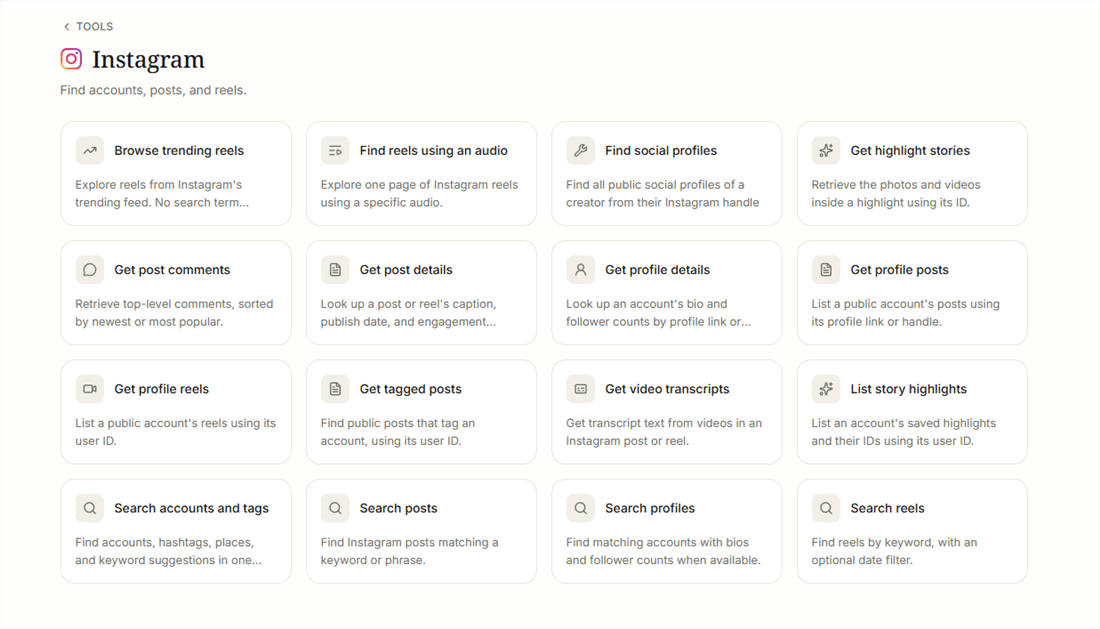
Once you've found useful accounts, Reels, hashtags, or topics, focus on what you can reuse: recurring topics, formats that spark engagement, distinctive creator angles, and questions your audience still wants answered.
AllyHub connects that research with the rest of the content workflow. Radars can monitor creators and trends, Profiles keeps your positioning and voice consistent, and Studio helps turn useful findings into content drafts.
For account-level Instagram metrics, use Instagram Insights. For researching what's working and turning those signals into your next content ideas, AllyHub adds the workflow around it.
Frequently Asked Questions
What is the difference between Instagram reach and views?
Reach is the number of unique accounts that see your content, while views count total plays or displays, including repeat exposure. For growth, pay attention to reach—especially how much comes from non-followers—not just total views.
Why is my Instagram reach so low?
Low reach usually means your content isn't getting enough distribution beyond your existing audience. Check your non-follower reach, shares, saves, and watch time first. If all of them are weak, test a stronger hook, more shareable content, or a different format before changing your posting frequency.
Does posting to Stories help increase overall Instagram reach?
Stories reach is ranked by a separate algorithm from Feed and Reels — it prioritizes accounts you interact with most, not broad discovery. Stories won't directly boost your Reels reach, but consistent Stories engagement strengthens your relationship signals with existing followers, which can improve how often your Feed posts appear to them. For non-follower discovery, Reels and Explore remain the primary surfaces.
Can I increase Instagram reach without showing my face?
Yes. Faceless accounts can use screen recordings, text-led Reels, hands-only demonstrations, product visuals, tutorials, and other repeatable formats. What matters more is giving people a clear reason to watch, save, share, or follow.



