

TikTok isn't a video app with a search bar anymore. It's a search engine that happens to answer everything in video form. Gen Z says "I'll TikTok it" the way the rest of us say "Google it" — and for creators, that changes what "getting found" means.
The problem is that TikTok keyword research works nothing like Google keyword research, and most of the advice floating around still treats the two as interchangeable. They're not. Below are the seven tools I'd actually use to find TikTok keywords in 2026, in the order you should reach for them — starting free, scaling up only when the free stuff stops being enough.
If you want the short version: start with TikTok's free Creative Center, use Keyword Tool when you need autocomplete data at scale, and only pay for a full SEO suite if you're already doing YouTube or blog SEO too. The details are below.
TikTok Keyword Research Isn't Google Keyword Research
Before any tool matters, you need to understand what you're researching. On Google, someone types a question and wants an answer. On TikTok, the same person is usually looking to be entertained, inspired, or sold to — often in under 30 seconds, and often without knowing exactly what they want.
That difference shows up everywhere:
- Queries are shorter and more conversational. TikTok searches skew toward phrases like "aesthetic room ideas" or "how to fold a burrito" — natural language, not typed-out full sentences.
- TikTok SEO keywords live in more places. Your keyword strategy on TikTok covers the caption, the on-screen text, the words you say out loud, your hashtags, and the hidden keyword field on the upload screen. TikTok's AI reads all of it to decide who to show your video to.
- Demand decays fast. A Google keyword can hold volume for years. A TikTok keyword can be dead in three weeks because the trend it rode collapsed. That means your TikTok keyword research needs refreshing far more often than your Google research ever did.
And here's the part that surprises most people: the For You page, not search, drives most TikTok views. Keyword research still matters because it feeds both systems — TikTok's AI uses the same words to understand your video for the FYP and for search results. Get the keywords right, and you improve both at once.
TikTok Creative Center — The Free Foundation
Every TikTok keyword research strategy should start at TikTok Creative Center, and it's genuinely strange how few creators know it exists. It's TikTok's own free toolkit, built for advertisers but fully usable by anyone.
The Keyword Insights tool shows you the search terms actually gaining traction on TikTok, with filters by region and industry. It's first-party data — no scraping, no estimates, no third-party guesswork. The same dashboard also has the Top Ads board (high-performing ads with engagement ranges) and Trend Discovery for hashtags, sounds, and creators.
The catch: the historical window only goes back about six months, there's no API, and it leans toward ad-copy keywords rather than pure organic search volume. For a free first-party tool, though, there's nothing close to it. Weekly checks are enough to stay current.
Pricing: Free. Most features need no ad account; a few advanced filters ask for a free TikTok For Business login.
Keyword Tool — The Autocomplete Goldmine
If you've ever Googled "keyword generator," you've seen Keyword Tool. Its TikTok mode works the same way it does for Google and YouTube: you enter a seed term, and it pulls autocomplete suggestions directly from TikTok's own search bar — hundreds of long-tail variations of what real people are actually typing right now.
That's the beauty of it. Autocomplete data reflects live demand, including the slangy, misspelled, oddly-phrased searches that Google Keyword Planner would never show you. It supports every country and language TikTok does, so you can research tiktok seo keywords for any region you're targeting.
The honest downside is the price-to-feature ratio. The free version gives you only a handful of suggestions with no volume data, and full metrics (estimated search volume, 12-month trends, competition) start at $69/month on annual billing. Reviewers consistently call it a great brainstorming tool and an expensive one-trick subscription.
Pricing: Free (limited suggestions). Pro Basic from $69/month, Pro Plus $79/month, Pro Business $159/month (annual billing).
kwrds.ai — The TikTok-Native Dedicated Option
kwrds.ai is one of the few tools built specifically around TikTok keyword research rather than bolting TikTok onto a Google-first product. Enter a topic, and it returns TikTok autocomplete suggestions, trending sounds and challenges, and People Also Ask-style questions — the stuff TikTok culture is actually built on.
It also pulls real-time data with search volume, trend direction, and search intent, supports 190+ languages, and exports clean keyword lists. The free plan is small (10 AI queries a month), and the full access tier runs $39/month on annual billing — meaningfully cheaper than the big suites if TikTok is your only platform.
Two caveats worth knowing: its third-party review base is thin so far (Trustpilot shows only a handful of reviews, mid-tier score), and it's a keyword discovery tool, not a channel analytics platform. Try the free plan before paying.
Pricing: Free plan (10 AI queries/month). Full access $39/month billed annually (1,500 queries).
Ahrefs — When You Need Research Depth
Ahrefs doesn't have a dedicated TikTok keyword volume database — nobody outside TikTok really does. What it has is the best research stack you can borrow for TikTok keyword research: Keyword Explorer for seed ideas and question phrases, and Content Explorer to find which topics already explode on social platforms in your niche.
The realistic use case: you run a YouTube channel or blog alongside TikTok, and you want one research workflow across all of them. Ahrefs is superb at that. For TikTok-only creators, it's overkill — you'd be paying $129/month to use 10% of the product.
Pricing: Free plan for verified projects (limited). Lite from $129/month, Standard $249/month.
Semrush — The All-Rounder Creators Keep Recommending
Semrush plays the same role as Ahrefs with a slightly different personality: bigger feature sprawl (social media management included), friendlier entry tier, and the same limitation — its keyword metrics are Google-world data, not TikTok search volumes.
What actually helps creators: the topic research and trend tools surface content angles worth testing on TikTok, and if you're optimizing a blog that embeds your TikToks, the two reinforce each other. Reviews call it the "gold standard" for a reason; just know you're paying for the gold standard, not for TikTok-specific data.
Pricing: Free account with limited searches; 7-day trial on paid. Pro from $139.95/month, Guru $249.95/month (annual discounts).
Exolyt — TikTok-Native Trend Signals
Exolyt is the opposite of the SEO suites: TikTok-only, no Google data at all. Its keyword-adjacent strengths are hashtag analysis and social listening — you can watch which terms and themes are accelerating inside TikTok itself, with sentiment and audience breakdowns attached.
Think of it as the discovery layer of your TikTok keyword research. Creative Center shows you what's already trending; Exolyt shows you why and for whom, which is what turns a raw keyword into an angle. It's priced for brands and agencies, not hobbyists.
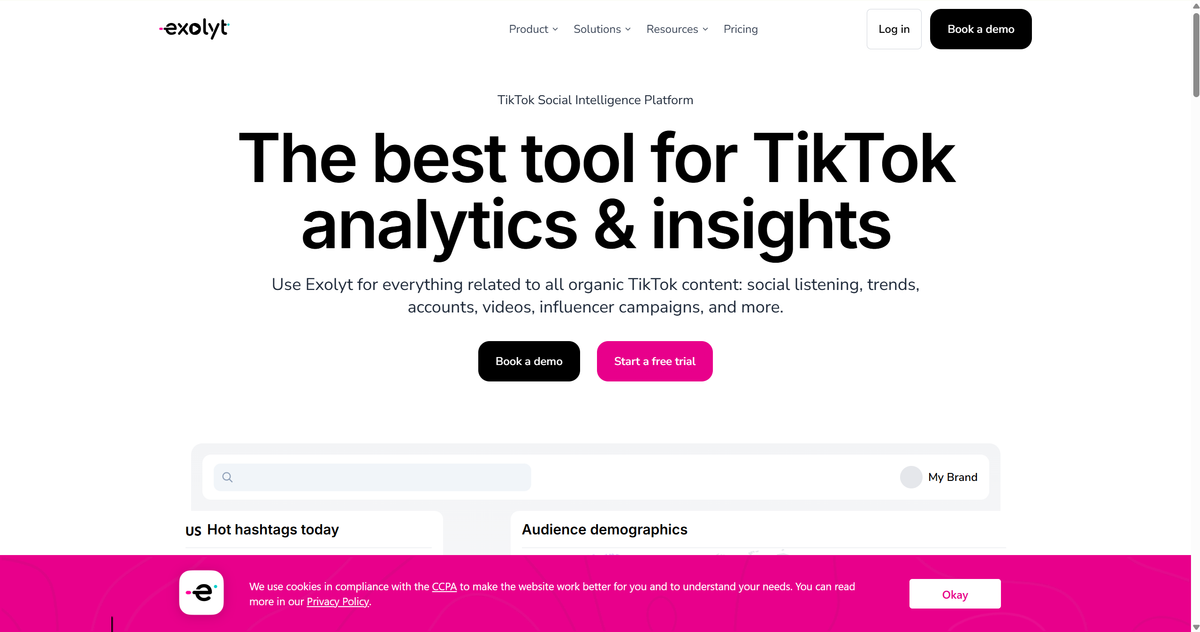
Pricing: Free Basic plan (1 account, 1 hashtag). Essentials $330/month, Advanced $790/month (annual billing).
TikTok's Own Search Bar — The Tool You Already Have
This one sounds like cheating, but the most underrated TikTok keyword research tool is the search bar inside the app itself. Type a seed word and TikTok hands you a ranked list of autocomplete suggestions — which are, by definition, the platform's most popular searches.
The routine: type your broad topic, write down every autocomplete phrase, then tap each one and note the top videos, their formats, and the related search chips TikTok shows at the top of results. That's real demand data, for free, refreshed every single day.
Two more free tricks most guides skip. First, mine your own comment section — viewers ask questions in comments, and questions are keywords with intent attached. Second, check what searches your videos already rank for by watching which search queries TikTok's analytics says drove views to each video. Both are free, and both beat guessing.
What Is the Keyword Research Tool for TikTok? The Honest Answer
If you came here asking that exact question, here's the direct answer: the right TikTok keyword research tool depends on where you are as a creator.
- Just starting, budget $0 → TikTok Creative Center plus the in-app search bar. That's all the keyword research most new creators need.
- Posting daily, want volume and long-tail phrases → Keyword Tool (or kwrds.ai if you want TikTok-native features and a lower price).
- Running YouTube or a blog too → Ahrefs or Semrush, whichever fits your budget, so one research workflow covers everything.
- Full-time creator with income tied to TikTok trends → Exolyt for the discovery layer on top of Creative Center.
Nobody needs all seven. Pick one free tool, master it, and only upgrade when a specific gap appears.
A 30-Minute TikTok Keyword Research Workflow
Here's the whole process I'd run weekly, start to finish:
- Seed your topics. Write down 5–10 broad topics your niche covers ("meal prep," "thrift flip," "study vlog").
- Mine autocomplete. Run each seed through the search bar (or Keyword Tool for speed) and collect every long-tail variation that sounds like a real person asking a real thing.
- Pick your targets. Choose 3–5 keywords per week that you can build a video around. Skip anything a 30-second video can't actually satisfy.
- Place them everywhere. The primary TikTok SEO keyword goes in your spoken script and on-screen text; secondary variations go in the caption, hashtags, and the hidden keyword field on the upload screen.
- Check back in seven days. Look at which keywords actually drove views in TikTok's analytics, kill the dead ones, and repeat.
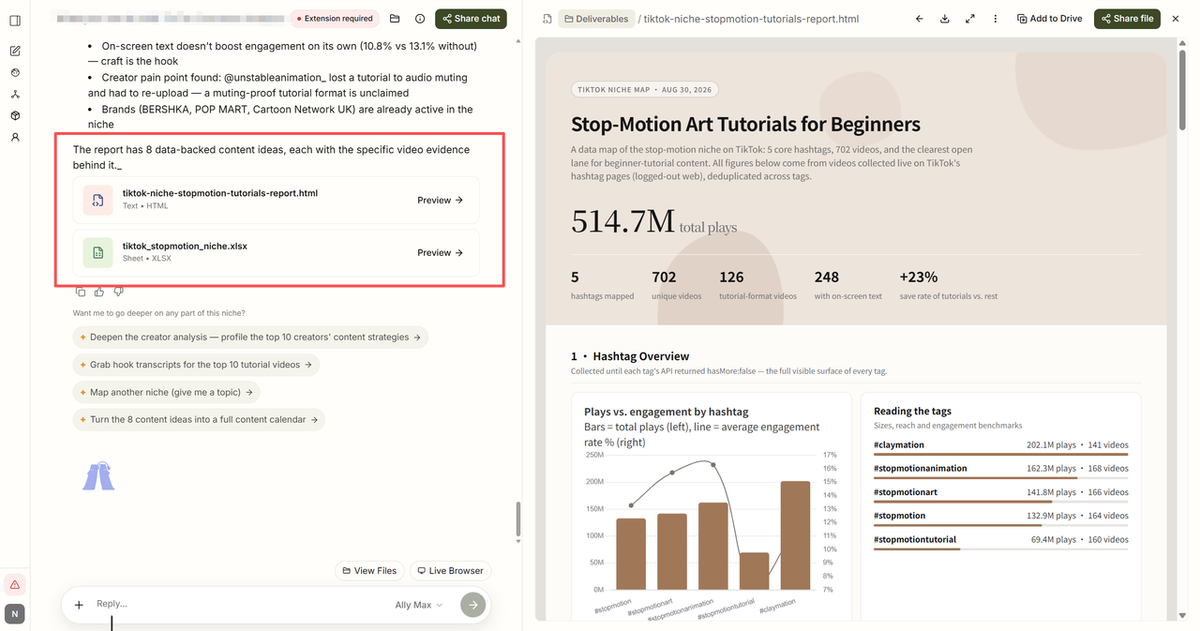
Step 5 is the part everyone skips, and it's the part that compounds. If the weekly grind of steps 2 and 5 starts eating your filming time, this is exactly the kind of repetitive research a browser AI autopilot like AllyHub can run for you — compiling autocomplete lists and keyword performance data into a spreadsheet in one pass, so you show up to the creative part with the research already done.
FAQ: TikTok Keyword Research
How do I do TikTok keyword research for free?
Start with TikTok Creative Center's Keyword Insights, then use the in-app search bar's autocomplete suggestions. Both are free, first-party data. Your own comment section is a third free source — questions from viewers are keywords with built-in intent.
Where should I put TikTok SEO keywords in my video?
The most important places are your spoken words and on-screen text, because TikTok's AI transcribes both. After that: the caption, relevant hashtags, and the keyword field on the upload screen. Use your primary keyword in the speech and text, and variations in the caption and hashtags.
Is TikTok keyword research different from Google keyword research?
Yes, in three ways: intent is entertainment-first rather than information-first, queries are shorter and trend-bound, and demand decays within weeks instead of lasting years. Tools built on Google data can help with ideas, but their volume numbers don't reflect TikTok search demand.
Can I use Google Keyword Planner for TikTok?
Only for rough topic ideas. Google's volume data measures Google searches, which often trail TikTok trends by weeks. For actual TikTok demand, use autocomplete-based tools or Creative Center instead.
How often should I refresh my TikTok keyword research?
Weekly if you post daily. TikTok keywords ride trends, and a phrase that worked last month can be completely dead today. A quick weekly autocomplete pass beats a quarterly deep-dive every time.
Can I automate TikTok keyword research?
Partially. The collection side — autocomplete mining, pulling keyword lists, compiling performance data — can be handed to a browser AI autopilot like AllyHub, which runs the repetitive research and returns structured spreadsheets. The judgment side — deciding which keyword fits your voice and format — is still yours.



