

Instagram tools cover very different jobs: creating posts and Carousels, editing Reels, planning content, tracking performance, researching competitors, automating DMs, finding hashtags, and turning profile visits into clicks. The right combination can cut repetitive work without forcing everything into one platform.
This guide compares 10 Instagram tools for creators and marketers, organized by the job each tool does best. The list covers the full workflow from content creation and publishing to analytics, research, engagement, and conversion.
Key Takeaways
- Best for design: Canva — fast Instagram posts, Carousels, Stories, and Reel covers.
- Best for Reels: CapCut — fast short-form editing, captions, templates, and AI-assisted tools.
- Best for scheduling: Later for visual planning; Buffer for simple publishing.
- Best for analytics: Metricool for broader analytics and scheduling; Iconosquare for deeper Instagram-focused reporting.
- Best for competitor research: AllyHub — Instagram competitor analysis connected to a broader content research workflow.
- Best for engagement: ManyChat — comment-to-DM automation for leads, offers, and conversations.
- Best for hashtags: Flick — data-driven hashtag research and performance tracking.
- Best for conversion: Linktree — turn one Instagram bio link into multiple destinations.
How to Choose Instagram Tools
Start with the bottleneck, not the tool. If content creation is the slowest part of your week, start with Canva and CapCut — both have free tiers. If you're posting inconsistently, add a scheduler (Buffer for simplicity, Later if you're grid-focused). Only add analytics, competitor research, or DM automation once you're publishing regularly enough for the data to mean something.
Most solo creators need at most three tools. A practical starting stack: Canva (design) + Buffer (scheduling) + Metricool free tier (analytics). Add AllyHub when competitor and trend research becomes a regular part of your content planning.
Quick Comparison Table
Tool | Best for | Pricing | Standout feature |
Canva | Instagram design & Carousels | Free; Pro $15/mo* | Magic Studio + Brand Kit |
CapCut |
Pricing can vary by region, plan, billing cycle, or number of accounts/channels.
Best Instagram Tools for Content Creation
Canva
Canva is a practical choice for Instagram creators who need to produce polished posts, Carousels, Stories, and Reel covers without designing everything from scratch. Its large library of Instagram-sized templates, Brand Kit, stock assets, and AI tools such as Magic Studio and Magic Write can speed up everything from layout and copy to final visual edits. Canva also supports social content scheduling, so you can create and publish from the same workspace.
The free plan covers basic design needs, while Pro unlocks more premium assets, AI features, and brand tools; Canva's current US pricing lists Pro at $15/month when billed annually, though pricing varies by market. The main trade-off is that template-heavy content can look generic without customization, and some of the more useful creative features require a paid plan.
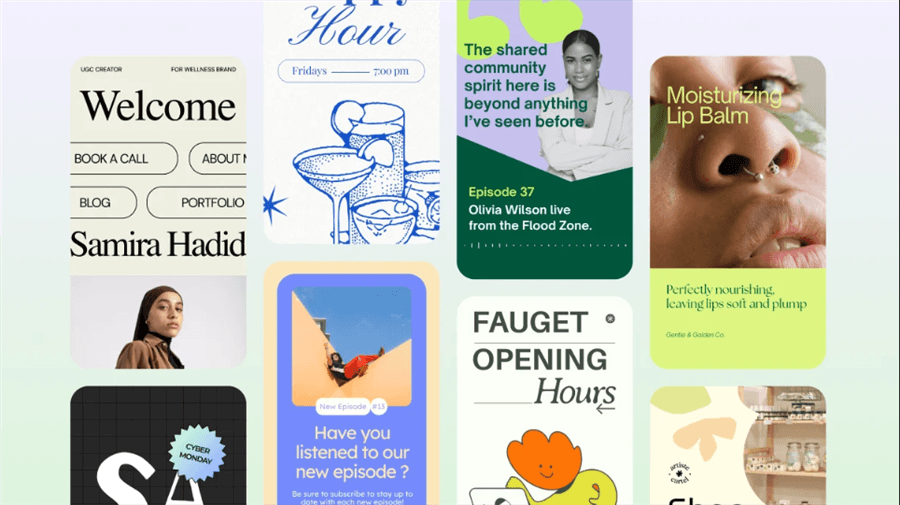
Best for: Solo creators, small brands, and faceless accounts that need to produce a steady stream of on-brand Instagram graphics without hiring a designer.
Best Instagram Tools for Reels & Video
CapCut
CapCut is a versatile short-form video editor that works well for Instagram creators who need to turn raw footage into polished Reels without spending hours on manual editing. Its auto captions, templates, transitions, effects, background removal, beat-synced editing, and AI-assisted tools handle much of the repetitive work involved in short-form video production.
The free version covers basic editing, while some advanced AI features, effects, templates, and assets require a paid plan. The main limitation is that heavy reliance on popular templates can make Reels feel interchangeable, while creators who need detailed, frame-by-frame control may find CapCut less flexible than a more advanced video editor.
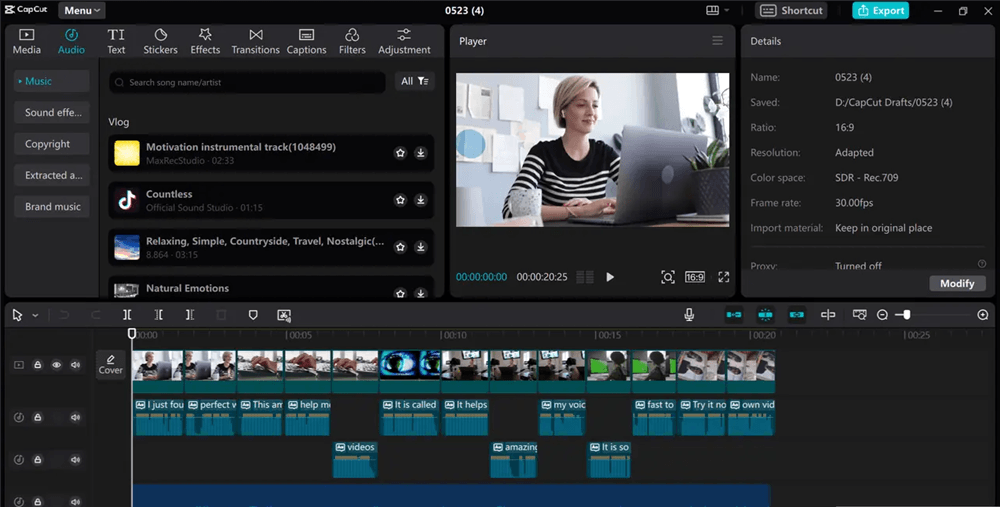
Best for: Creators posting Reels several times a week who need speed over cinematic control.
Best Instagram Tools for Planning & Scheduling
Later — Best for Visual Feed Planning
Later is designed for Instagram creators who want to plan their content visually before publishing it. Its Visual Planner lets users arrange upcoming posts, Carousels, Stories, and Reels on a drag-and-drop calendar to see how the feed will look as a whole, while scheduling, media organization, captions, and Instagram analytics help move content from planning to publishing. Later also supports other social platforms, making it useful for creators managing a broader content calendar.
The main limitation is that some advanced analytics, collaboration, and publishing features are reserved for higher-tier plans, so it can be more than necessary for creators who only need basic scheduling.
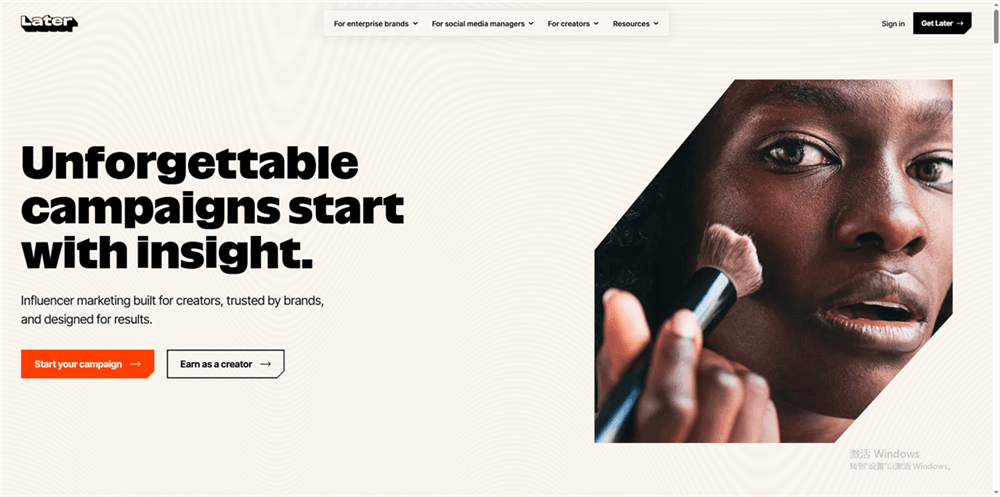
Best for: Creators and social media managers who want to plan their Instagram feed visually and keep a consistent publishing schedule.
Buffer — Best for Simple Instagram Scheduling
Buffer focuses on making Instagram publishing easier for creators who don't need a complex social media management suite. It supports scheduling for Instagram posts, Carousels, Stories, and Reels, alongside a visual content calendar, analytics, comment management, and AI-assisted content creation. This makes it possible to manage a regular Instagram publishing queue while keeping the workflow relatively simple.
The main limitation is that advanced analytics, collaboration, and higher publishing limits require paid plans, and its per-channel pricing can become less attractive as the number of accounts grows.
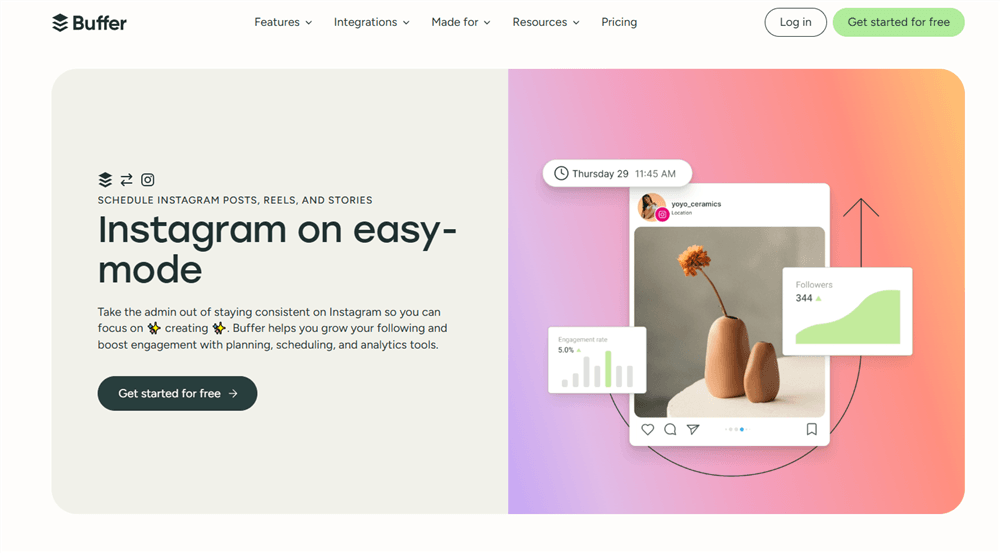
Best for: Solo creators and small teams that want straightforward Instagram scheduling and basic content management.
Best Analytics Instagram Tools
Metricool — Best for Instagram Analytics
Metricool is a strong fit for Instagram users who want to connect content performance with the rest of their publishing workflow. It tracks Instagram posts, Reels, Stories, audience data, and engagement while also offering competitor analysis, hashtag research, scheduling, and reporting. That combination makes it possible to see which content performs well and use those insights when planning future posts.
The trade-off is that Metricool covers a wide range of social media functions, so its interface can feel more complex than a dedicated Instagram analytics tool, while deeper analytics and larger competitor-tracking limits are tied to paid plans.
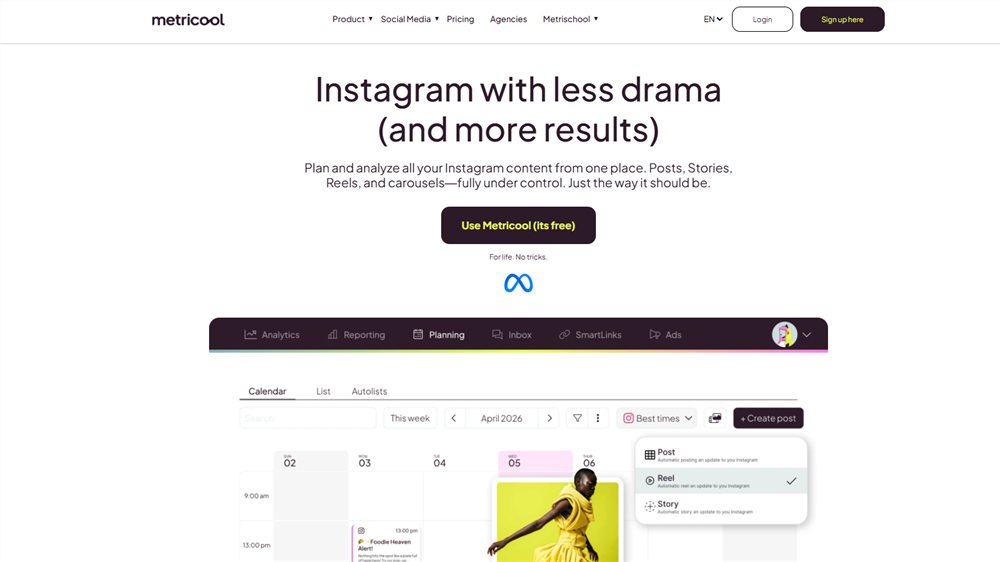
Best for: Creators, brands, and marketers who want Instagram analytics alongside scheduling, competitor research, and reporting.
Iconosquare — Best for Instagram-Focused Analytics
Iconosquare is aimed at Instagram users who need more detailed performance reporting than the platform's native Insights provide. It tracks content performance, engagement, audience metrics, hashtags, and competitor activity, with dashboards and reports that make it easier to monitor trends over time or share results with clients and teams. Its Instagram-focused approach makes it particularly useful for marketers and agencies that need structured reporting rather than just a quick look at individual post metrics.
The main limitation is that advanced analytics, competitor tracking, reporting, and collaboration features vary by plan, making it harder to justify for creators who only need basic Instagram insights.
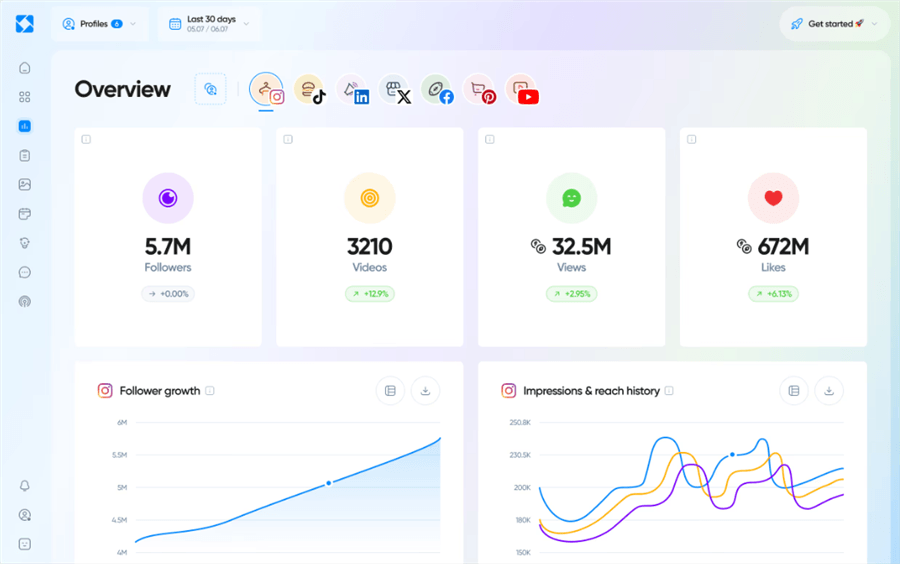
Best for: Brands, agencies, and Instagram marketers who need deeper analytics and client-ready reporting.
Best Instagram Tools for Competitor & Content Research
AllyHub — Best for Instagram Competitor Analysis
AllyHub can approach Instagram competitor research through Chats, its browser-native research and execution workspace. You can give it a competitor research task, have it investigate public Instagram profiles and content in your browser, collect relevant data, and work through multiple research steps in one workflow. This makes it useful when you want more than a simple competitor dashboard—for example, comparing what several accounts post, identifying recurring content patterns, examining audience reactions, or turning research findings into content ideas.
You can also extend the research with AllyHub's Radars for broader creator, trend, and content intelligence. Creator Watch currently focuses on TikTok and X, while the Radar system can run manual or scheduled scans and turn collected signals into summaries, patterns, and content ideas.
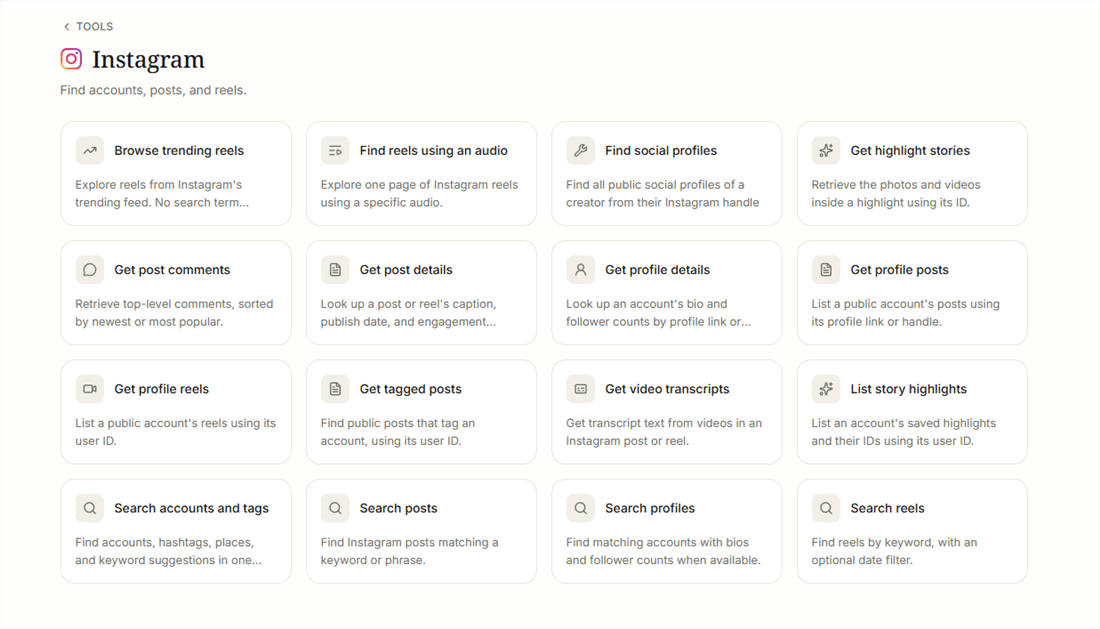
Best for: Creators and content teams that want to investigate Instagram competitors through flexible, multi-step research rather than rely solely on predefined benchmarking dashboards.
Best Instagram Tools for Engagement Automation
ManyChat
ManyChat focuses on what happens after someone interacts with an Instagram post or Reel. Its automation can trigger public replies and private DMs from comments, allowing creators and brands to automatically send links, resources, offers, or follow-up messages instead of manually responding to every qualifying comment. This makes Instagram comments more useful for lead generation and conversion, particularly for accounts with high engagement or repeat promotional campaigns.
More advanced automation depends on paid features. Note that ManyChat's Instagram automation requires your Instagram account to be a Professional account (Creator or Business) connected to a Facebook Page — personal accounts are not supported.
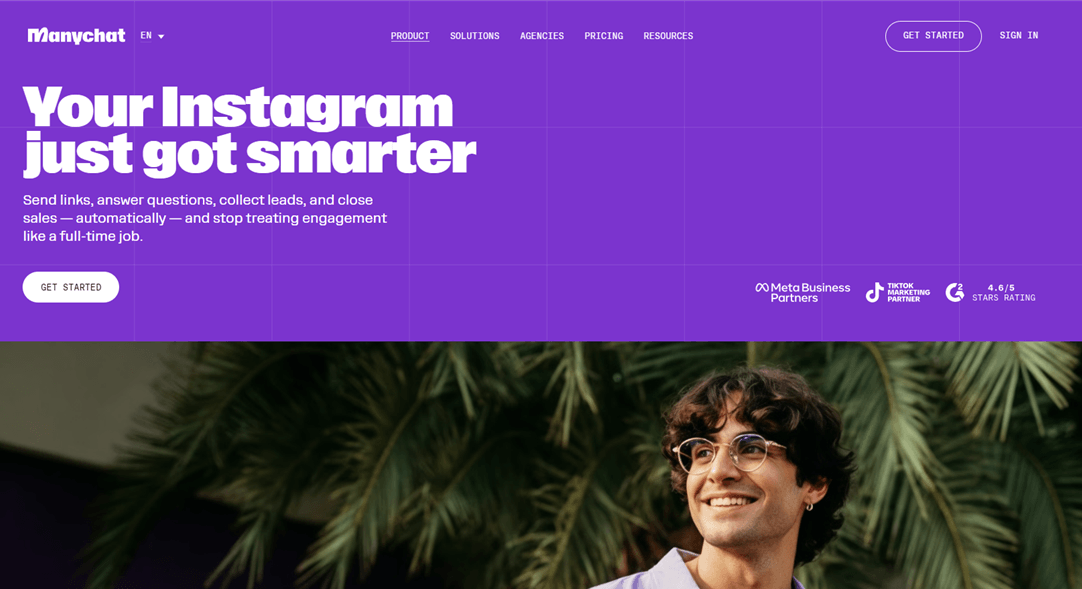
Best for: Creators, coaches, e-commerce brands, and marketers who want to turn Instagram comments into automated conversations, leads, or sales.
Best Instagram Tools for Hashtag Research
Flick
Flick is built for creators who want more data behind their Instagram hashtag choices, rather than relying on generic hashtag lists. Its hashtag research tools help discover relevant hashtags and evaluate metrics such as competition and potential reach, making it easier to build a more targeted hashtag set for different types of content. Flick also includes tools for content planning and analytics, but hashtag research remains its clearest use case in an Instagram tools roundup.
The main limitation is that hashtag performance is only one part of Instagram discovery, so research data cannot guarantee additional reach, and some of the more useful analytics features require a paid plan.
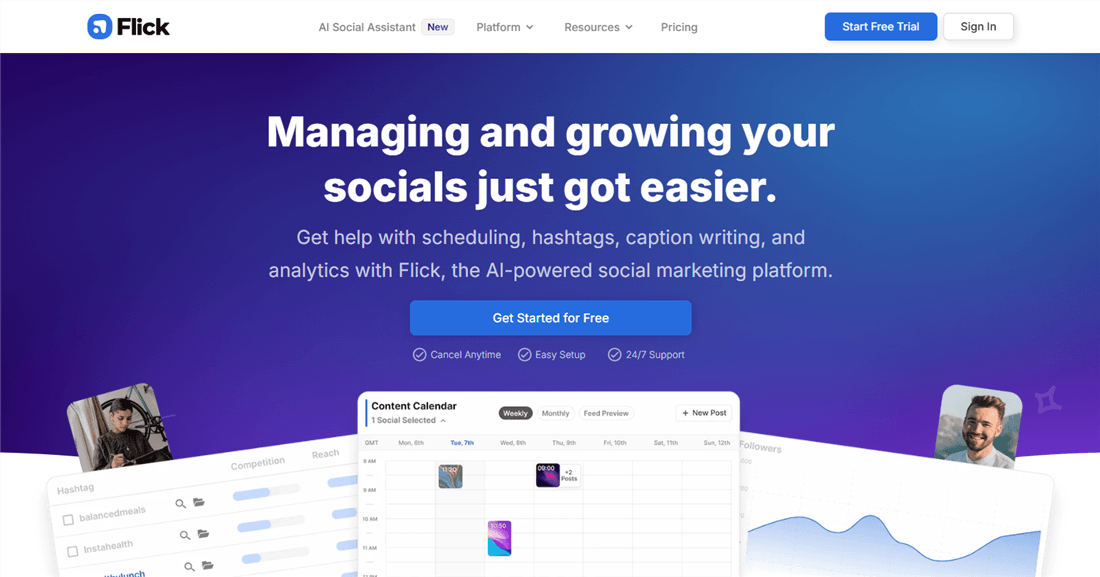
Best for: Creators and small brands that want data-driven Instagram hashtag research rather than generic hashtag suggestions.
Best Instagram Tools for Conversion
Linktree
Linktree solves a simple but important Instagram problem: turning the single clickable profile link into a hub for multiple destinations. Creators can send followers to a website, online store, newsletter, affiliate offers, social profiles, or other resources from one customizable page, while analytics help track clicks and traffic.
Paid features add more customization, audience collection, and monetization options, but Linktree remains primarily a link-in-bio tool rather than an Instagram content or management platform.
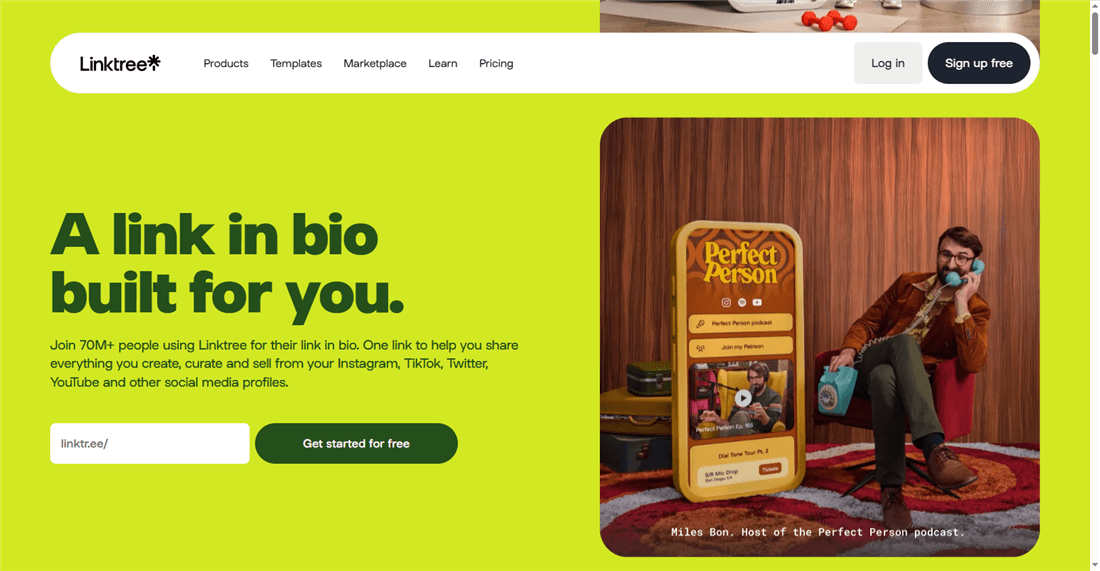
Best for: Creators, affiliates, and small businesses that want to turn Instagram profile visits into website traffic, leads, or sales.
FAQ: Instagram Tools
What are the best tools for Instagram?
It depends on the task. Canva and CapCut cover design and Reels, Later and Buffer handle scheduling, Metricool and Iconosquare focus on analytics, AllyHub supports competitor research, and ManyChat handles DM automation.
Are free Instagram tools good enough?
For many creators, yes. Instagram's native tools plus free plans from Canva, CapCut, and Buffer can cover basic creation, editing, scheduling, and analytics. Paid tools become more useful for deeper research, automation, reporting, and higher-volume workflows.
Do Instagram growth tools really work?
Legitimate tools can make growth work more efficient by improving content production, scheduling, analytics, and research. They cannot guarantee followers or reach. Avoid tools that promise automatic followers, likes, or mass engagement.
How many Instagram tools do I need?
Most creators can start with three or four: one for content creation or editing, one for scheduling, and one for analytics or research. Add hashtag or DM tools only when those tasks become regular bottlenecks.
Are Instagram growth tools safe?
Check how the tool connects to Instagram. Established platforms generally use Meta's approved integrations or official login flows rather than asking for your Instagram password directly.



